Home
» How to
»
How to record a TV show on a Samsung TV
How to record a TV show on a Samsung TV
No need to use a separate receiver, no need to use more assistive devices. Just one a USB / removable hard drive that you can record TV shows that television is playing!
Simple, convenient and fast! Let's learn how to record TV shows on Samsung TV in the following article.
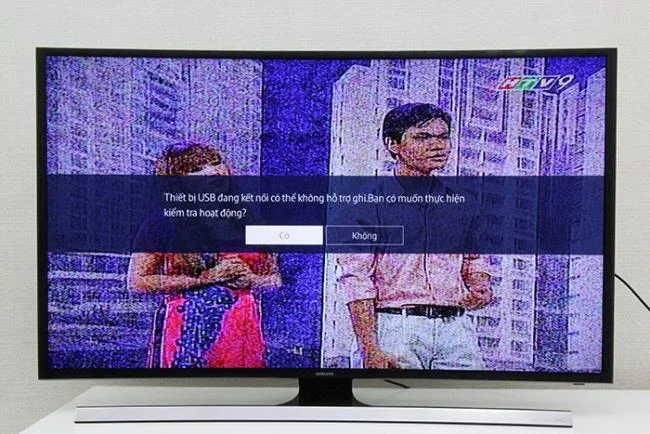
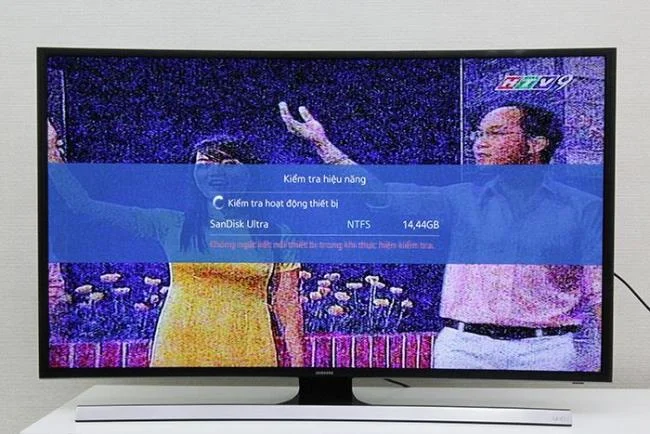
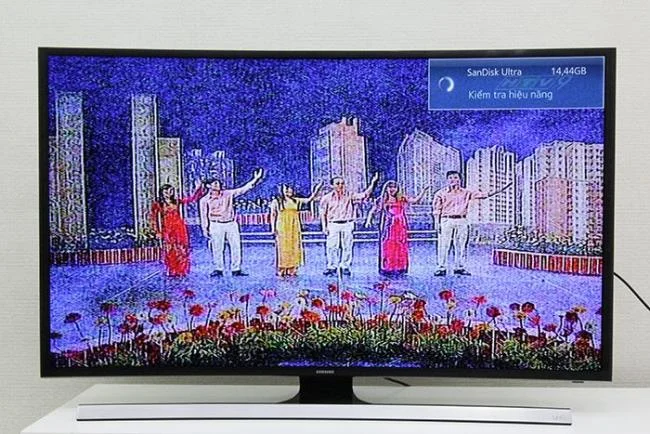
Step 1: Plug the USB / hard drive into the TV and wait for the TV to set up USB content (TV will automatically create a folder in the USB).
Select Yes to let the TV set up USB automaticallyUSB is being checked by the TVWait…
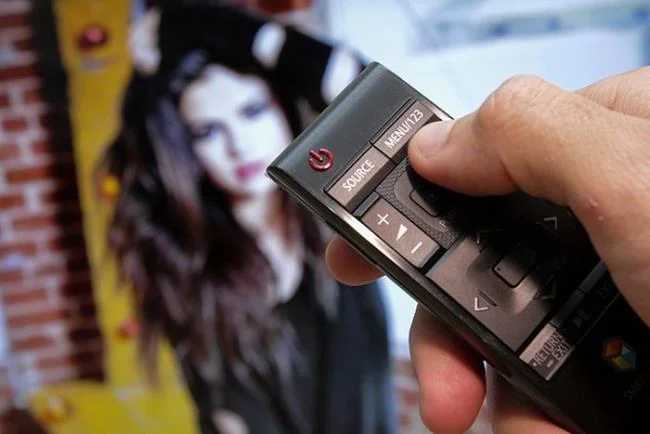
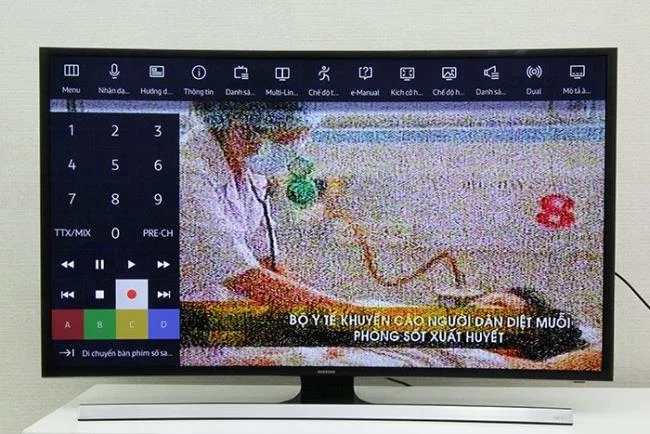
Step 2: After TV has finished USB test. Press the Menu / 123 button on the remote
Select Menu / 123
Step 3: Start recording
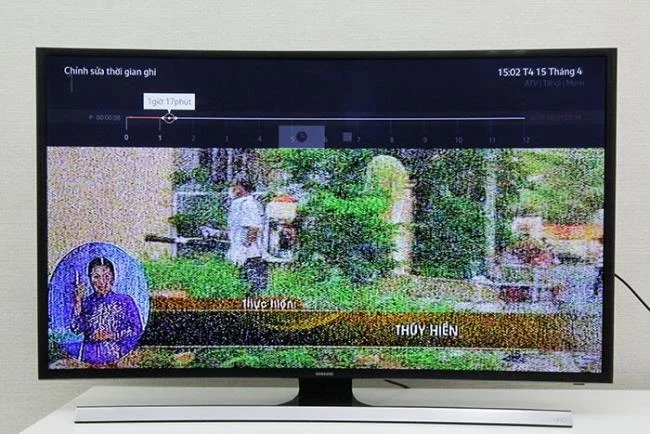
- Select the REC button on the virtual keyboard on the screen to record, a bar will appear at the time to record. - The recording time depends on the remaining capacity of the storage device.
Select the REC button to recordThe recording time will depend on the remaining capacity of the drive
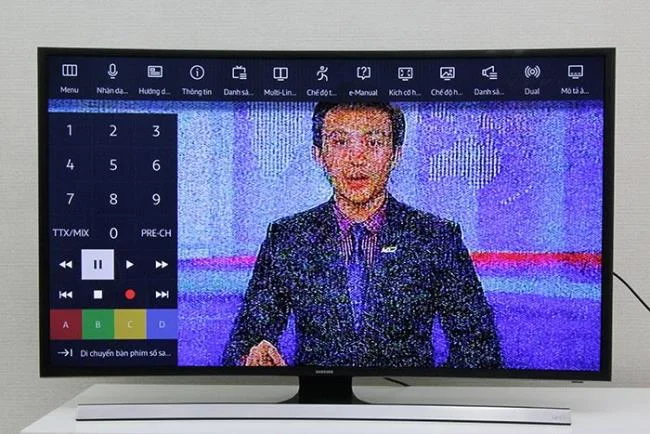
- Click the PAUSE button to pause recording- Click on PAUSE again to resume recording
Select PAUSE to pause
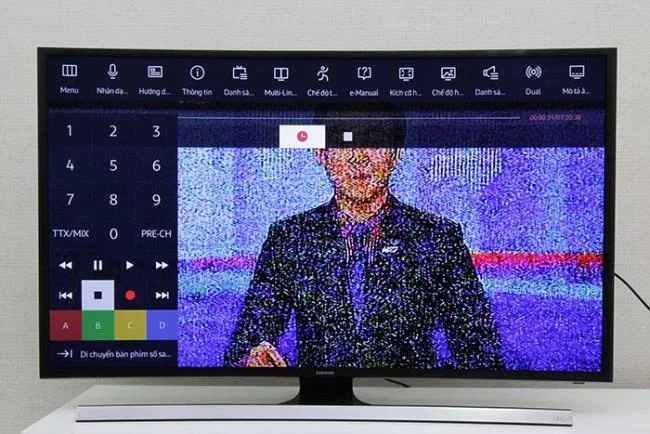
- Click the STOP button to stop recording
Select STOP to stop recording
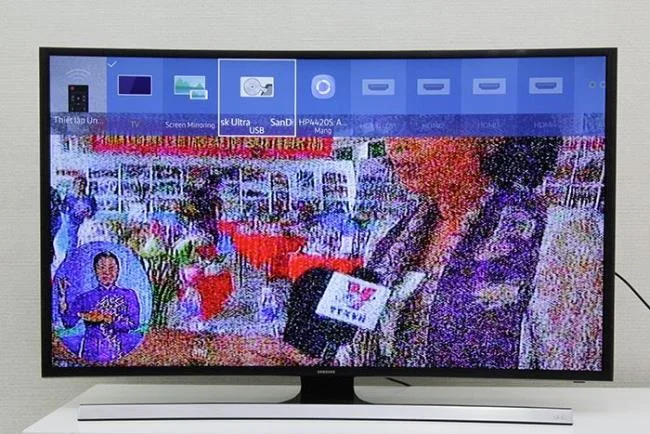
Step 4: Review the content, select the SOURCE button on the remote to select the input source.
- Select USB
Select the USB input source
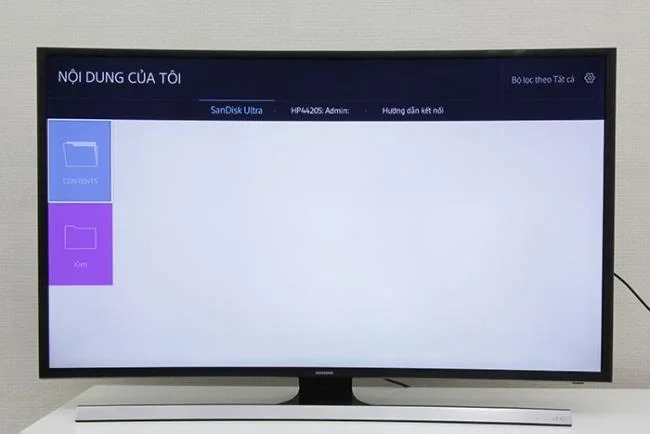
- Select the Contents folder (this is the folder created by the TV)
Select the Contents folder
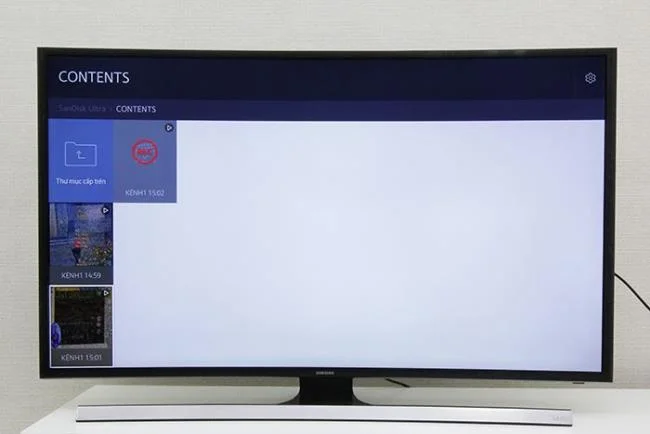
- Select the content you want to see
Select the content you want to see
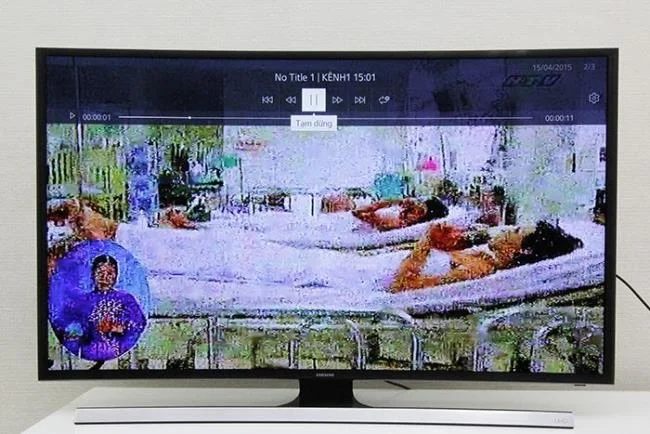
- Press select to play content
Click select to view content
Note:
- A USB / hard drive must be connected to use the recording feature
- The USB / hard drive must have a capacity to record the content