Infrared electric stove is increasingly used by many families because the usage is quite simple, safe and more energy-saving than gas stoves. However, you already know how to use infrared cookers safely and save electricity yet. The following article that WebTech360 Electronics - Furniture Supermarket will give you some tips on how to use infrared cookers safely, properly and save electricity costs for your family.
Use a separate outlet for the infrared stove
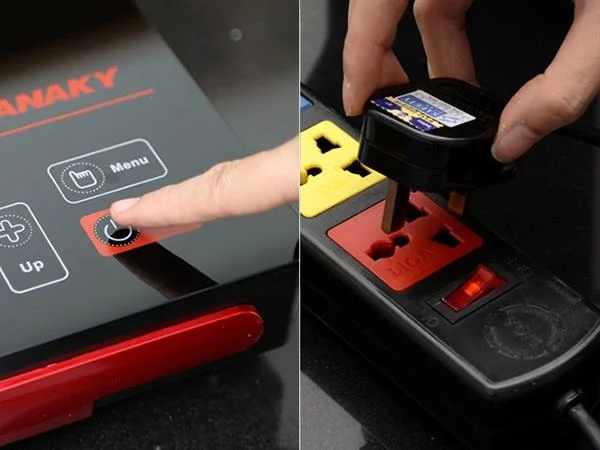
Use a separate outlet for the infrared stove
Infrared cookers usually have high capacity, can be up to 2000W, so you use a separate socket for the product to ensure safety to avoid overload causing fire. When plugged in, you will see a siren and the LED indicator lights up, the kitchen is ready to cook.
Safe use, proper storage

Use a separate outlet for the infrared stove
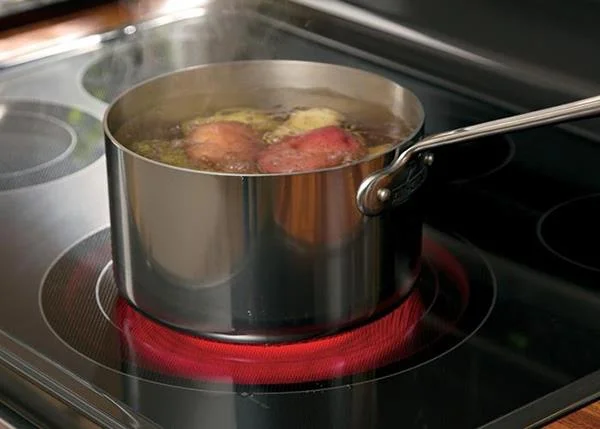
- You must not touch the kitchen surface even after cooking (especially in the circle that promotes the effect of infrared rays). In addition, try to use the pot with the bottom covering the affected area of the infrared rays (the kitchen surface circle) to maximize the capacity of the stove.
- In the process of controlling the stove, you should only use 1 finger to control and do not look for a long time at the start-up kitchen without the pot, especially at high temperatures.
- Many people have a habit of heating pots and pans before cooking, but infrared cookers have the ability to heat cooking utensils faster. Therefore, if the power is turned on, right after opening the stove, it is easy to burn the pots and food. The best way is to turn on the stove on low power and increase gradually if necessary.
- Kitchen preservation: use a soft cloth to clean the body and the kitchen. Keep away from humid and chemical-free environments.
- Place the kitchen in a flat place, the ventilation holes at the bottom of the kitchen and around are always ventilated.
Reduce the temperature to the lowest setting before changing the pot

Reduce the temperature to the lowest setting before changing the pot
Before changing the pot on the infrared stove, you should lower the temperature to a minimum. When you put the new pan and cook, you will continue to adjust the appropriate temperature for cooking. You do not turn off the infrared stove and then restart it, this will cause more power loss.
Select a cooking mode

Select a cooking mode
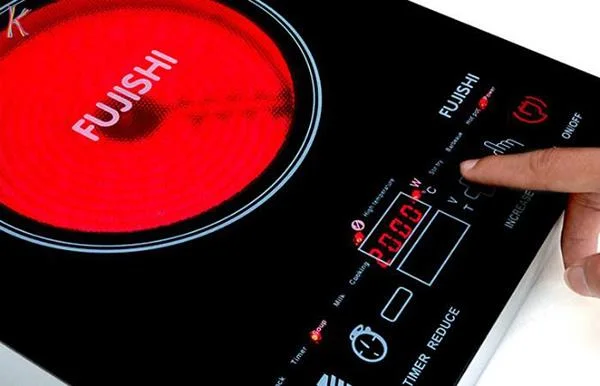
Normally, cheap infrared cookers today have automatic cooking functions such as BBQ (grilled meat), Hot Pot (cooking hot pot), Soup (soup), Stir Fire (fried, stir-fried) ... or to show pictures. painting. You should choose the function that is suitable for the purpose of use to make the food delicious and save energy.
Turn off the stove properly

Turn off the stove properly
It's a good idea to turn off the heat a few minutes before the food is cooked as the remaining heat on the stove top can also complete the process. This will help you save fuel and be safer when cooking, and avoid the stove top getting too hot after cooking. In particular, the stews and simmering dishes can be better if heated in this way.
Steps to use infrared stove properly
- Step 1: Place the cooking pot or cooking utensils on the middle of the stove. Take care not to leave the stove empty or the pot without food / water when the power is turned on.
- Step 2: power on. When plugged in, the bell rings, the LEDs are displayed, the kitchen is ready to operate.
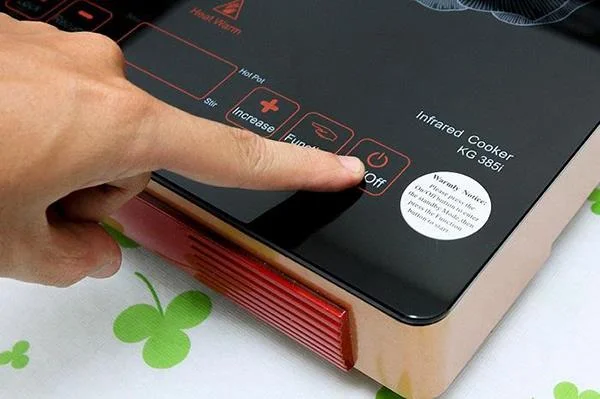
- Step 3: Turn on the power. Touch the On / Off - ON / OFF button to turn on the machine, at this time the indicator light is on, the kitchen switches to standby mode.
- Step 4: Select the cooking function. Press Menu - MENU - FUNCTION to select preset cooking functions.
- Step 5: Adjust the temperature and capacity. Depending on the dish that requires different large fire and low fire, now you need to adjust the temperature of the kitchen to the appropriate temperature.
- Step 6: Turn off the power. After cooking is finished, press the ON / OFF - ON / OFF button to turn off the appliance, the stove will stop working. Now wait for the kitchen radiator fan to stop running before unplugging the power cord.