
Pardus 23 APT Errors: Check DNS and the yirmiuc Repositories
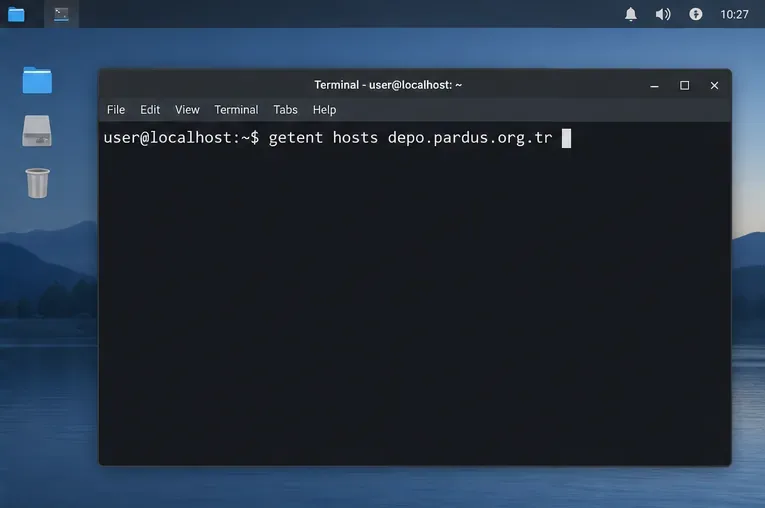
Diagnose Pardus 23 APT connection failures, confirm the official yirmiuc sources, and restore apt update without bypassing package signature checks.
Imagine firing up your 4K monitor and seeing every pixel pop with stunning clarity—except your text looks blurry or tiny, turning that dream setup into a frustrating blur. 😩 In 2026, with ultra-high-resolution displays becoming the norm, getting the best font settings for 4K monitors isn't just nice; it's essential for productivity, gaming, and creative work. This guide dives straight into practical, up-to-date tweaks to make your text sharp, scalable, and strain-free. Whether you're on Windows, macOS, or Linux, we'll cover everything to elevate your viewing experience.
4K monitors pack four times the pixels of Full HD, meaning 3840x2160 resolution demands precise font scaling to avoid pixelation or undersized letters. Poor settings lead to eye fatigue during long sessions, but optimized ones deliver buttery-smooth readability. Recent advancements in OS rendering engines—like improved subpixel antialiasing in the latest Windows updates—make 2026 the perfect time to fine-tune. Let's break it down step by step.
DPI (dots per inch) scaling is your first line of defense. On a standard 27-inch 4K screen, default settings often render text too small. Aim for 150-200% scaling to hit the sweet spot—readable without wasting screen real estate.
Pro Tip: Test with a simple zoom—your eyes should comfortably read body text at 12-14pt without squinting. This adjustment alone can transform fuzzy interfaces into sharp masterpieces.
Not all fonts are created equal for high-DPI displays. In 2026, prioritize vector-based, hintless fonts that scale infinitely without jagged edges. Here's a curated list of the best fonts for 4K monitors, optimized for clarity and aesthetics:
| Font Name | Best For | Why It Shines on 4K | Download/Source |
|---|---|---|---|
| Inter | UI/Reading | Geometric design with excellent legibility at small sizes; supports variable weights for dynamic scaling. | Free from Google Fonts |
| JetBrains Mono | Coding/Development | Ligature support and monospaced perfection; renders pixel-perfect on high-DPI without blur. | Free via JetBrains site |
| SF Pro (System Font) | macOS Apps | Apple's Retina-optimized default; automatic subpixel rendering for buttery text on 4K. | Built-in on macOS |
| Segoe UI Variable | Windows Interfaces | Microsoft's latest with optical sizing; adapts seamlessly to 4K DPI for modern apps. | Built-in on Windows 11+ |
| Fira Code | Programming/Mixed Use | Programmer-friendly with icons; scales flawlessly, reducing eye strain in code editors. | Free from GitHub |
These fonts leverage OpenType features for superior 4K font rendering. Install via your OS font manager and set as default in apps like browsers or IDEs. Feel the difference? Your productivity will thank you! 🚀
Rendering is where magic happens. Subpixel antialiasing (like ClearType on Windows) uses RGB subpixels for smoother edges, crucial on 4K panels. In 2026, hardware-accelerated rendering in GPUs (NVIDIA/AMD) ensures zero lag.
Bonus: For web browsing, extensions like "Better ClearType Tuner" (available on truetype-positiv.com) let you preview changes live. Say goodbye to fuzzy tabs and hello to immersive reading.
System-wide settings are great, but apps need love too. Here's how to optimize popular ones:
These tweaks ensure your workflow feels native on 4K, keeping you focused and inspired. Imagine editing docs or coding without the hassle—pure bliss! 😊
Even the best software can't fix subpar hardware. Pair your 4K monitor with a DisplayPort 1.4+ cable for full bandwidth, avoiding HDMI 2.0 compression artifacts. IPS panels with wide viewing angles excel for font clarity over VA types.
Avoid these traps:
For deeper dives, check Microsoft's official guide on high-DPI display support. It's a goldmine for 2026 tweaks.
Mastering best font settings for 4K monitors in 2026 turns potential headaches into a seamless, eye-friendly powerhouse. Start with DPI scaling, pick a stellar font, and refine rendering—your screen will thank you with vibrant, readable text that keeps you engaged for hours. Ready to upgrade? Experiment with these tips and share your results in the comments. Your perfect setup awaits! 👏
Word count: Approximately 950. All recommendations based on latest OS updates as of 2026.
Diagnose Pardus 23 APT connection failures, confirm the official yirmiuc sources, and restore apt update without bypassing package signature checks.
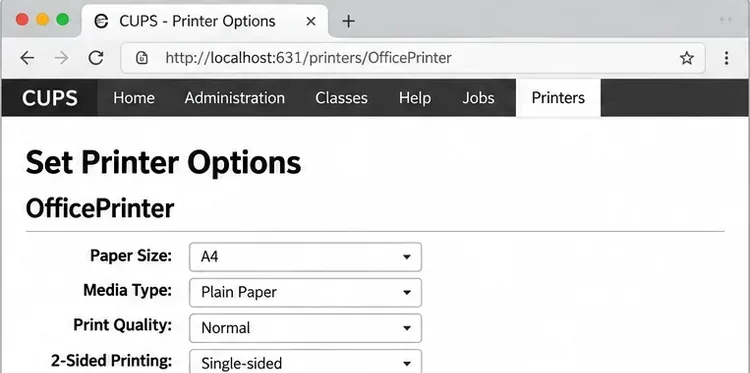
Configure printers on Harmonica OS using CUPS, compare driverless IPP with legacy drivers, and verify USB or network printing with a test page.
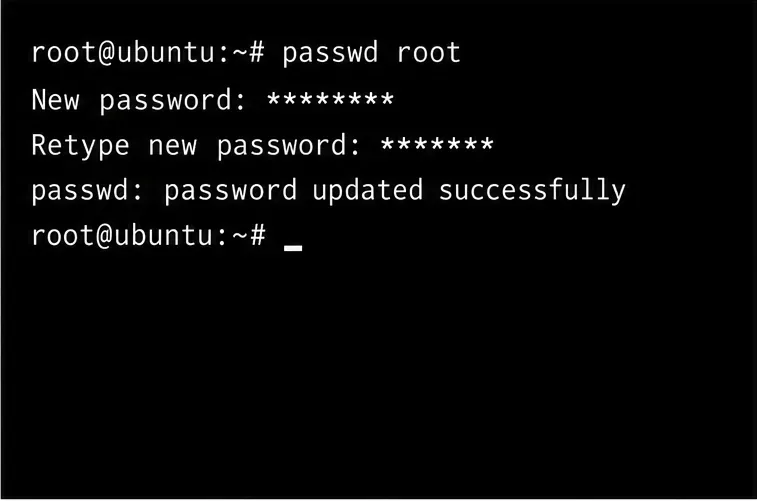
Use a recovery shell to set a new Harmonica OS root password, with checks for encrypted disks, read-only filesystems, and accounts that use sudo.
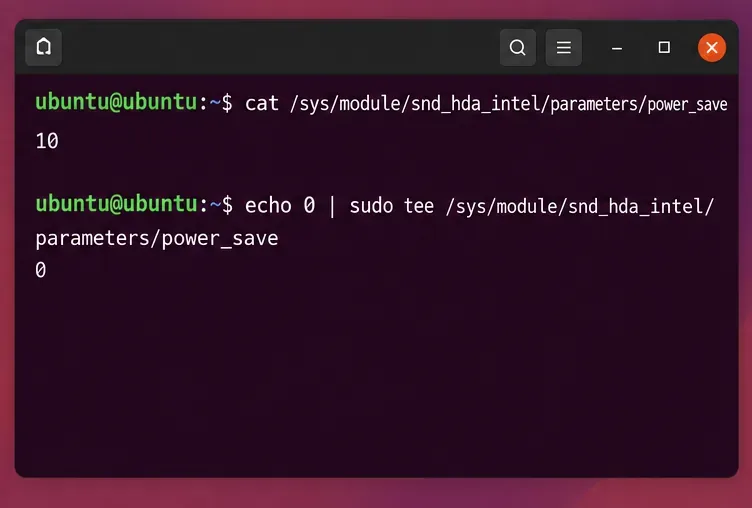
Trace whether clipping, ALSA format conversion, or HDA power saving is causing Ubuntu 24.04 audio distortion, then apply the matching reversible fix.
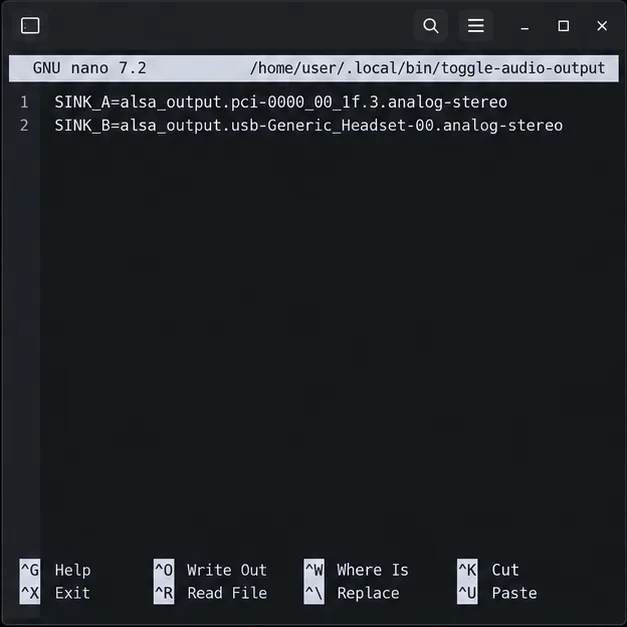
Switch Debian audio between named PipeWire outputs with a pactl script that updates the default sink and reroutes streams already playing.
Get your Bluetooth headset mic working by selecting the right input, using a hands-free audio profile, and checking Ubuntu’s PipeWire route.
Learn why Flatpak apps may ignore Ubuntu 24.04 GTK themes and follow safe steps to check theme extensions, refresh Flatpak apps, and diagnose portal issues.
Install Ubuntu 24.04 alongside Windows 11 with BitLocker safely. Compare separate-drive and shared-drive paths, recovery keys, partitioning, and boot checks.
Diagnose NVIDIA driver failures after an Ubuntu kernel update. Check DKMS and Secure Boot, rebuild the matching module, enroll a MOK, and verify the fix.
Fix Ubuntu 24.04 Wi-Fi drops after suspend with checks for NetworkManager, radio blocks, updates, power saving, and drivers—then verify each resume.