Connect a PHP App to ONLYOFFICE Docs and Save Edits
Embed the ONLYOFFICE editor in your PHP app, sign its configuration with JWT, and save edited files through a secure callback.
A custom PHP application integrates with ONLYOFFICE Docs by serving a document URL that Docs can fetch, loading the Docs JavaScript API in the browser, and accepting a callback that stores the edited file. Keep JWT signing on the PHP server, and make both the document URL and callback URL reachable from the network where ONLYOFFICE Docs runs.
Many integration failures come from mixing up the addresses seen by the browser, PHP, and Document Server. Test each route from the network that uses it.
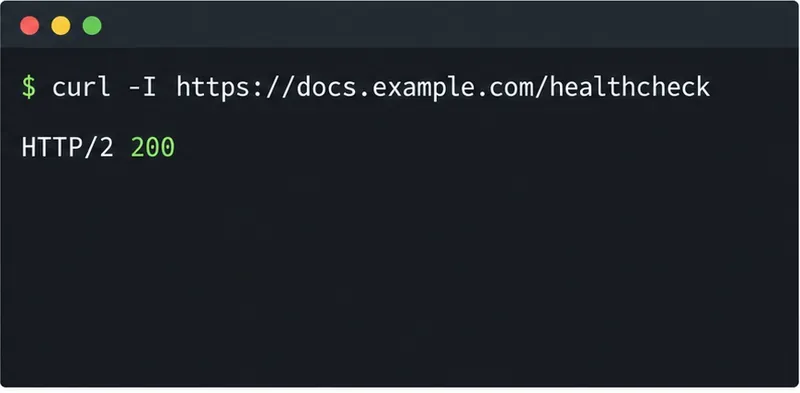
ONLYOFFICE Docs provides the document editor. Your application remains the document manager and storage service: it authenticates users, decides which files they may open, supplies the source file, and saves the result. Install Document Server separately, then verify its /healthcheck endpoint before debugging application code.
Use three reachable addresses in your configuration:
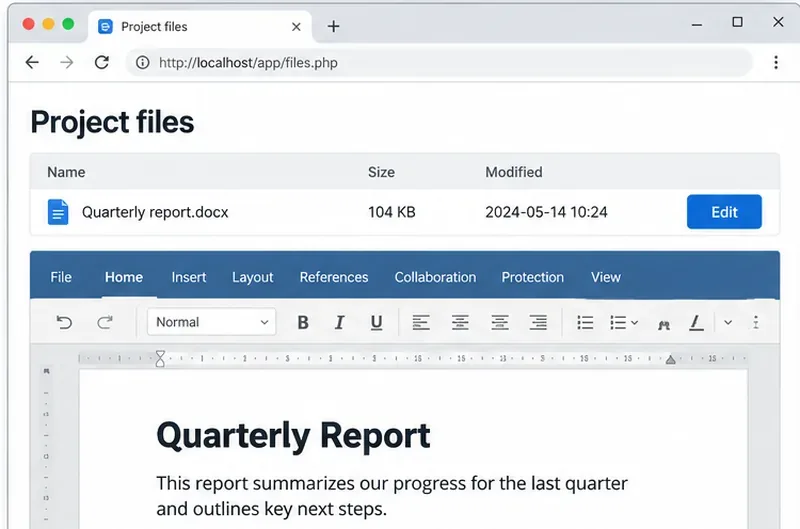
For example, https://docs.example.com can serve the editor, while https://app.example.com/files/42/download and https://app.example.com/onlyoffice/callback point to PHP. Test browser-to-Docs and Docs-to-PHP reachability. In deployment, localhost means the current machine or container, so it is usually the wrong cross-service address.
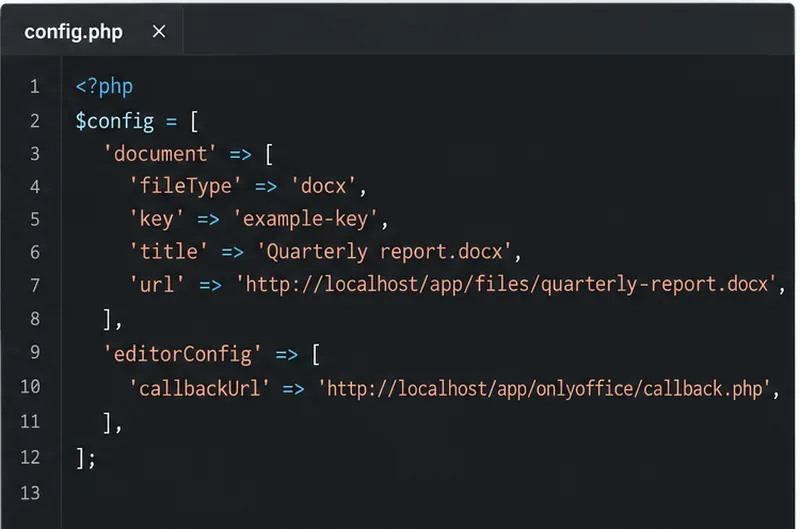
For an authenticated open request, load the file’s metadata and build the editor configuration on the PHP backend. Set the file extension, title, absolute download URL, and a document key. Keep that key stable for concurrent editors of the same version; change it when PHP replaces the source with a new version.
<?php
$config = [
  'documentType' => 'word',
  'document' => [
    'fileType' => 'docx',
    'key' => $document['revision_key'],
    'title' => $document['name'],
    'url' => 'https://app.example.com/files/42/download',
    'permissions' => ['edit' => true],
  ],
  'editorConfig' => [
    'callbackUrl' => 'https://app.example.com/onlyoffice/callback',
    'user' => ['id' => (string)$user['id'], 'name' => $user['name']],
  ],
];
Enforce file permissions before generating the URL. Do not expose storage credentials or bypass authorization; private or local links may also require a token under ONLYOFFICE’s rules.
See ONLYOFFICE’s document configuration reference and self-hosted installation guide for required fields and the API script path.
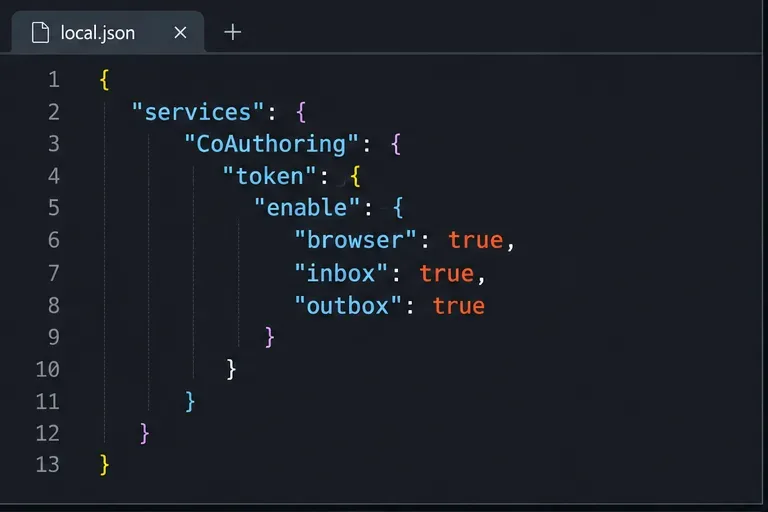
JWT means JSON Web Token, a signed token that lets ONLYOFFICE verify the configuration was not changed in transit. JWT validation is enabled by default in current deployments; sign the editor config with the matching browser-token secret configured in Docs. If your setup uses a separate outgoing-token secret, validate callbacks with that outbox secret too. Starting with Docs 7.2, Docker installations can generate a secret automatically, so set and retain stable secrets for production.
The official ONLYOFFICE signature guide shows PHP code with the maintained firebase/php-jwt package. Install it with composer require firebase/php-jwt, then sign the complete configuration on the backend before returning it to the page:
use Firebase\JWT\JWT;

$secret = getenv('ONLYOFFICE_JWT_SECRET');
if (!$secret) {
    throw new RuntimeException('ONLYOFFICE JWT secret is not configured');
}
$config['token'] = JWT::encode($config, $secret, 'HS256');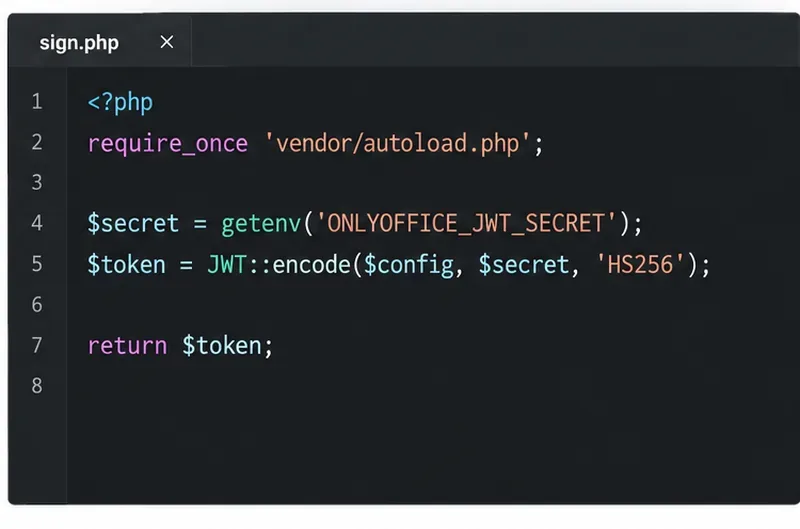
Keep the secret out of browser code and source control. Load https://docs.example.com/web-apps/apps/api/documents/api.js and pass the signed JSON to DocsAPI.DocEditor:
<div id="editor"></div>
<script src="https://docs.example.com/web-apps/apps/api/documents/api.js"></script>
<script>
  new DocsAPI.DocEditor("editor", <?= $signedConfigJson ?>);
</script>
Encode JSON safely with json_encode or fetch the signed config from a same-origin endpoint; do not concatenate untrusted values into JavaScript. The signature guide documents HMAC-SHA256. For load-balanced Docs 8.1 and later, the API script can include the documented shardkey query parameter; a single server does not need it.
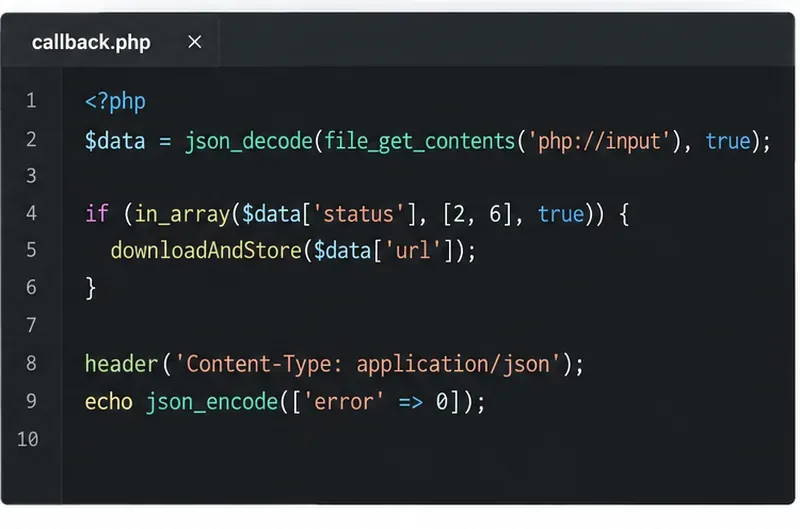
After editing, Document Server sends a POST request to callbackUrl. Status 2 means editing is complete and the file is ready to save; status 6 is a force-save result. The callback includes a temporary download URL for the edited file. Download it and atomically replace the stored version, or create a new version according to your app’s revision policy. Return {"error":0} only after your storage write succeeds.
<?php
use Firebase\JWT\JWT;
use Firebase\JWT\Key;

$raw = file_get_contents('php://input');
$data = json_decode($raw, true, 512, JSON_THROW_ON_ERROR);
$auth = $_SERVER['HTTP_AUTHORIZATION'] ?? '';
$token = preg_replace('/^Bearer\s+/i', '', $auth);
$claims = JWT::decode($token, new Key($outboxSecret, 'HS256'));
$verified = (array)($claims->payload ?? []);

if (($verified['key'] ?? '') !== ($data['key'] ?? '')) {
    http_response_code(401);
    exit;
}
$document = findDocumentByRevisionKey($verified['key']);
if (!$document) {
    http_response_code(404);
    exit;
}
if (in_array((int)$data['status'], [2, 6], true)) {
    downloadAndStoreFromDocs($data['url'], $document);
}
header('Content-Type: application/json');
echo json_encode(['error' => 0]);The example assumes the default outgoing Authorization: Bearer JWT header and matching outbox secret. Adapt it if your server uses a different header or body token. The download helper should allow only your Docs host, check the response, and safely replace the expected file. Never trust an arbitrary URL or an unsigned document key.
After a successful save, return JSON containing {"error":0}. Consult the callback reference for statuses and payloads, and the save lifecycle for callback timing.
Open a test DOCX as an authorized user, make a small edit, and close the editor. Confirm the callback key and status match the intended file, verify your app stored the new bytes, then reopen the document. If loading fails, check the API script route and config token; if saving fails, check callback reachability, JWT validation, the JSON response, and PHP storage logs.
ONLYOFFICE publishes a PHP integration example and a PHP sample app, but explicitly warns that sample integrations lack production protections such as storage authorization and save-request validation. Use them to understand the API flow, then retain your own application’s access checks and callback security.
Embed the ONLYOFFICE editor in your PHP app, sign its configuration with JWT, and save edited files through a secure callback.
Set the proofing language for the whole document or selected text, confirm spell checking is active, and identify when a server dictionary is missing.
Enable persistent Track Changes for everyone in one ONLYOFFICE document, verify edits are recorded, and understand the limits of this setting.
Find whether Nginx, Docker networking, or an internal ONLYOFFICE service is returning 502, then verify the corrected upstream and health check.
Diagnose failed ONLYOFFICE saves by checking the Nextcloud callback route, proxy redirects, and storage logs, then verify the edited file persists.
Find the cause of ONLYOFFICE memory crashes, check Docker limits, size VPS RAM correctly, add swap safely, and verify that documents open and save.
Separate browser download problems from server-side conversion errors and use the right log or access check to get your PDF export working.
Match the JWT secret used by ONLYOFFICE Docs and Nextcloud, apply it safely for Docker or Linux installs, and verify the connection without weakening authentication.
Install ONLYOFFICE Workspace Community on Ubuntu 24.04 with the official Docker script, check server requirements, skip Mail if needed, and verify the portal safely.
Configure matching JWT secrets for ONLYOFFICE Docs and its connector, with safe steps for Linux packages, Docker deployments, and verification.