Keep ONLYOFFICE Spell Check on the Language You Choose
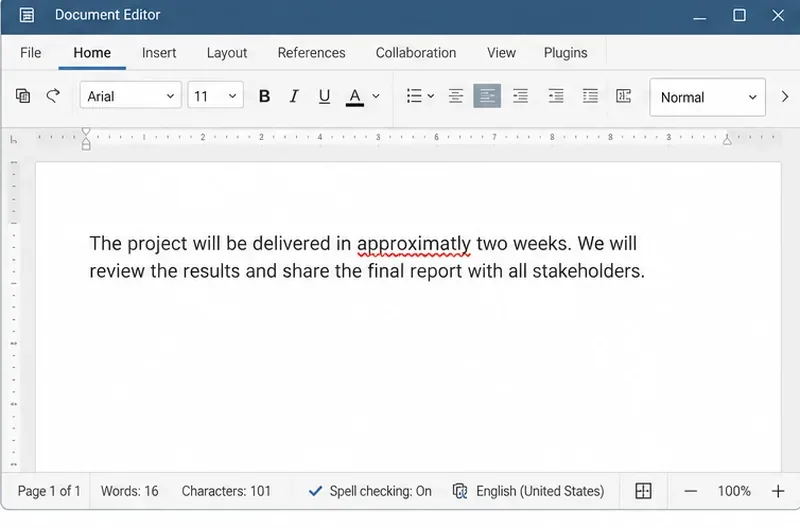
Set the proofing language for the whole document or selected text, confirm spell checking is active, and identify when a server dictionary is missing.
Choosing the right iron temperature for each fabric not only shortens the time to straighten your clothes, but also protects the fabric from damage, and avoids unnecessary problems. prolong the use of equipment. So, do you know how to properly iron clothes at the right temperature ?
Normally, with each iron , there is a transparent knob in the middle of the product body and divided into 3 main temperature levels suitable for each fabric:
Level 1: with a temperature from 0 to 135 degrees C, suitable for straightening clothes made of glossy fabrics, synthetic fibers, silk fibers.
Level 2: temperature from 135 degrees to 148 degrees C, suitable for straightening clothes made of wool, silk.
Level 3: the temperature is above 148 degrees C (max), suitable for straightening clothes made of cotton, cotton
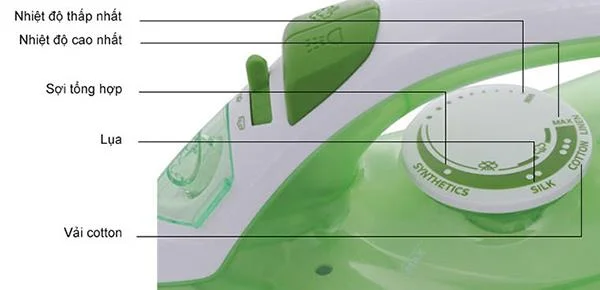
Ironing usually has three main temperatures.
Shirt:
The best time to straighten the shirt is when the shirt has been washed but not completely dry, if you take the shirt out from the closet that has been dry for a long time, you can spray a layer of wet water before proceeding straightening. . Then, you set the iron to the right temperature depending on the fabric of your shirt. Before that, you should remove all buttons. First, the neck and shoulders are the two positions you should iron first because it is the hardest area to iron, next to the sides of the shirt and finally the hem.
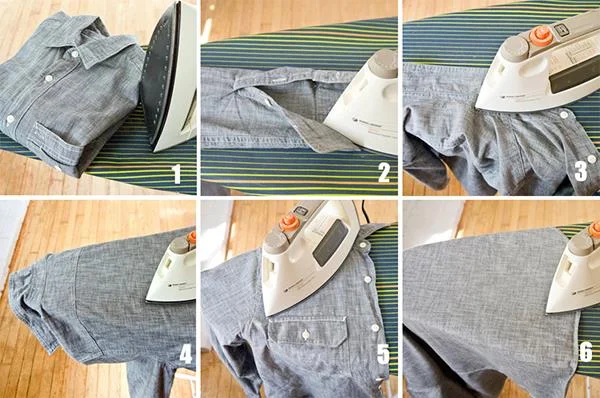
The best time to iron is when the shirt is not completely dry.
Besides, if the iron you are using is not a steam iron , you should have a bottle of water next to it to spray on when facing difficult surfaces, the shirt will be straightened easily. preferably.
Trousers:
The pleats are the area that makes women the most headache when ironing trousers. If iron is not ironed well and in the right direction, this cup will be broken into two or three folds, making the pants not standing in shape when busy. To avoid this problem, before ironing your pants, you should use tongs to fix the 2 legs, then follow that line and iron straight. Your trousers have only one straight cup.
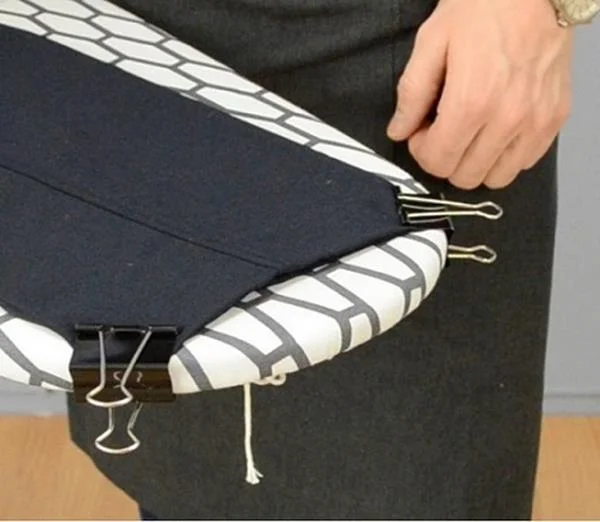
Using the two-tube fixer clip makes ironing easier.
Silk clothing:
Silk material makes the clothes more glossy and luxurious. However, after washing silk clothes, it is often difficult to iron them flat. In addition, when ironing this fabric, it also needs a moderate temperature. To fix them, put them in a plastic bag, tie them tightly, put in the freezer for a while and then take out the ironing as normal.
Knowing all the secrets of using an iron properly at the right temperature not only saves you housework but also helps you have more plus points in the eyes of family members. Quickly iron the "mountain" of clothes in seconds, just have more free time, and protect the clothes from damage caused by the temperature of the iron, what is better than this?
Set the proofing language for the whole document or selected text, confirm spell checking is active, and identify when a server dictionary is missing.
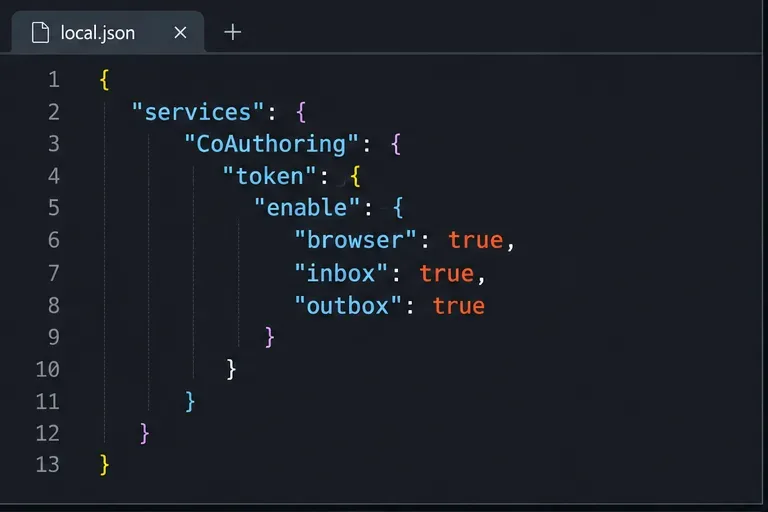
Enable persistent Track Changes for everyone in one ONLYOFFICE document, verify edits are recorded, and understand the limits of this setting.
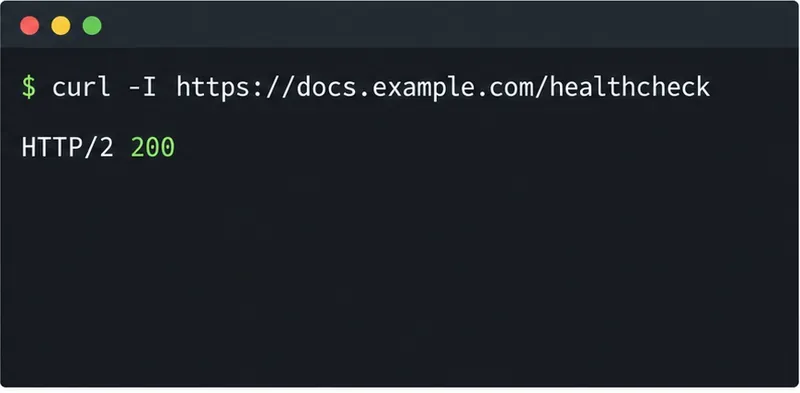
Find whether Nginx, Docker networking, or an internal ONLYOFFICE service is returning 502, then verify the corrected upstream and health check.
Diagnose failed ONLYOFFICE saves by checking the Nextcloud callback route, proxy redirects, and storage logs, then verify the edited file persists.
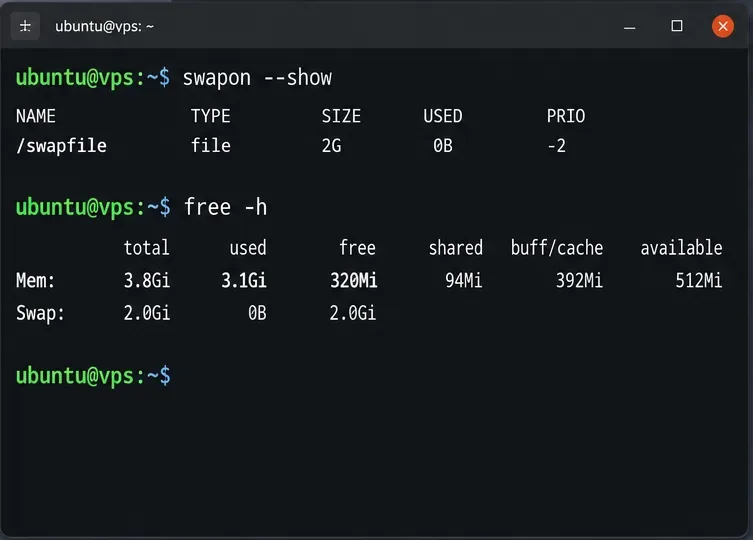
Find the cause of ONLYOFFICE memory crashes, check Docker limits, size VPS RAM correctly, add swap safely, and verify that documents open and save.
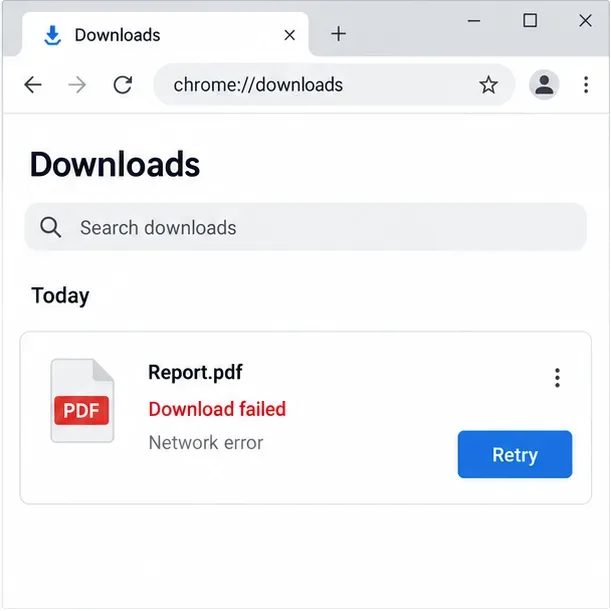
Separate browser download problems from server-side conversion errors and use the right log or access check to get your PDF export working.
Match the JWT secret used by ONLYOFFICE Docs and Nextcloud, apply it safely for Docker or Linux installs, and verify the connection without weakening authentication.
Install ONLYOFFICE Workspace Community on Ubuntu 24.04 with the official Docker script, check server requirements, skip Mail if needed, and verify the portal safely.
Configure matching JWT secrets for ONLYOFFICE Docs and its connector, with safe steps for Linux packages, Docker deployments, and verification.
Configure HAProxy HTTPS, forwarding headers, WebSocket timeouts, and health checks for ONLYOFFICE Docs, then verify editing and saves.