Learning how to boil broccoli produces tender yet crisp florets that keep their bright color and most nutrients. The method is quick and requires only basic kitchen tools, making it ideal for weeknight meals or meal prep. This guide covers everything from preparation through serving so your broccoli turns out consistently well.
Understanding How to Boil Broccoli
Boiling is one of the fastest ways to cook broccoli while preserving its vitamin content when done correctly. Overcooking leads to mushy texture and loss of color, so timing is critical. Fresh broccoli works best, though frozen florets can be used with a slight adjustment to cook time. Choose heads with tight, dark green buds and firm stems for the best flavor and texture.
How to Boil Broccoli Step by Step
-
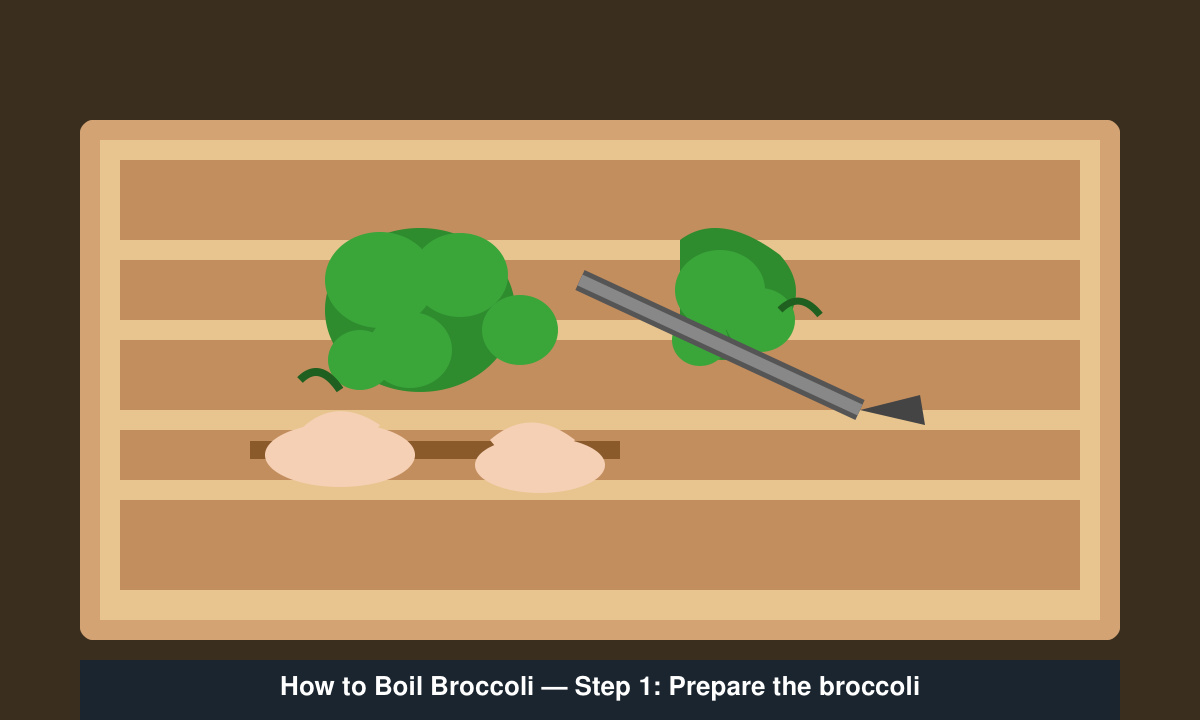
Prepare the broccoli
Rinse one medium head of broccoli under cold running water. Cut the florets into bite-sized pieces about 1.5 inches across. Peel the tough outer layer from the stem with a vegetable peeler and slice the stem into ¼-inch rounds. This ensures even cooking and reduces waste.
-
Bring water to a rolling boil
Fill a medium saucepan with 2–3 inches of water and add ½ teaspoon of salt. Place the pan over high heat and bring the water to a full rolling boil. The salt seasons the broccoli from the inside during cooking.
-
Add broccoli and time it precisely
Place the prepared broccoli into the boiling water. Set a timer for 3 minutes for crisp-tender florets or 4–5 minutes if you prefer softer broccoli. Stir once halfway through to ensure even exposure to the heat.
-
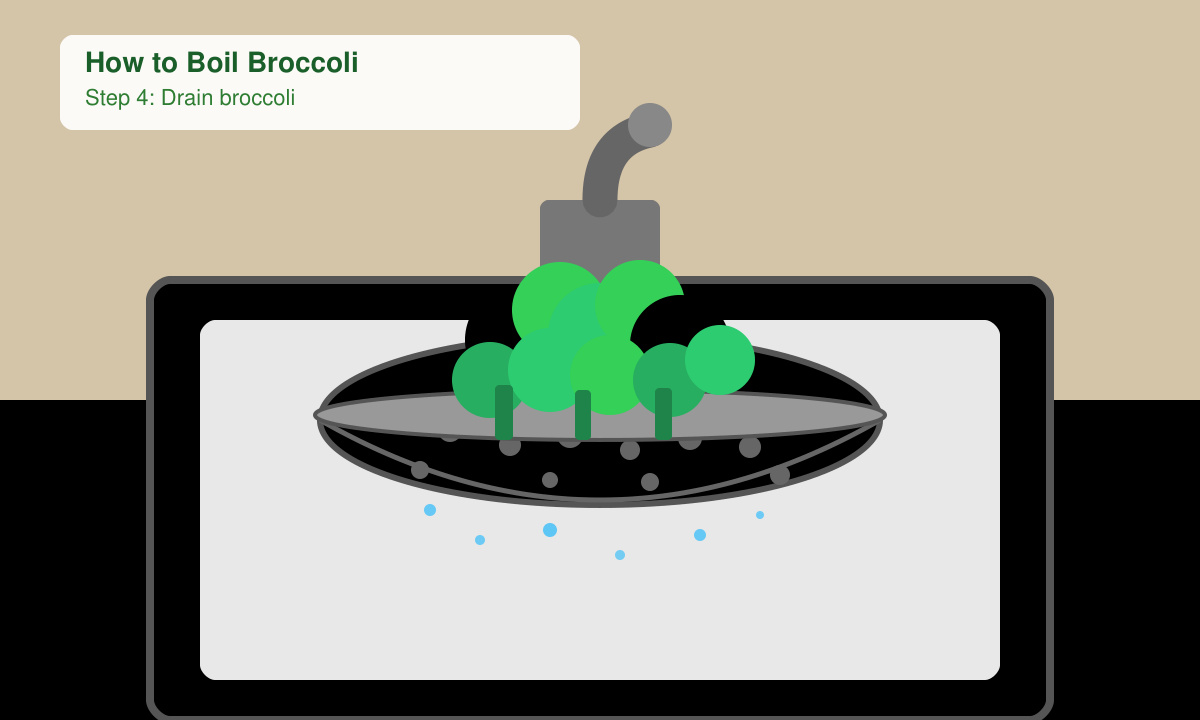
Test for doneness and drain immediately
Pierce a floret with a fork; it should slide in easily but still offer slight resistance. Drain the broccoli in a colander right away to stop the cooking process. Run cold water over it for 30 seconds if you want to preserve the bright green color for salads or later reheating.
-
Season and serve
Return the drained broccoli to the pan or a serving bowl. Toss with a drizzle of olive oil, a pinch of salt, and freshly ground black pepper. Add lemon juice or red pepper flakes for extra flavor if desired. Serve immediately while hot.
Common Mistakes and Troubleshooting
- Starting with too little water causes uneven cooking; always use enough to cover the broccoli by at least half an inch.
- Leaving broccoli in the hot pan after draining continues the cooking process and creates mushy results.
- Using very large florets leads to uneven doneness; cut pieces to similar sizes before boiling.
- Skipping the salt in the water produces bland broccoli even if you season afterward.
Frequently Asked Questions
How long does boiled broccoli last in the fridge?
Cooked broccoli stays fresh in an airtight container for up to four days. Reheat gently in the microwave or eat cold in salads.
Can I boil broccoli in advance?
Yes. Boil it one day ahead, drain, and store in the refrigerator. Refresh under cold water before serving to restore crispness.
Should I use fresh or frozen broccoli?
Fresh broccoli gives the best texture. Frozen florets work but require only 2–3 minutes of boiling since they are already partially cooked during processing.
Conclusion
Following these steps for how to boil broccoli delivers reliable results with minimal effort. Practice the timing once or twice and the method becomes second nature for quick, healthy side dishes.