Enable FIPS Mode on SLES 15 and Verify the Boot State
Follow SUSE’s SP7 procedure to enable FIPS mode, reboot safely, verify the active policy, and check whether your compliance requirement calls for validated modules.
In addition to creating images on ChatGPT through the content you describe, ChatGPT now also helps you change the uploaded images in a completely new style. For example, you can create chibi couple images from ChatGPT , or create doll house images from uploaded images. And in this article, you will have more commands to request ChatGPT to create animated character images from the original uploaded images.
How to create anime action figure images from ChatGPT
Step 1:
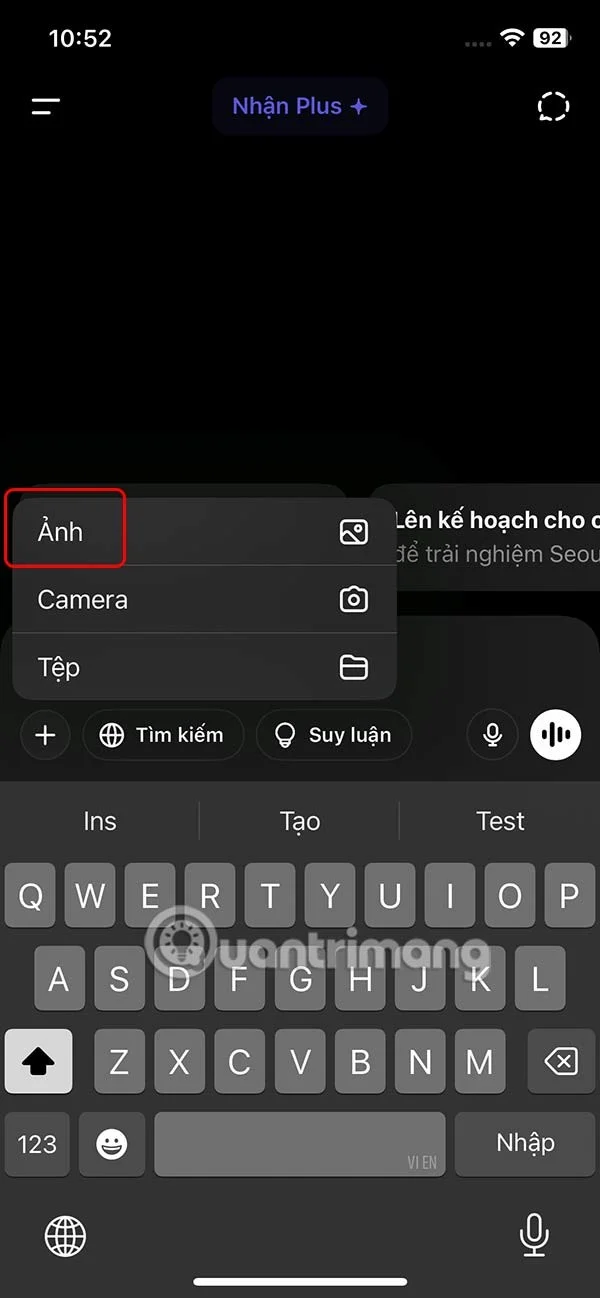
At the ChatGPT interface, click on the plus icon , select Photo and upload your personal photo.

Step 2:
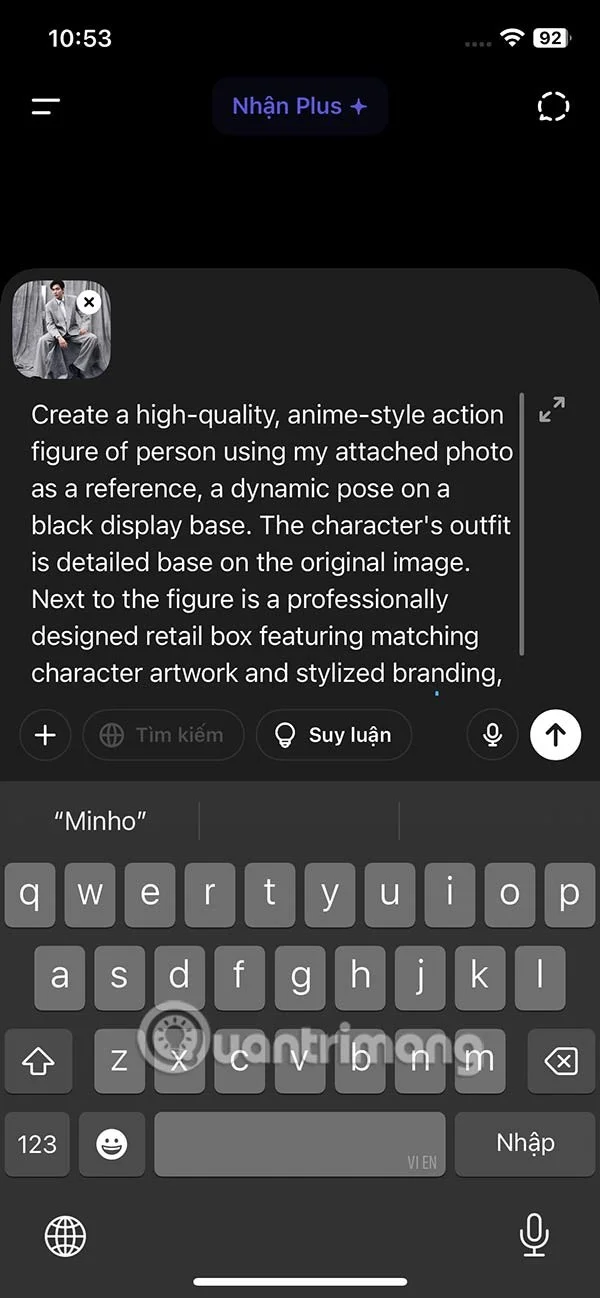
Then enter the prompt content into the chat box as below and send it to ChatGPT to proceed with creating anime action character images.
"Create a high-quality, anime-style action figure of person using my attached photo as a reference, a dynamic pose on a black display base. The character's outfit is detailed base on the original image. Next to the figure is a professionally designed retail box featuring matching character artwork and stylized branding, on top of the box written [YOUR NAME]."
Step 3:
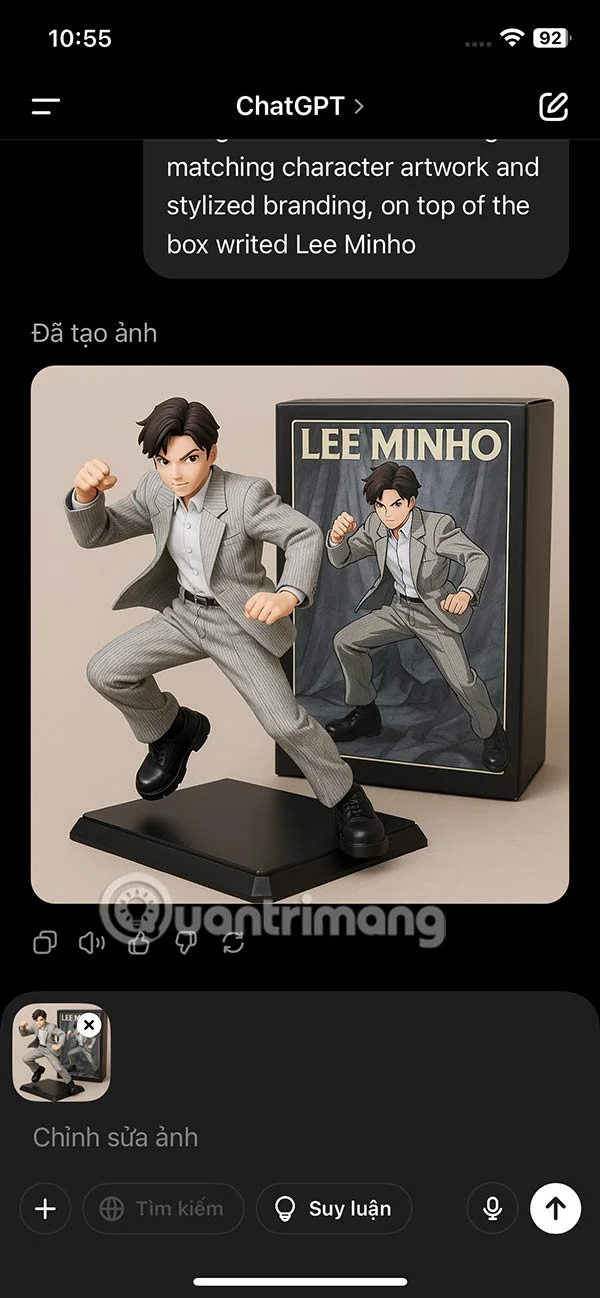
Now the user will see the anime action figure image as below. Click on the image to download or edit it.
Video tutorial on creating action anime images on ChatGPT
Follow SUSE’s SP7 procedure to enable FIPS mode, reboot safely, verify the active policy, and check whether your compliance requirement calls for validated modules.
Compare YaST and cryptsetup for a new encrypted SLES data volume, choose LUKS1 or LUKS2, and verify unlock and mount behavior safely.
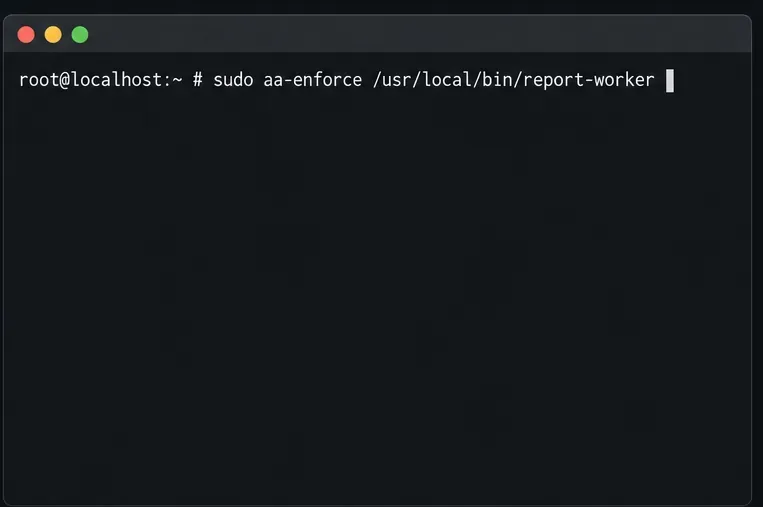
Create, refine, and verify a least-privilege AppArmor profile on SLES 15 SP7, with a clear note on SLES 16’s SELinux default.
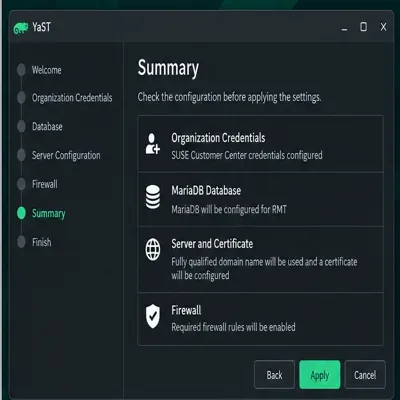
Set up RMT on SLES 15, mirror entitled repositories, and verify HTTPS registration and package access from a test client.
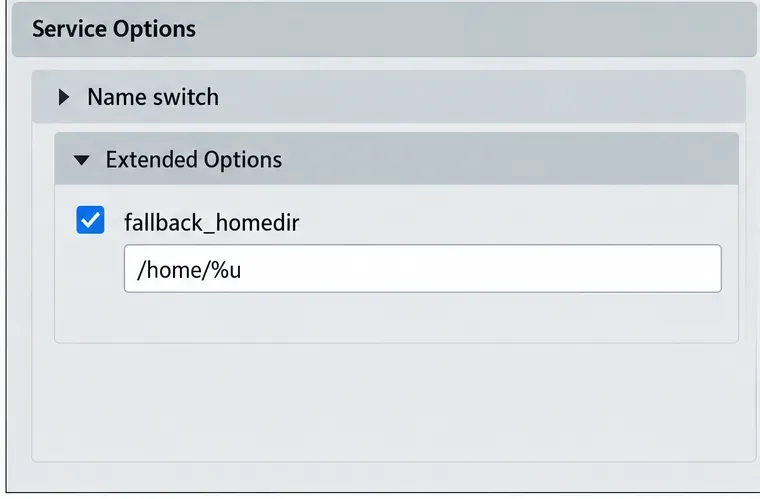
Connect SLES 15 to AD with YaST’s SSSD-based logon management, then verify directory lookup, domain login, and Kerberos tickets.
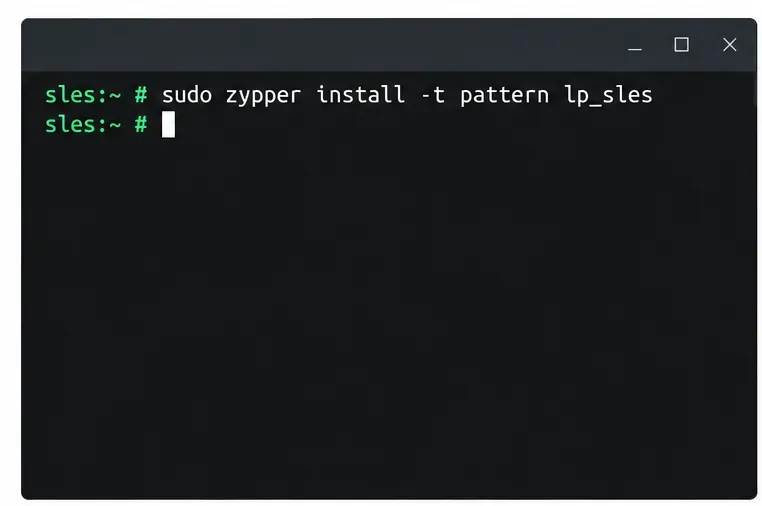
Set up the right Live Patching path for SLES 16.0 or 15 SP7, apply eligible kernel fixes, and confirm what is active without confusing it with a reboot-required kernel update.
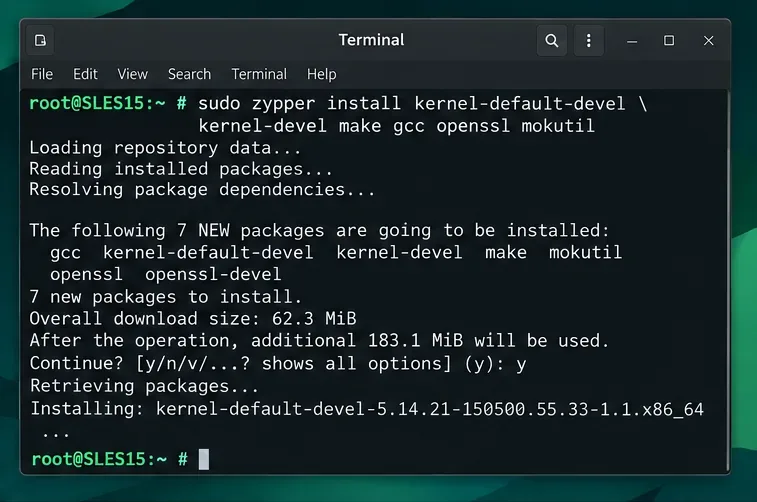
Load a custom SLES 15 kernel module without disabling Secure Boot. Match the running kernel, sign the .ko file, enroll a MOK key, and verify loading.
SLES 15 SP5 can migrate online to SP6, but each node must reboot. Use a tested rolling upgrade or blue-green cutover to keep workloads reachable.
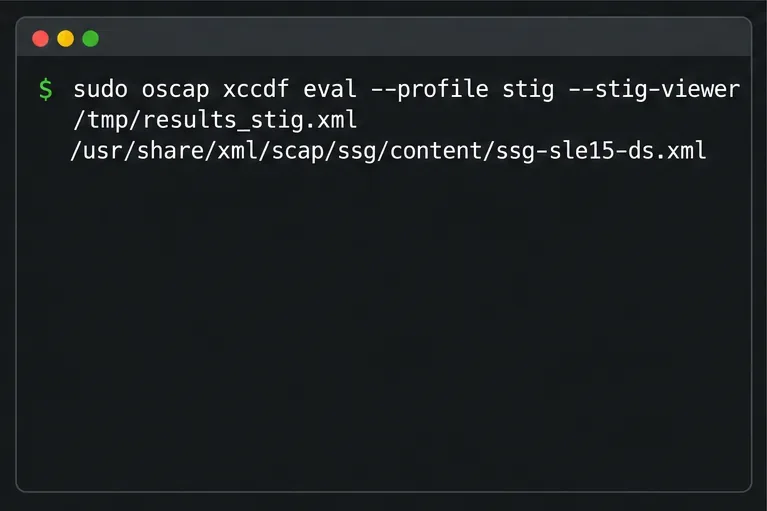
Use SUSE’s supported STIG profile to scan SLES 15, test remediation, review remaining findings, and retain assessment evidence.
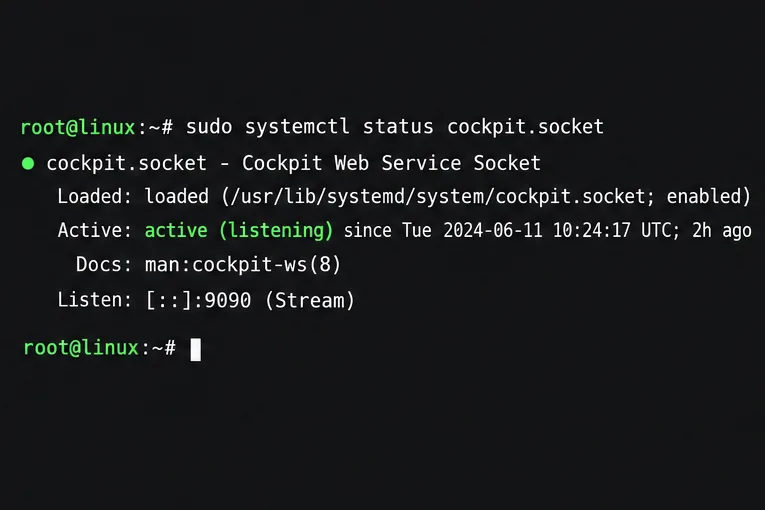
Trace a failed Cockpit connection through DNS, port 9090, the systemd socket, firewalld, TLS, and login settings using current SUSE guidance.