Home
» How to
»
How to download APK safely and quickly
How to download APK safely and quickly
Quantrimang.com has a fairly detailed article introducing apk files , as well as the reasons why you need to download apk files to your device. APK files are especially useful when applications are geographically restricted and have been removed from Google Play.
To download the application's apk to your phone or computer, you will need the help of a third-party tool or a safe apk download website, and cannot download it directly from the Google Play app store. Below are the fastest and easiest ways to download the apk file to your phone or computer.
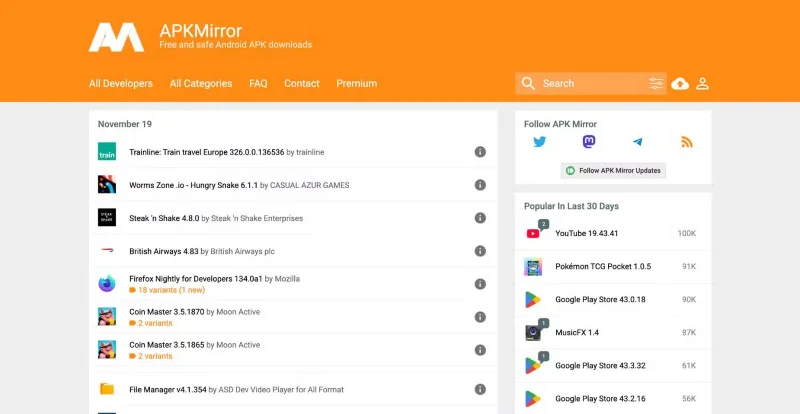
APKMirror is probably the best Android APK download site and one of the best alternatives to the Google Play Store. It is owned and operated by the same team that created the widely read Android news site Android Police, which should give you some peace of mind.
On the security front, APKMirror has some strong policies in place. Staff verifies all APKs uploaded to the site before they are published, and the site compares cryptographic signatures for new versions of apps against previous versions (to ensure the developers actually signed them). Brand new apps are compared against other apps from the same developer to verify their legitimacy, so you won’t find pirated or modified apps.
You can download older versions of each app, view information pulled from the Play Store, and access a list of related apps. If an app you installed from APKMirror later receives an update from the Play Store, you can conveniently update to the latest version.
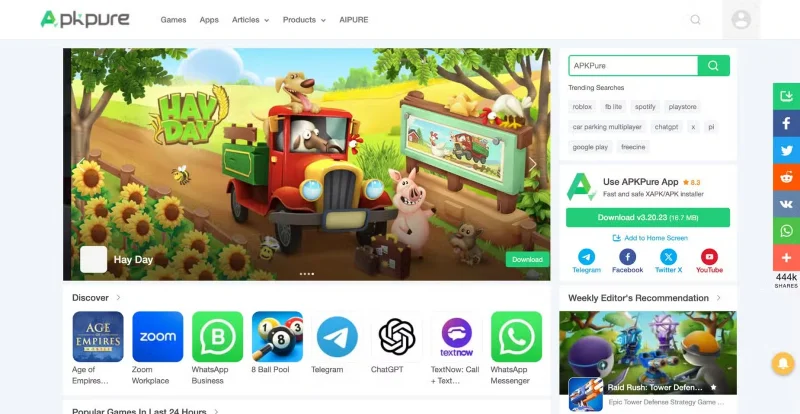
Like APKMirror, this APK site follows strict security measures to ensure that every APK file you save is safe and virus-free. So how safe is APKPure? The site verifies the legitimacy of all apps before publishing them, using SHA1 to ensure a secure certificate. Cryptographic signatures for new app versions must match previously published versions, and completely new apps are matched to other software from the same developer.
If APKPure has any doubts about the security or origin of an app, it will not be listed on the site. Therefore, there are no modified APKs on APKPure. In terms of usability of the site, APKPure will fetch screenshots, app descriptions, and general metadata directly from the Google Play Store.
There is also a list of previous releases of the app in case you want to roll back to an older version due to features or bugs. APKPure also has an Android app. You can install the app manually like you would any Android app, but once it is up and running, it can act as an alternative to the Play Store.
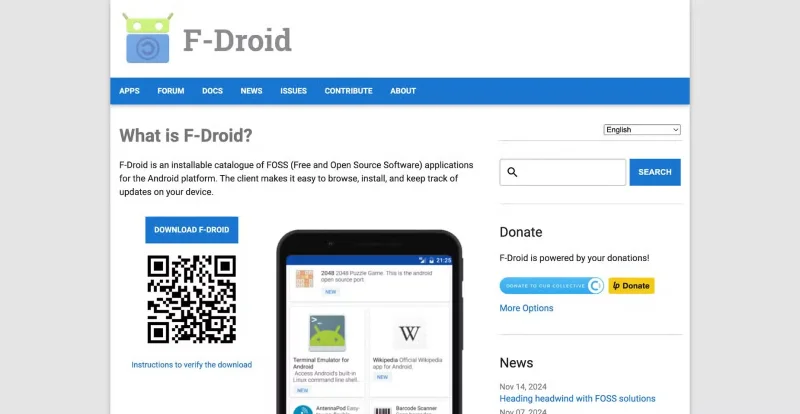
F-Droid website for downloading open source Android apps
F-Droid is a third-party APK download site that specializes in free and open-source (FOSS) apps for Android. You can find some of the best open-source alternatives to Android apps on F-Droid. This makes the site a great choice for anyone concerned about privacy. F-Droid is transparent about what you get when you download it. The site lists what it calls “anti-features” for each app, which can include ads, tracking, and even potential security concerns.
Additionally, F-Droid has fewer apps than the other sites on this list, but there are still thousands of apps here. And for a variety of reasons, you won’t find some of the apps in the Play Store either. You can download APKs directly from the site, but the site also comes with clients that make it easier to find, install, and update apps.
Uptodown is another trusted and safe site to download Android APKs. It has been around for a long time and prioritizes the safety of the APKs it uploads. All APKs uploaded to the site are scanned for viruses and, best of all, it matches cryptographic signatures for new app versions with previous versions to ensure safety.
It lists different versions of the app and you can choose the one you want to download. Uptodown is not a clone of the Google Play Store; it includes personalized app descriptions, user reviews, and original screenshots for the listed apps.
Like the other sites on this list, there’s a lot of metadata, meaning you can avoid the Play Store altogether. The site also has an Android app that you can download to quickly search for, install, and update apps on your device. In addition to Android apps, the site also lists Windows and macOS apps.
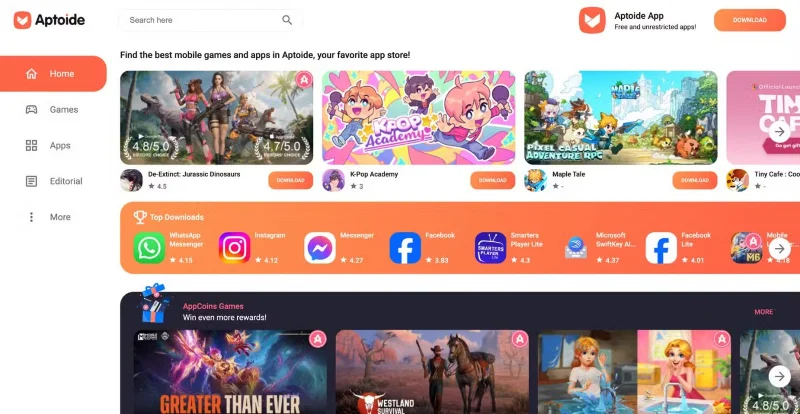
Aptoide is another giant in the APK downloading world; it has over 300 million users and is responsible for over 7 billion downloads. Like APKPure and Uptodown, the Android app store allows you to conveniently access the store and download APK files from your Android device. In addition to popular Android apps like WhatsApp and Facebook, you can use it to find apps that are not available on the Play Store.
Aptoide takes security very seriously and scans all listed APKs to ensure they are safe. However, Aptoide is not at the top of the list because it allows users to manage their store and thus allows modified APKs to be uploaded to the platform. Although it is clearly marked, you can accidentally download one of them if you are not paying attention.
These sites are the best and safest places to download Android APKs. While they are safe, you should always take extra precautions when downloading APKs. One way to stay safe is to only download official APKs. And don't be tempted to download paid apps that don't cost you a dime - this is not only wrong, but also one of the most common ways to infect your phone with malware.