Bluetooth Adapter Missing on Pardus 23? Start with These Checks
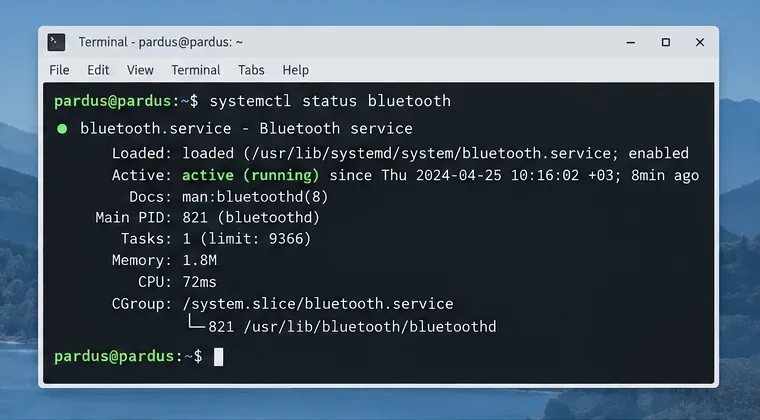
Find out whether Pardus 23 is blocking Bluetooth, missing BlueZ, or failing to detect adapter firmware, then confirm the controller works.
If your Chrome browser runs slowly or you want to limit how websites track you, learning how to erase cookies on Google Chrome solves both issues. Cookies store login details, preferences, and browsing history that sites use to remember you. This guide shows the precise menu paths for desktop and mobile so you can remove them without losing important saved passwords.
Every website you visit can place small text files called cookies on your device. These files remember login sessions, shopping carts, and ad preferences. Over time they build up, which can slow page loads and expose more of your activity than you intend. Erasing them regularly keeps Chrome lighter and improves privacy without resetting the entire browser.
Google Chrome separates cookies from other data such as cache and passwords. You can target only cookies while leaving everything else untouched. The feature works the same on Windows, macOS, and ChromeOS.
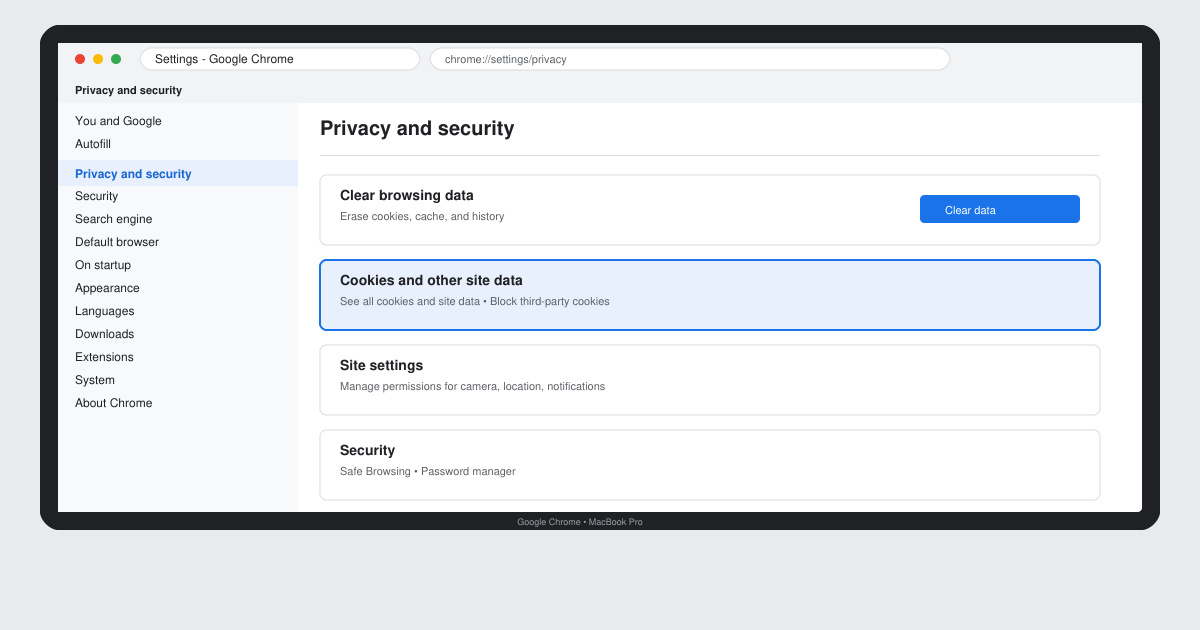
Click the three-dot menu in the top right corner of Chrome. Select Settings from the dropdown. In the left sidebar, click Privacy and security.
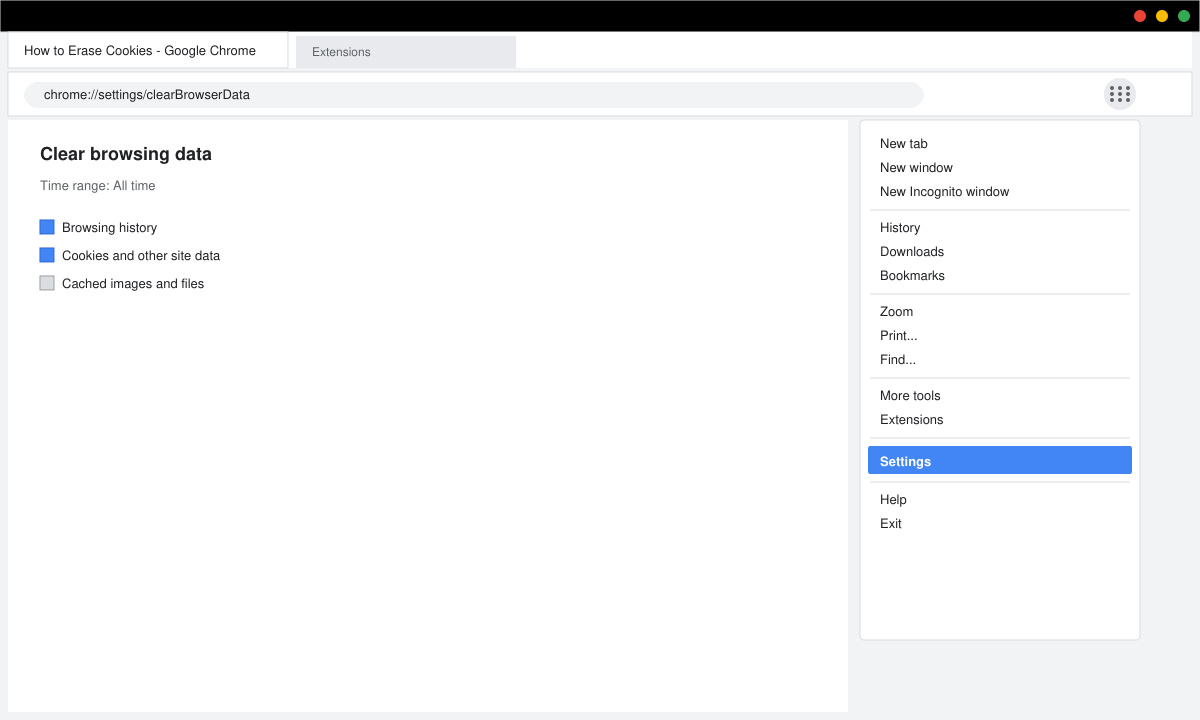
Under Privacy and security, click Clear browsing data. A new window appears with three tabs: Basic, Advanced, and On-device site data.
Switch to the Advanced tab. Check only the box labeled Cookies and other site data. Use the Time range dropdown to select All time if you want to remove everything, or choose a shorter period such as Last 24 hours. Leave the other boxes unchecked if you want to keep cached images and passwords.
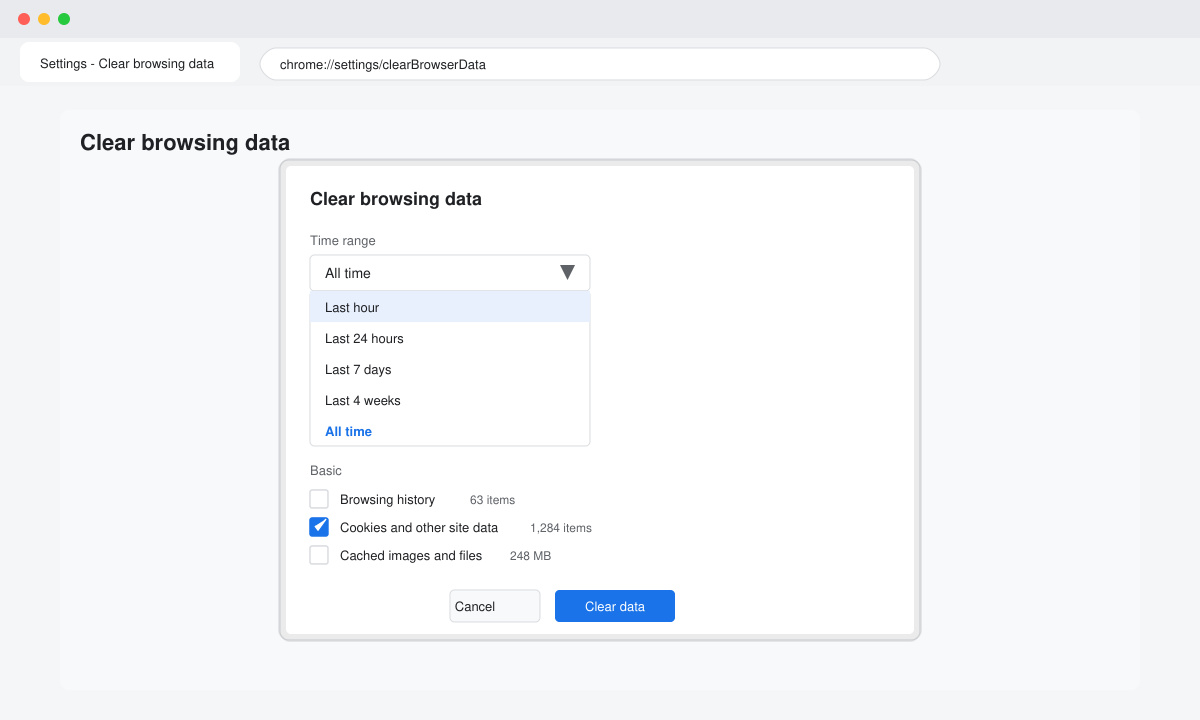
Click the Clear data button at the bottom. Chrome immediately deletes the selected cookies. You can verify the change by visiting a site you frequent; it should prompt you to log in again.
On Android or iOS, open the Chrome app, tap the three-dot menu, go to Settings, then Privacy and security, and select Clear browsing data. The same cookie checkbox appears. For site-specific removal, type chrome://settings/content/cookies into the address bar on desktop, then click See all cookies and site data to delete entries one by one.
No. Passwords are stored separately. Only check the Cookies and other site data box to leave passwords, autofill data, and bookmarks untouched.
Cookies are stored locally. If you use Chrome on multiple devices you must repeat the steps on each one, or sign in to a Google account and enable sync for passwords only.
Most users benefit from clearing cookies every four to six weeks or whenever they notice slower performance or unwanted ads.
Regularly using the built-in Clear browsing data tool keeps Chrome fast and limits tracking. The process takes less than two minutes and works identically across desktop and mobile.
Find out whether Pardus 23 is blocking Bluetooth, missing BlueZ, or failing to detect adapter firmware, then confirm the controller works.
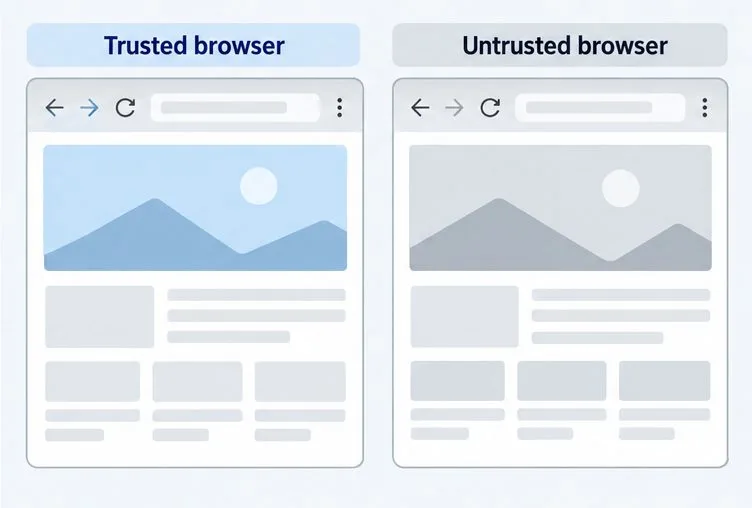
Learn how Gooroom separates trusted and untrusted browsing, what users can change, and how an administrator can safely update site policies.
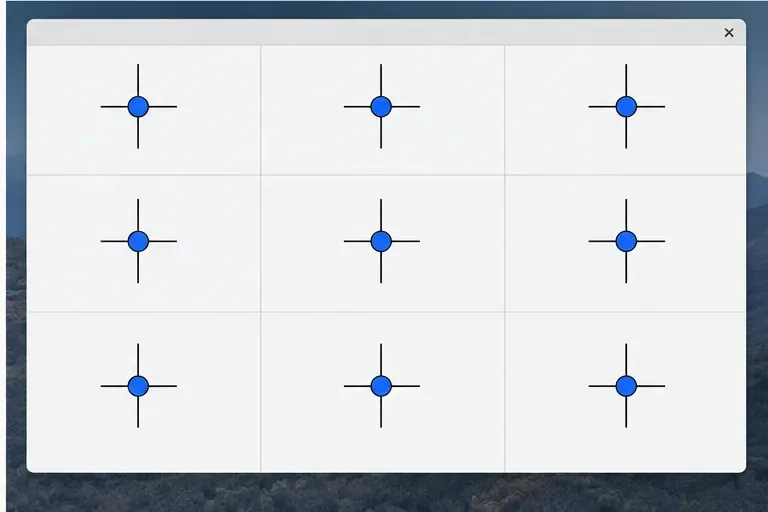
Diagnose rotated, offset, or inconsistent touch input on a Harmonica OS tablet and choose a Linux calibration method that fits its session and driver.
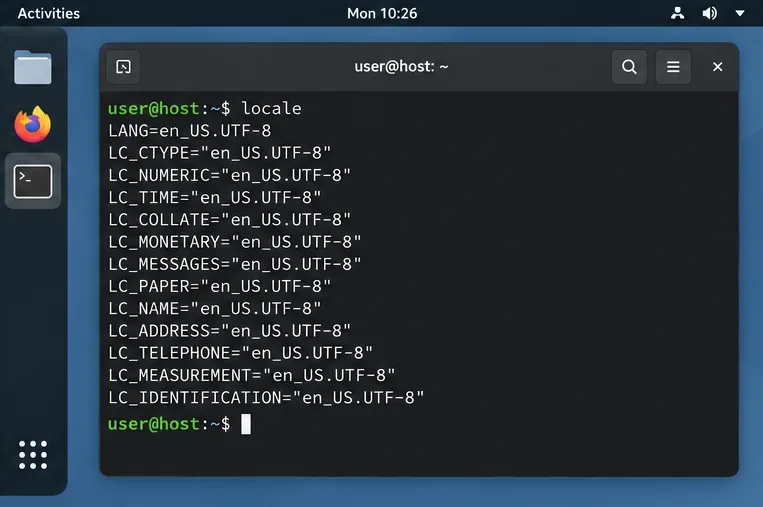
Switch Gooroom’s desktop session to English, verify the locale, and identify when untranslated Korean labels need an app update instead.
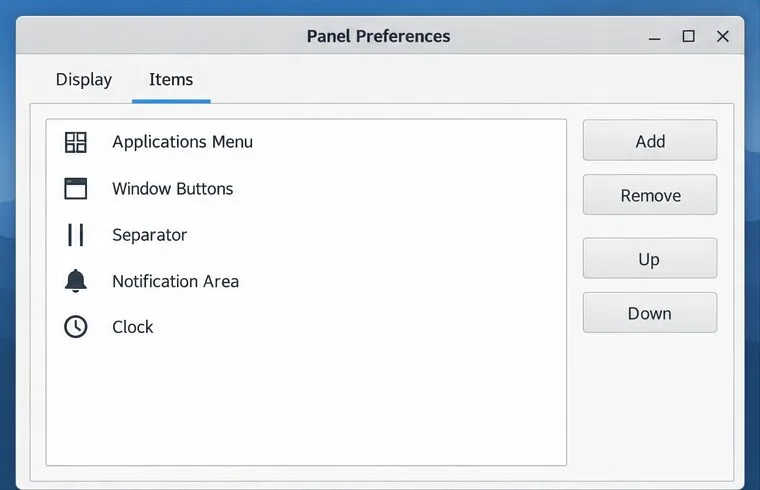
Arrange Pardus XFCE as a familiar bottom taskbar with an app menu, pinned launchers, open-window buttons, and a system tray.
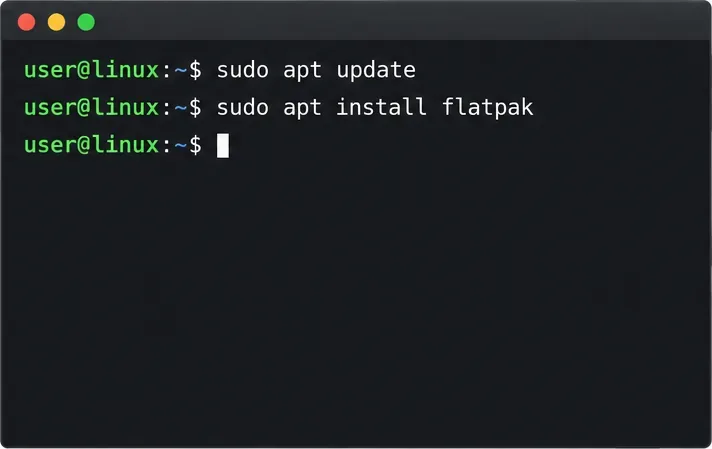
Check your Gooroom release and administrator rules, then follow the official Debian-based setup path for Flatpak or Snap without bypassing system controls.
Learn what Pardus Image Writer can do, how to prepare installation USB safely, and which tools fit custom live images or repeatable fleet deployments.
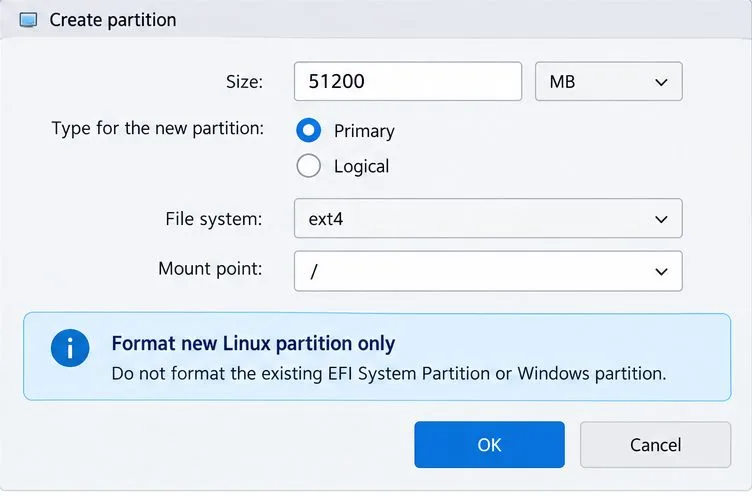
Install Pardus alongside Windows 11 by shrinking the Windows volume, using unallocated space, and preserving the existing EFI System Partition.
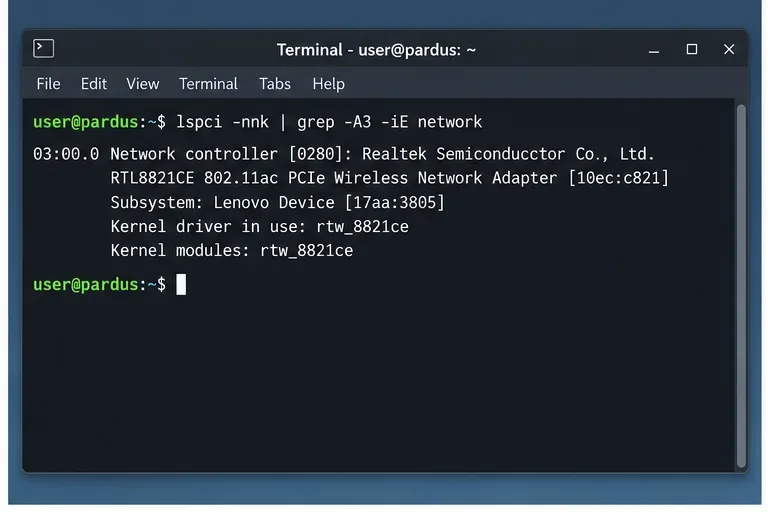
Identify the RTL8821CE, install Pardus-supported Realtek firmware, and verify the driver, Wi-Fi scan, and next troubleshooting step.
Use Pardus’s hardware-aware installer to enable the right NVIDIA driver, reboot safely, and verify the active kernel module.