Enable NVIDIA on Pardus 23 with Its Driver Installer
Use Pardus’s hardware-aware installer to enable the right NVIDIA driver, reboot safely, and verify the active kernel module.
Encountering the dreaded ERR_QUIC_PROTOCOL_ERROR in Microsoft Edge can halt your browsing session in its tracks, leaving you frustrated and disconnected. This error often stems from issues with the QUIC protocol—a speedy, UDP-based technology designed to enhance web performance. But don't worry! Whether it's a temporary glitch or a deeper configuration problem, we've got you covered with straightforward, effective solutions. In this guide, we'll walk you through proven methods to fix ERR_QUIC_PROTOCOL_ERROR in Microsoft Edge, helping you regain control and enjoy uninterrupted surfing. Let's dive in and turn that frown upside down! 😊
The ERR_QUIC_PROTOCOL_ERROR is a common hiccup in browsers like Microsoft Edge, which relies on QUIC (Quick UDP Internet Connections) for faster, more secure connections to websites, especially those using Google's services. QUIC combines HTTP/3 with UDP to reduce latency, but when it fails, you see this error—often on sites like YouTube or Google Search.
Common culprits include:
Understanding the root cause is your first step to victory. Now, let's tackle the fixes—one by one, starting with the simplest. Follow along, and you'll be back online in no time! 👆
Sometimes, the simplest solution is the most powerful. A quick restart can clear temporary glitches in the QUIC protocol handling within Edge.
Pro tip: If you're on a shared network, toggle airplane mode for 30 seconds to reset connections. This fix resolves ERR_QUIC_PROTOCOL_ERROR for many users right away—quick and painless! 🎉
Corrupted cache can confuse Edge's QUIC implementation, triggering the error. Clearing it forces a fresh start.
Afterward, restart Edge. This step often wipes out protocol inconsistencies without losing important logins (if you uncheck passwords). Feeling empowered yet? Keep going for more robust solutions! 💪
If QUIC is the troublemaker, temporarily disabling it can bypass the ERR_QUIC_PROTOCOL_ERROR by falling back to traditional TCP connections.
edge://flags/ in the address bar and hit Enter.This tweak is a game-changer for stubborn errors, though it might slightly slow down some sites. Test it out and re-enable later if needed. You're making great progress—let's build on this! ⭐
Microsoft regularly patches QUIC-related bugs in Edge updates. Ensuring you're on the newest version is crucial for fixing ERR_QUIC_PROTOCOL_ERROR.
As of the latest releases, updates include enhanced QUIC stability for better compatibility. If auto-updates are off, enable them in Settings > About Microsoft Edge. Smooth sailing ahead! 🌊
Network woes often fuel QUIC protocol errors in Edge. QUIC's UDP reliance makes it sensitive to firewalls or VPNs.
ipconfig /flushdns, then press Enter.For advanced users, consider switching DNS to Google (8.8.8.8) or Cloudflare (1.1.1.1) via Network Settings. These steps can dramatically improve connection reliability—high five! ✋
Security software might block QUIC traffic, mistaking it for suspicious activity. Fine-tuning these can eliminate the error.
Remember, balance security with functionality. If issues persist, a full antivirus scan might uncover malware interfering with protocols.
If ERR_QUIC_PROTOCOL_ERROR lingers, try these deeper interventions:
| Fix | Steps | Why It Works |
|---|---|---|
| Reset Edge Settings | Settings > Reset settings > Restore settings to default | Clears corrupted configs without losing data |
| Reinstall Edge | Uninstall via Settings > Apps, then download from microsoft.com/edge | Fresh install resolves deep-rooted issues |
| Check for Windows Updates | Settings > Update & Security > Windows Update > Check for updates | OS-level patches fix QUIC compatibility |
These methods pack a punch for persistent problems. For instance, resetting Edge often revives QUIC functionality like new. If you're dealing with enterprise setups, consult your IT admin for proxy tweaks.
Once fixed, prevention keeps the good vibes going. Enable automatic updates, avoid sketchy VPNs, and periodically clear cache. Stay vigilant with network health—regular router firmware updates help too.
For more insights, check Microsoft's official support: Microsoft Edge Help. It's a goldmine for browser troubleshooting.
Congratulations! You've now armed yourself with the tools to conquer ERR_QUIC_PROTOCOL_ERROR in Microsoft Edge. Start with the basics and escalate as needed—most users see results from the first few steps. If the error ties to a specific site, it might be server-side, so patience pays off. Share your success in the comments below; we'd love to hear how these tips worked for you. Happy browsing, and may your connections always be swift! 🚀
Use Pardus’s hardware-aware installer to enable the right NVIDIA driver, reboot safely, and verify the active kernel module.
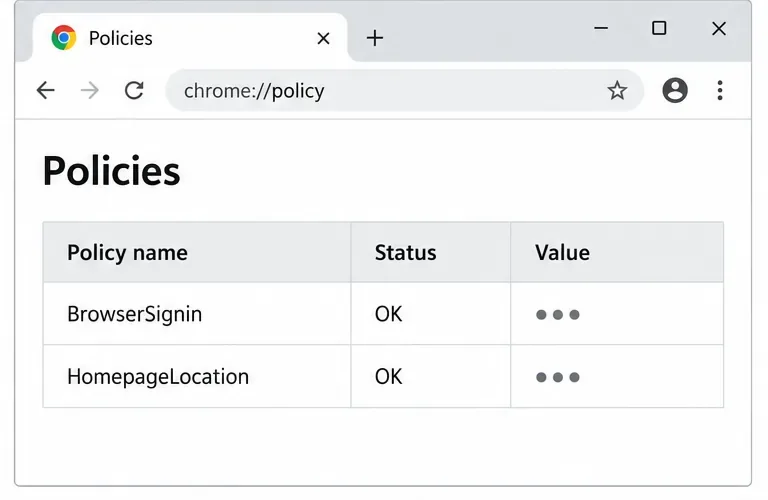
Install the official Chrome package safely on Gooroom OS, check compatibility, preserve device controls, and verify browser policies before use.
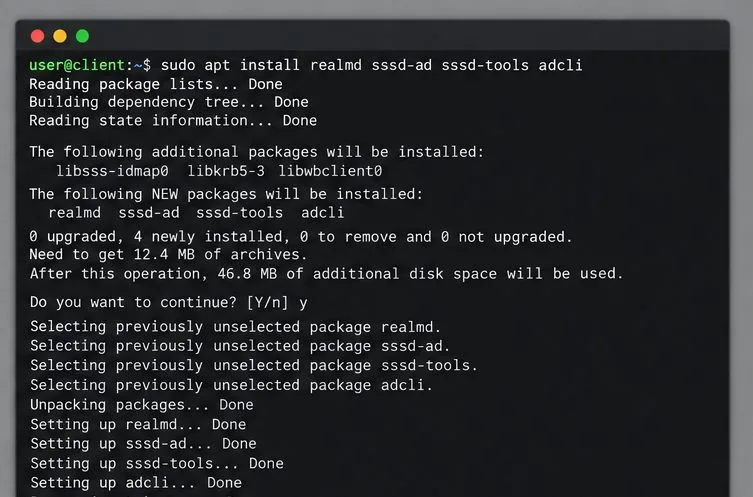
Prepare DNS and time, enroll Pardus with realmd and SSSD, and verify domain membership and user lookup before relying on AD sign-in.
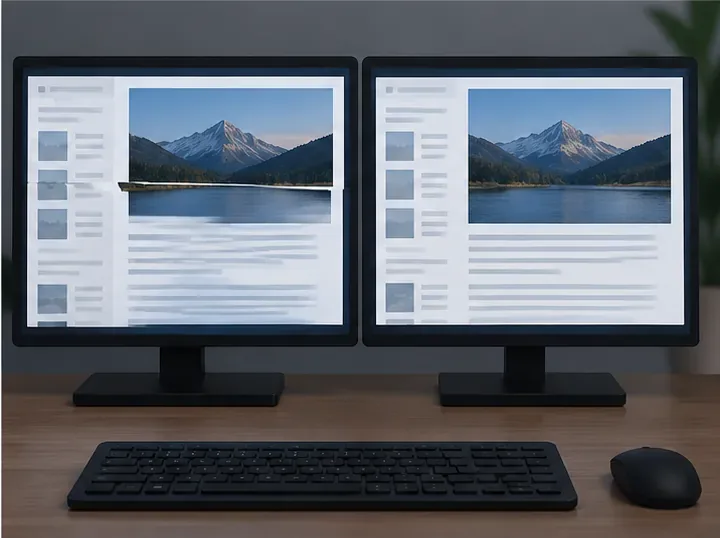
Reduce horizontal tearing in Pardus XFCE by checking your display session, enabling compositor synchronization, and applying Intel’s Xorg TearFree option only when the active driver supports it.
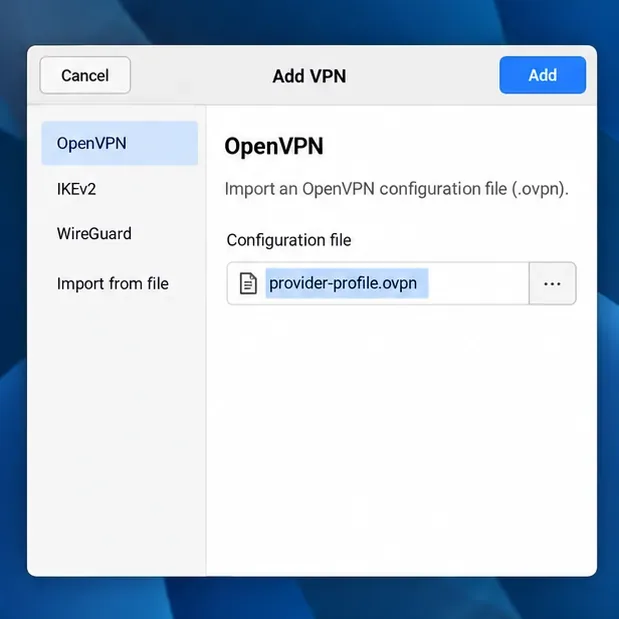
Add an OpenVPN profile to NetworkManager on Pardus, install the right plugin, protect credentials, and verify the VPN is active.
Prepare a bootable USB, check 64-bit hardware compatibility, and install Pardus 23 XFCE while protecting existing files and avoiding common legacy BIOS pitfalls.
Distribute a custom wallpaper to Pardus clients, configure Xfce or GNOME desktops, and apply Lider Ahenk user policies with safe pilot checks.
Fix a 1024 × 768 ceiling by checking SPICE, virtual video, the guest channel, and spice-vdagent—with safe checks when Pardus lacks a package candidate.
Set up the Lider server, configure its installer safely, register Ahenk endpoints, and verify a pilot before expanding central management.
Download the official Pardus 23 desktop ISO, write it safely with Rufus, and boot a Windows PC into a temporary Live session.