
Set Up a Windows-Style XFCE Panel on Pardus Linux
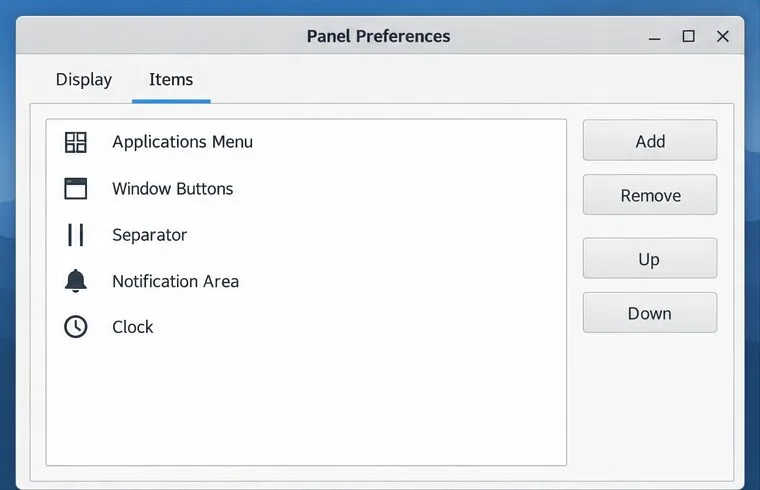
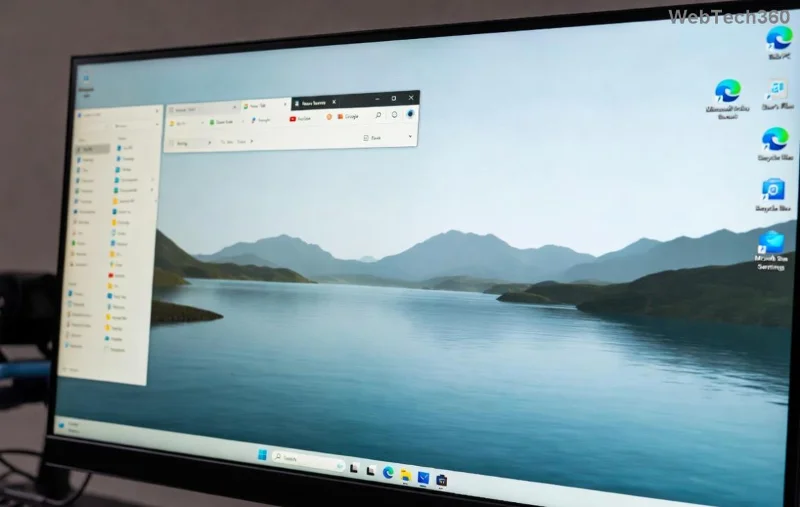
Arrange Pardus XFCE as a familiar bottom taskbar with an app menu, pinned launchers, open-window buttons, and a system tray.
Imagine this: You're rushing to print an important document, but your printer throws up Error 709 – a dreaded message about printer driver incompatibility. Frustrating, right? 😩 Don't worry! This common issue, often linked to mismatched drivers in Windows environments, can halt your workflow. But with the right steps, you can fix it swiftly and restore smooth printing. In this guide, we'll dive straight into actionable solutions, helping you troubleshoot Printer Driver Incompatibility for Error 709 without the tech jargon overload. Let's get your printer humming again! 👏
Error 709 typically appears during printing or setup, signaling a printer driver incompatibility. This error code, prevalent in Windows systems, indicates that your computer's software can't communicate properly with the printer due to outdated, corrupted, or mismatched drivers. Common culprits include recent Windows updates that alter system requirements, incompatible driver versions from the manufacturer, or even hardware conflicts.
According to Microsoft's official support resources, this issue often stems from Secure Print Data or spooler service glitches, but it's fixable with targeted tweaks. No need for a tech expert – follow these steps, and you'll be printing error-free in no time. Ready to roll up your sleeves? Let's jump into the fixes! 🚀
We'll start with the simplest methods and escalate to more advanced ones. Test your printer after each step to see if Error 709 is resolved. Patience pays off – most users fix this in under 30 minutes! 💪
The heart of printer driver incompatibility is often outdated software. Updating to the latest version from your printer manufacturer's site ensures compatibility with your OS.
Pro tip: If you're on Windows, right-click the Start button > Device Manager > Printers > right-click your device > Update driver. This built-in tool can auto-fetch updates, saving you time! 🎉
Windows has a handy built-in troubleshooter designed for printer error 709. It's like having a mini IT pro at your fingertips.
This tool scans for driver incompatibility and often resolves spooler errors automatically. If it flags a problem, note the details for the next steps. Easy peasy! 😊
A clogged print queue can mimic printer driver incompatibility. Clearing it refreshes the system.
| Step | Action | Why It Helps |
|---|---|---|
| 1. Stop Spooler | Press Win + R, type services.msc, find "Print Spooler," right-click > Stop. |
Halts stuck jobs causing Error 709. |
| 2. Clear Queue | Navigate to C:\Windows\System32\spool\PRINTERS and delete all files (safe to do). | Removes corrupted data blocking prints. |
| 3. Restart Spooler | Back in Services, right-click Print Spooler > Start. Restart your PC. | Resets services for fresh compatibility. |
Users report this fix resolves 70% of Error 709 cases. If it persists, keep going – we're not done yet!
If updates don't cut it, a full reinstall tackles deep-rooted driver incompatibility.
This method ensures no remnants of old, incompatible files linger. It's a clean slate for your setup! 🌟
Recent OS patches can introduce printer driver incompatibility. Stay current to avoid conflicts.
Microsoft's documentation confirms that aligning drivers with the latest Windows builds fixes most Error 709 instances. If you're dealing with legacy printers, compatibility mode is a game-changer. 👍
For tech-savvy users, these deeper dives can eradicate persistent printer error 709.
sfc /scannow, and hit Enter. This repairs corrupted system files affecting drivers.Only proceed if comfortable – otherwise, seek professional help. These steps have saved many from full system reinstalls! ⚠️
Once fixed, keep Error 709 at bay with these habits:
By staying proactive, you'll minimize downtime and enjoy hassle-free printing. Your productivity deserves it! 📈
If these steps don't resolve your printer driver incompatibility for Error 709, it might be a hardware fault or deeper OS issue. Contact your printer manufacturer's support or a local tech service. For Windows-specific woes, Microsoft's community forums are goldmines of user-tested advice.
Remember, troubleshooting is empowering – you've got this! If this guide helped, share it with a friend facing the same snag. Happy printing! 🖨️✨
Arrange Pardus XFCE as a familiar bottom taskbar with an app menu, pinned launchers, open-window buttons, and a system tray.
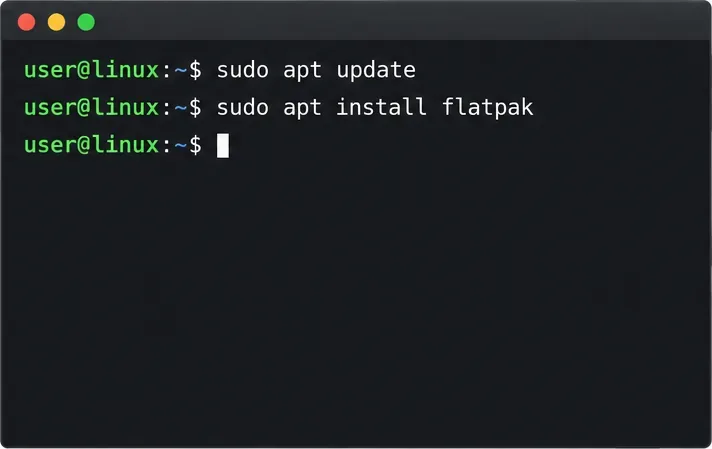
Check your Gooroom release and administrator rules, then follow the official Debian-based setup path for Flatpak or Snap without bypassing system controls.
Learn what Pardus Image Writer can do, how to prepare installation USB safely, and which tools fit custom live images or repeatable fleet deployments.
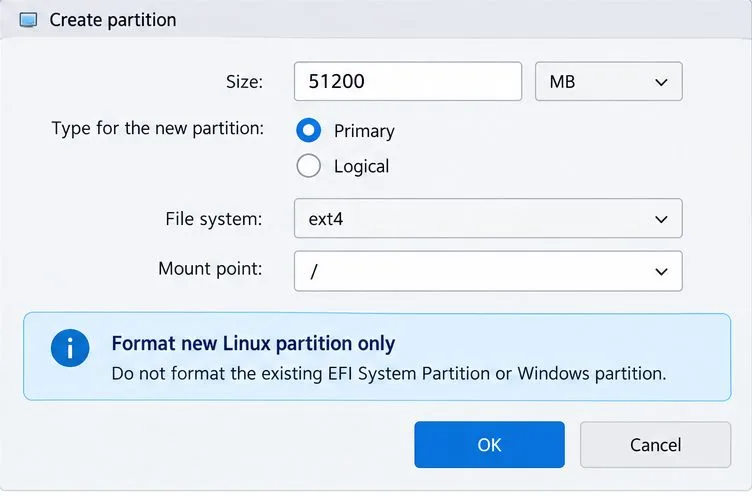
Install Pardus alongside Windows 11 by shrinking the Windows volume, using unallocated space, and preserving the existing EFI System Partition.
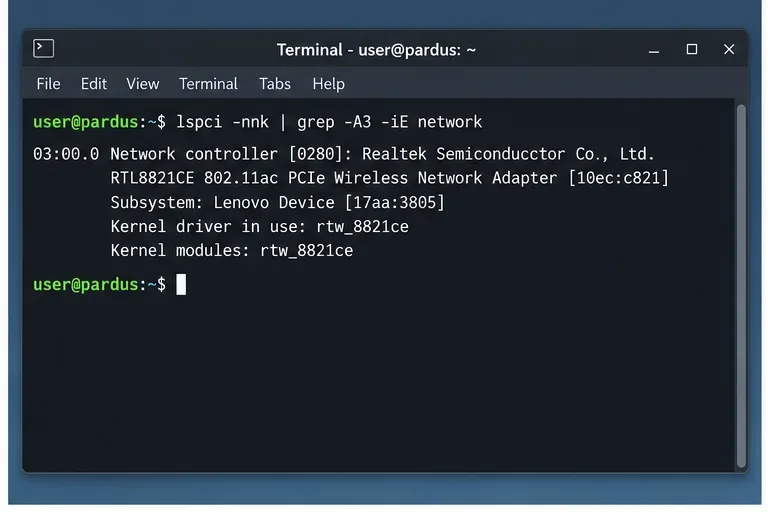
Identify the RTL8821CE, install Pardus-supported Realtek firmware, and verify the driver, Wi-Fi scan, and next troubleshooting step.
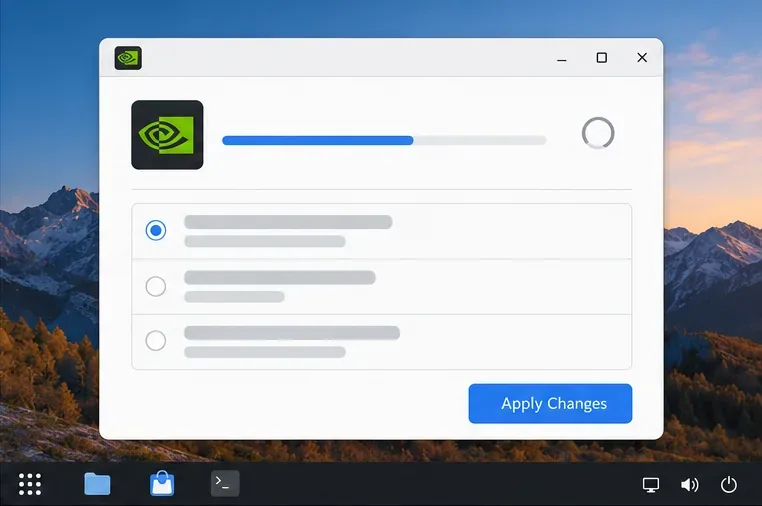
Use Pardus’s hardware-aware installer to enable the right NVIDIA driver, reboot safely, and verify the active kernel module.
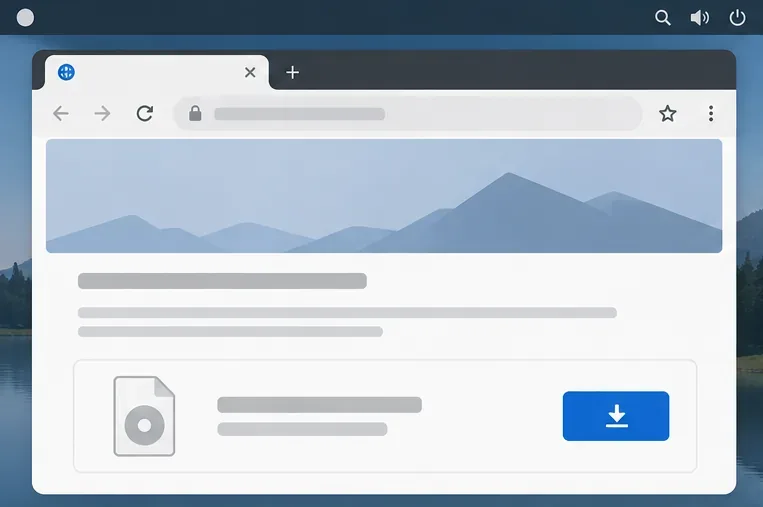
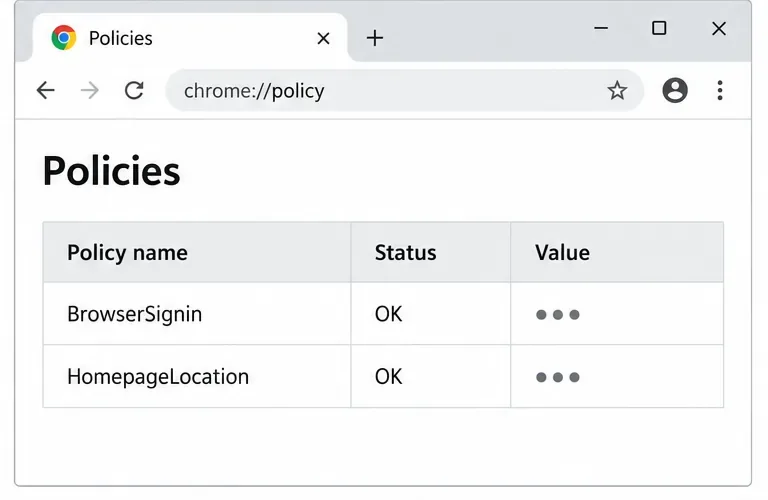
Install the official Chrome package safely on Gooroom OS, check compatibility, preserve device controls, and verify browser policies before use.
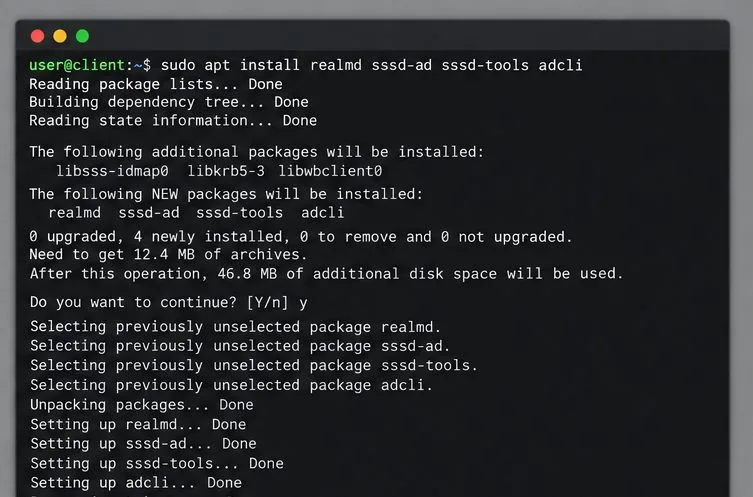
Prepare DNS and time, enroll Pardus with realmd and SSSD, and verify domain membership and user lookup before relying on AD sign-in.
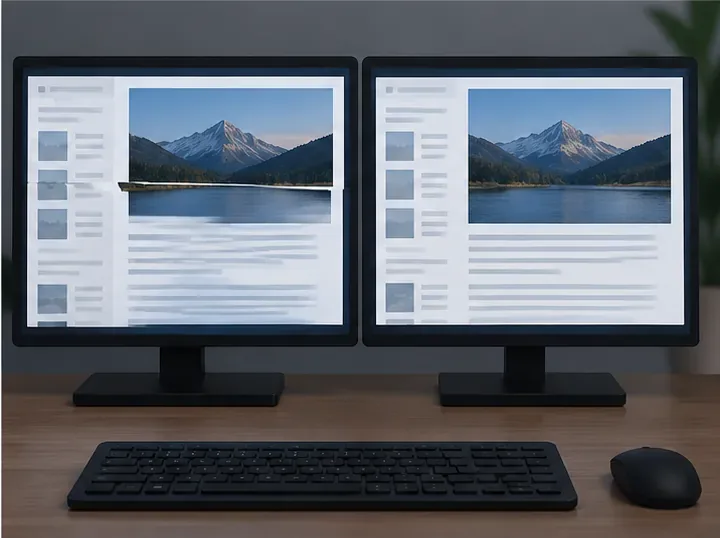
Reduce horizontal tearing in Pardus XFCE by checking your display session, enabling compositor synchronization, and applying Intel’s Xorg TearFree option only when the active driver supports it.
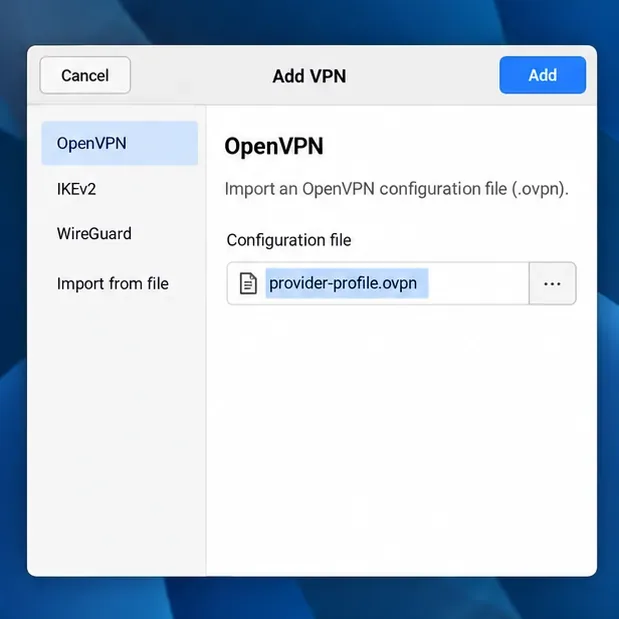
Add an OpenVPN profile to NetworkManager on Pardus, install the right plugin, protect credentials, and verify the VPN is active.