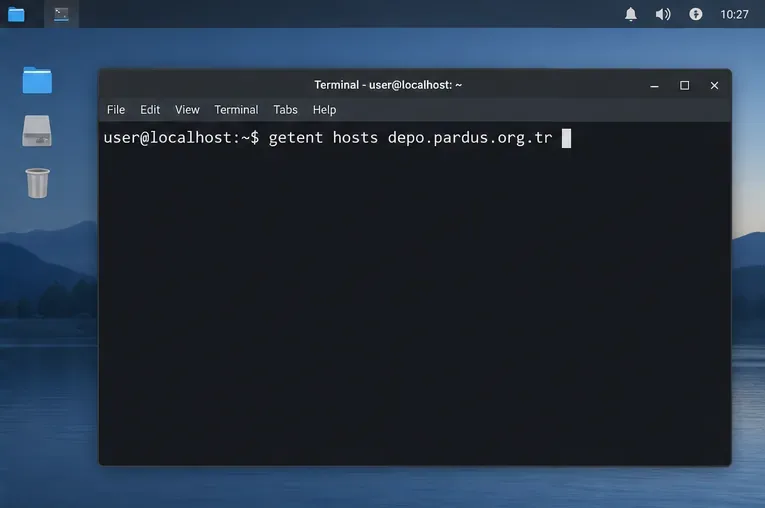
Set Up Secure RDP Access to a Pardus Xfce Desktop

Install and configure xrdp on Pardus, choose the right Xfce session, restrict network access, and verify that remote login works.
Imagine firing up your development environment, only to find Docker Desktop not starting on Windows 11. Frustrating, right? 😩 Don't worry—whether you're a seasoned developer or just diving into containerization, these issues are common and fixable. In this guide, we'll walk you through the most effective troubleshooting steps, focusing on the latest solutions to get Docker Desktop up and running without the hassle. By the end, you'll be containerizing like a pro. Let's dive in!
Windows 11 brings powerful features for developers, but Docker Desktop not starting often stems from compatibility hiccups. Key culprits include:
These problems affect many users, but with targeted fixes, you'll resolve them quickly. Stick around—we'll prioritize the easiest wins first. 👍
Before troubleshooting, ensure your setup meets Docker's needs. Docker Desktop requires Windows 11 (build 22000 or higher), WSL 2 enabled, and at least 4GB RAM. Here's how to check:
winver, and hit Enter to confirm your Windows version.wsl --status. If WSL isn't installed, proceed to enable it below.If anything's off, update Windows via Settings > Update & Security > Windows Update. This simple check often reveals the root cause of Docker Desktop not starting on Windows 11.
WSL 2 is Docker's secret sauce on Windows. If it's not running version 2, Docker Desktop will balk at startup. Follow these steps:
wsl --install. Restart your PC.wsl --set-default-version 2.wsl --install -d Ubuntu.After this, relaunch Docker Desktop. Many users report instant success here—it's like flipping a switch! If not, keep reading for more targeted fixes. 🌟
Hyper-V powers Docker's VMs, but conflicts with other hypervisors (like VirtualBox) can cause Docker Desktop not starting. Let's reset:
| Service | Action | Command |
|---|---|---|
| LxssManager (WSL) | Restart | services.msc > Find LxssManager > Restart |
| Hyper-V Host Compute Service | Start if Stopped | services.msc > Hyper-V Host Compute Service > Start |
| HvHost (Hyper-V) | Enable Feature | Turn Windows features on/off > Check Hyper-V |
Pro tip: Disable conflicting software temporarily. Run dism.exe /Online /Disable-Feature /FeatureName:Microsoft-Hyper-V-All to toggle if needed, then re-enable. Test Docker afterward—smooth sailing ahead? If Hyper-V is the villain, this nails it.
If basics don't cut it, a fresh install often resolves corruption. Here's the clean way:
%APPDATA%\Docker and %LOCALAPPDATA%\Docker.This method fixes 80% of stubborn Docker Desktop not starting on Windows 11 cases. Feeling empowered yet? You're almost there! 👏
Low resources or overzealous antivirus can sabotage startup. Quick checks:
For deeper dives, consult Docker's official docs: Docker Troubleshooting Guide. These tweaks ensure long-term stability.
Still stuck? Try these pro-level solutions:
wsl --shutdown in PowerShell, then restart Docker."C:\Program Files\Docker\Docker\DockerCli.exe" -SwitchDaemon to force a daemon switch.If errors persist (e.g., "Docker failed to initialize"), search Docker forums with your exact log message—community wisdom is gold. You've got this; persistence pays off! 💪
To keep things humming:
wsl --update.With these habits, Docker Desktop not starting on Windows 11 becomes a thing of the past. Ready to build your next app? Launch Docker and celebrate—your dev flow is restored! If this guide helped, share your success story in the comments. Happy containerizing! 🎉
Install and configure xrdp on Pardus, choose the right Xfce session, restrict network access, and verify that remote login works.
Diagnose Pardus 23 APT connection failures, confirm the official yirmiuc sources, and restore apt update without bypassing package signature checks.
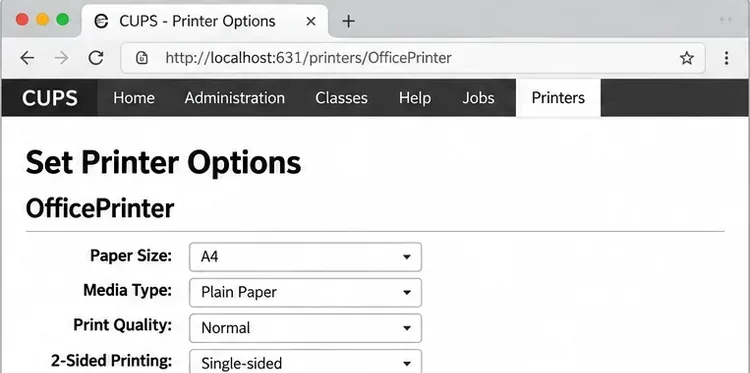
Configure printers on Harmonica OS using CUPS, compare driverless IPP with legacy drivers, and verify USB or network printing with a test page.
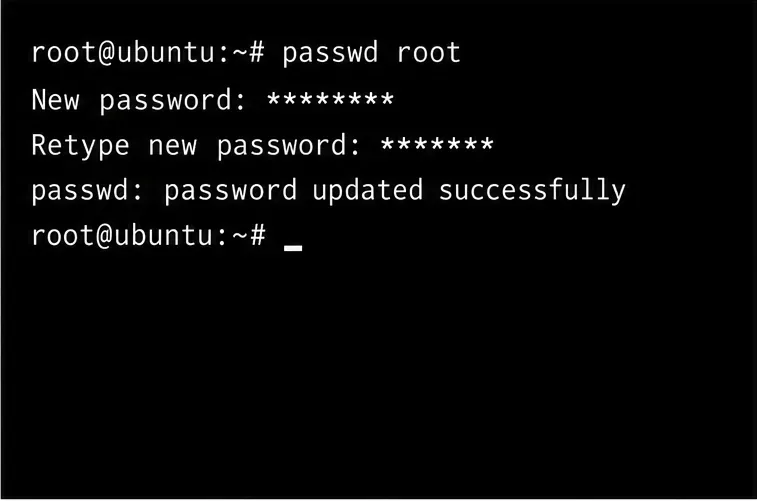
Use a recovery shell to set a new Harmonica OS root password, with checks for encrypted disks, read-only filesystems, and accounts that use sudo.
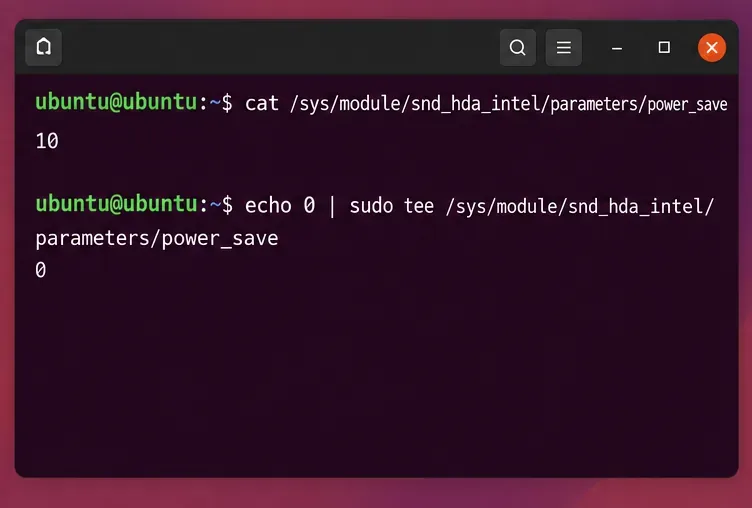
Trace whether clipping, ALSA format conversion, or HDA power saving is causing Ubuntu 24.04 audio distortion, then apply the matching reversible fix.
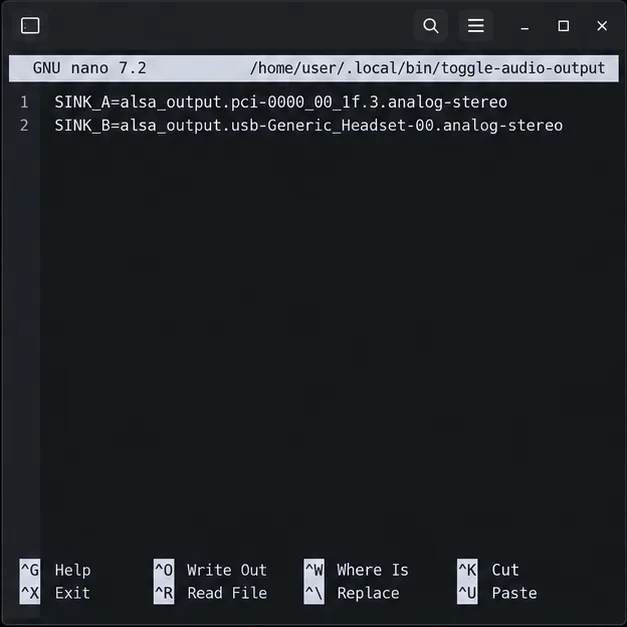
Switch Debian audio between named PipeWire outputs with a pactl script that updates the default sink and reroutes streams already playing.
Get your Bluetooth headset mic working by selecting the right input, using a hands-free audio profile, and checking Ubuntu’s PipeWire route.
Learn why Flatpak apps may ignore Ubuntu 24.04 GTK themes and follow safe steps to check theme extensions, refresh Flatpak apps, and diagnose portal issues.
Install Ubuntu 24.04 alongside Windows 11 with BitLocker safely. Compare separate-drive and shared-drive paths, recovery keys, partitioning, and boot checks.
Diagnose NVIDIA driver failures after an Ubuntu kernel update. Check DKMS and Secure Boot, rebuild the matching module, enroll a MOK, and verify the fix.