
Set Up Secure RDP Access to a Pardus Xfce Desktop

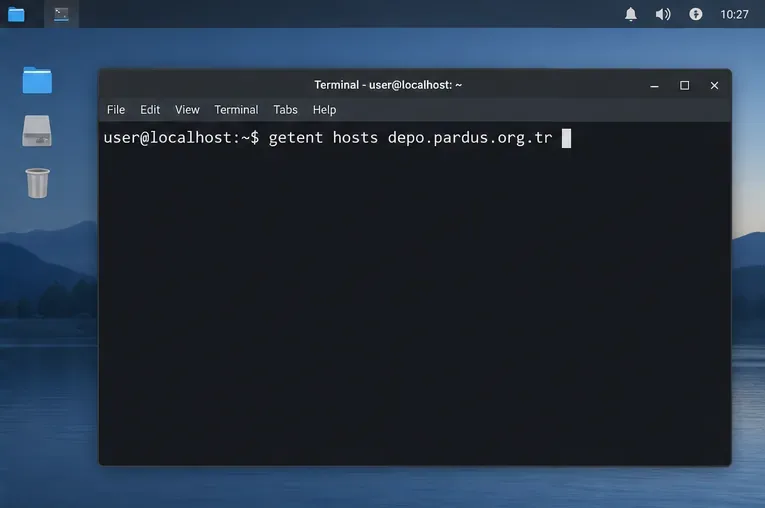
Install and configure xrdp on Pardus, choose the right Xfce session, restrict network access, and verify that remote login works.
Imagine powering up your Windows 11 PC, only to be hit with a dreaded Blue Screen of Death (BSOD) flashing "Driver Power State Failure". It's frustrating, right? 😩 This error often signals a hiccup in how your drivers manage power transitions, like when your system tries to sleep or hibernate. But don't worry—it's fixable! In this concise guide, we'll walk you through the most effective ways to tackle Windows 11 "Driver Power State Failure", drawing from the latest troubleshooting methods. By the end, you'll have your system back to peak performance. Let's dive in and banish that BSOD for good!
Before we jump into fixes, understanding the root causes can help you prevent future issues. The Driver Power State Failure BSOD typically occurs when a driver fails to transition between power states properly. Common culprits include:
Recognizing these helps you target the right solution. Now, let's get to the fixes—starting with the simplest ones that often resolve the problem in minutes.
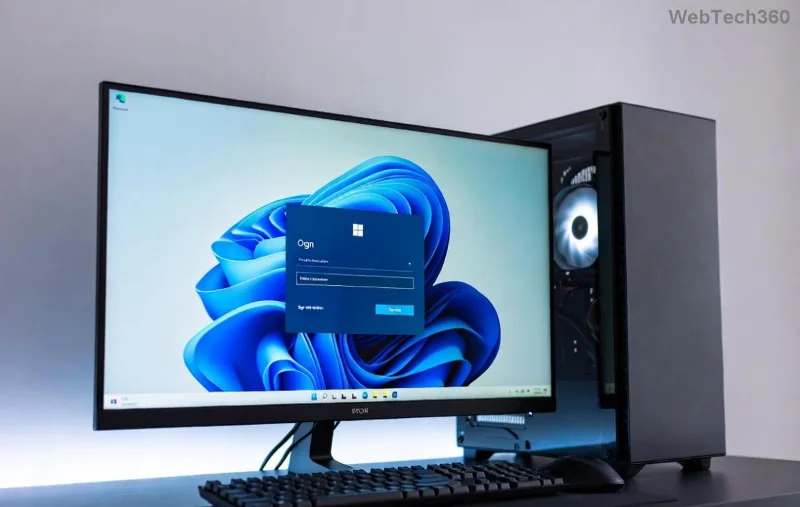
Your first line of defense? Windows' built-in tools. They're quick, safe, and often pinpoint the issue without needing advanced skills.
sfc /scannow
DISM /Online /Cleanup-Image /RestoreHealthThese scan and repair corrupted system files, a common trigger for Driver Power State Failure.
Pro Tip: If the BSOD persists in Safe Mode, it's likely a hardware issue. Keep reading for deeper dives!
Drivers are the heart of this error. Outdated ones can't handle Windows 11's power management efficiently. Here's how to fix it:
| Driver Type | How to Update | Why It Helps |
|---|---|---|
| Graphics Drivers (NVIDIA/AMD/Intel) | Visit the manufacturer's site (e.g., NVIDIA) or use Device Manager: Right-click Start > Device Manager > Display adapters > Right-click your GPU > Update driver. | Graphics drivers frequently cause power state mismatches; latest versions support Windows 11's efficiency cores. |
| Chipset and Network Drivers | Download from your motherboard maker (e.g., ASUS, MSI) or use Windows Update's optional updates section. | These handle core power transitions; updates fix BSODs from recent firmware changes. |
| Rolling Back if Needed | In Device Manager, right-click the driver > Properties > Driver tab > Roll Back Driver (if available after a recent update). | Reverts incompatible updates that might have triggered the error. |
After updating, restart and test. Many users report this alone resolves Windows 11 "Driver Power State Failure". If you're unsure which driver is problematic, use the Event Viewer: Search for it in Start, go to Windows Logs > System, and filter for errors around the crash time.
Power management in Windows 11 is optimized for efficiency, but it can clash with certain setups. Tweak these to stabilize your system:
These steps address hardware angles, ensuring your PC isn't the weak link. Feeling empowered yet? You're halfway to a crash-free experience!
If basics don't cut it, time for pro-level troubleshooting. Stay calm—these are straightforward with guidance.
verifier. Select "Create standard settings" > "Automatically select all drivers" > Finish. Restart; if it BSODs again, note the driver mentioned. Disable via verifier afterward to avoid boot loops.
For the latest insights, Microsoft recommends checking their support forums for Windows 11-specific patches. If all else fails, consider a repair install: Download the Windows 11 ISO from Microsoft's official site, run setup.exe, and choose "Keep files and apps."
Fixing is great, but prevention is better! To keep Windows 11 BSOD at bay:
With these habits, your PC will run like a dream. You've got this! If a specific step trips you up, drop a comment below—we're here to help. 🎉 Ready to reboot with confidence?
Disclaimer: These steps are based on standard Windows 11 troubleshooting as of the current year. For personalized advice, consult a professional technician.
Install and configure xrdp on Pardus, choose the right Xfce session, restrict network access, and verify that remote login works.
Diagnose Pardus 23 APT connection failures, confirm the official yirmiuc sources, and restore apt update without bypassing package signature checks.
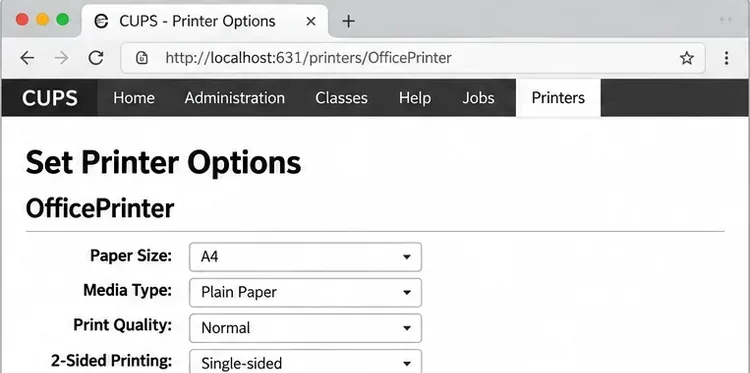
Configure printers on Harmonica OS using CUPS, compare driverless IPP with legacy drivers, and verify USB or network printing with a test page.
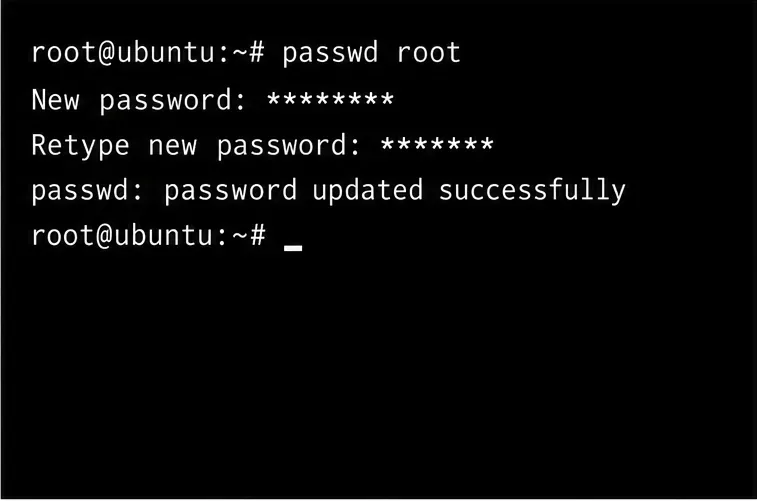
Use a recovery shell to set a new Harmonica OS root password, with checks for encrypted disks, read-only filesystems, and accounts that use sudo.
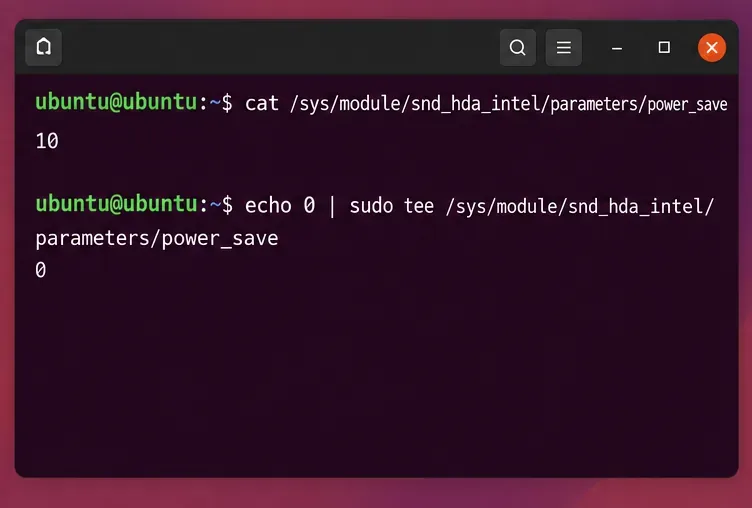
Trace whether clipping, ALSA format conversion, or HDA power saving is causing Ubuntu 24.04 audio distortion, then apply the matching reversible fix.
Switch Debian audio between named PipeWire outputs with a pactl script that updates the default sink and reroutes streams already playing.
Get your Bluetooth headset mic working by selecting the right input, using a hands-free audio profile, and checking Ubuntu’s PipeWire route.
Learn why Flatpak apps may ignore Ubuntu 24.04 GTK themes and follow safe steps to check theme extensions, refresh Flatpak apps, and diagnose portal issues.
Install Ubuntu 24.04 alongside Windows 11 with BitLocker safely. Compare separate-drive and shared-drive paths, recovery keys, partitioning, and boot checks.
Diagnose NVIDIA driver failures after an Ubuntu kernel update. Check DKMS and Secure Boot, rebuild the matching module, enroll a MOK, and verify the fix.