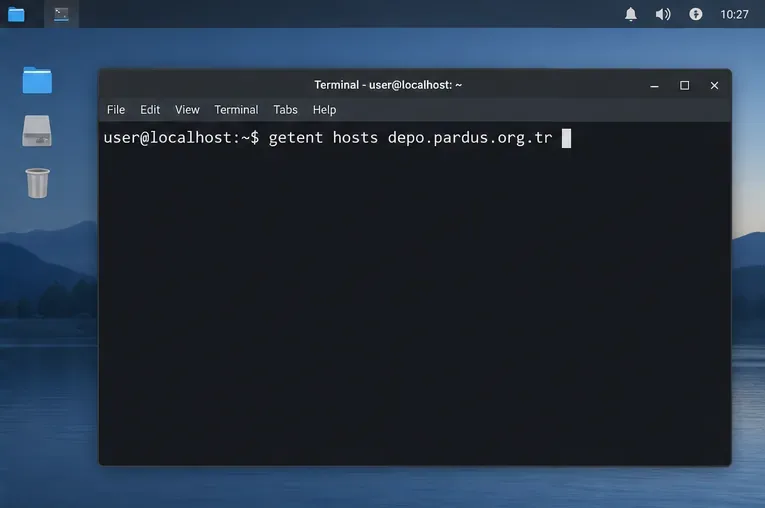
Set Up Secure RDP Access to a Pardus Xfce Desktop

Install and configure xrdp on Pardus, choose the right Xfce session, restrict network access, and verify that remote login works.
Imagine powering on your Windows 11 PC, only to be hit with a dreaded blue screen of death (BSOD) flashing "Kernel Security Check Failure". It's frustrating, right? 😩 This error can halt your workflow, from gaming sessions to important deadlines. But don't worry—it's often fixable with simple steps. In this guide, we'll walk you through the most effective ways to resolve the Windows 11 Kernel Security Check Failure error. By the end, you'll have your system back up and running, feeling empowered and stress-free. Let's dive in!
The Kernel Security Check Failure is a critical BSOD error in Windows 11 that points to issues in the kernel—the core of your operating system. It typically occurs due to corrupted system files, faulty drivers, hardware problems, or even malware. Recent updates to Windows 11 have made the system more robust, but occasional glitches still pop up, especially after software installs or hardware changes.
Common triggers include:
Spotting this error? You'll see a blue screen with the message, followed by an automatic restart. Now, let's fix it step by step. We'll start with the easiest methods and escalate as needed. Follow along, and you'll be back to normal in no time! 👏
Before diving deep, boot into Safe Mode to isolate the issue. Safe Mode loads Windows 11 with minimal drivers, helping you troubleshoot without interference.
Once in Safe Mode, check if the error persists. If not, the culprit is likely a third-party driver or app. Proceed to the next steps from here. Pro tip: This mode is your safety net—use it often for stability checks! 🌟
Corrupted system files are a top cause of Kernel Security Check Failure Windows 11. Microsoft's built-in tools can scan and repair them effortlessly.
sfc /scannow and press Enter. This scans and fixes protected files. Wait for it to complete—it might take 10-20 minutes.DISM /Online /Cleanup-Image /RestoreHealth and hit Enter. This pulls clean files from Windows Update.These commands are like a digital doctor for your OS—reliable and free. Many users report instant fixes after this. If you're in Safe Mode, run them there for best results! 👍
Outdated drivers often trigger this BSOD. Windows 11's latest patches address many kernel-related bugs, so staying current is key.
Updating isn't just a fix—it's preventive maintenance. Imagine smoother performance and fewer crashes ahead. Keep reading for hardware checks if software tweaks don't cut it! 🔧
Sometimes, the fix kernel security check failure puzzle involves hardware. Faulty RAM or overheating can mimic software errors.
chkdsk /f /r and schedule a scan on restart. This fixes disk errors that could corrupt kernel data.Hardware fixes might sound intimidating, but they're straightforward. If you're not comfortable, a quick tech shop visit can save the day. Your PC will thank you with reliable performance! 💻
If the basics don't resolve your Windows 11 BSOD error, try these targeted solutions. We'll use a table to compare options for clarity:
| Method | Steps | Why It Works | Difficulty |
|---|---|---|---|
| System Restore | Search "Create a restore point" > System Restore > Pick a point before the error started. | Reverts system changes without losing files. | Easy ⭐ |
| Clean Boot | Search "msconfig" > Services > Hide all Microsoft > Disable all > Startup tab > Open Task Manager > Disable non-essential. | Identifies conflicting software. | Medium ⭐⭐ |
| Reset Windows 11 | Settings > System > Recovery > Reset this PC (keep files option). | Refreshes the OS while preserving data. | Medium ⭐⭐ |
| Blue Screen Troubleshooter | Settings > System > Troubleshoot > Other troubleshooters > Run Blue screen. | Automated detection of BSOD causes. | Easy ⭐ |
For malware checks, run a full scan with Windows Security or Malwarebytes. If all else fails, consider a clean Windows 11 install from Microsoft's recovery media—detailed on their official support page.
Fixing is great, but prevention is better! To avoid troubleshoot kernel error recurrences:
By staying proactive, you'll enjoy a stable Windows 11 experience. Feeling relieved already? You've got this! If the error lingers, note the exact stop code (e.g., 0x000000139) and search Microsoft forums for tailored advice.
Dealing with Kernel Security Check Failure on Windows 11 can be a bump in the road, but with these steps, you're equipped to smooth it out. Start simple, escalate if needed, and soon you'll be back to seamless computing. Share your success in the comments—did SFC save the day? Let's keep the conversation going! 🚀
Install and configure xrdp on Pardus, choose the right Xfce session, restrict network access, and verify that remote login works.
Diagnose Pardus 23 APT connection failures, confirm the official yirmiuc sources, and restore apt update without bypassing package signature checks.
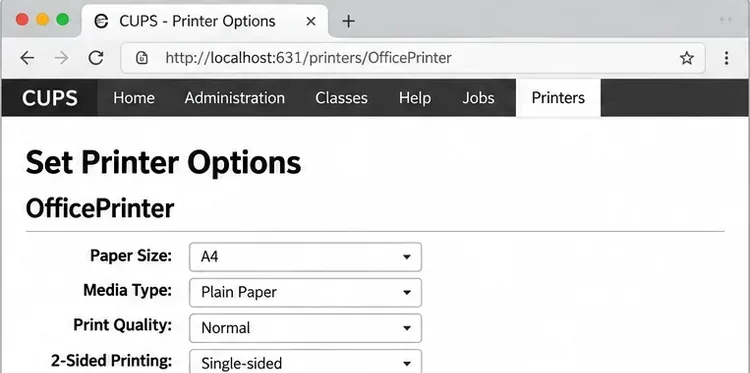
Configure printers on Harmonica OS using CUPS, compare driverless IPP with legacy drivers, and verify USB or network printing with a test page.
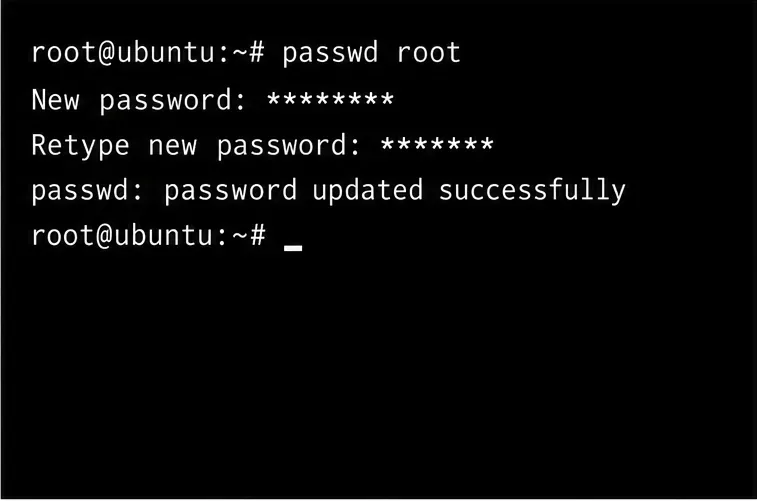
Use a recovery shell to set a new Harmonica OS root password, with checks for encrypted disks, read-only filesystems, and accounts that use sudo.
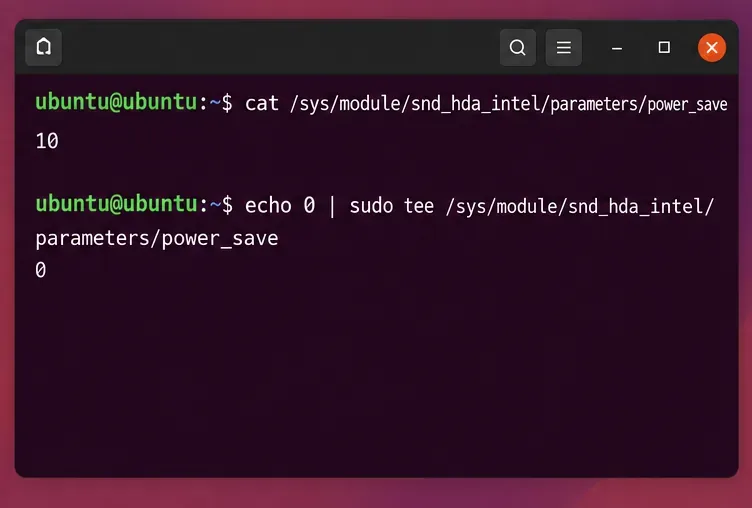
Trace whether clipping, ALSA format conversion, or HDA power saving is causing Ubuntu 24.04 audio distortion, then apply the matching reversible fix.
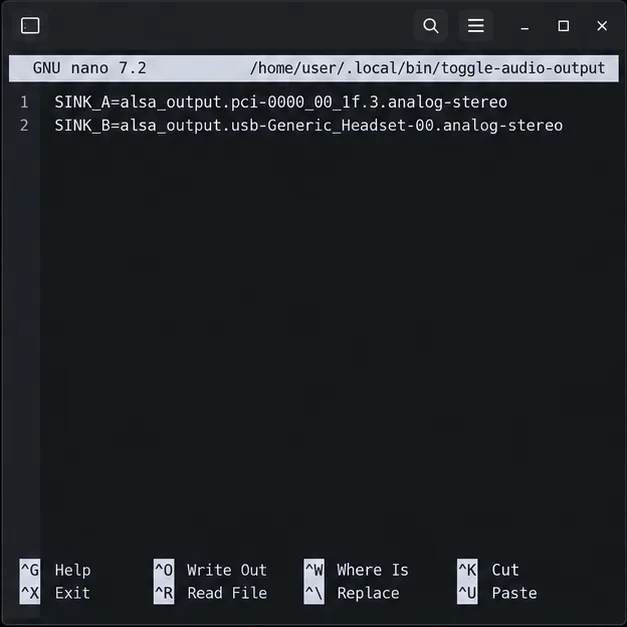
Switch Debian audio between named PipeWire outputs with a pactl script that updates the default sink and reroutes streams already playing.
Get your Bluetooth headset mic working by selecting the right input, using a hands-free audio profile, and checking Ubuntu’s PipeWire route.
Learn why Flatpak apps may ignore Ubuntu 24.04 GTK themes and follow safe steps to check theme extensions, refresh Flatpak apps, and diagnose portal issues.
Install Ubuntu 24.04 alongside Windows 11 with BitLocker safely. Compare separate-drive and shared-drive paths, recovery keys, partitioning, and boot checks.
Diagnose NVIDIA driver failures after an Ubuntu kernel update. Check DKMS and Secure Boot, rebuild the matching module, enroll a MOK, and verify the fix.