Bluetooth Adapter Missing on Pardus 23? Start with These Checks
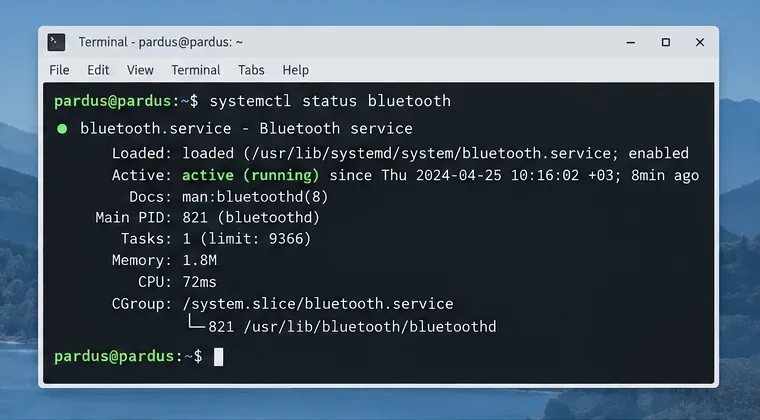
Find out whether Pardus 23 is blocking Bluetooth, missing BlueZ, or failing to detect adapter firmware, then confirm the controller works.
Making Google Chrome your default search engine means every query typed into the address bar routes directly through Google. This change improves result relevance and speed for most users. The instructions below cover desktop and mobile versions of Chrome with exact menu paths.
Chrome ships with Google set as the default search engine in most regions, yet many users switch providers accidentally or through extensions. Reverting to Google restores instant access to features such as knowledge panels, image search, and personalized results tied to a Google Account. No additional software is required.
Before starting, confirm you are using the current stable version of Chrome. Open Chrome, click the three-dot menu in the top right, then select Help followed by About Google Chrome to check for updates.
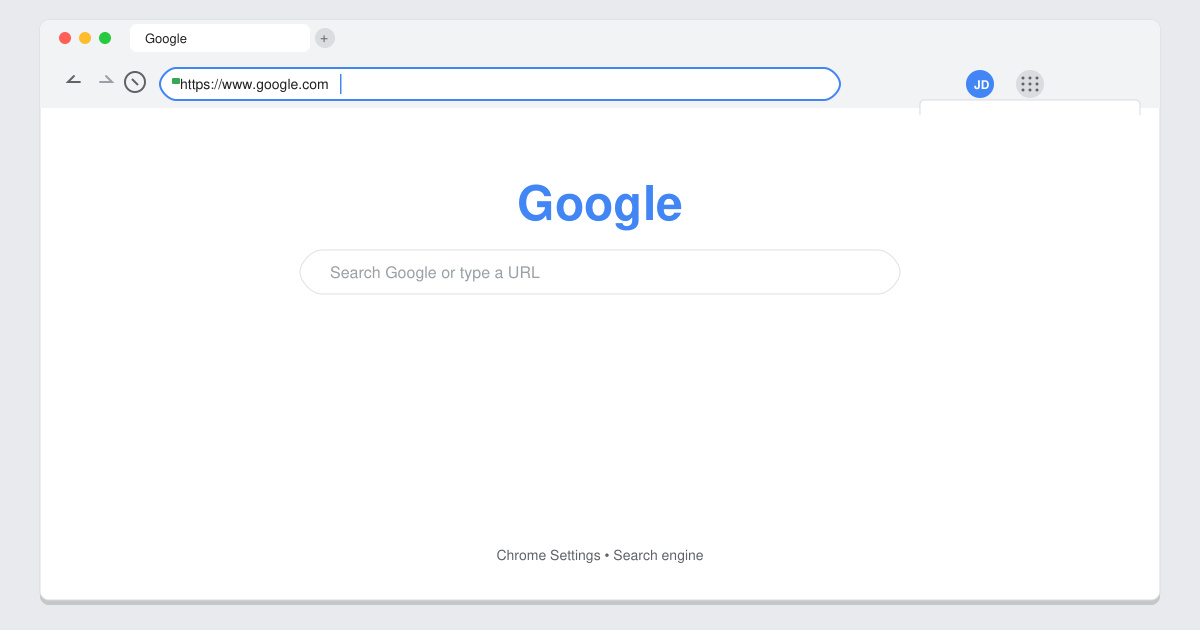
Launch Google Chrome on your computer. Click the three vertical dots in the upper-right corner, then select Settings from the dropdown menu.
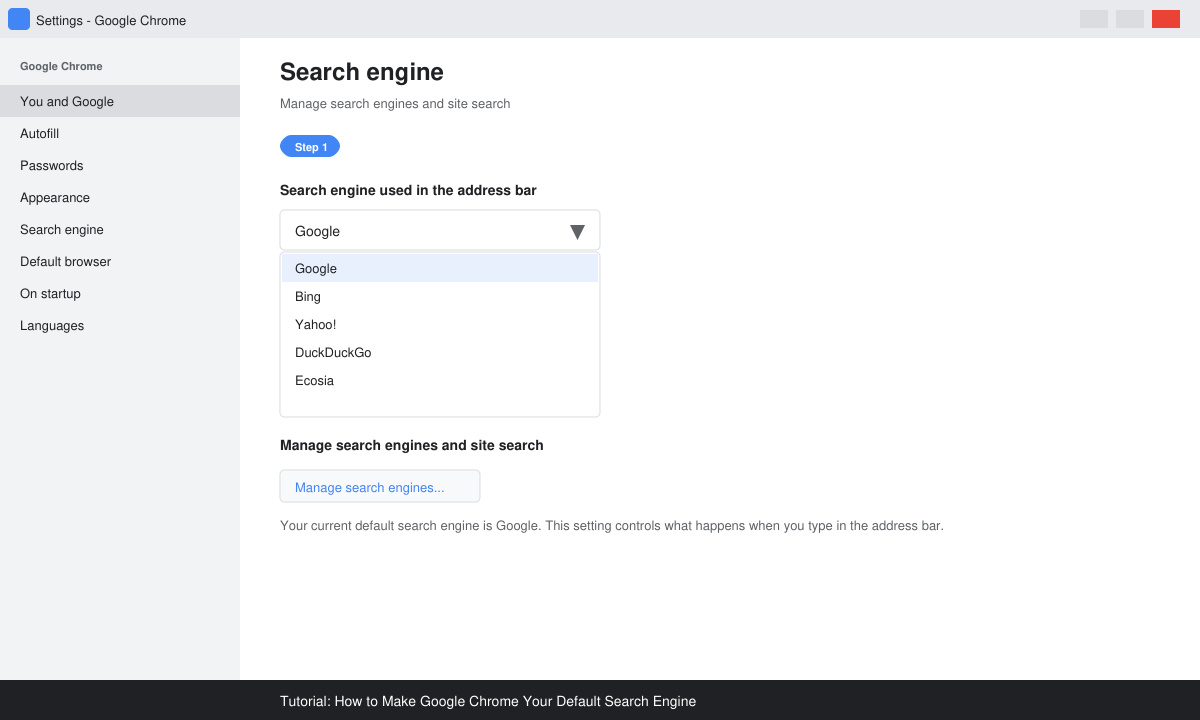
In the left sidebar, click Search engine. Under the heading Search engine used in the address bar, open the dropdown menu and choose Google.
If Google does not appear in the dropdown, click Manage search engines and site search. Locate Google in the list, click the three-dot icon next to it, and select Make default.
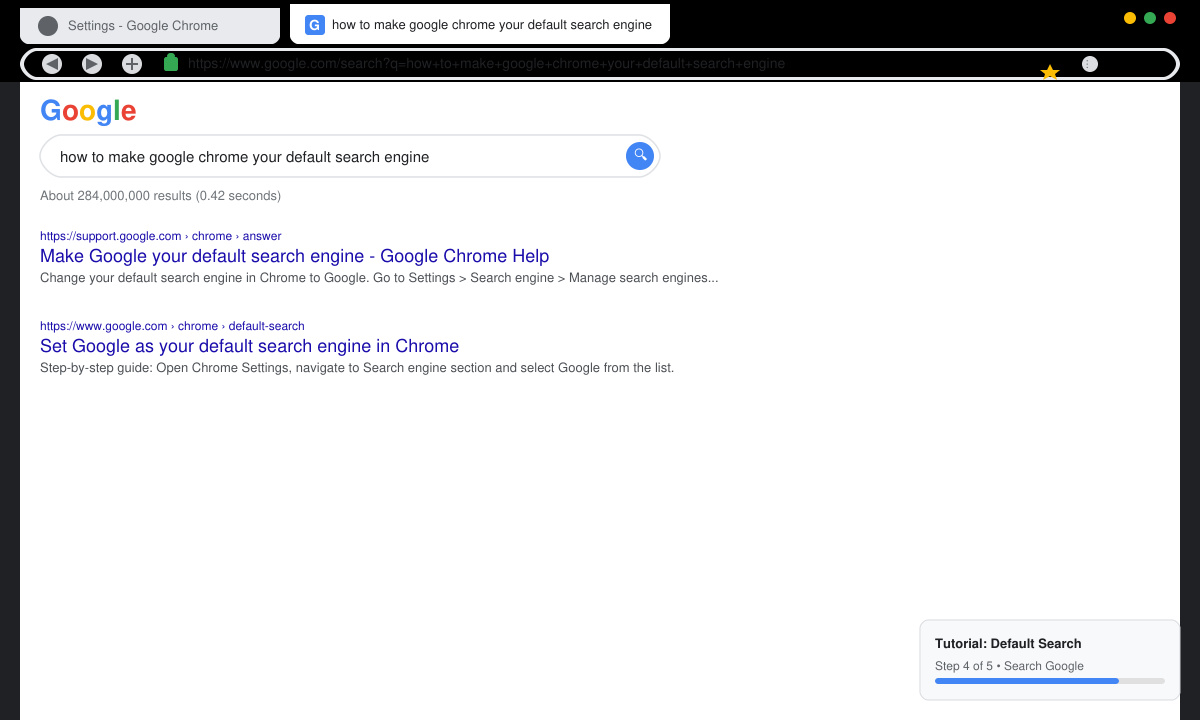
Type a test query such as "weather today" directly into the address bar and press Enter. The results page should load from www.google.com with your usual account preferences applied.
On mobile devices the process differs slightly because Chrome uses the system search provider. Open the Chrome app, tap the three-dot menu, then Settings, and select Search engine. Choose Google from the list. On iOS you may also need to adjust the default search engine inside the iOS Settings app under Chrome.
Yes. The steps above only affect the search engine inside Chrome and leave your default browser unchanged.
Chromebooks follow the same desktop instructions. The setting applies across all user profiles on the device.
No. Changing the search engine does not delete bookmarks, history, or saved passwords.
Once completed, Google becomes the default search engine in Chrome and all address-bar queries route through it automatically.
Find out whether Pardus 23 is blocking Bluetooth, missing BlueZ, or failing to detect adapter firmware, then confirm the controller works.
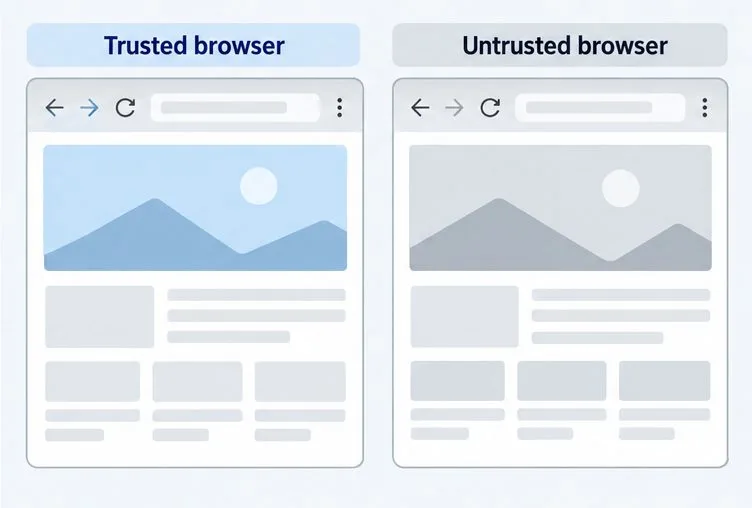
Learn how Gooroom separates trusted and untrusted browsing, what users can change, and how an administrator can safely update site policies.
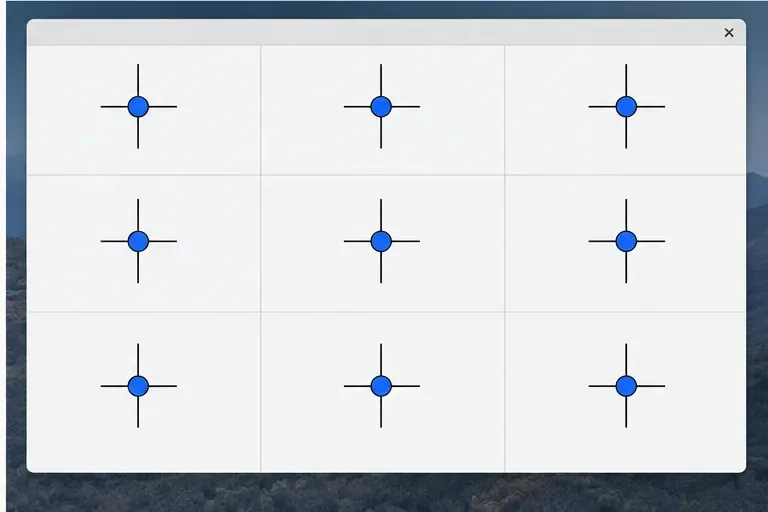
Diagnose rotated, offset, or inconsistent touch input on a Harmonica OS tablet and choose a Linux calibration method that fits its session and driver.
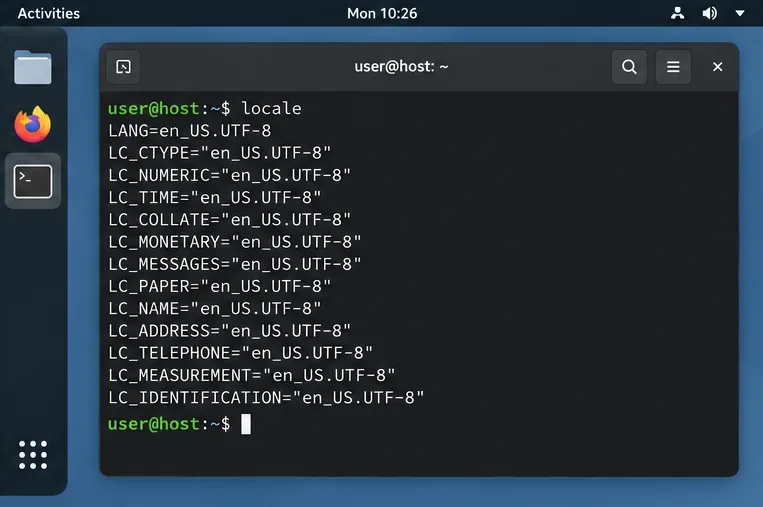
Switch Gooroom’s desktop session to English, verify the locale, and identify when untranslated Korean labels need an app update instead.
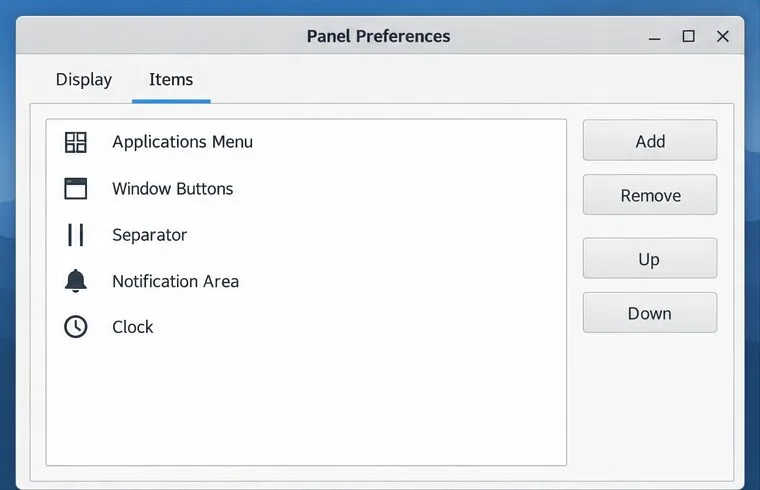
Arrange Pardus XFCE as a familiar bottom taskbar with an app menu, pinned launchers, open-window buttons, and a system tray.
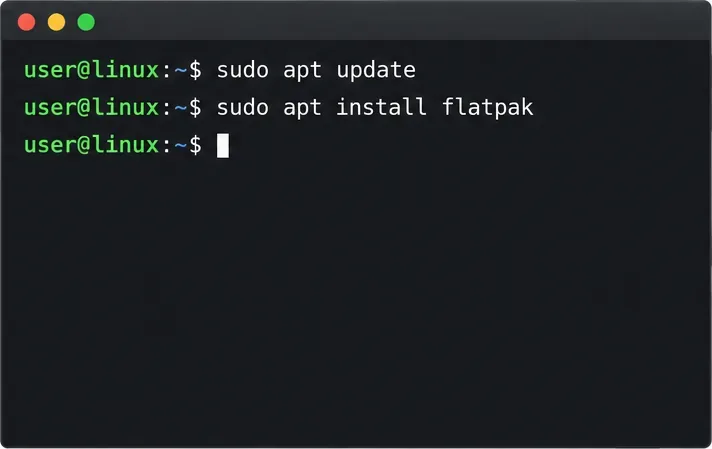
Check your Gooroom release and administrator rules, then follow the official Debian-based setup path for Flatpak or Snap without bypassing system controls.
Learn what Pardus Image Writer can do, how to prepare installation USB safely, and which tools fit custom live images or repeatable fleet deployments.
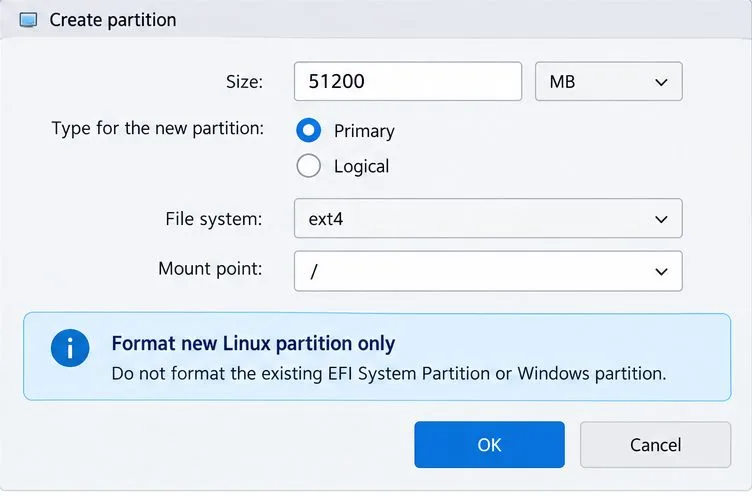
Install Pardus alongside Windows 11 by shrinking the Windows volume, using unallocated space, and preserving the existing EFI System Partition.
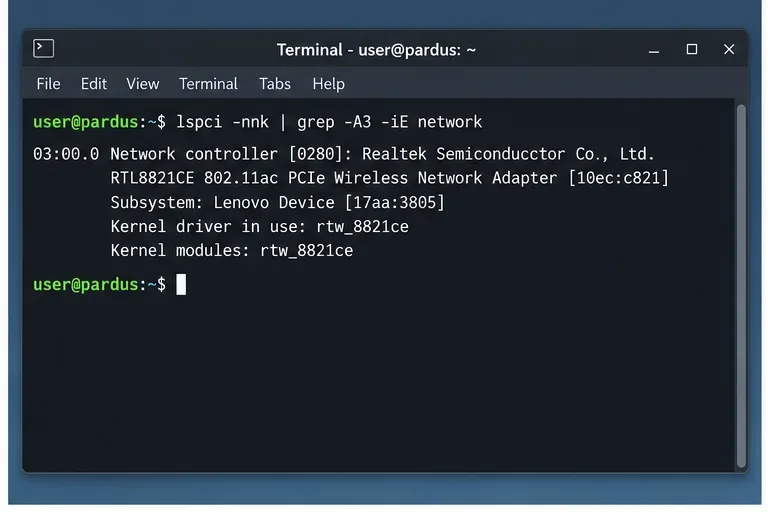
Identify the RTL8821CE, install Pardus-supported Realtek firmware, and verify the driver, Wi-Fi scan, and next troubleshooting step.
Use Pardus’s hardware-aware installer to enable the right NVIDIA driver, reboot safely, and verify the active kernel module.