LibreOffice Document Locked by Unknown User: A Safe Fix
Find the cause of a LibreOffice document lock, safely clear a stale lock file, and confirm that you can edit and save without losing changes.
Need to access the contents of a compressed archive? Knowing how to open a RAR file lets you extract documents, images, and software from these popular archives without paying for proprietary tools. This guide shows the fastest free methods that work on Windows, Mac, and phones.
RAR files use a compression format created by WinRAR. Unlike ZIP files, they often require dedicated software. You only need a free extractor such as 7-Zip for Windows or The Unarchiver for Mac. Make sure your file is not corrupted by checking its size against the original source before starting.
Close any programs that might lock the destination folder. Create a new empty folder on your desktop so the extracted files stay organized and easy to find later.
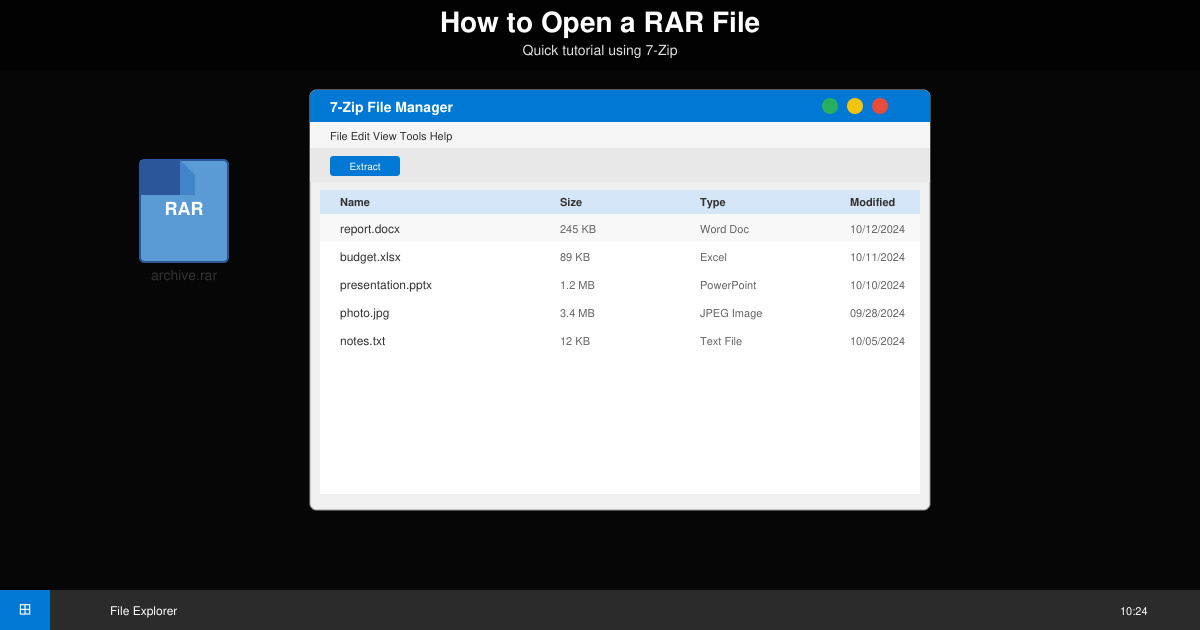
Visit the official 7-Zip website and download the 64-bit installer for your Windows version. Run the downloaded .exe file and follow the on-screen prompts to complete installation. The program adds itself to the right-click context menu automatically.
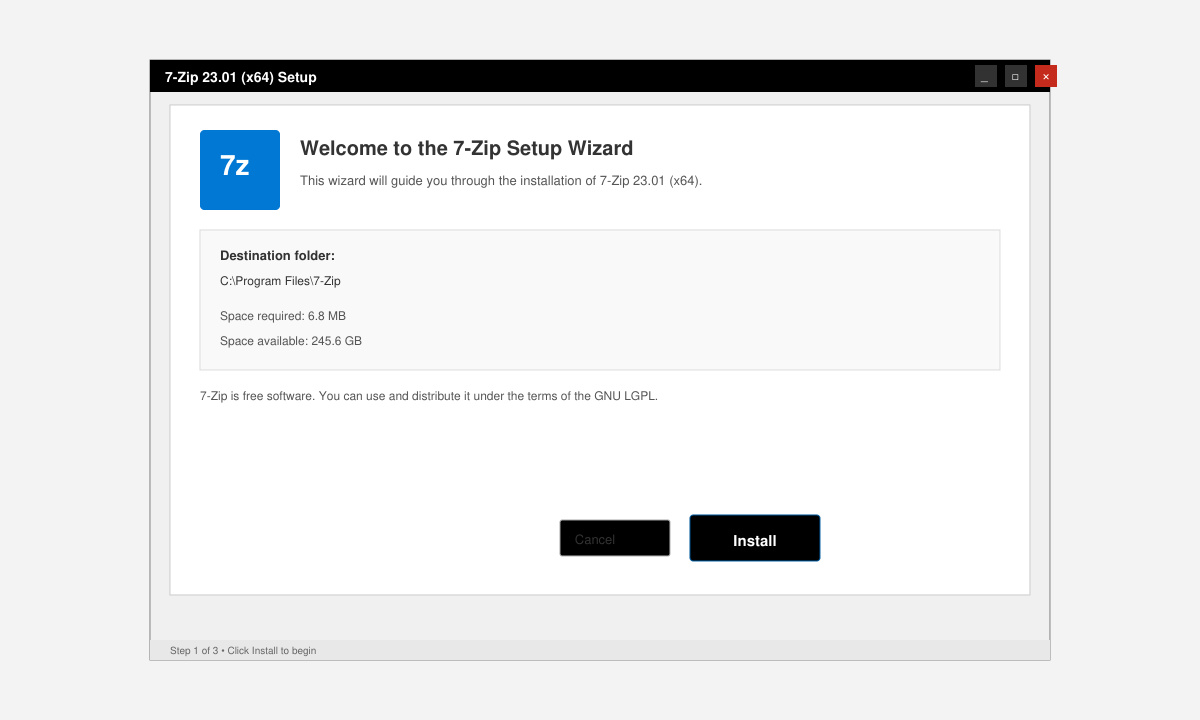
Open File Explorer and navigate to the folder containing the RAR archive. You will see the file with a .rar extension and a distinctive stacked-pages icon.
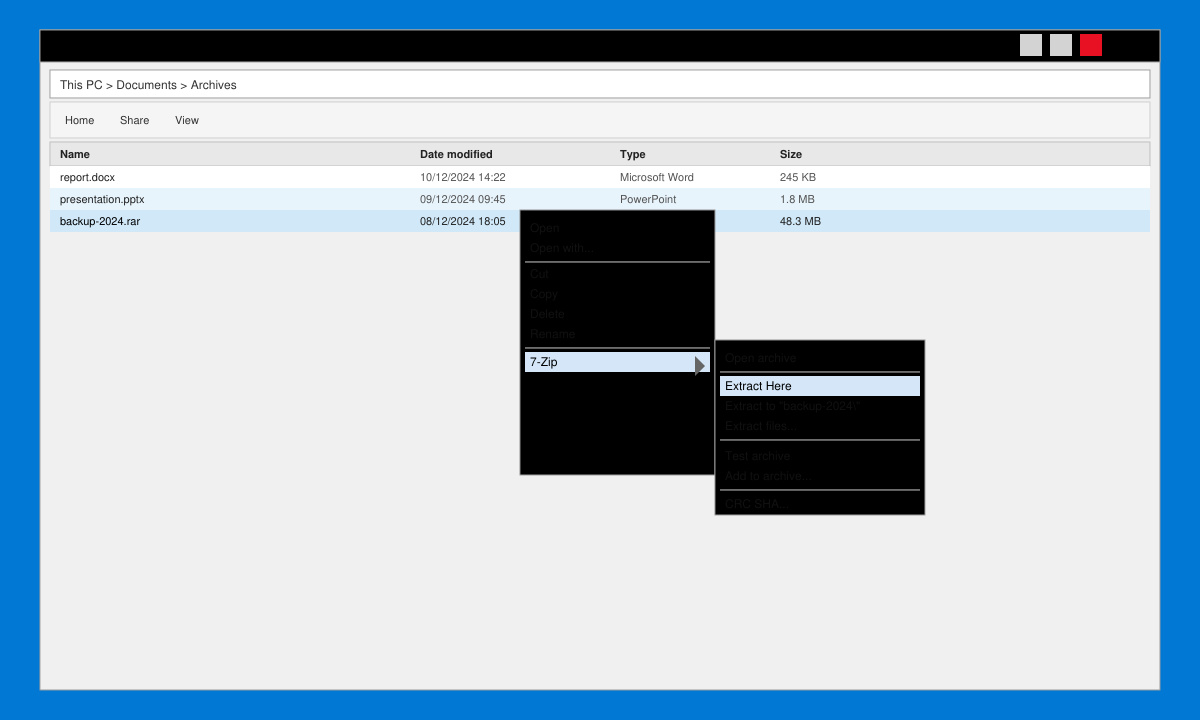
Right-click the RAR file. Choose 7-Zip from the context menu, then select “Extract to ‘FolderName\’”. 7-Zip creates a new subfolder with the same name as the archive and places all files inside it. Double-click the new folder to view the extracted items.
Mac users can open RAR files with The Unarchiver, available free from the Mac App Store. After installation, simply double-click any RAR file. The Unarchiver automatically decompresses the archive into the same folder. If you prefer command-line tools, install Homebrew and run “brew install unrar” followed by “unrar x filename.rar” in Terminal.
Windows and Mac do not include native RAR support, so you must install a free extractor. Some online converters exist but they require uploading your file, which is not recommended for private or large archives.
Yes. 7-Zip is open-source software audited by the community and widely trusted for handling RAR, ZIP, and many other archive formats.
Android users can install the free RAR app by RARLAB from the Play Store. iPhone users can use the free Documents app or iZip. Both let you browse, open, and extract RAR files directly on the device.
Once you install a reliable extractor, opening RAR files takes only a few clicks on any platform. Use the steps above to access your archives quickly and safely every time.
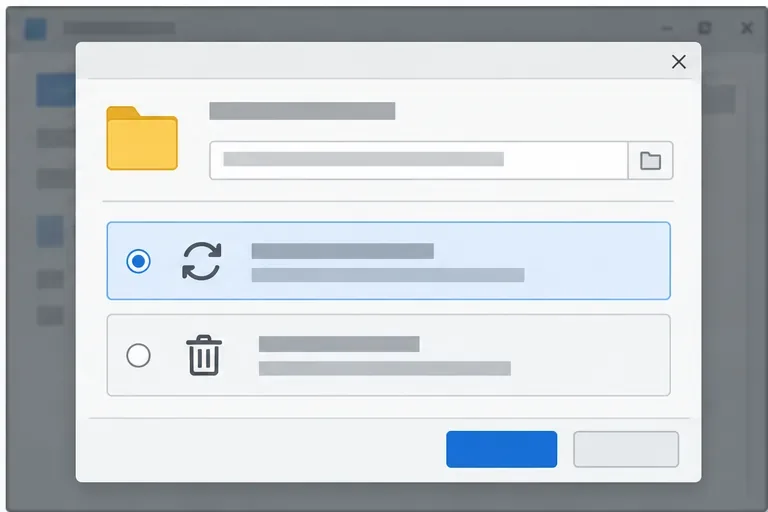
Find the cause of a LibreOffice document lock, safely clear a stale lock file, and confirm that you can edit and save without losing changes.
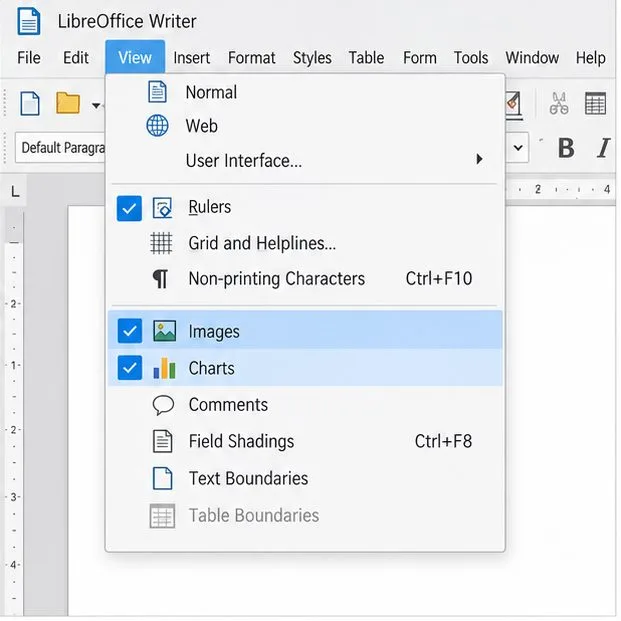
Make image-heavy Writer files easier to edit: test a reversible display setting, compress oversized pictures in a copy, and verify the saved layout.
Find out whether a slow launch comes from extensions, profile settings, or the system, then test the safest fix without losing LibreOffice data.
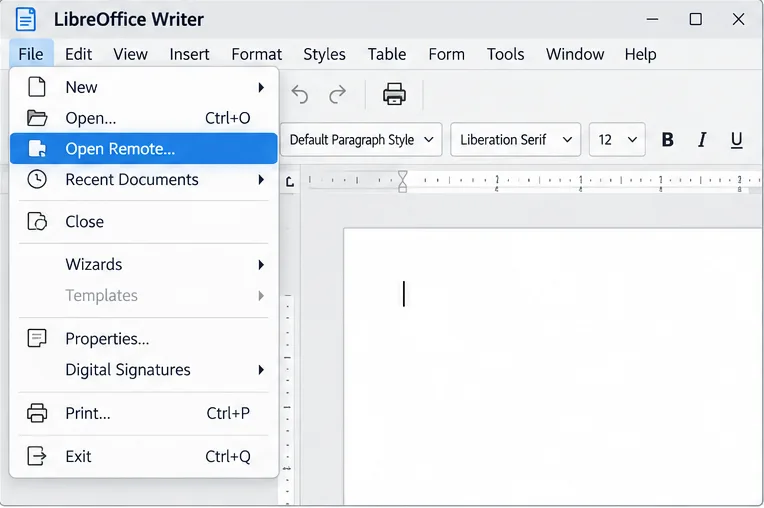
Connect LibreOffice to Nextcloud over WebDAV, save the server copy with Ctrl+S, and understand how AutoRecovery differs from cloud syncing.
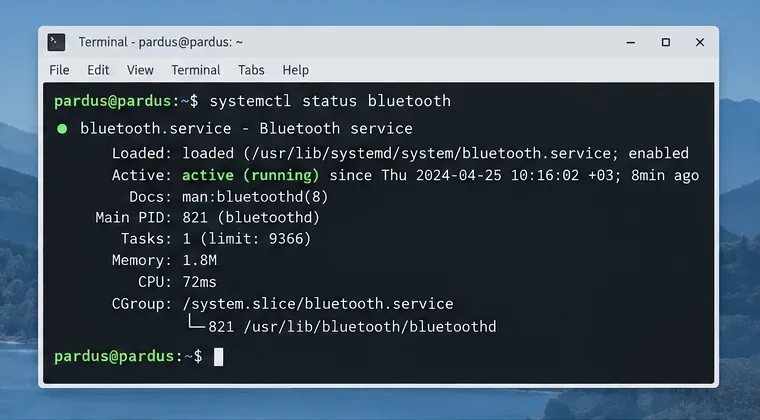
Find out whether Pardus 23 is blocking Bluetooth, missing BlueZ, or failing to detect adapter firmware, then confirm the controller works.
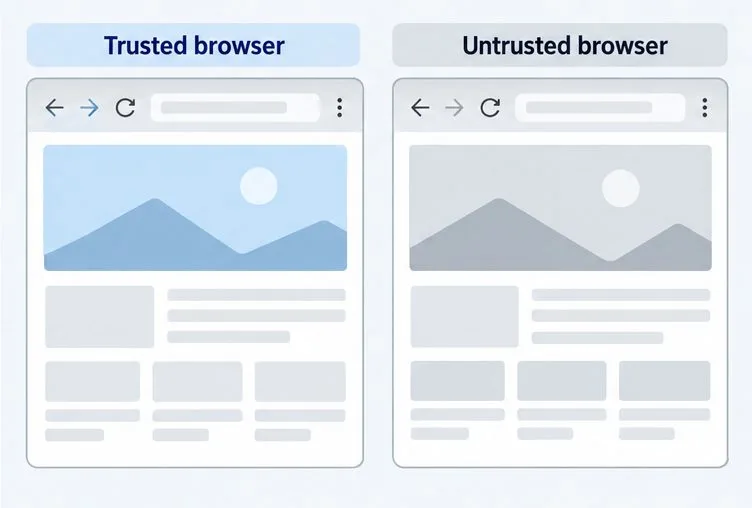
Learn how Gooroom separates trusted and untrusted browsing, what users can change, and how an administrator can safely update site policies.
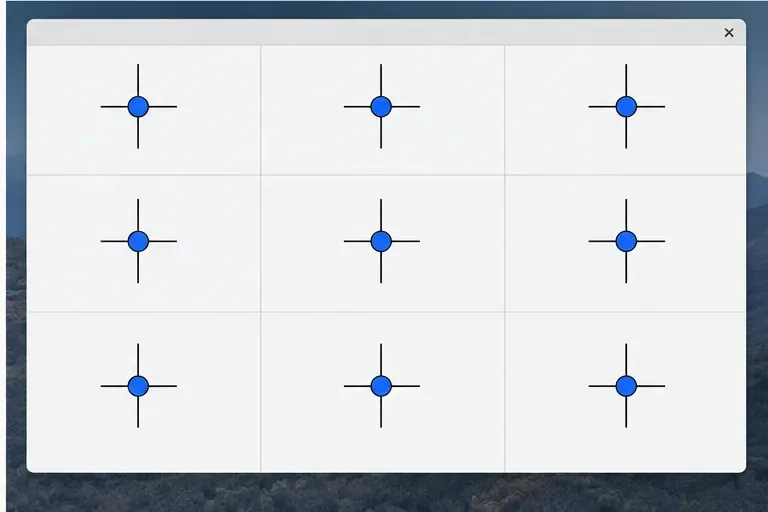
Diagnose rotated, offset, or inconsistent touch input on a Harmonica OS tablet and choose a Linux calibration method that fits its session and driver.
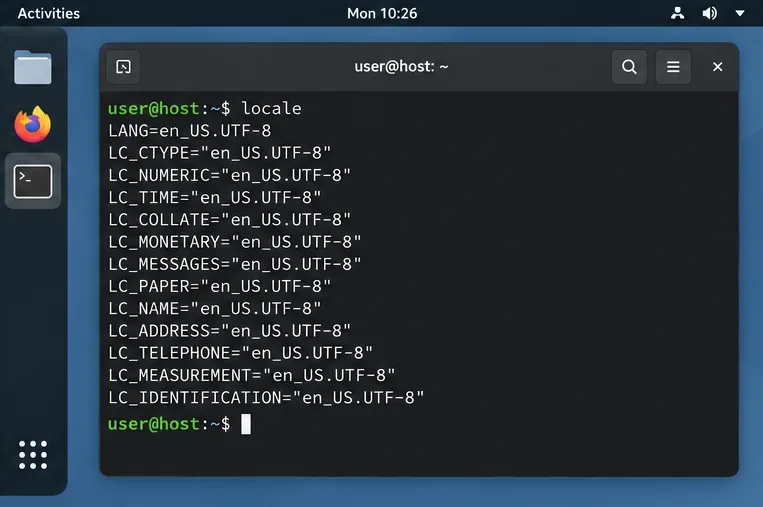
Switch Gooroom’s desktop session to English, verify the locale, and identify when untranslated Korean labels need an app update instead.
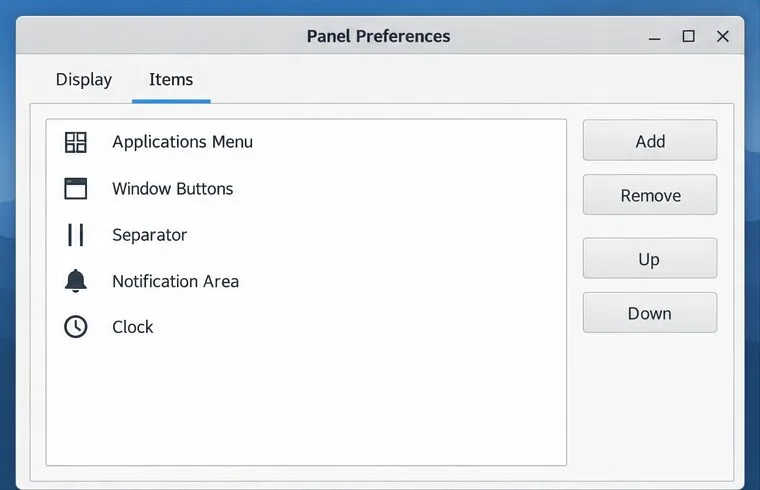
Arrange Pardus XFCE as a familiar bottom taskbar with an app menu, pinned launchers, open-window buttons, and a system tray.
Check your Gooroom release and administrator rules, then follow the official Debian-based setup path for Flatpak or Snap without bypassing system controls.