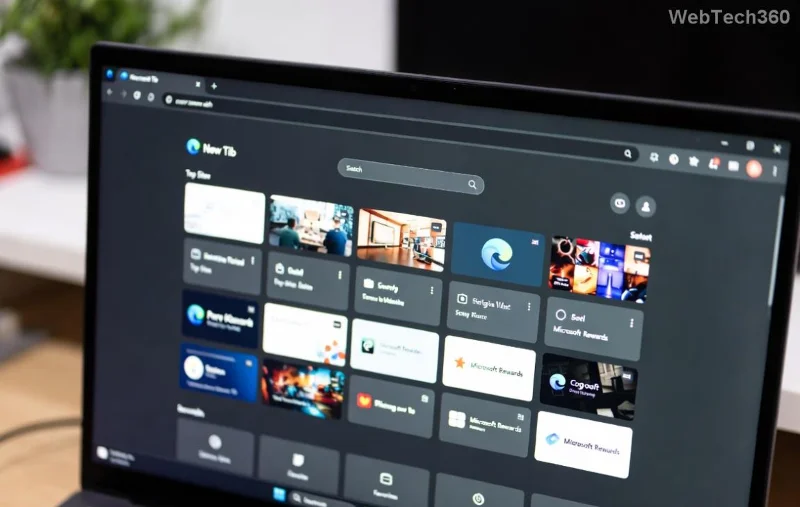
Is your Microsoft Edge acting up? Slow loading, endless pop-ups, or rogue extensions hijacking your tabs? 😩 Don't sweat it! Resetting Microsoft Edge to default settings is the quickest way to reclaim a smooth, secure browsing experience in 2026. This simple process wipes customizations, clears problematic data, and restores factory-fresh performance—without losing bookmarks or passwords if done right.
Whether you're battling adware or just want a clean slate, our step-by-step guide makes it foolproof. Follow along, and you'll be surfing like new in under 10 minutes. Ready? Let's dive in! 🌟
Why Reset Microsoft Edge? Top Reasons in 2026
- 🛡️ Fix crashes and freezes: Erases corrupted cache and settings.
- ⚡ Boost speed: Removes bloat from extensions and tweaks.
- 🔒 Eliminate malware: Clears suspicious changes from unwanted software.
- 📱 Sync issues resolved: Refreshes your Microsoft account profile.
Pro tip: Always back up bookmarks first via edge://favorites for peace of mind. Now, choose your method!
Method 1: Quick Reset Microsoft Edge via Settings (Easiest for Beginners) 👆
This built-in tool is your go-to for most issues. It resets preferences, homepage, search engine, and pinned tabs—keeping essentials intact.
- 🔥 Open Microsoft Edge and click the three-dot menu (⋮) in the top-right corner.
- 📋 Select Settings from the dropdown.
- 🧭 In the left sidebar, click Reset settings.
- ⚠️ Hit Restore settings to their default values > Reset.
- ✅ Confirm and wait 30 seconds. Boom—refreshed!
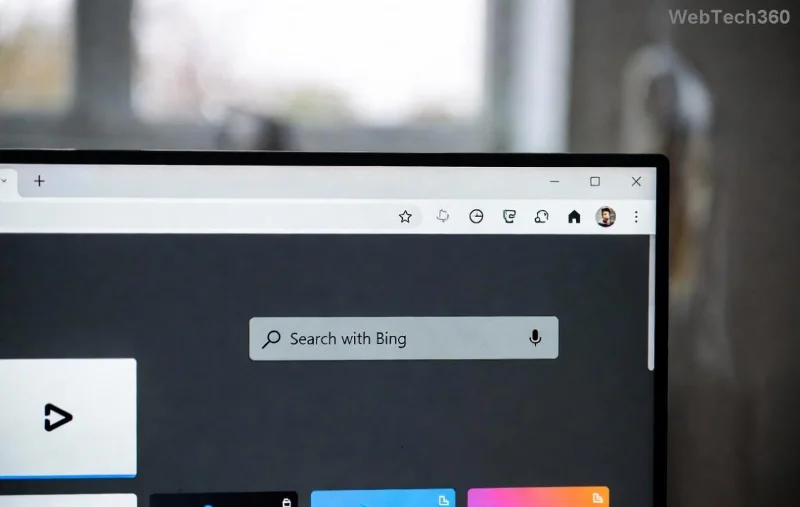
Voila! Your browser is now pristine. Test by opening a new tab—feels snappier already, right? 🚀
Method 2: Advanced Reset to Default Settings Using Edge Flags & Command Line
For deeper cleans (e.g., stubborn extensions), use these power moves. Perfect if Method 1 isn't enough.
Step 1: Reset via URL (Ultra-Fast)
- 1️⃣ Type
edge://settings/reset in the address bar and hit Enter.
- 2️⃣ Click Reset settings and confirm. Done!
Step 2: Command Prompt Reset (For Pros)
- 🖥️ Press Win + R, type
cmd, and press Enter.
- 💻 Run:
"C:\Program Files (x86)\Microsoft\Edge\Application\msedge.exe" --reset-browser-flags (adjust path if needed).
- 🔄 Restart Edge.
![Command line reset for Microsoft Edge in 2026]()
These tweaks target hidden flags causing glitches. Feeling empowered? Keep reading for troubleshooting! 💪
Method 3: Full Reinstall & Profile Reset (Nuclear Option)
When all else fails, nuke and rebuild:
| Step |
Action |
Why It Works |
| 1️⃣ |
Settings > Apps > Search "Microsoft Edge" > Uninstall (keep user data). |
Removes corrupted files. |
| 2️⃣ |
Download latest from Microsoft Edge site. |
Ensures 2026 updates. |
| 3️⃣ |
Reinstall > Sign in to sync data. |
Brand-new profile. |
| 4️⃣ |
Optional: Delete %LOCALAPPDATA%\Microsoft\Edge\User Data folder. |
Wipes all traces. |
This guarantees a 100% clean start. Microsoft confirms it's safe: Official Reset Guide.
Common Issues & Quick Fixes After Reset ❌
Post-reset hiccups? We've got you:
- ❌ Extensions vanished? Reinstall from edge://extensions.
- ❌ Bookmarks gone? Restore from Microsoft account sync.
- ❌ Still slow? Clear cache: Settings > Privacy > Clear browsing data.
- ❌ Pop-ups persist? Run Microsoft Defender scan.
Stuck? Drop a comment below—we reply fast! 👇
FAQ: How to Reset Microsoft Edge in 2026
Does resetting delete my data?
No! Bookmarks, history, and passwords stay synced. Only settings reset.
Can I reset on mobile?
Yes—Android/iOS: Settings > Reset > Erase browsing data.
What's new in Edge 2026 resets?
AI-powered diagnostics auto-suggest fixes during reset. Cutting-edge! 🤖
Prevent future issues?
⭐ Enable Enhanced Security in Settings > Privacy.
Wrap-Up: Enjoy Your Revived Edge! 🎉
Congrats—you've mastered how to reset Microsoft Edge to default settings in 2026! Your browser is now optimized, secure, and speedy. Share this guide if it helped a friend. What's your next browser tweak? Stay tuned for more tips. Happy browsing! 🌐