Configure USB and Network Printers with CUPS on Harmonica OS
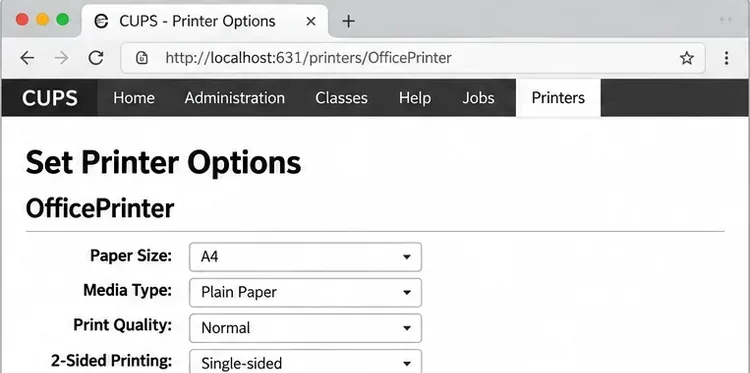
Configure printers on Harmonica OS using CUPS, compare driverless IPP with legacy drivers, and verify USB or network printing with a test page.
Sent an email to the wrong person or spotted a typo right after hitting Send? Outlook lets you recall a sent email — but only if both you and the recipient use Microsoft Exchange or Microsoft 365, and the message hasn't been read yet. Here's how to do it in under two minutes. Keeping Google Chrome up to date ensures better security, faster performance, and access to new features. This guide shows exactly how to update Google Chrome web browser on desktop and mobile devices.
Chrome releases updates frequently to patch vulnerabilities and improve stability. Outdated versions can expose users to security risks and cause compatibility problems with websites. Checking the version regularly prevents these issues before they appear. The process takes less than a minute once you know the exact menu path.
Before starting, close any important tabs or save your work because Chrome may restart automatically after the update finishes. No additional software is required beyond the browser itself.
Launch Google Chrome on your Windows, Mac, or Linux computer. Click the three vertical dots icon in the top-right corner of the browser window to open the main menu.
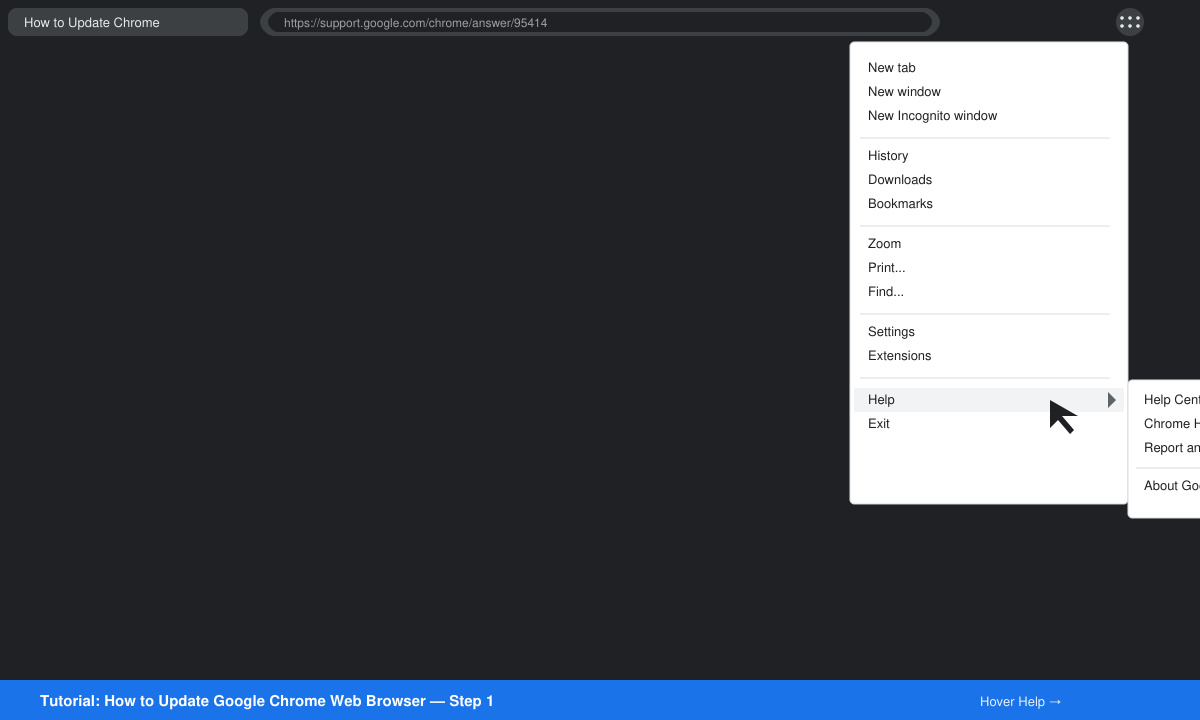
Hover over Help in the menu, then click About Google Chrome. This opens a dedicated page that automatically checks for updates in the background.
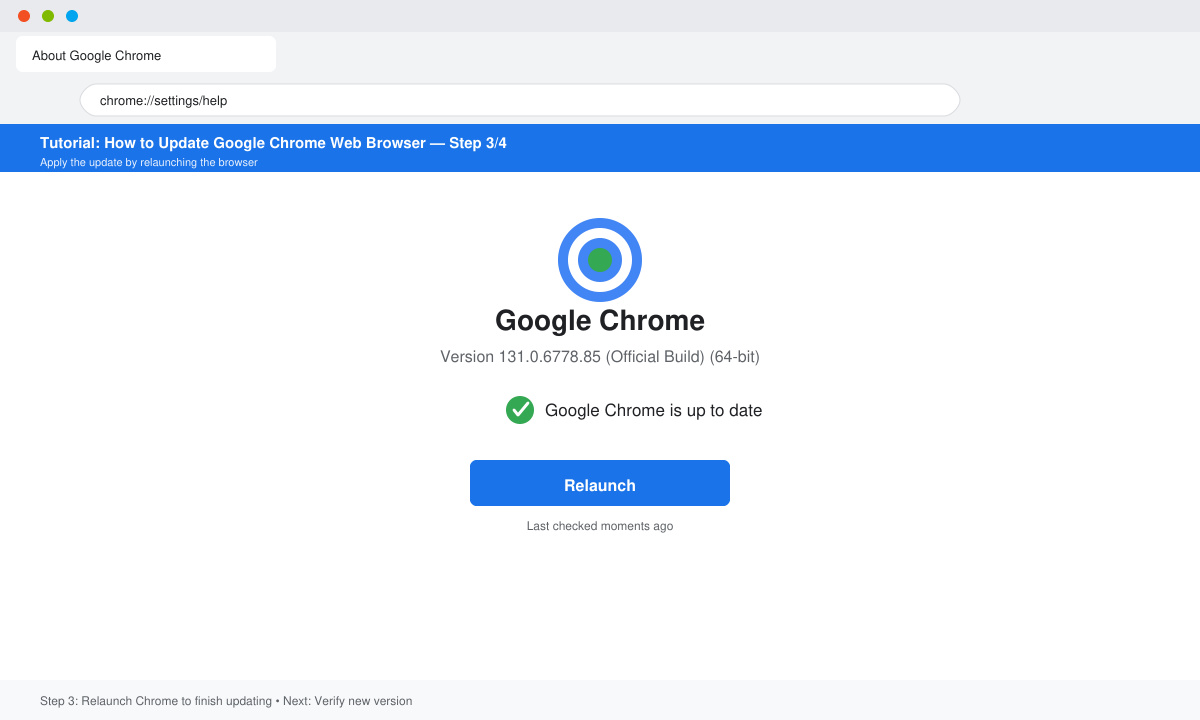
If an update is found, Chrome displays the version number and a Relaunch button. Click Relaunch to apply the update and restart the browser. The new version number appears immediately after restart.
Yes on Android: open Play Store, search for Google Chrome, and tap Update if available. On iOS, use the App Store and follow the same search-and-update steps.
Chrome updates automatically in the background when the browser is closed. You can force an immediate check only through the About Google Chrome page.
Older versions lose security patches and may stop supporting certain websites or extensions. Updating restores full functionality and protection.
Following the steps above keeps your Google Chrome web browser current and secure with minimal effort. Make it a habit to verify the version once a month.
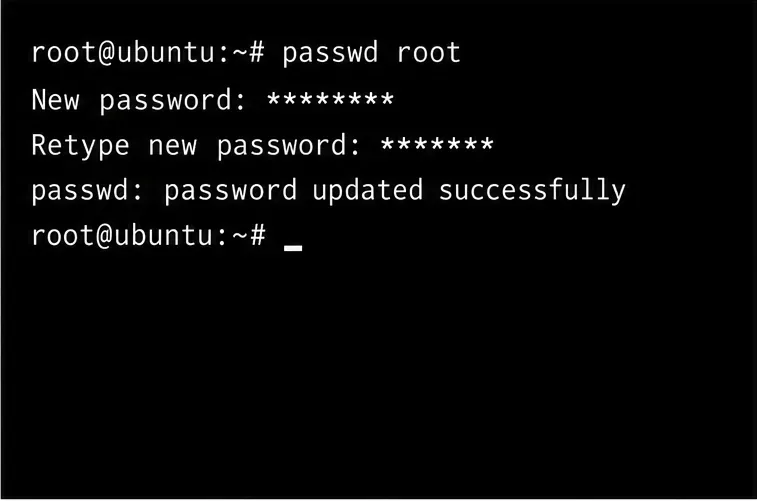
Configure printers on Harmonica OS using CUPS, compare driverless IPP with legacy drivers, and verify USB or network printing with a test page.
Use a recovery shell to set a new Harmonica OS root password, with checks for encrypted disks, read-only filesystems, and accounts that use sudo.
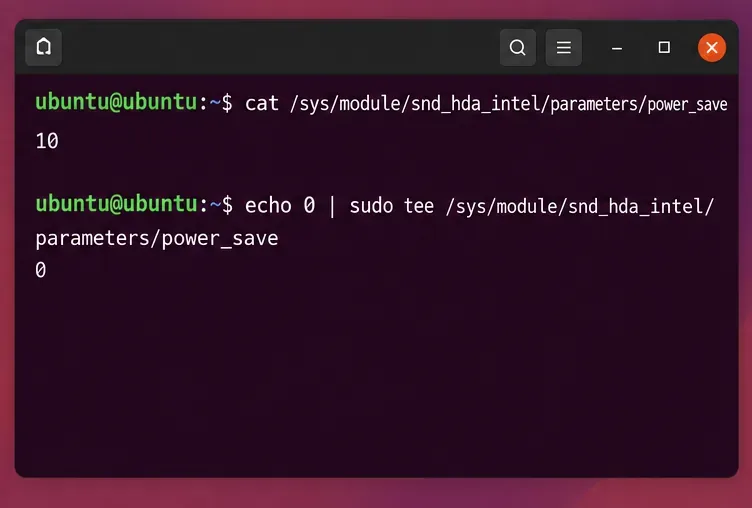
Trace whether clipping, ALSA format conversion, or HDA power saving is causing Ubuntu 24.04 audio distortion, then apply the matching reversible fix.
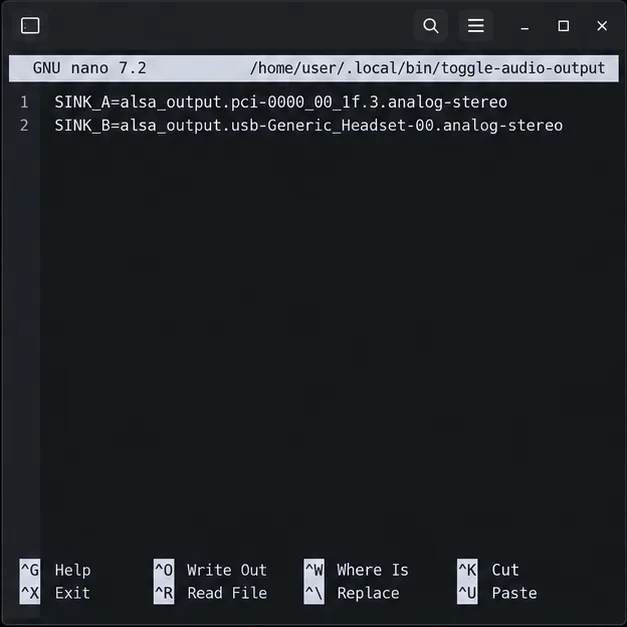
Switch Debian audio between named PipeWire outputs with a pactl script that updates the default sink and reroutes streams already playing.
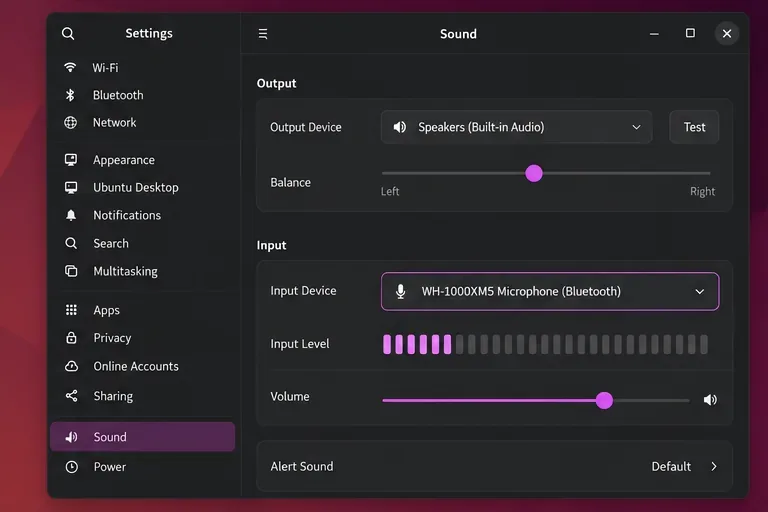
Get your Bluetooth headset mic working by selecting the right input, using a hands-free audio profile, and checking Ubuntu’s PipeWire route.
Learn why Flatpak apps may ignore Ubuntu 24.04 GTK themes and follow safe steps to check theme extensions, refresh Flatpak apps, and diagnose portal issues.
Install Ubuntu 24.04 alongside Windows 11 with BitLocker safely. Compare separate-drive and shared-drive paths, recovery keys, partitioning, and boot checks.
Diagnose NVIDIA driver failures after an Ubuntu kernel update. Check DKMS and Secure Boot, rebuild the matching module, enroll a MOK, and verify the fix.
Fix Ubuntu 24.04 Wi-Fi drops after suspend with checks for NetworkManager, radio blocks, updates, power saving, and drivers—then verify each resume.
Learn why tracker-miner-fs-3 uses high CPU in Ubuntu GNOME and how to check indexing, exclude folders, update Ubuntu, or safely rebuild the search index.