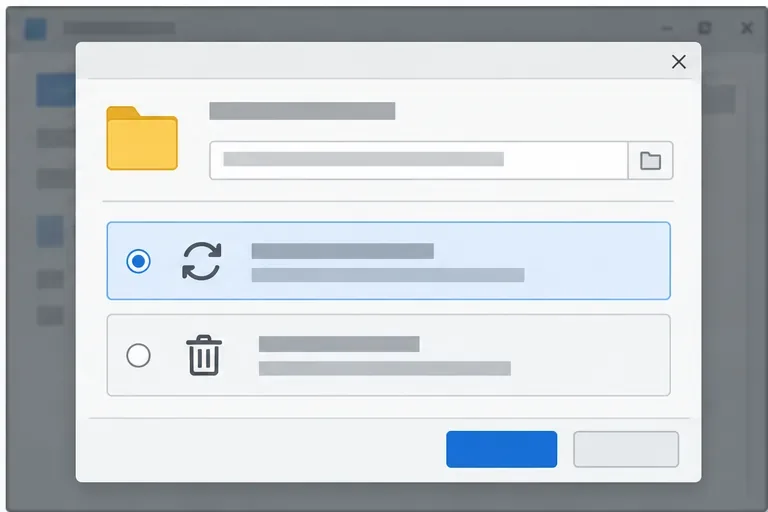
LibreOffice Document Locked by Unknown User: A Safe Fix
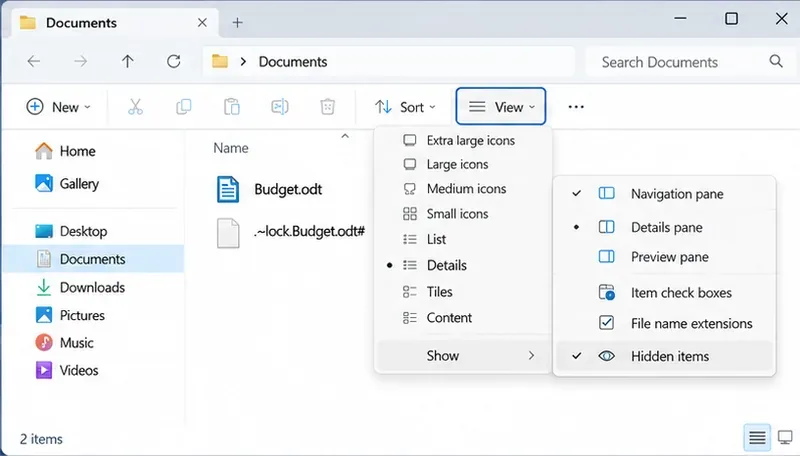
Find the cause of a LibreOffice document lock, safely clear a stale lock file, and confirm that you can edit and save without losing changes.
Imagine transforming your everyday chats into vibrant conversations filled with expressive emojis and hilarious GIFs. With the Windows 11 Emoji and GIF Keyboard, Microsoft has made it easier than ever to inject personality into your messages. Whether you're texting friends, emailing colleagues, or posting on social media, this built-in tool is your gateway to fun and efficiency. In this guide, we'll walk you through everything you need to know about accessing, using, and customizing the Windows 11 Emoji Keyboard and GIF features. Get ready to level up your digital communication—let's dive in! 😊
The Windows 11 Emoji and GIF Keyboard isn't just a novelty; it's a productivity booster. Built directly into the OS, it supports thousands of emojis, stickers, and GIFs from popular sources like Giphy. No extra apps needed—just your keyboard and a touch of creativity. This feature shines in apps like Microsoft Teams, Outlook, Notepad, and even web browsers, ensuring seamless integration across your workflow.
Why should you care? Emojis convey emotions quickly, GIFs add humor or emphasis, and together they make your content more engaging. Studies show visual elements can increase response rates in communications by up to 300%—who wouldn't want that edge? Now, let's get to the good stuff: how to access it.
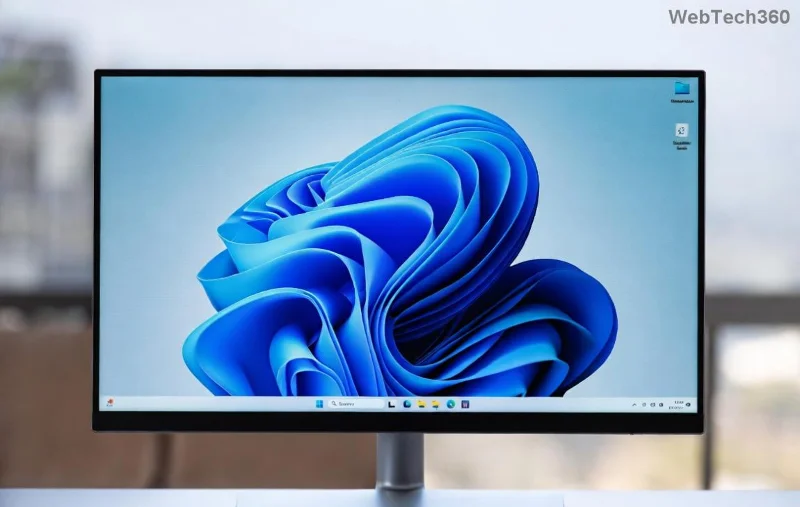
Getting started is as simple as a keyboard shortcut. Follow these steps to open the Windows 11 Emoji Keyboard anytime you're typing.
Once open, you'll see tabs for Emojis, GIFs, Stickers, and more. The interface is intuitive, with search functionality to find exactly what you need. Feel the excitement build as you explore—it's like having a digital treasure chest at your fingertips.
Emojis are the heart of the Windows 11 Emoji Keyboard. Here's how to make them work for you:
Inserting an emoji is seamless—it appears right where your cursor is. In apps like Word or Discord, it enhances your text without disrupting flow. Imagine ending an email with a celebratory 🎉—it leaves a positive, memorable impression.
GIFs take expression to the next level, and Windows 11 integrates them effortlessly. Powered by Giphy, the library is vast and updated regularly with trending clips.
Using GIFs in professional settings? Opt for subtle ones to keep it classy. In casual chats, go wild—watch reactions light up! 🚀
Make the keyboard your own for even better usability. While options are streamlined in the latest Windows 11 updates, here's how to tweak it:
If you're on the latest build, voice typing pairs perfectly: Dictate a message, then add a GIF for emphasis. This combo feels futuristic and fun!
Even the best tools hit snags. Here's a quick table of common problems and fixes to keep you smiling:
| Issue | Solution |
|---|---|
| Emoji panel won't open | Ensure your keyboard shortcut isn't remapped. Restart Explorer via Task Manager or update Windows. |
| GIFs not loading | Check internet connection—GIFs stream online. If blocked, adjust firewall settings or try a VPN. |
| Limited emoji options | Update to the newest Windows version via Settings > Update & Security. Install language packs if needed. |
| Slow performance | Clear recent items in the panel or restart your PC. For touch devices, calibrate your screen. |
These fixes are straightforward and based on official Microsoft guidance. If issues persist, the Microsoft Support site has detailed resources.
To truly master the Windows 11 Emoji and GIF Keyboard, try these insider hacks:
Experimenting with these will make your interactions more dynamic. Remember, the best part is sharing joy—start with a simple thumbs up 👍 and build from there.
In a world of third-party apps, the native Windows 11 Emoji and GIF Keyboard stands out for its reliability and zero cost. It's always updating with new content, ensuring you stay current without hassle. As you incorporate these features, you'll notice conversations flowing better and connections strengthening. Ready to try it? Open your keyboard now and send a GIF to a friend—you'll be hooked instantly!
Got questions or tips of your own? Drop them in the comments below. Keep exploring Windows 11 features to make your digital life brighter. Happy typing! 👏
Find the cause of a LibreOffice document lock, safely clear a stale lock file, and confirm that you can edit and save without losing changes.
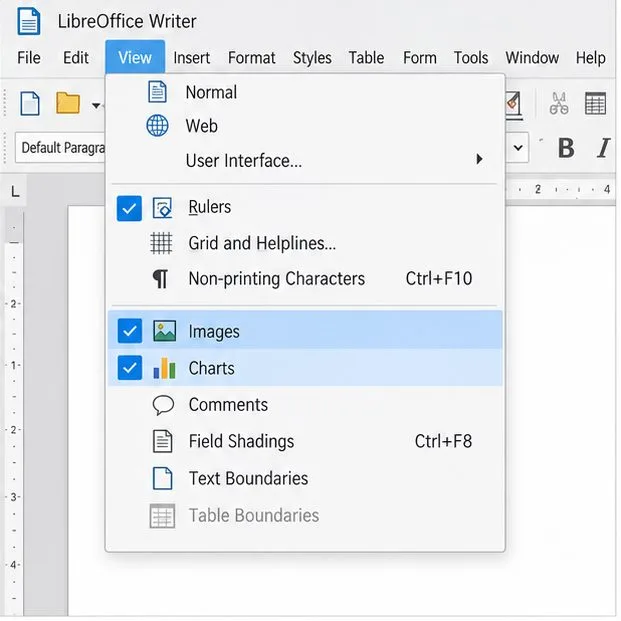
Make image-heavy Writer files easier to edit: test a reversible display setting, compress oversized pictures in a copy, and verify the saved layout.
Find out whether a slow launch comes from extensions, profile settings, or the system, then test the safest fix without losing LibreOffice data.
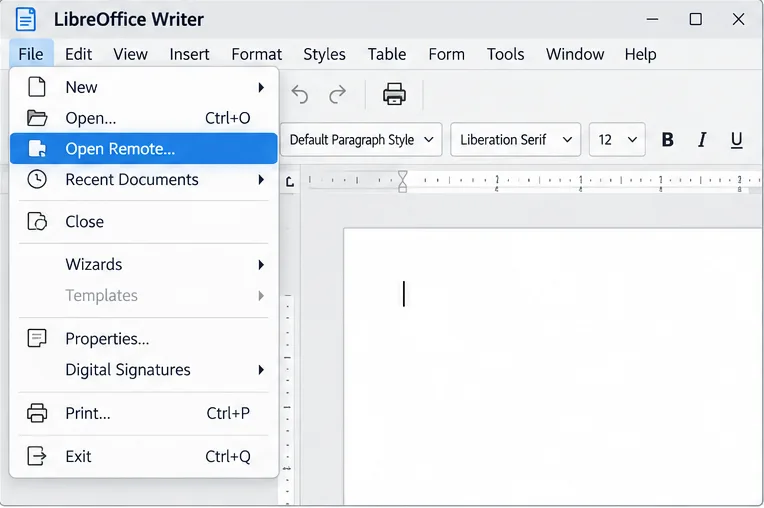
Connect LibreOffice to Nextcloud over WebDAV, save the server copy with Ctrl+S, and understand how AutoRecovery differs from cloud syncing.
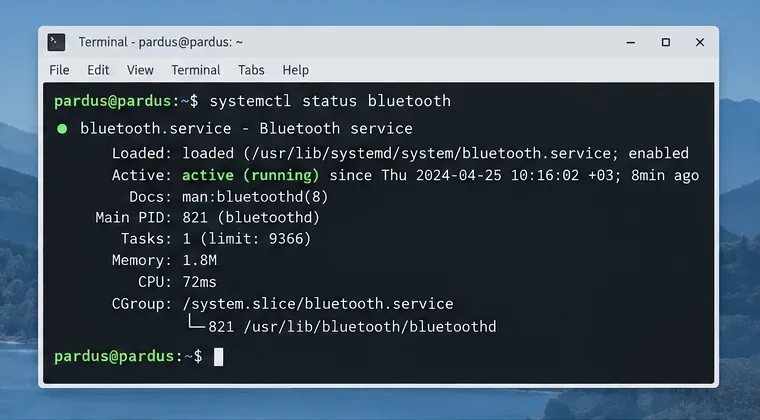
Find out whether Pardus 23 is blocking Bluetooth, missing BlueZ, or failing to detect adapter firmware, then confirm the controller works.
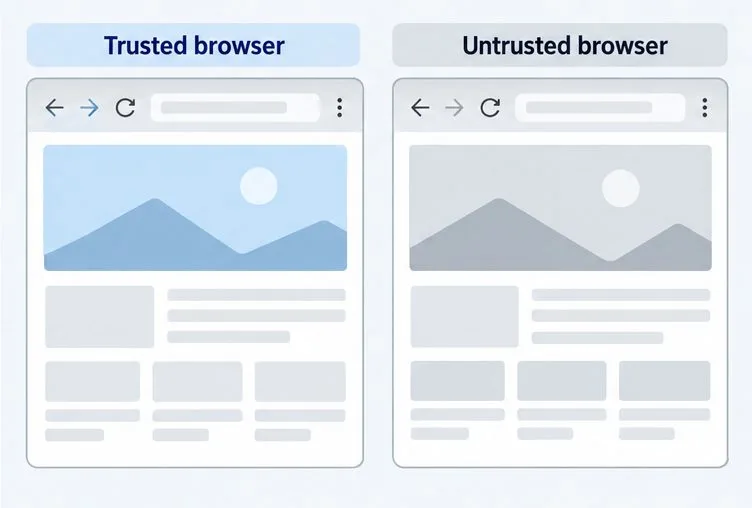
Learn how Gooroom separates trusted and untrusted browsing, what users can change, and how an administrator can safely update site policies.
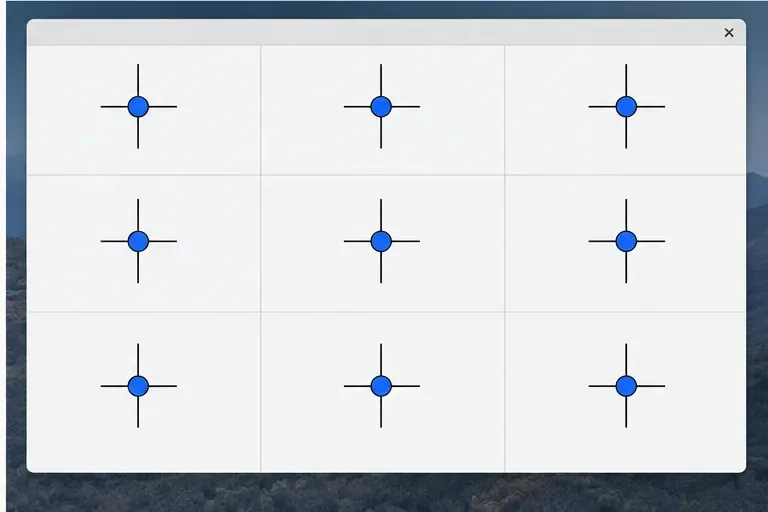
Diagnose rotated, offset, or inconsistent touch input on a Harmonica OS tablet and choose a Linux calibration method that fits its session and driver.
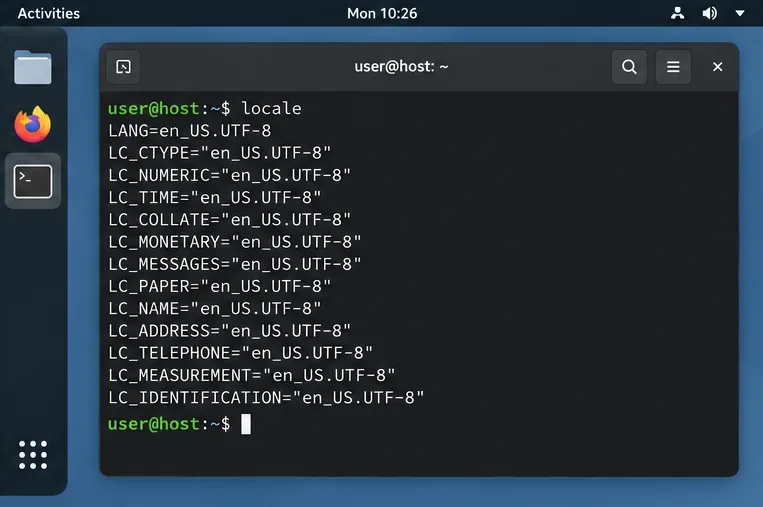
Switch Gooroom’s desktop session to English, verify the locale, and identify when untranslated Korean labels need an app update instead.
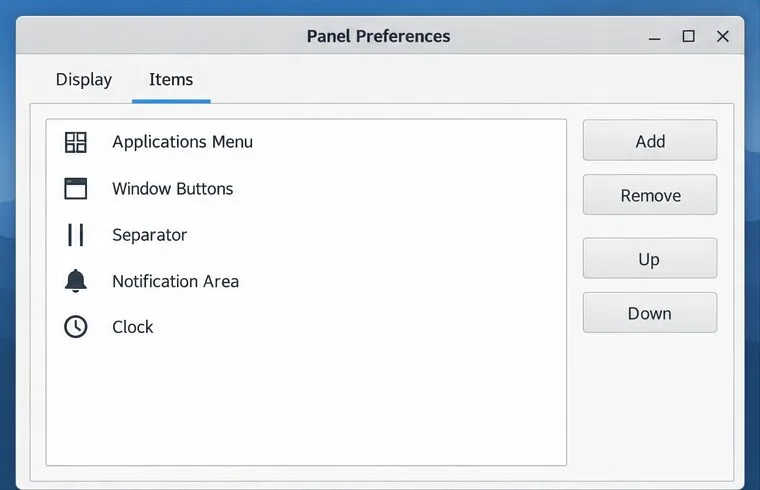
Arrange Pardus XFCE as a familiar bottom taskbar with an app menu, pinned launchers, open-window buttons, and a system tray.
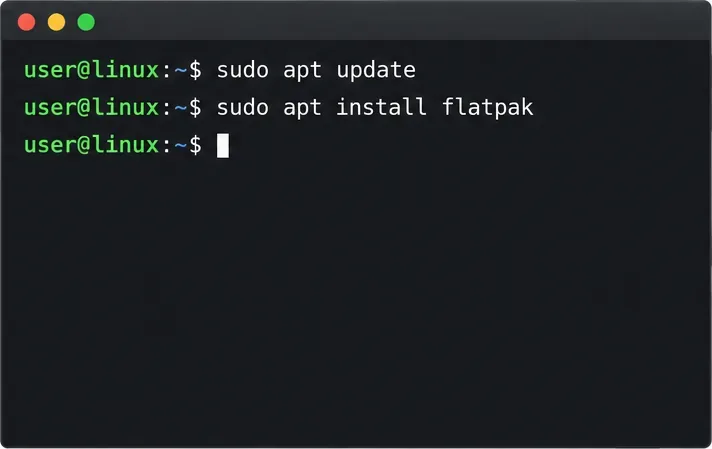
Check your Gooroom release and administrator rules, then follow the official Debian-based setup path for Flatpak or Snap without bypassing system controls.