SLES Thin Pool Out of Space: Extend LVM Safely and Restore Writes
Resolve SUSE LVM thin-pool space errors by checking data and metadata usage, expanding the pool safely, and preventing repeat outages.
Not only for gamers but also for many others, the game Minecraft is no longer strange to us when everyone knows the magical blocks that you can freely "roam" and express your creativity.
On both iOS and Android platforms on mobile phones, you can see that this game is available at a fairly high price for a mobile game. However, with the instructions below, you can download Minecraft for free on your iPhone or iPad.
Video tutorial on how to download Minecraft for free on iPhone
How to download Minecraft for free on your phone
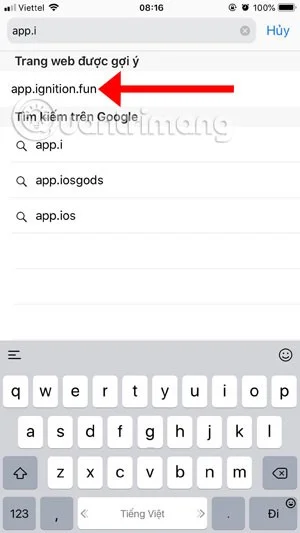
Step 1: To download and install Minecraft for free on your phone, start by going to the Safari browser. Enter the address app.ignition.fun to access.
Next, click on the search icon, then type in the keyword Minecraft and select Minecraft Unknown as shown below.

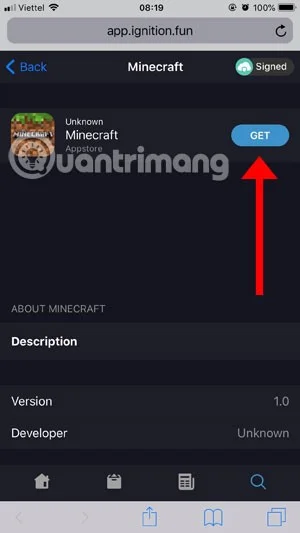
Then, in the next interface, click Get to get the game. If you see the web interface switch to Installing Minecraft, it is successful.

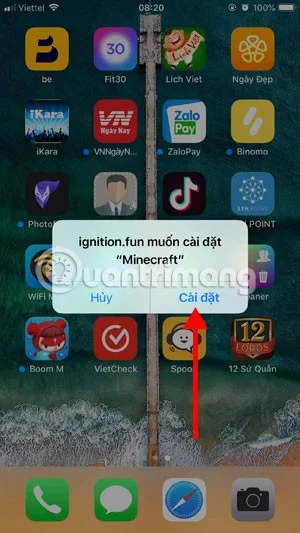
Then you will see the notification ignition.fun wants to install Minecraft, click Install to start downloading and installing Minecraft for free. After installation, you will see the game icon as shown below.
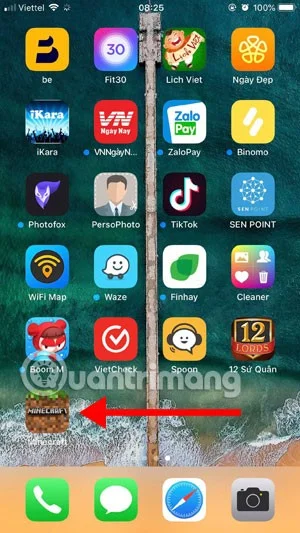
Wait, you will have to do one more step which is go to General Settings > scroll down and select Device Management. Then select HeNan Mobile Games.

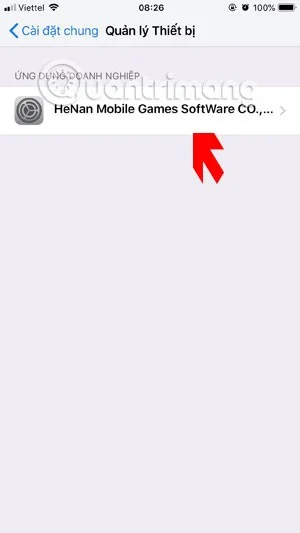
Click Trust HeNan Mobile Games Software and select Trust in the notification panel below. Then go out and turn on Minecraft to play.

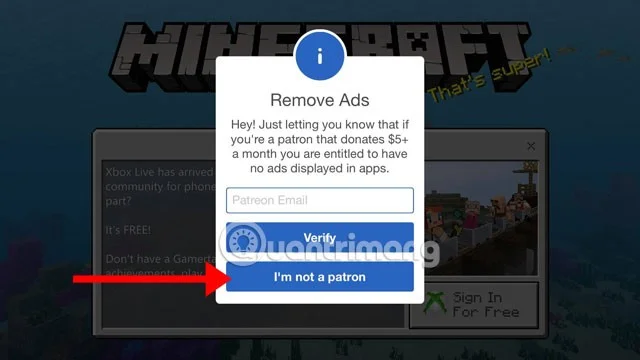
Initially when entering the game you will receive a request to enter your email to remove ads in the app, with a monthly fee of $5. If you do not want, click I'm not a patron .
When entering the game, choose to change the character using the clothes hanger icon under the character's feet. Then click Play to create a game to play.
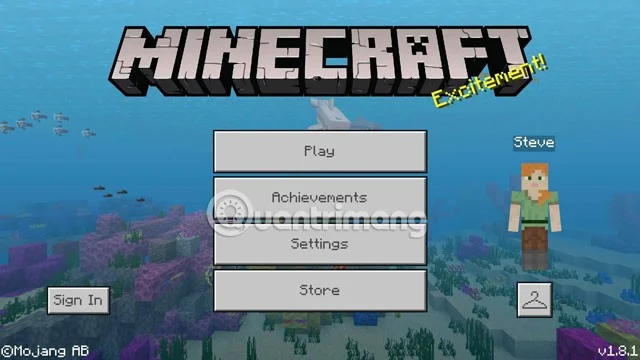
The game interface is not much different from the Minecraft version on the Store.
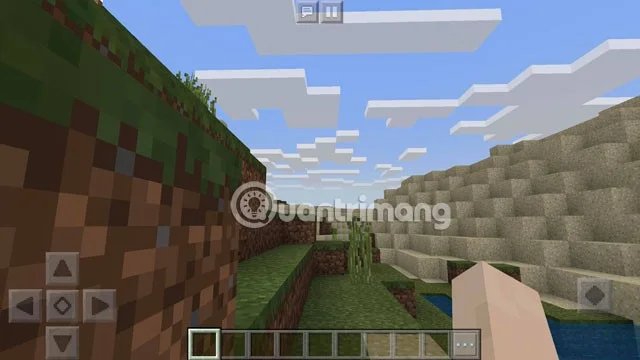
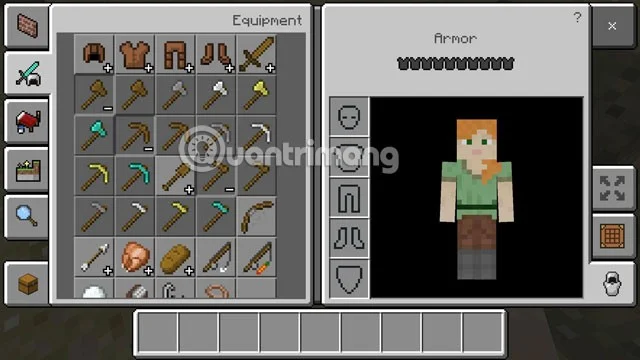
Click on the three dots icon in the toolbar, you will see your inventory. Now build your own structures in this mode.
With this free version of Minecraft on your phone, you can now play Minecraft for free on your iPhone and iPad. Invite your friends to download it and have fun with the free version of Minecraft on your iPhone.
Resolve SUSE LVM thin-pool space errors by checking data and metadata usage, expanding the pool safely, and preventing repeat outages.
Identify whether Btrfs is intentionally read-only, short on space, or protecting data after errors, then choose a recovery path that fits the cause.
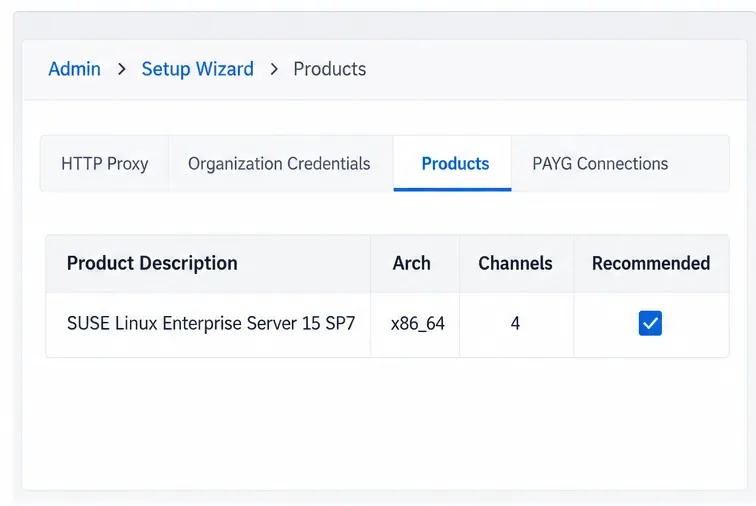
Prepare mirrored channels, create an activation key, and bootstrap an SLES 15 client without direct internet access while preserving the connection needed for Manager check-ins.
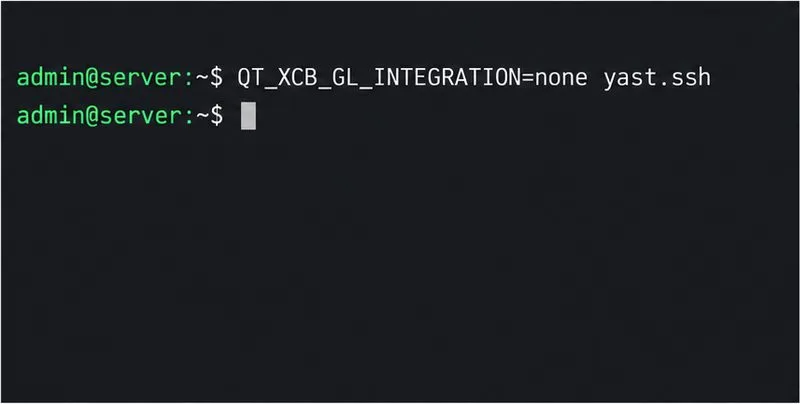
Fix YaST’s XIO launch error over SSH, verify X11 forwarding and xauth, and switch to the ncurses interface when a remote window is unnecessary.
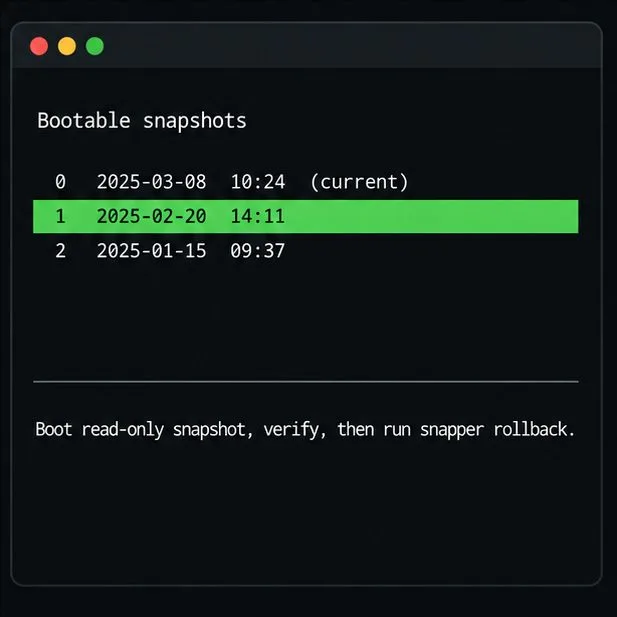
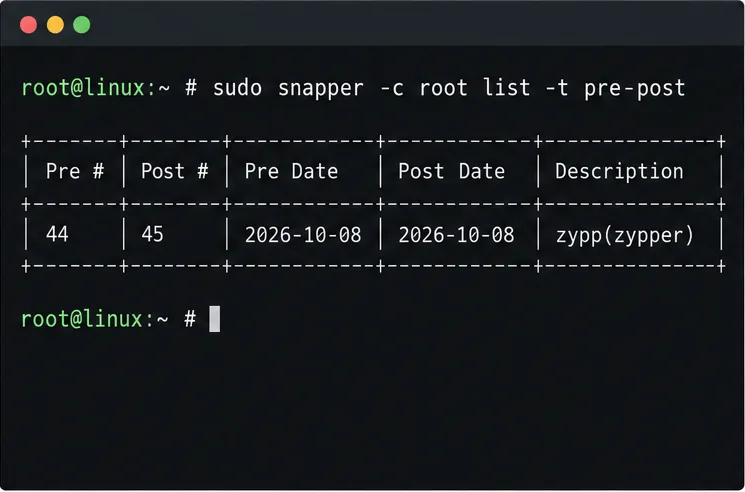
Find the pre-update Btrfs snapshot, test it read-only, and make recovery permanent with Snapper while understanding which data stays outside the root rollback.
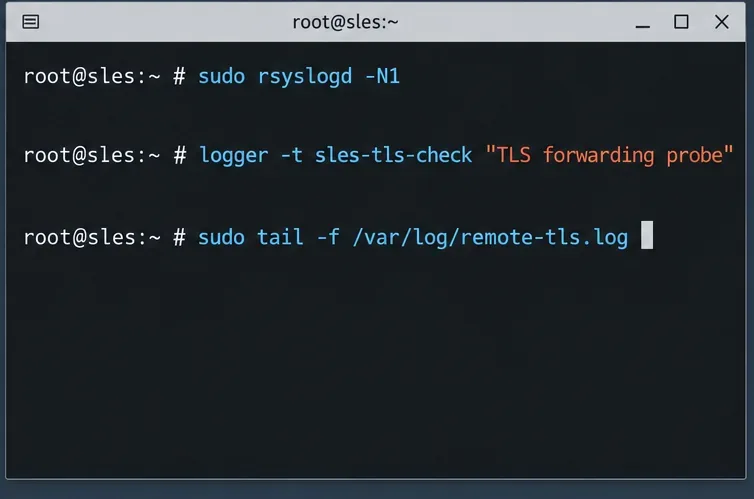
Send SLES system logs to a remote rsyslog collector over authenticated TLS, with certificate checks, outage buffering, and delivery tests.
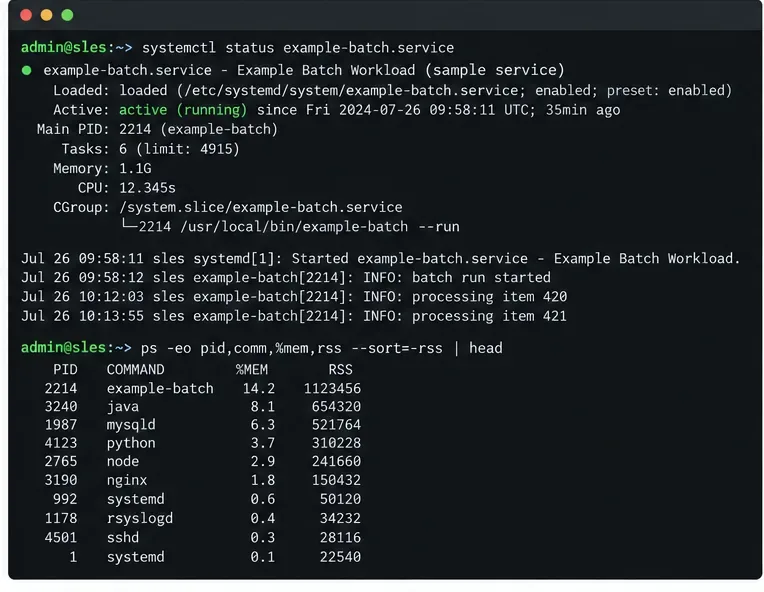
Use RAM, swap, kernel, and Zypper logs to identify real memory pressure, protect package state, and choose a safer SLES upgrade retry.
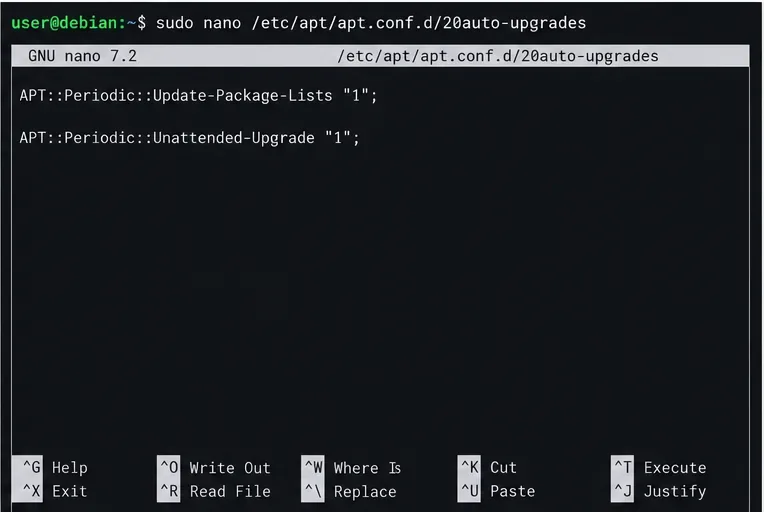
Enable Debian’s unattended security updates over SSH, keep the default package sources, and verify scheduled runs through systemd and APT logs.
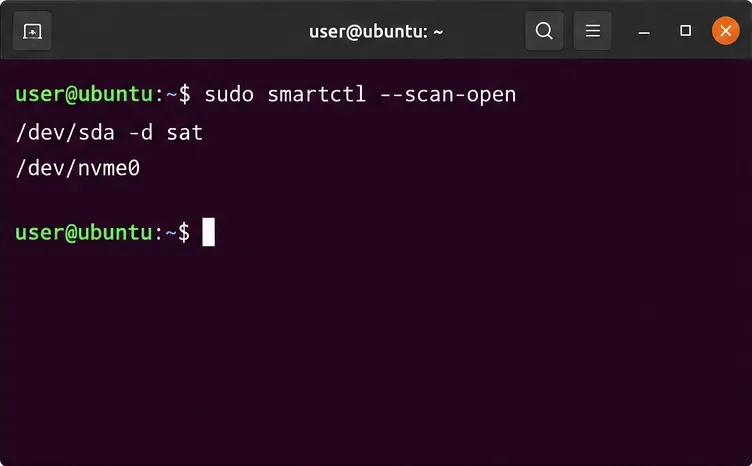
Compare mail delivery options, configure smartd on Ubuntu, and verify that disk-health warnings reach your inbox.
Restore DNS lookups on Debian 12 by checking systemd-resolved, repairing resolv.conf when needed, and verifying upstream DNS and application resolution.