Enable ONLYOFFICE Desktop Plugin Development and Debugging
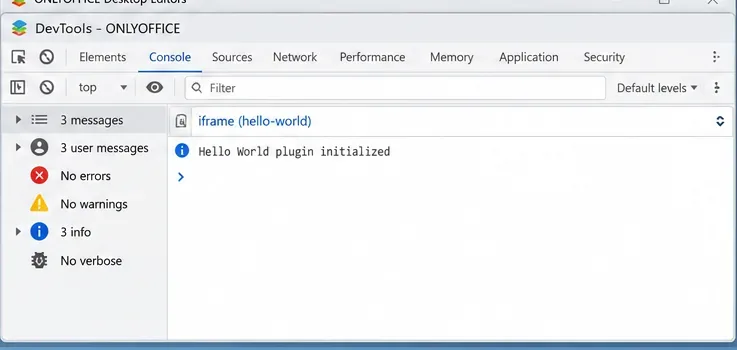
Build and test a custom ONLYOFFICE Desktop Editors plugin, install its .plugin archive, and activate developer tools for debugging.
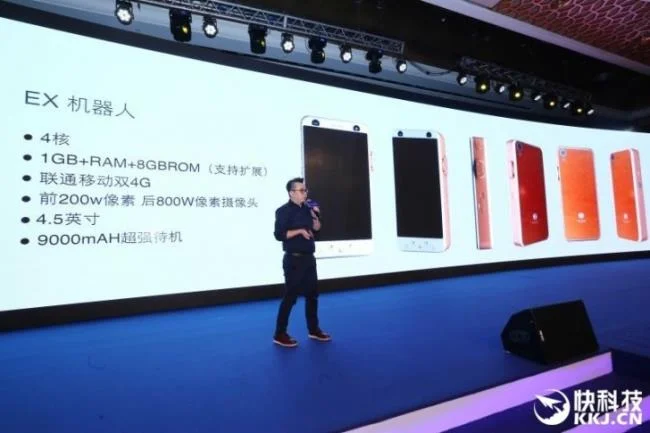
We have been hearing about a huge 6000mAh battery phone , but recently, a smartphone with a high capacity battery and a half like that has just launched. This smartphone is a cheap product configured just enough to meet the needs of users.
This smartphone is called MACOOX EX1, only 4.5 inch screen, inside is a quad core chip of unknown manufacturer, 1GB RAM, 8GB internal memory with 2MP front camera, 8MP rear camera, running Android operating system. . With such a large capacity battery, this smartphone has a thickness of up to 15 mm, double the thickness of a conventional smartphone today.
Currently the price of the machine has not been mentioned, but with the above configuration, this will be a cheap product, suitable for those who regularly work outside for a long time, take the train ... no Conditional to charge batteries during the day.
Source: Gsmarena
Build and test a custom ONLYOFFICE Desktop Editors plugin, install its .plugin archive, and activate developer tools for debugging.
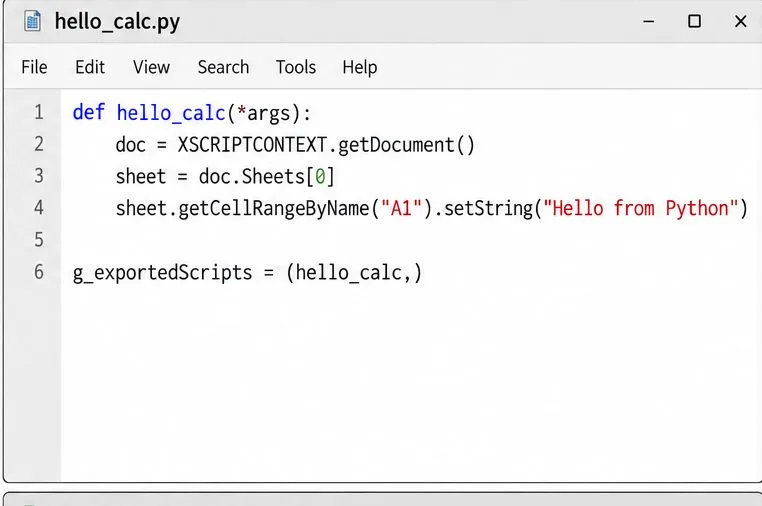
Make a Python function available in Calc, run it against the open spreadsheet, and troubleshoot missing macros or imports without mixing up LibreOffice and system Python.
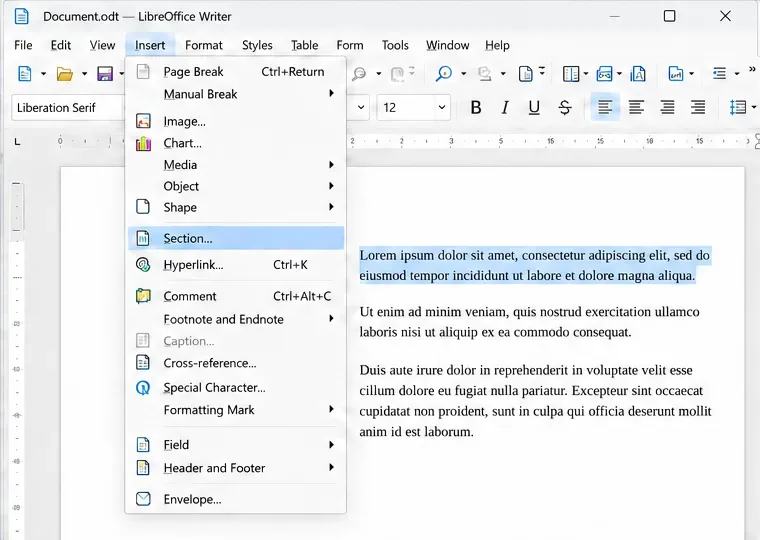
Lock a specific passage against routine edits while keeping the rest of a Writer document usable, and learn when file encryption is the better choice.
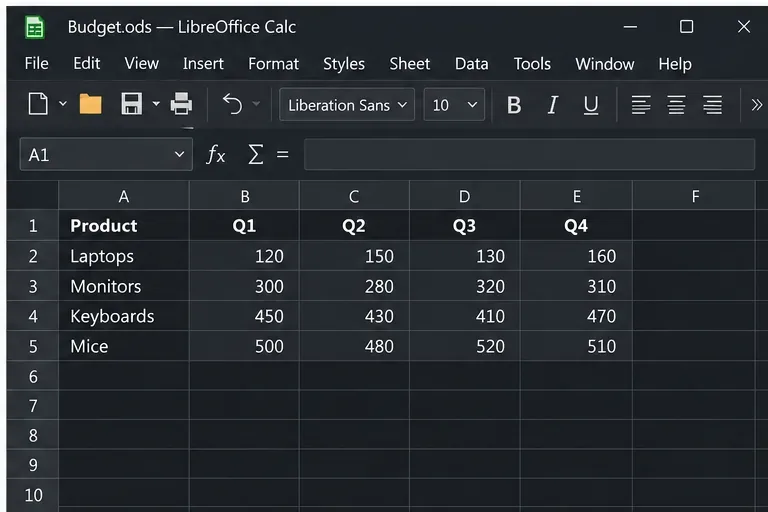
Fix hard-to-see spreadsheet text by checking the theme, cell font color, fills, and conditional formatting in Calc.
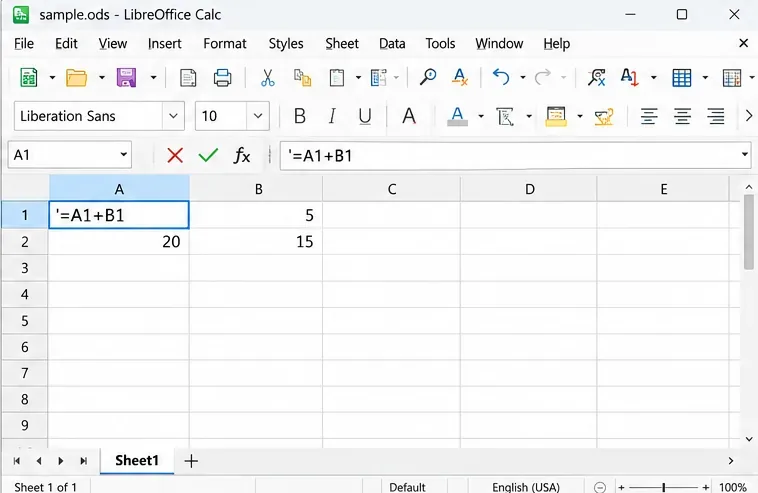
Learn why Calc shows formula text instead of calculated values and fix display mode, Text-formatted cells, apostrophes, or stale results.
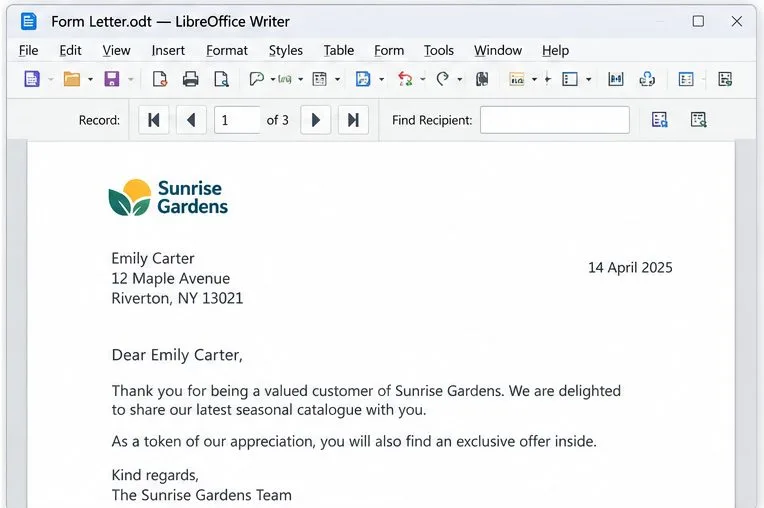
Build a reusable Writer mail merge with Calc recipient data and a shared embedded image, then preview and save the personalized letters.
Turn off LibreOffice’s optional update statistics and crash-report prompts, then check what the settings cover and how to verify them.
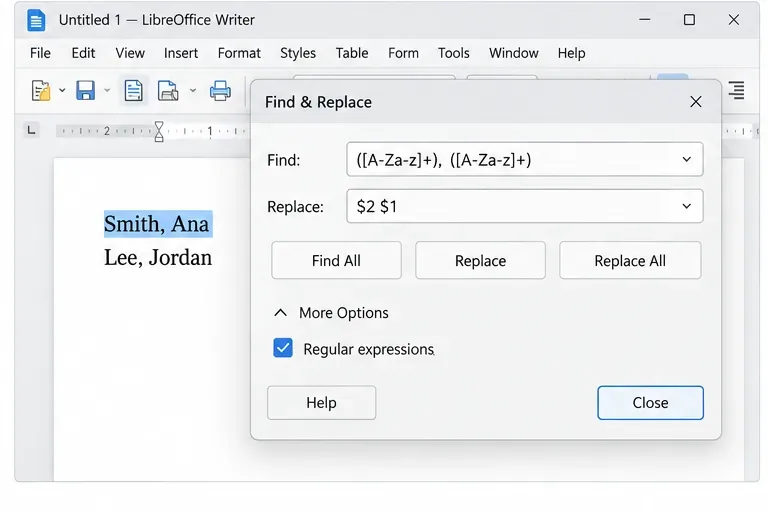
Clean spacing, find structured text, and rearrange names with Writer regex patterns you can preview before replacing.
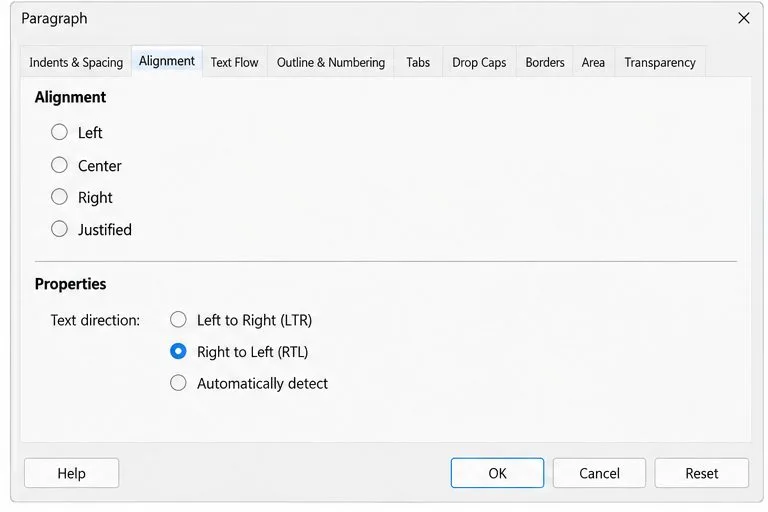
Enable Writer’s bidirectional controls, set RTL paragraph flow, and check mixed Arabic or Hebrew text without disrupting English words and numbers.
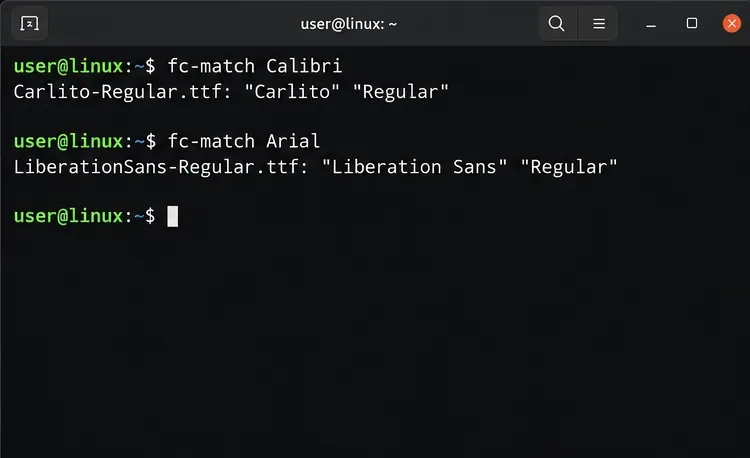
Install metric-compatible Linux fonts or map LibreOffice fallbacks, while keeping Microsoft font licensing and layout differences in view.