Enable FIPS Mode on SLES 15 and Verify the Boot State
Follow SUSE’s SP7 procedure to enable FIPS mode, reboot safely, verify the active policy, and check whether your compliance requirement calls for validated modules.
Thanks to the development of science and technology, smartphones and tablets can now work instead of bulky computers. Users can use them to watch football online through online TV viewing applications such as VTV Go , VTC Now ...
But if these apps are not available or there are no live matches, Sopcast and Ace Stream will be great options for fans to watch football online , watch top matches. high of the planet attractive league as Premier League ( Premier League ), La Liga, Ligue 1, Bundesliga or Serie A .
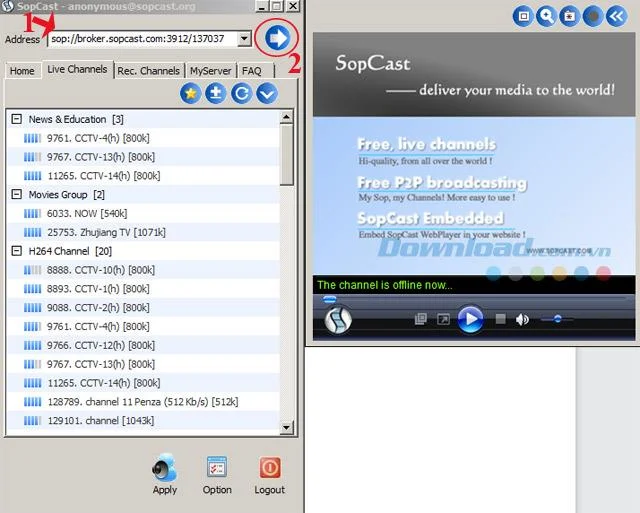
Step 1: Launch SopCast software on the computer and log in as usual.
Step 2: Copy the SopCast link and paste it into the Address bar , then left click on the blue arrow to open the online football screen.

Wish you have fun watching the ball!
Follow SUSE’s SP7 procedure to enable FIPS mode, reboot safely, verify the active policy, and check whether your compliance requirement calls for validated modules.
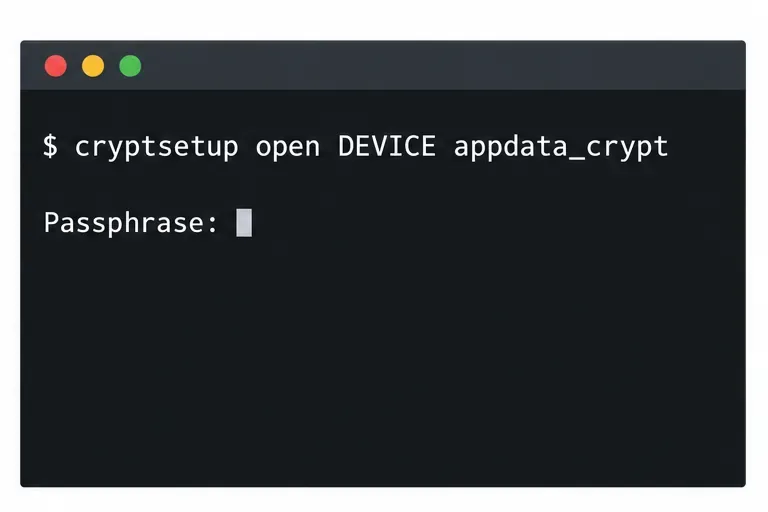
Compare YaST and cryptsetup for a new encrypted SLES data volume, choose LUKS1 or LUKS2, and verify unlock and mount behavior safely.
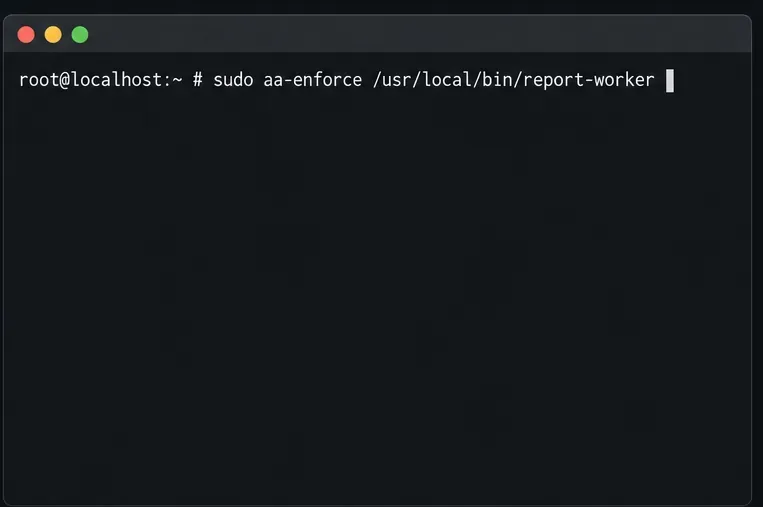
Create, refine, and verify a least-privilege AppArmor profile on SLES 15 SP7, with a clear note on SLES 16’s SELinux default.
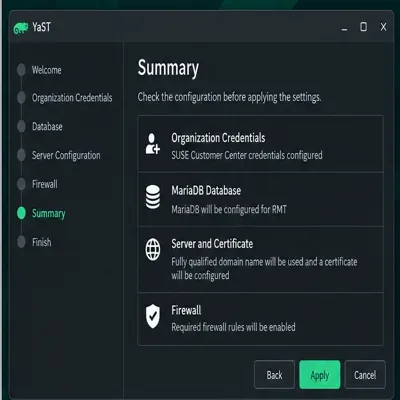
Set up RMT on SLES 15, mirror entitled repositories, and verify HTTPS registration and package access from a test client.
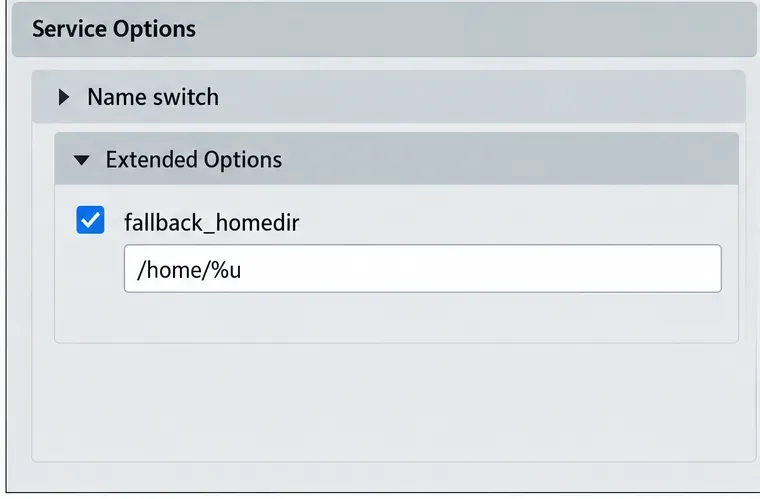
Connect SLES 15 to AD with YaST’s SSSD-based logon management, then verify directory lookup, domain login, and Kerberos tickets.
Set up the right Live Patching path for SLES 16.0 or 15 SP7, apply eligible kernel fixes, and confirm what is active without confusing it with a reboot-required kernel update.
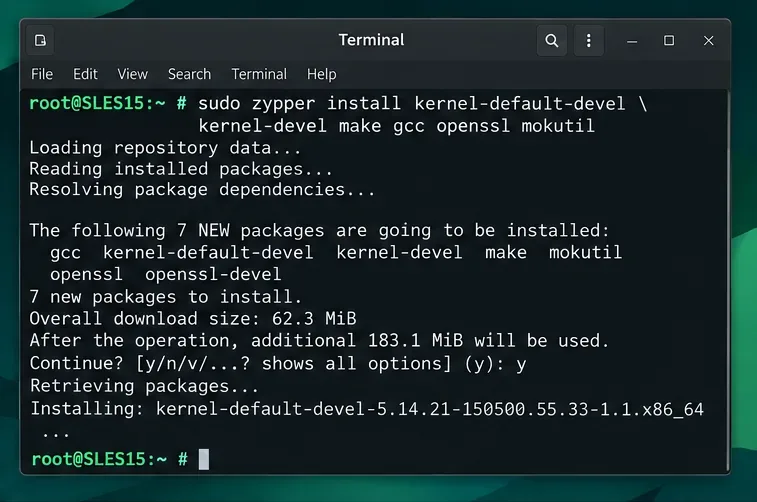
Load a custom SLES 15 kernel module without disabling Secure Boot. Match the running kernel, sign the .ko file, enroll a MOK key, and verify loading.
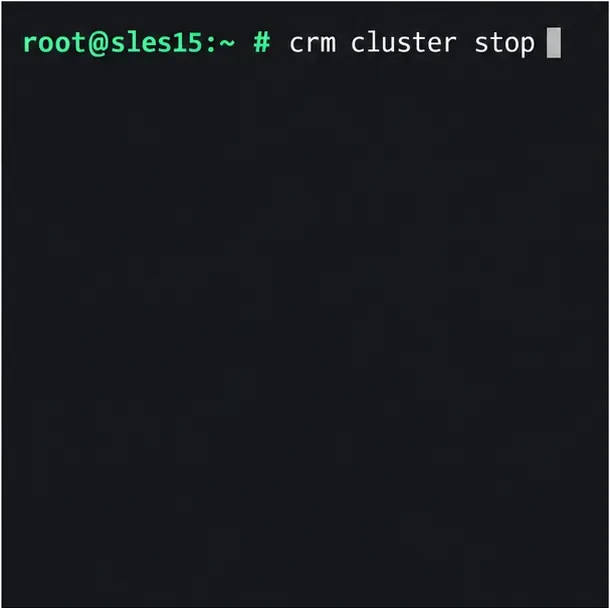
SLES 15 SP5 can migrate online to SP6, but each node must reboot. Use a tested rolling upgrade or blue-green cutover to keep workloads reachable.
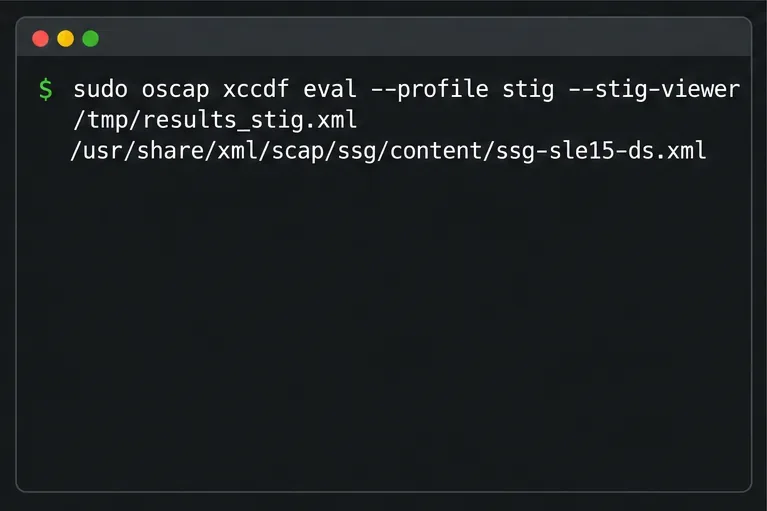
Use SUSE’s supported STIG profile to scan SLES 15, test remediation, review remaining findings, and retain assessment evidence.
Trace a failed Cockpit connection through DNS, port 9090, the systemd socket, firewalld, TLS, and login settings using current SUSE guidance.