LibreOffice Document Locked by Unknown User: A Safe Fix
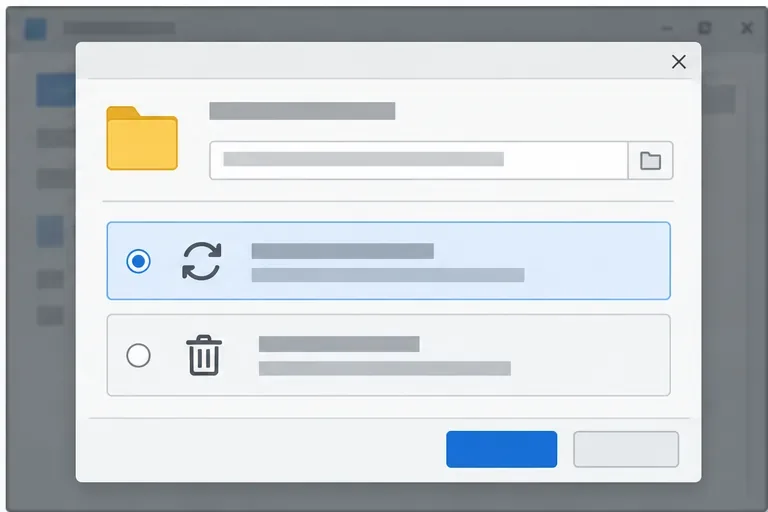
Find the cause of a LibreOffice document lock, safely clear a stale lock file, and confirm that you can edit and save without losing changes.
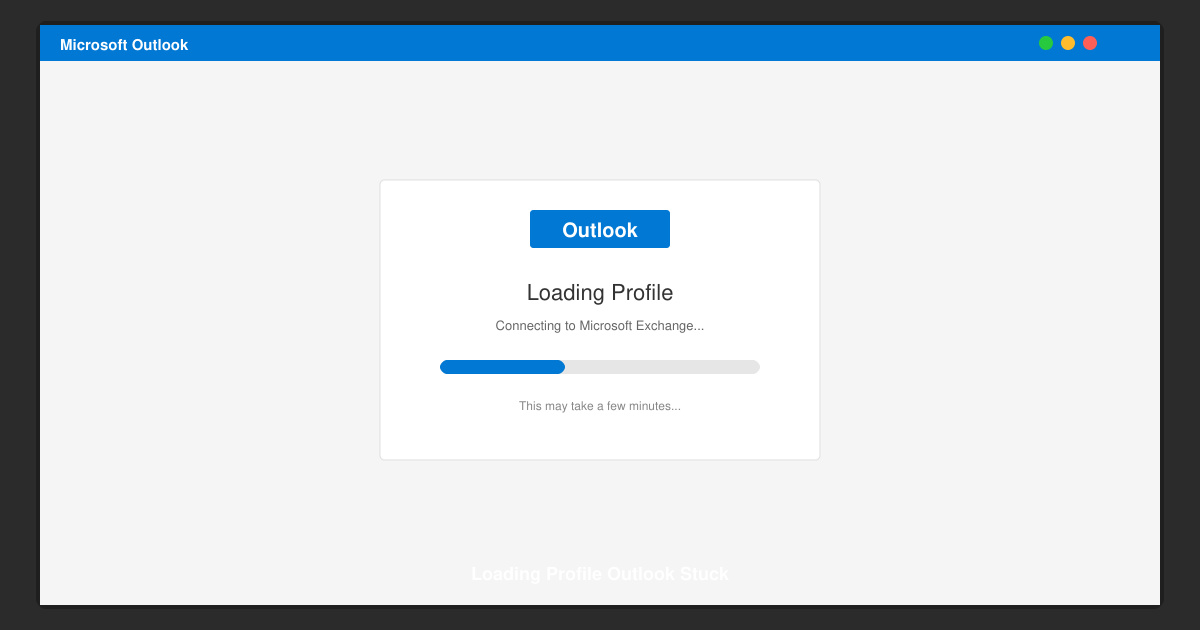
If Outlook displays the Loading Profile screen indefinitely, your workday stops. The Loading Profile Outlook Stuck issue usually results from a damaged profile, interfering add-ins, or corrupted data files. This guide walks through precise steps to diagnose and fix the problem.
Before attempting repairs, understand that Loading Profile Outlook Stuck often occurs after Windows updates, when the OST file becomes corrupted, or when third-party add-ins prevent the profile from initializing. Confirm you have administrator rights on the computer and a working internet connection if your account uses Exchange or Microsoft 365.
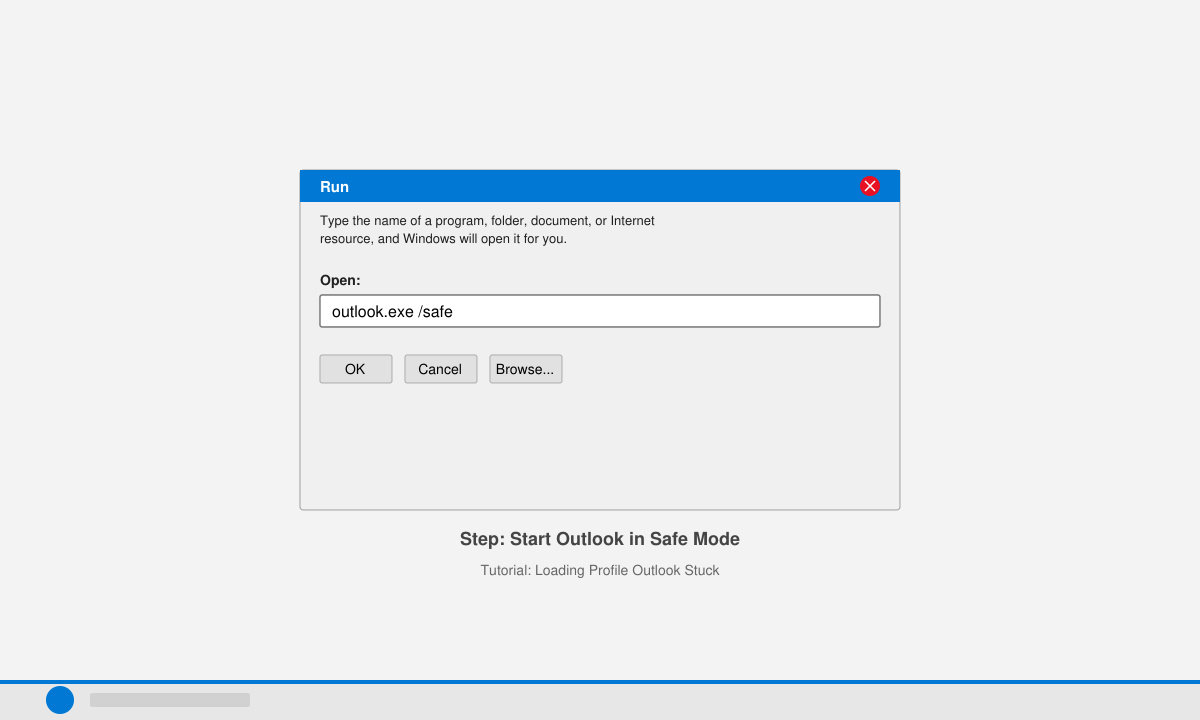
Press Windows key + R, type outlook.exe /safe and press Enter. If Outlook opens normally, an add-in is the culprit. Go to File > Options > Add-ins, select COM Add-ins from the Manage dropdown, click Go, then uncheck all items and restart Outlook normally to test.
Close Outlook completely. Open Control Panel, search for Mail, click Show Profiles, then choose Add. Enter a new profile name, configure your email account using the auto account setup wizard, set the new profile as default, and launch Outlook again.
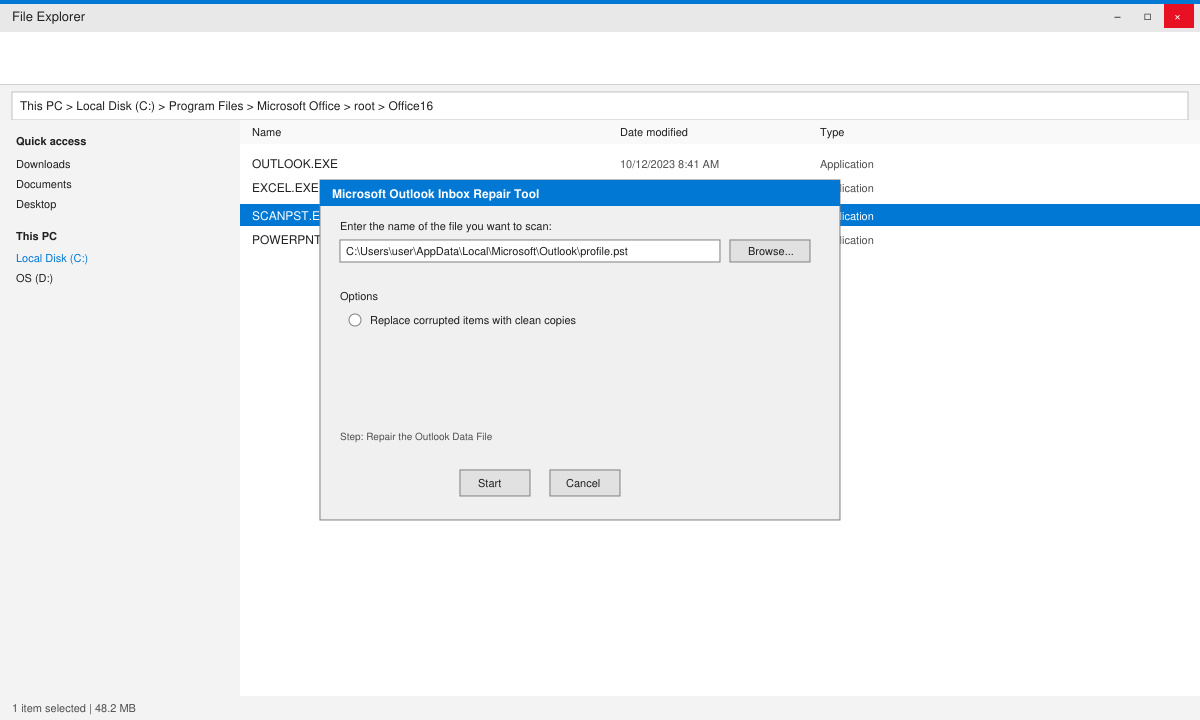
Navigate to C:\Program Files\Microsoft Office\root\Office16 (adjust path for your version). Run SCANPST.EXE, browse to your .pst or .ost file usually located in %localappdata%\Microsoft\Outlook, then click Start to scan and repair errors.
Open Settings > Apps > Installed apps, locate Microsoft 365 or Office, click Modify, select Quick Repair first, and restart your computer. If Loading Profile Outlook Stuck persists, repeat and choose Online Repair.
No. Creating a new profile or repairing data files does not delete messages stored on the Exchange server or in your local .pst archive.
Basic steps such as Safe Mode and new profile creation work without admin rights, but repairing Office installation requires administrator privileges.
A healthy profile loads in under 30 seconds on most machines. Anything longer usually indicates corruption or add-in interference.
Applying the steps above resolves Loading Profile Outlook Stuck in the majority of cases and restores full Outlook functionality.
Find the cause of a LibreOffice document lock, safely clear a stale lock file, and confirm that you can edit and save without losing changes.
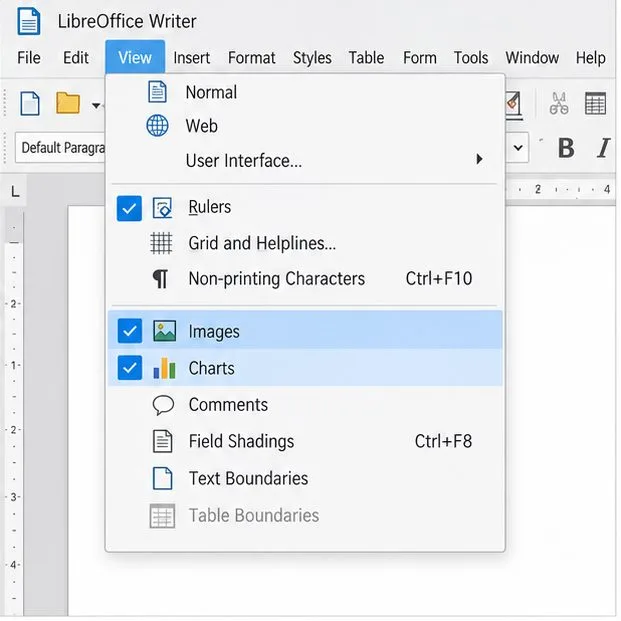
Make image-heavy Writer files easier to edit: test a reversible display setting, compress oversized pictures in a copy, and verify the saved layout.
Find out whether a slow launch comes from extensions, profile settings, or the system, then test the safest fix without losing LibreOffice data.
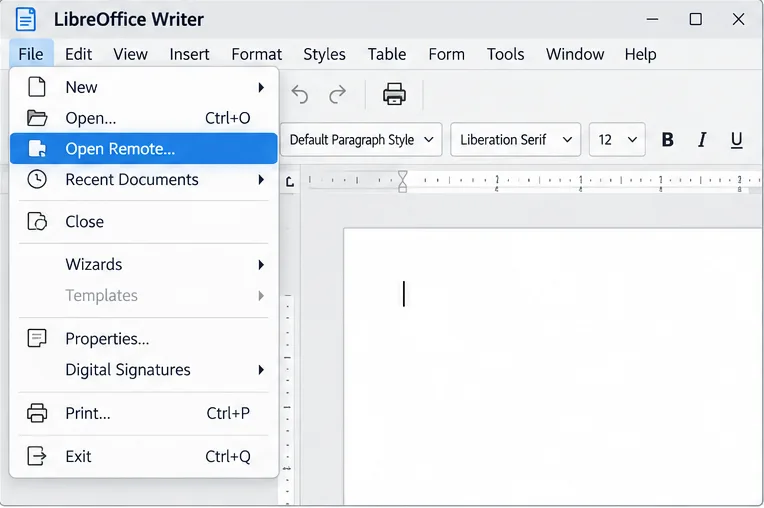
Connect LibreOffice to Nextcloud over WebDAV, save the server copy with Ctrl+S, and understand how AutoRecovery differs from cloud syncing.
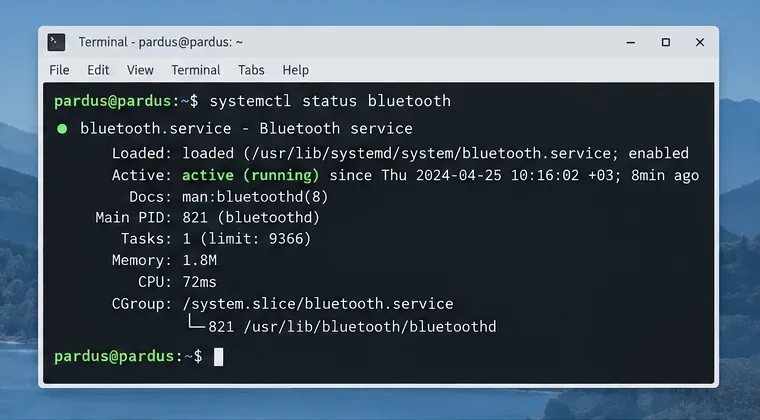
Find out whether Pardus 23 is blocking Bluetooth, missing BlueZ, or failing to detect adapter firmware, then confirm the controller works.
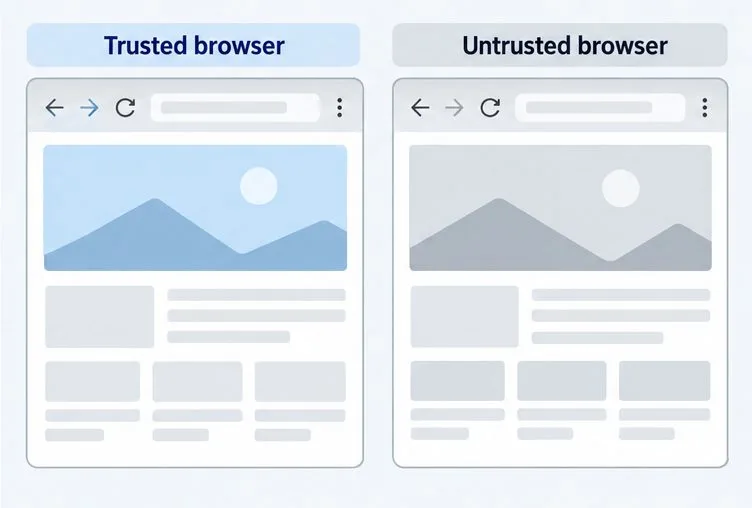
Learn how Gooroom separates trusted and untrusted browsing, what users can change, and how an administrator can safely update site policies.
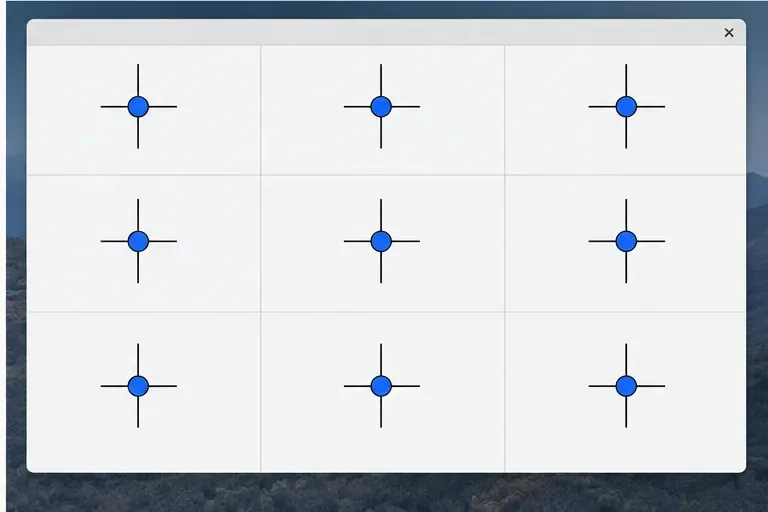
Diagnose rotated, offset, or inconsistent touch input on a Harmonica OS tablet and choose a Linux calibration method that fits its session and driver.
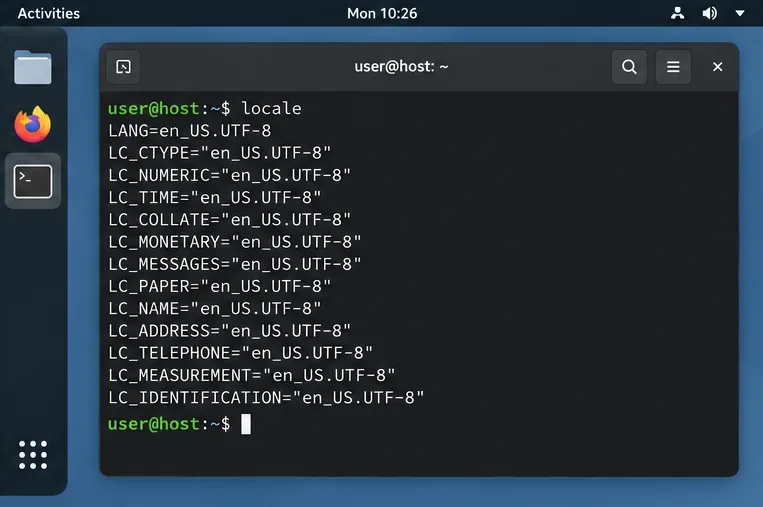
Switch Gooroom’s desktop session to English, verify the locale, and identify when untranslated Korean labels need an app update instead.
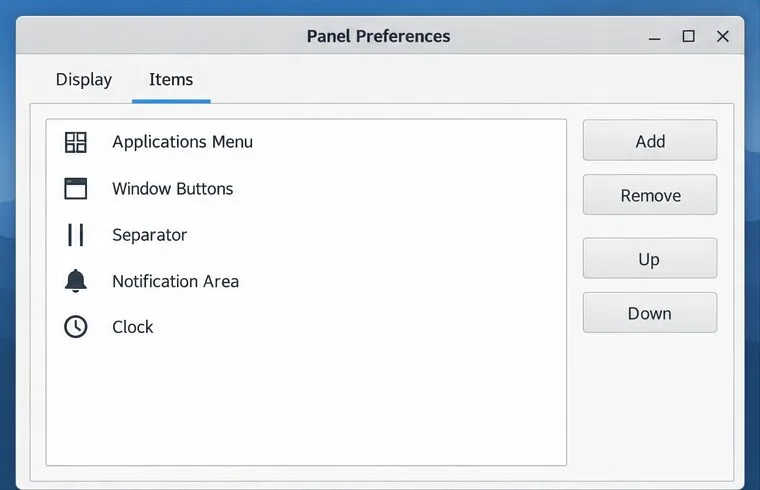
Arrange Pardus XFCE as a familiar bottom taskbar with an app menu, pinned launchers, open-window buttons, and a system tray.
Check your Gooroom release and administrator rules, then follow the official Debian-based setup path for Flatpak or Snap without bypassing system controls.