Bluetooth Adapter Missing on Pardus 23? Start with These Checks
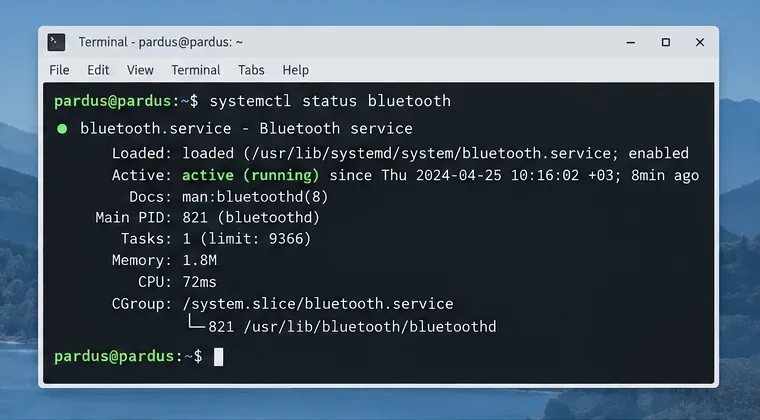
Find out whether Pardus 23 is blocking Bluetooth, missing BlueZ, or failing to detect adapter firmware, then confirm the controller works.
If Outlook email stopped working, you can usually restore full functionality without reinstalling the entire Office suite. The issue often stems from account authentication, corrupted data files, or network restrictions that block the connection to your mail server. This guide walks through the exact fixes that resolve the problem for most users.
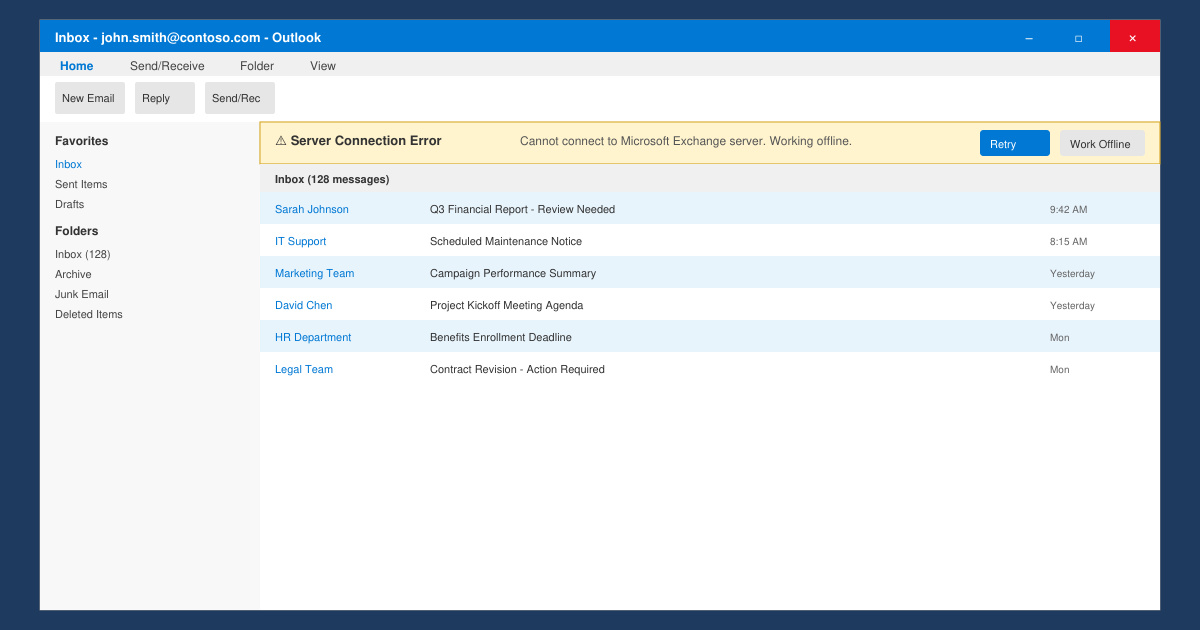
Outlook relies on stable server connections, valid credentials, and intact local data files. When any of these break, you stop receiving new messages, cannot send mail, or see constant sync errors. Before diving into repairs, confirm your internet connection works in a browser and that other email clients on the same device still function.
Common triggers include recent Windows or Office updates that alter authentication settings, expired app passwords for two-factor accounts, or oversized PST/OST files that become corrupted.
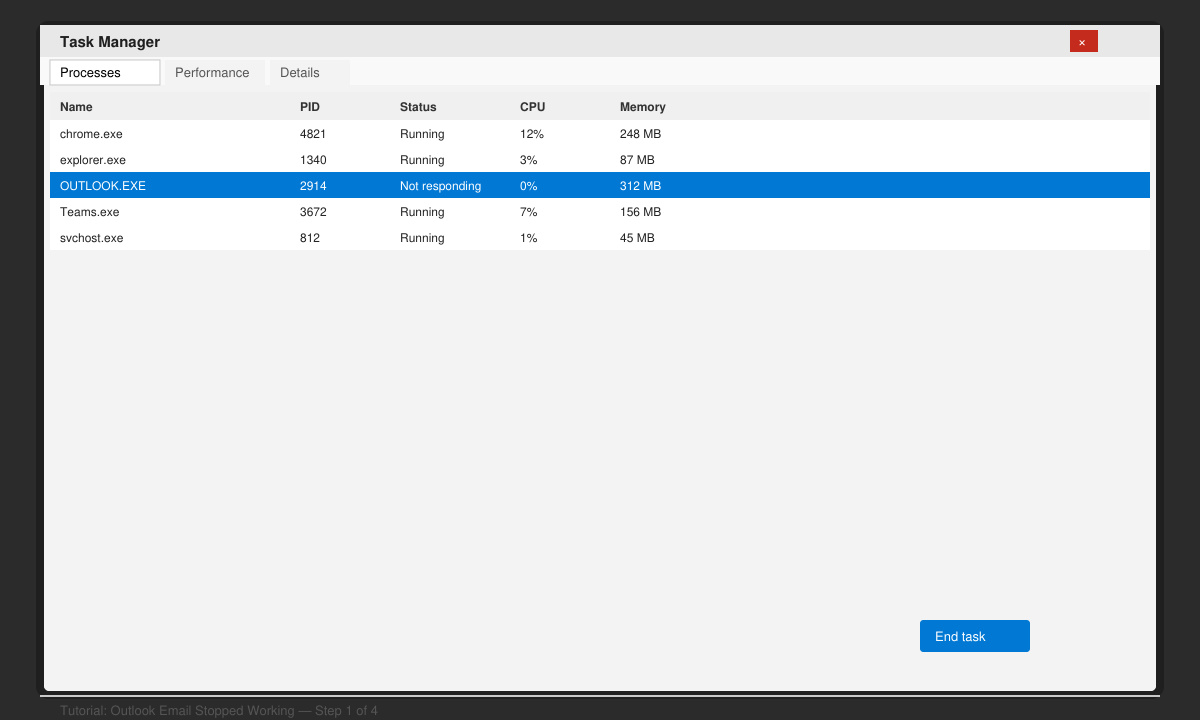
Close Outlook completely through Task Manager. Reopen it and wait two minutes for the initial sync attempt. If the error persists, open Settings > Accounts > Email & accounts and remove then re-add the problematic account using the exact server settings provided by your provider.
Close Outlook. Press Windows key + R, type outlook.exe /safe and press Enter. If Outlook opens without errors in safe mode, the problem lies in an add-in or data file. Run the built-in repair tool: Control Panel > Programs > Microsoft 365 > Quick Repair > Online Repair.
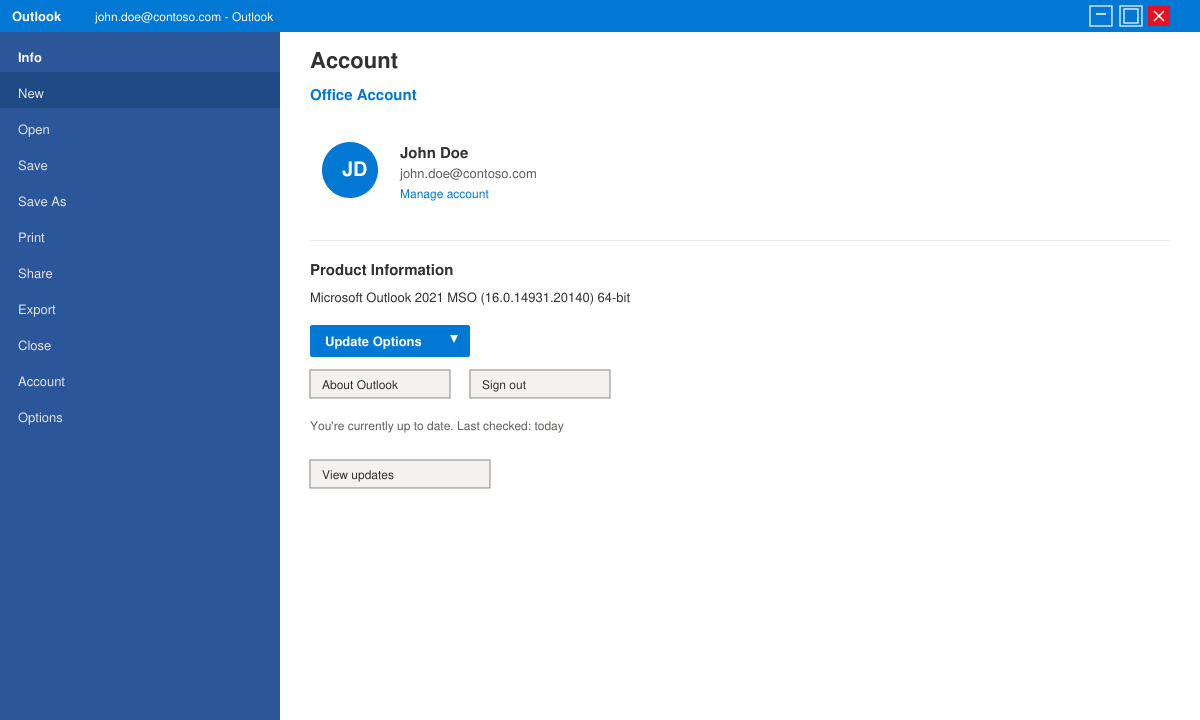
Open Outlook, go to File > Office Account > Update Options > Update Now. Also check Windows Update and install any pending security patches. Outdated versions frequently lose the ability to connect after server-side changes.
Close Outlook. Hold the Windows key and press R, then type outlook.exe /resetnavpane. After restarting, go to Control Panel > Indexing Options > Modify and ensure Outlook is selected. Rebuild the index if mail search still fails.
Yes. All steps above preserve your existing data. Only the profile or data file repair may require re-downloading headers, but messages remain on the server.
Recent updates sometimes change default authentication protocols or disable legacy add-ins. Running Online Repair and updating Outlook usually restores connectivity within minutes.
Not always. If the desktop version fails while the mobile app works, focus on local files and add-ins rather than account credentials.
Following the sequence above resolves Outlook email stopped working in the large majority of cases. Start with the restart and repair steps, then move to profile recreation only if needed.
Find out whether Pardus 23 is blocking Bluetooth, missing BlueZ, or failing to detect adapter firmware, then confirm the controller works.
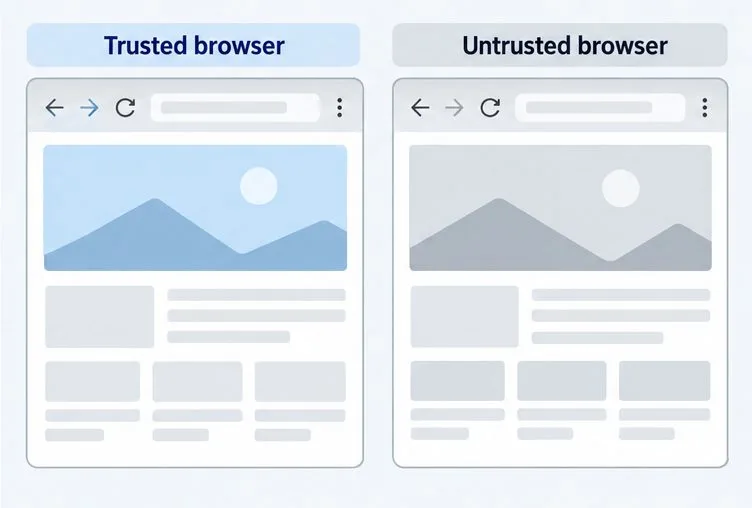
Learn how Gooroom separates trusted and untrusted browsing, what users can change, and how an administrator can safely update site policies.
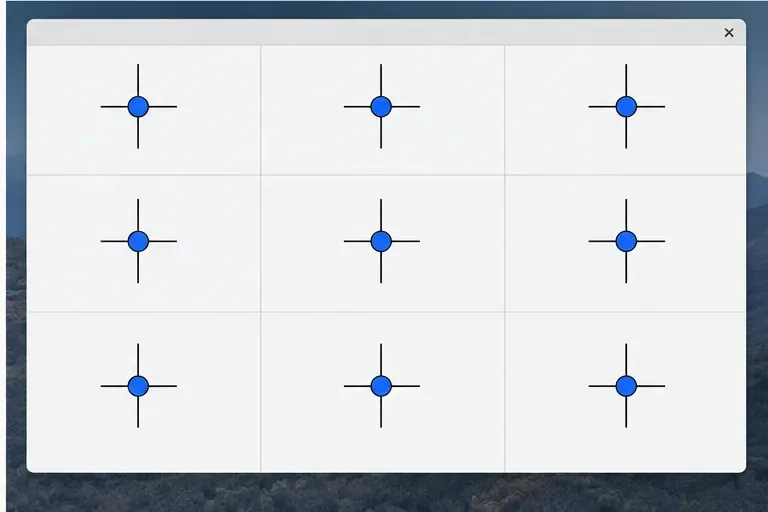
Diagnose rotated, offset, or inconsistent touch input on a Harmonica OS tablet and choose a Linux calibration method that fits its session and driver.
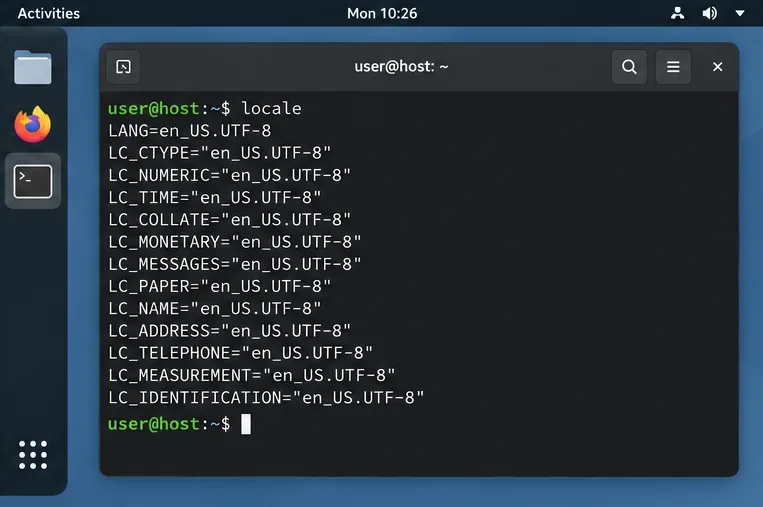
Switch Gooroom’s desktop session to English, verify the locale, and identify when untranslated Korean labels need an app update instead.
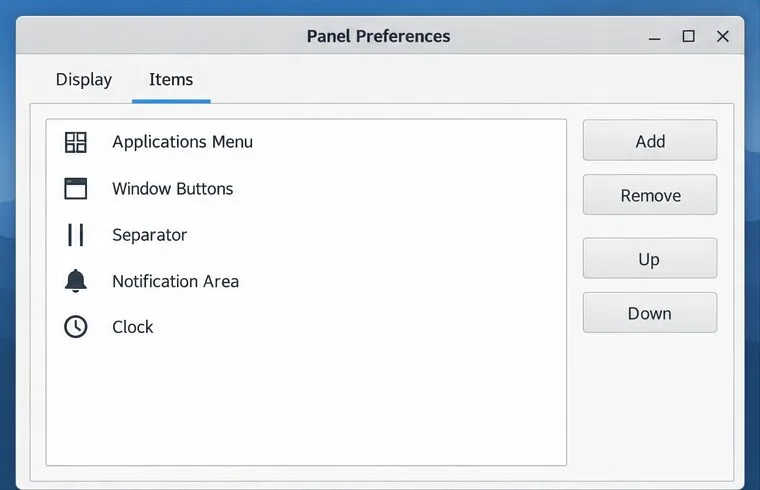
Arrange Pardus XFCE as a familiar bottom taskbar with an app menu, pinned launchers, open-window buttons, and a system tray.
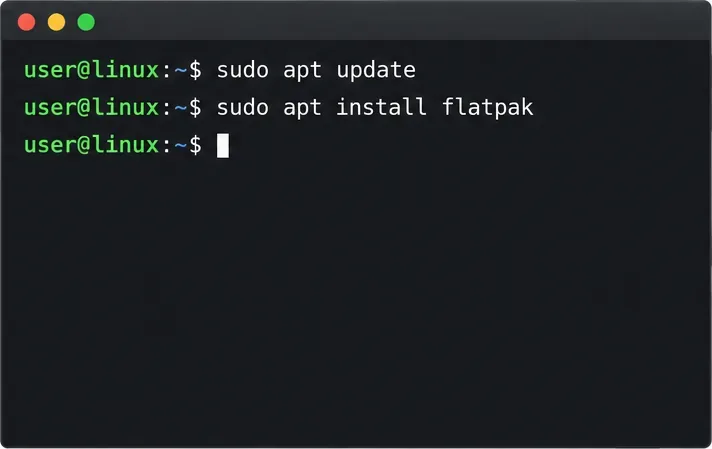
Check your Gooroom release and administrator rules, then follow the official Debian-based setup path for Flatpak or Snap without bypassing system controls.
Learn what Pardus Image Writer can do, how to prepare installation USB safely, and which tools fit custom live images or repeatable fleet deployments.
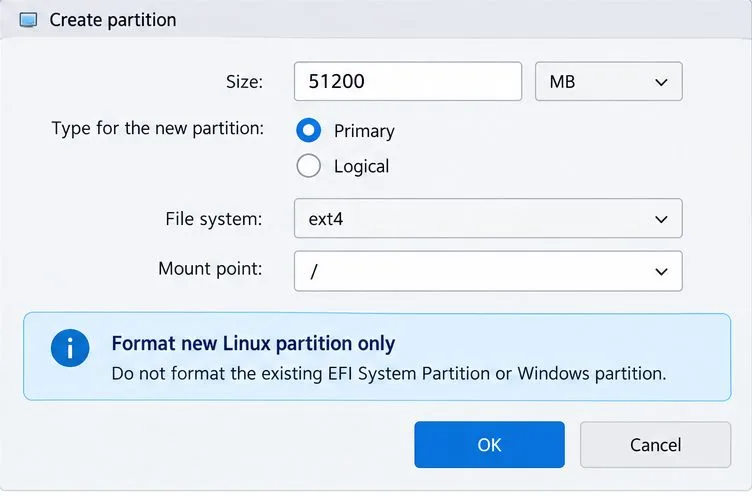
Install Pardus alongside Windows 11 by shrinking the Windows volume, using unallocated space, and preserving the existing EFI System Partition.
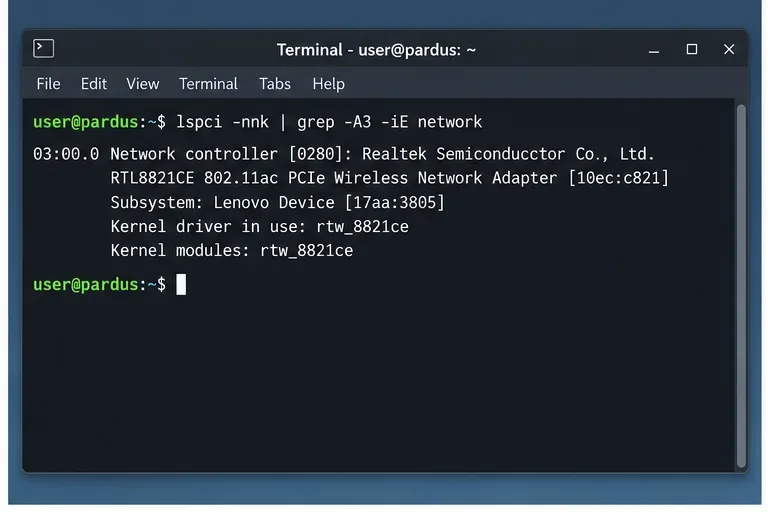
Identify the RTL8821CE, install Pardus-supported Realtek firmware, and verify the driver, Wi-Fi scan, and next troubleshooting step.
Use Pardus’s hardware-aware installer to enable the right NVIDIA driver, reboot safely, and verify the active kernel module.