Set Nextcloud’s Public URL So It Can Reach Itself
Fix Nextcloud’s missing outgoing address warning by setting its canonical URL and checking DNS, HTTPS, and reverse-proxy routing from the server itself.
Set Nextcloud’s canonical base URL to the address users actually use, then make sure the Nextcloud server can resolve and connect to that address itself. For a typical HTTPS installation, the key setting is overwrite.cli.url; if Nextcloud sits behind a reverse proxy, also correct the forwarded protocol or web root only when your setup requires it.
A warning described as “Server Has No Outgoing Pointing Address” can refer to Nextcloud failing to generate or verify an address back to its own web service. In current Nextcloud documentation, several setup checks require the web server to reach one of its trusted domains or the configured overwrite.cli.url. This is different from a general “no working Internet connection” warning, which points to outbound DNS, firewall, or proxy access to external services.
Choose the stable URL your users normally enter. For example, if users open https://cloud.example.com, use that exact scheme and hostname. If the installation is served from a subdirectory, such as https://example.com/nextcloud, include /nextcloud in the base URL. Avoid using localhost or a private container name as the canonical URL when generated links must work for people outside that machine.
Nextcloud uses overwrite.cli.url as its canonical base URL when it generates links outside a normal browser request, including command-line and background-job contexts. That makes it a suitable setting when a warning or broken link is caused by an incorrect URL inferred during installation.
On a standard Linux installation, change to the Nextcloud directory that contains occ—commonly /var/www/nextcloud—and run this as the web-server user:
cd /var/www/nextcloud
sudo -u www-data php occ config:system:set overwrite.cli.url --value="https://cloud.example.com"
Replace the example URL with your real public address. For a subdirectory install, include its path, for example https://example.com/nextcloud. If your installation uses a different web-server account, container, or package layout, use that deployment’s documented method to run occ; the path and account above are not universal.
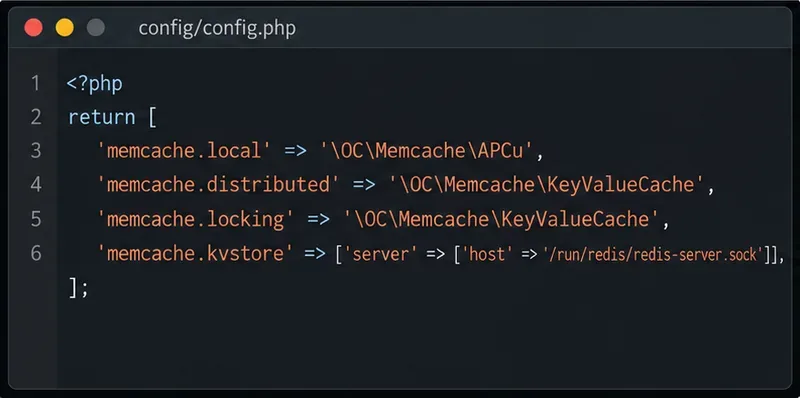
You can also edit the existing config/config.php and add this entry inside the $CONFIG array:
'overwrite.cli.url' => 'https://cloud.example.com',Do not create a second $CONFIG array or overwrite the rest of the file. Keep the trailing comma if other entries follow. Make a backup outside the active config directory before manual edits; Nextcloud may load additional files ending in .config.php from that directory as live configuration.
A reverse proxy accepts the public HTTPS request and forwards it to Nextcloud, sometimes over plain HTTP on a private network. Nextcloud may then infer the wrong scheme, hostname, or path when it creates its own URL. The official reverse-proxy guide recommends using the overwrite parameters only when automatic detection fails, and listing the proxy address under trusted_proxies.
For a proxy at 10.0.0.1 that serves Nextcloud at https://cloud.example.com/nextcloud, the relevant entries look like this inside the existing configuration array:
'trusted_proxies'   => ['10.0.0.1'],
'overwriteprotocol' => 'https',
'overwritewebroot'  => '/nextcloud',
'overwrite.cli.url' => 'https://cloud.example.com/nextcloud',
Use the actual address Nextcloud sees for the proxy and the public path in your deployment. For a root-domain installation, omit overwritewebroot unless a specific proxy arrangement needs it. Nextcloud notes that overwritehost is unnecessary in most setups because it can read the host forwarded by the proxy; set it only when you must force one hostname. Incorrect proxy trust or forwarded-header settings can affect how client IP addresses are interpreted, so do not copy an example address without checking your topology.
Test from the Nextcloud host, or from the Nextcloud container if the service runs in Docker. First check name resolution, then make an HTTPS request:
getent ahosts cloud.example.com
curl -I https://cloud.example.com/status.php
The hostname should resolve to the intended reachable address, and the request should return an HTTP response from Nextcloud without a certificate error. A successful request from your laptop does not prove the server can reach the same URL. Home servers behind a router may fail when they try to reach their own public address from inside the LAN; this is often called a hairpin NAT or NAT loopback issue. Configure split DNS so the same public hostname resolves internally to the reverse proxy’s LAN address, or enable the router’s supported loopback behavior. Keep the canonical URL public so links sent to remote users remain valid.
Do not “fix” a certificate problem by using curl -k as proof that HTTPS is healthy. Install or configure a certificate chain trusted by the system or container that runs Nextcloud, then repeat the test normally.
If the admin page specifically says Nextcloud has no working Internet connection or cannot reach multiple external endpoints, changing overwrite.cli.url alone will not restore Internet egress. Check DNS resolution and outbound firewall rules from the server. If your network requires an HTTP proxy, configure the supported Nextcloud proxy settings or the environment used by PHP and background jobs; a proxy set only in an interactive shell may not be available to scheduled jobs.
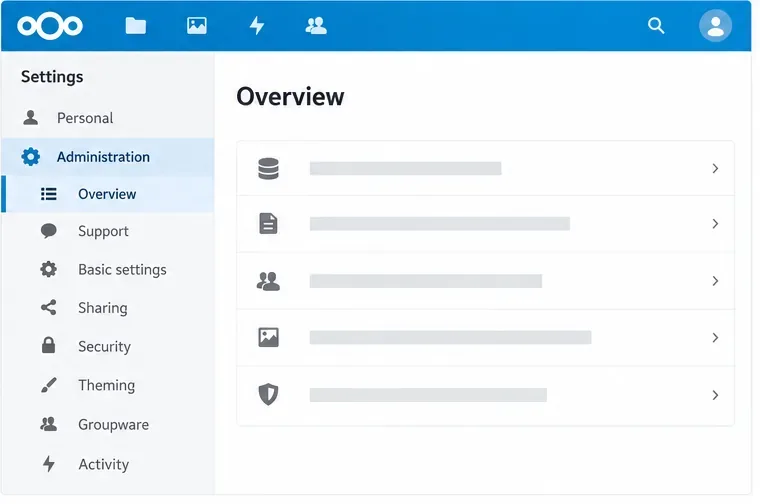
Reload the Administration Overview after Nextcloud can resolve and reach its canonical URL. Confirm that the address uses the correct HTTPS hostname and any subdirectory, then create a test share link and check that it contains the same reachable host. If the outgoing-address warning clears but an Internet-connectivity warning remains, investigate outbound access separately. Nextcloud’s current Administration Manual documents the URL and reverse-proxy settings; the exact screen wording can vary by release and translated interface.
Fix Nextcloud’s missing outgoing address warning by setting its canonical URL and checking DNS, HTTPS, and reverse-proxy routing from the server itself.
Configure APCu and Redis over a local Unix socket for Nextcloud caching and file locking, with steps for current and older Nextcloud releases.
Check Nextcloud’s cron mode, repair its systemd service and timer, and verify that background jobs run after startup and every five minutes.
Enable reliable Nextcloud file locking, choose the right Redis or Valkey backend, and verify the warning clears without risking concurrent file changes.
Fix common Nextcloud scan findings with current updates, HTTPS and HSTS, precise reverse-proxy trust, and checks against the public server.
Back up Nextcloud’s files and MariaDB together, schedule encrypted Restic snapshots with cron, and verify recovery without risking the live server.
Configure Nextcloud SSE for the storage that needs it, protect encryption keys, and measure transfer and CPU impact before encrypting existing files.
Connect Nextcloud’s file search to Elasticsearch, index document contents, and choose a setup that fits your server and security needs.
Configure Nextcloud to remove deleted files after a defined retention period, schedule background jobs reliably, and avoid commands that purge every user’s trash.
Run Nextcloud’s OCC repair safely, preview the database changes, and check why the warning might remain.