Home
» How to
»
Should we put the TV on the refrigerator?
Should we put the TV on the refrigerator?
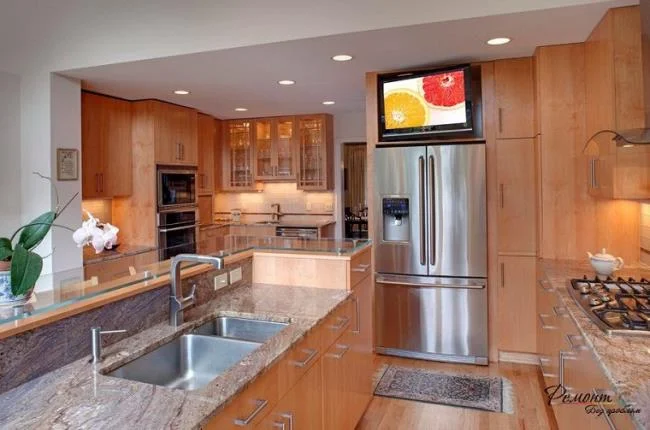
When the family living space is cramped, placing the TV on top of the refrigerator is a solution that many users think about. Is it okay to put the TV on the refrigerator ? WebTech360 will answer that question for you through the following article.
Should or should not?
In the decoration and arrangement of household utensils, there will be many ways. But for electrical appliances such as refrigerators, televisions, washing machines,…., You should be more careful in the layout. If you think that placing the TV on the refrigerator is very reasonable and can save space while watching TV while cooking, then you are probably a little bit confused. Putting TV on the refrigerator is absolutely not recommended.
Do not put the TV on the refrigerator
Why should not put the TV on the refrigerator?
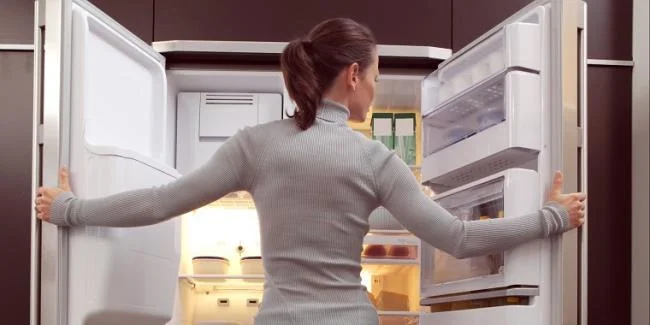
When buying and using television, you may also know that the television should not be placed near humid environments. Therefore, putting TV on the refrigerator is absolutely not recommended. Regularly opening the refrigerator will cause the cold to evaporate and rise, causing moisture to the TV's circuits placed on top, and shortening the life of components inside the TV. If you wonder why the TV can be placed in an air-conditioned environment and cannot be placed near the refrigerator's cold, it is because the refrigerator's cold air carries steam, and the cold air of the machine Air conditioner does not carry much steam. Much steam will adversely affect the high voltage circuit of the TV.
The cold rise of the refrigerator will adversely affect the TV
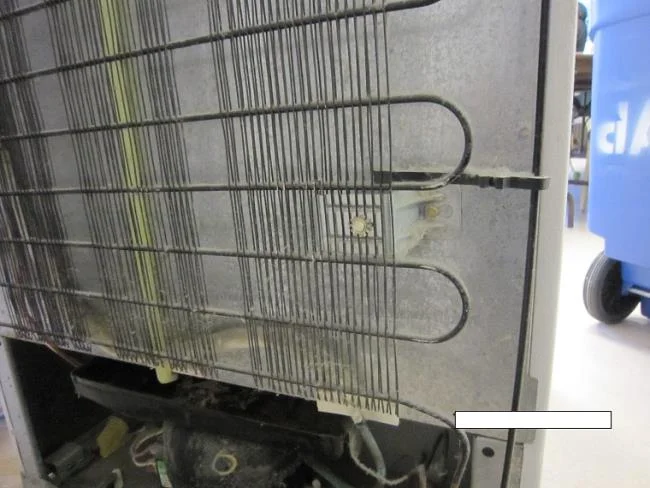
At the same time, the outdoor unit in the back of the refrigerator when heat exchanging generates heat, the TV's exposure to such heat will adversely affect the operation of the TV.
The heat from the refrigerator's outdoor unit will make the TV more susceptible to damage
Besides, the TV itself, when active, also emits a certain amount of heat. This makes the solder of the components in the TV easy to come off. In addition, the heat from the refrigerator heater spread out underneath the TV will make the TV easily damaged. If you do not want to buy a new television too quickly, do not put the TV on the refrigerator.
Above are some notes of WebTech360 about whether or not to put the TV on the refrigerator. Hope this article can help you with the most suitable home furniture layout.