ONLYOFFICE vs LibreOffice: What Performance Tests Show
See what recent release data can—and cannot—prove, then compare both office suites on the same files and computer.
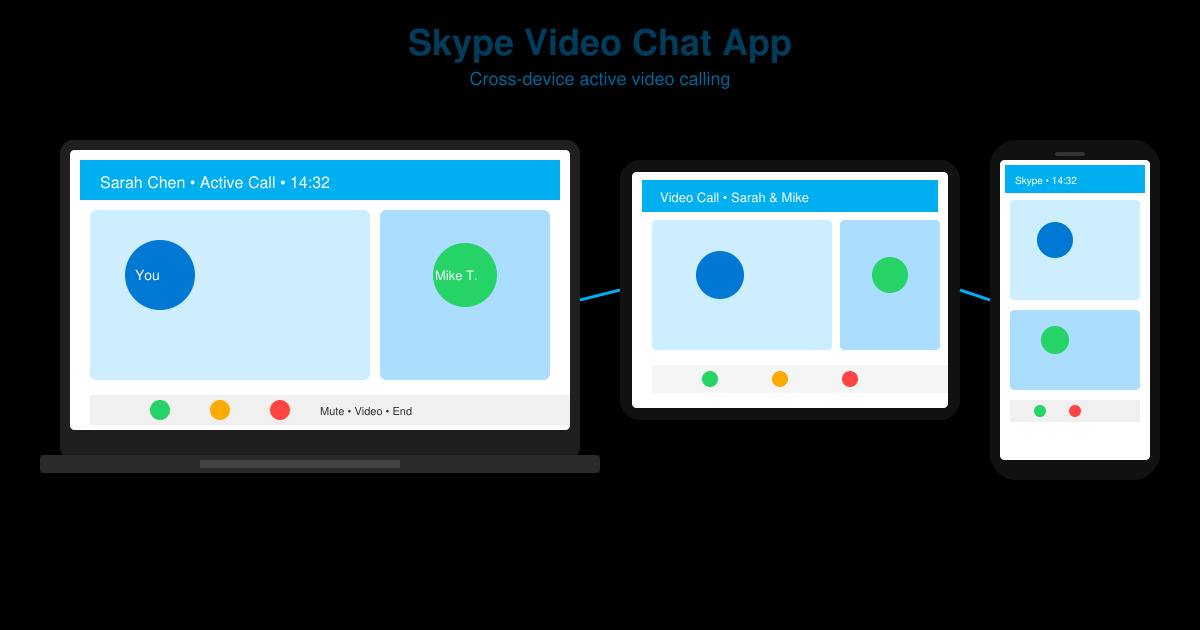
The Skype Video Chat App provides reliable, high-quality video calling across phones, tablets, and computers. This guide covers everything from installation to advanced features so you can start making calls quickly and smoothly.
Before using the app, confirm your device meets the basic requirements: Windows 10 or later, macOS 10.15 or newer, Android 7.0+, or iOS 14+. A stable internet connection of at least 1 Mbps upload and download is recommended for smooth video.
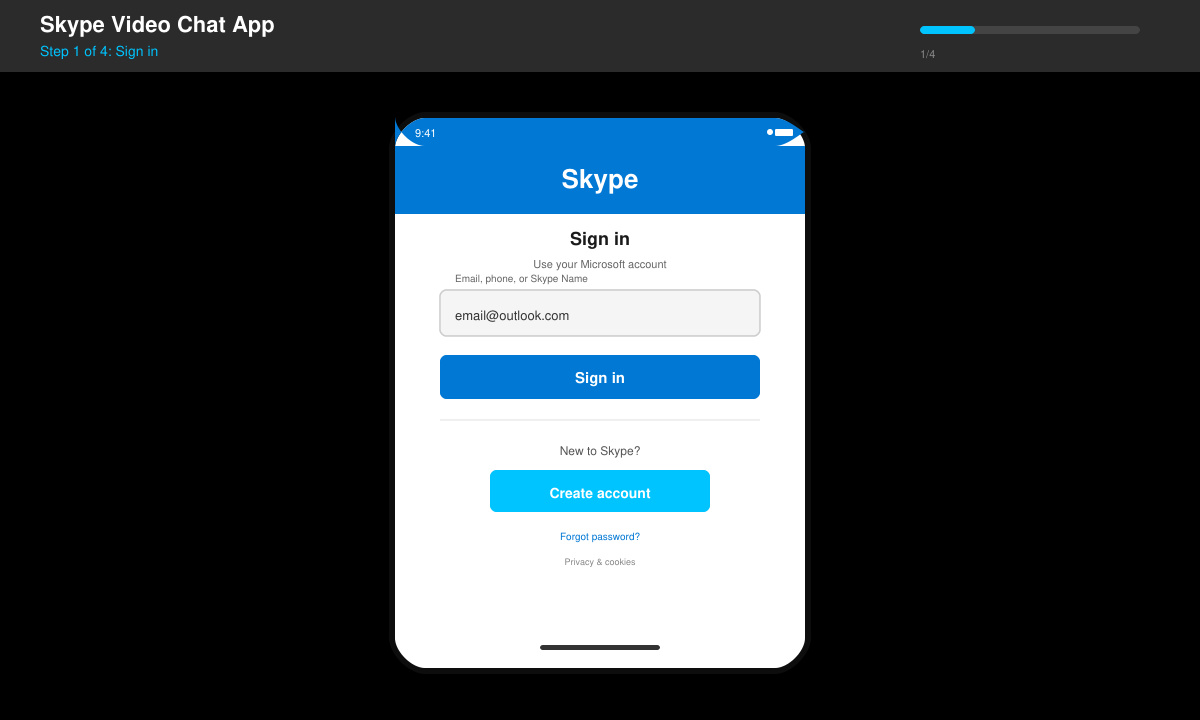
Open the Skype Video Chat App and enter your Microsoft account email or phone number. If you do not have an account, tap or click "Create one" and follow the on-screen prompts to verify your details.
Tap the search bar at the top, type the Skype name, email, or phone number of the person you want to reach, then select "Add to contacts" and send the request. Wait for them to accept before calling.
Open your contacts list, select the desired contact, and tap the video camera icon. Grant camera and microphone permissions when prompted. The call connects automatically once the other person answers.
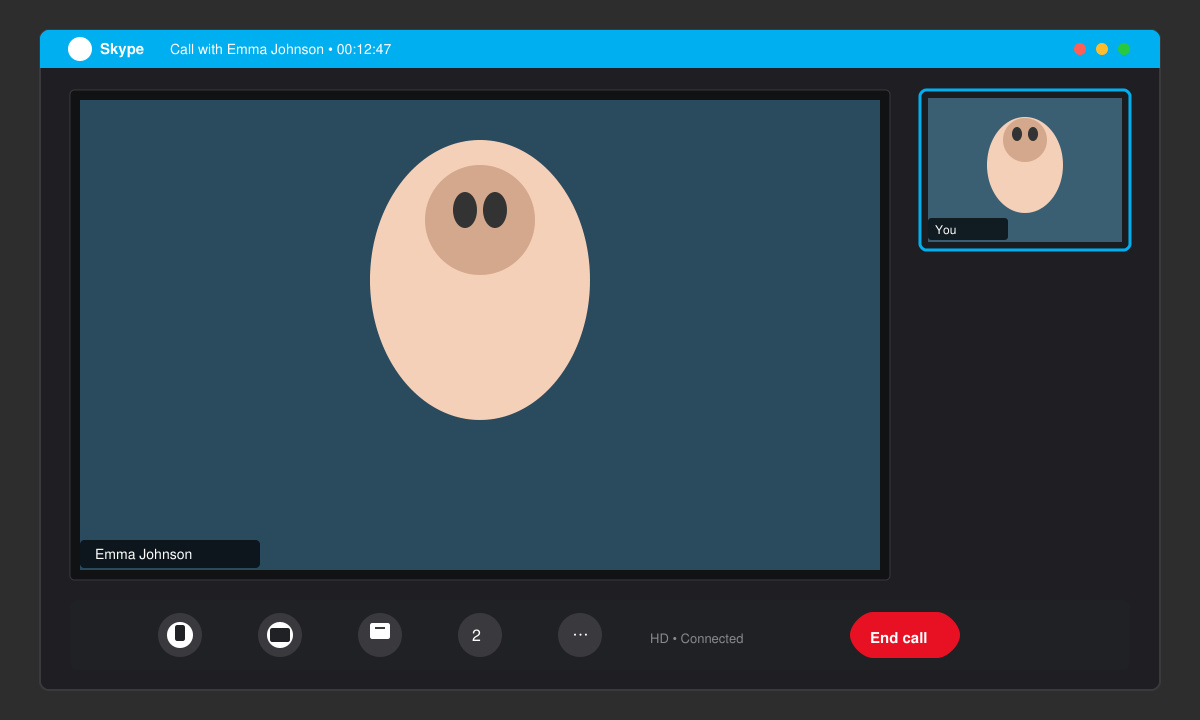
While connected, use the bottom toolbar to mute your microphone, turn off your camera, share your screen, or add more participants by tapping the plus icon.
Yes, basic video calls are free. Premium features such as call recording or larger group sizes require a Skype Credit or subscription purchase.
No, a Microsoft account is required for full functionality, though you can sign in with any existing Outlook, Hotmail, or Xbox Live credentials.
Support ends for very old operating systems; check the official Skype support page for the latest minimum version requirements.
With these steps you can confidently use the Skype Video Chat App for personal and professional video conversations on any supported device.
See what recent release data can—and cannot—prove, then compare both office suites on the same files and computer.
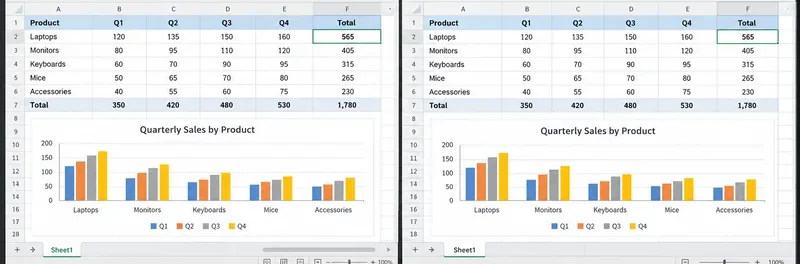
Compare exact matches, left-side lookups, missing-value handling, and version support so you can choose a reliable Calc formula.
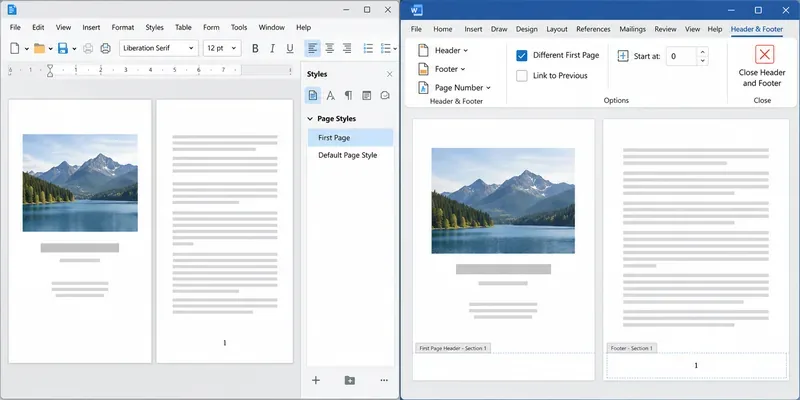
Learn how Writer page styles and Word section links affect cover pages, Roman numerals, and numbering restarts when you move a document.
You've just nailed a great product demo. The energy was right, you handled objections like a pro and you could see the lightbulb moment on your prospect's face. The Zoom call is over, you click “End Recording,” and you feel great.
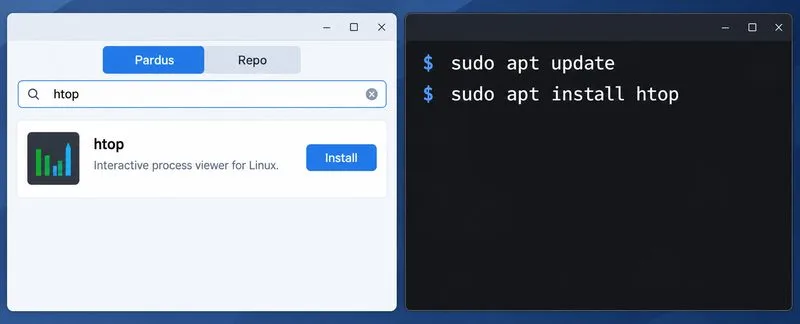
Compare Pardus Software Center with APT commands to find, install, remove, and update packages using the method that fits your task.
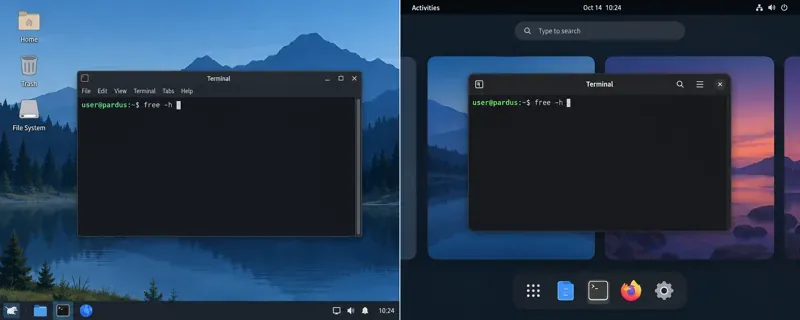
See what Pardus’s published RAM requirements mean, then compare XFCE and GNOME on the same PC with repeatable MemAvailable readings.
See where HamoniKR 8.0 fits in a business desktop plan, what its Korean-focused features support, and what to verify before a wider rollout.
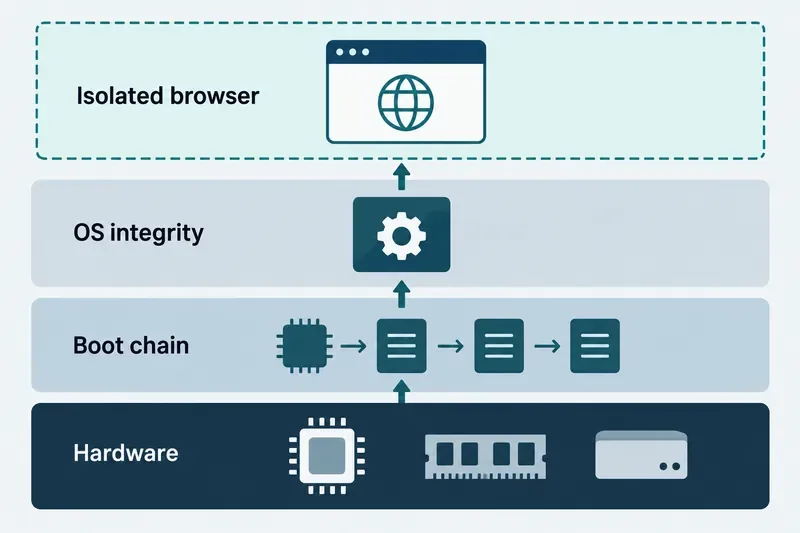
Understand how Gooroom’s boot verification and runtime protections fit together, what “sandbox” means, and which settings you should verify on your device.
Compare HamoniKR 8.0 LTS and Lite requirements, then test Wi-Fi, graphics, and laptop controls from a live USB before installing.
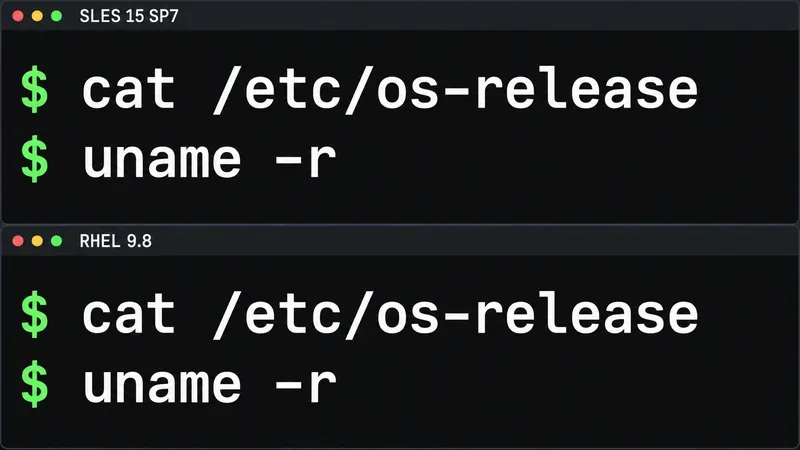
Compare the current SLES and RHEL baselines, understand why kernel numbers do not predict speed, and build a fair test around your real server workload.