Will HamoniKR 8.0 Run on an Older Laptop? Check These Specs
Compare HamoniKR 8.0 LTS and Lite requirements, then test Wi-Fi, graphics, and laptop controls from a live USB before installing.
As of October 9, 2026, HamoniKR’s official download page lists version 8.0 Paektu, based on Ubuntu 24.04 LTS. An older laptop is a reasonable candidate if it has a 64-bit x86 processor, but check the edition’s memory and storage limits and test the exact HamoniKR image from a USB drive before installing. A bootable live session is the most useful compatibility check because a published minimum cannot guarantee that every Wi-Fi, graphics, touchpad, or sleep function works on a particular model.
HamoniKR’s official version 8.0 system requirements list a dual-core Intel or AMD CPU at 2 GHz or faster, 4 GB of DDR3 memory, at least 25 GB of disk space, and a display resolution of 1024 × 768 for the standard edition. The page recommends a four-core CPU, 8 GB of memory, and a 50 GB drive. These are the project’s published targets, not a guarantee of smooth performance for every workload. A slow hard drive, a browser with many open tabs, or aging hardware can still make a machine feel sluggish. See the HamoniKR 8.0 system requirements.
| Edition | Published minimum | Best fit |
|---|---|---|
| HamoniKR 8.0 LTS | Dual-core Intel or AMD at 2 GHz; 4 GB RAM; 25 GB storage; 1024 × 768 display | General desktop use |
| HamoniKR 8.0 Lite | 2 GB RAM and 20 GB storage on the official download page | Basic browsing and lighter tasks |
There is a documentation inconsistency worth handling conservatively: the official installation-preparation page gives a lower Lite figure of 1 GB RAM and 10 GB storage, while the download page specifies 2 GB and 20 GB. Treat the higher 2 GB/20 GB figures as the safer planning baseline, and leave additional free space for updates and personal files. If a laptop falls below the standard edition’s memory target, Lite is the more plausible edition to try, but its lower minimum does not mean modern websites will run comfortably.

First confirm that the laptop’s processor is 64-bit x86 (often shown as x64). The HamoniKR USB preparation guide lists an x64 CPU and at least two cores; do not confuse the Raspberry Pi ARM64 edition with the standard laptop download. Use the official HamoniKR download page and select the PC LTS or Lite image, not the Raspberry Pi image.
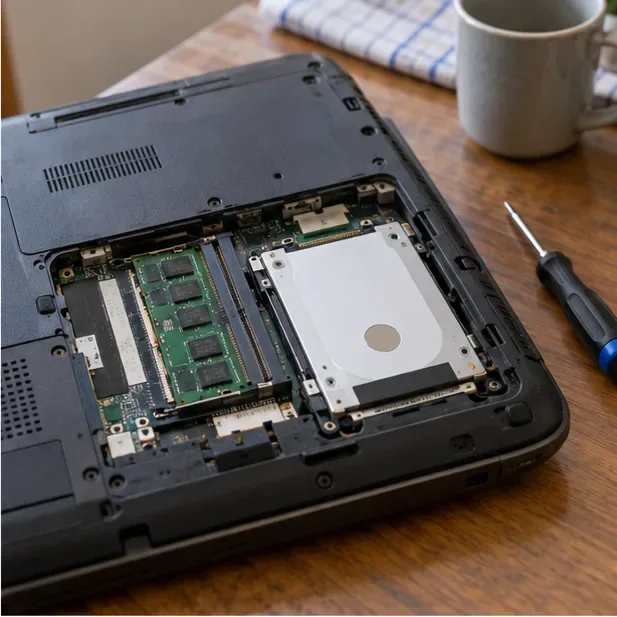
Next check installed memory, available disk space, and screen resolution. Windows users can find the processor, installed RAM, and system type under Settings → System → About; Linux users can inspect them with lscpu, free -h, and df -h. An SSD may make an old laptop feel more responsive, but it does not solve an unsupported CPU, faulty battery, or missing driver. Check the service manual before buying parts; upgrade slots and supported memory vary by model.
Then consider components that the numeric requirements do not settle. Older wireless adapters, graphics chips, function keys, webcams, card readers, and suspend behavior can depend on the exact manufacturer and chipset. HamoniKR publishes a hardware and software compatibility catalog, but the listed entries are model-specific and do not certify every older notebook. Search the exact model and component identifiers; if no matching record appears, treat support as unconfirmed rather than assuming failure or success.
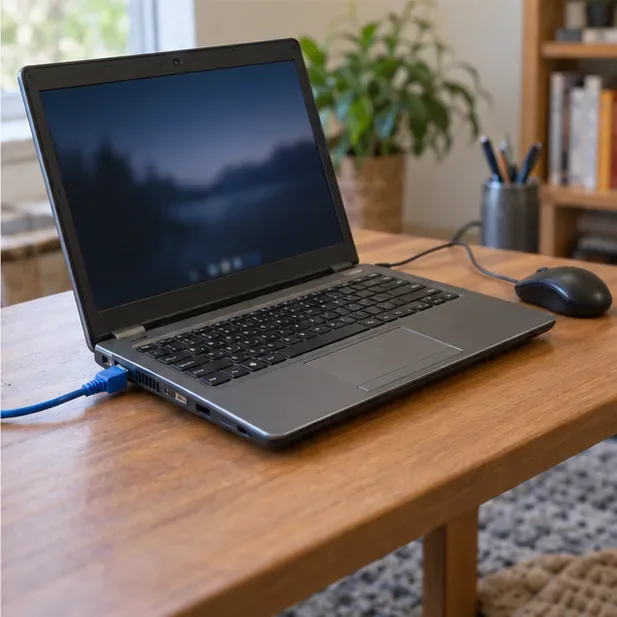
During the live session, test Wi-Fi and Ethernet, sound, brightness keys, touchpad gestures, webcam, external ports, and sleep/resume if those matter to you. Connect to a network and browse a few pages. A component that fails in the live session deserves investigation. Some proprietary drivers may not be present in a preview environment, so a live-session failure does not always prove that no installed-system driver exists; check the exact adapter or graphics chipset and the project’s support notes before relying on it.
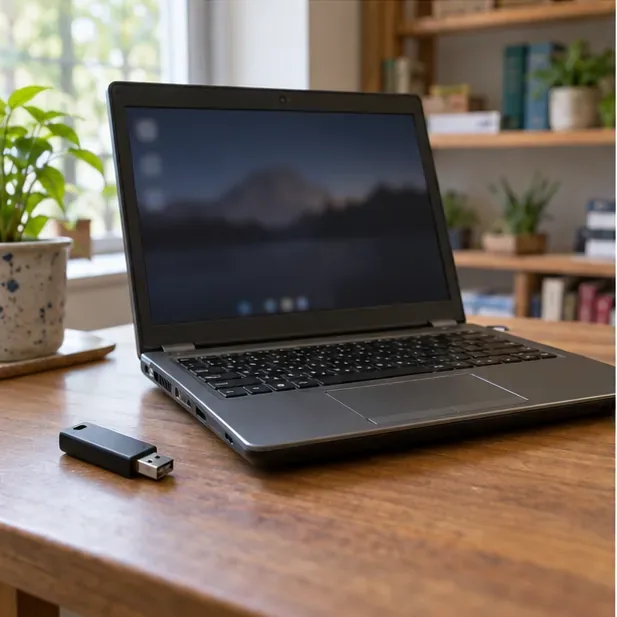
Choose the standard LTS edition when the laptop meets its published CPU, memory, storage, and display targets and the live test confirms the hardware you need. Choose Lite when the machine has less memory or will be used mainly for basic tasks; treat the published 2 GB and 20 GB figures as a floor, not a performance promise. If the processor is 32-bit, the device cannot boot the x64 PC image, storage is failing, or essential networking and input remain unreliable after checking model-specific drivers, pause before installing.
After a successful live test, back up personal files and confirm that you have the correct image and a recovery path for the current system. Once installed, apply available updates and repeat the hardware checks, especially Wi-Fi, audio, brightness, and suspend/resume. HamoniKR’s official version 8.0 materials describe an Ubuntu 24.04 LTS base and support through May 2034, but that support window does not certify an individual laptop’s components. Compatibility is confirmed for your use only when the installed system boots reliably and the features you depend on continue to work.
For installation details, consult the HamoniKR installation page and the Ubuntu Desktop live-preview guidance.
Compare HamoniKR 8.0 LTS and Lite requirements, then test Wi-Fi, graphics, and laptop controls from a live USB before installing.
Compare the current SLES and RHEL baselines, understand why kernel numbers do not predict speed, and build a fair test around your real server workload.
Compare Ubuntu Server 24.04 minimized and standard installs across RAM, disk space, boot time, CPU, and real workloads—without misleading benchmark claims.
A practical 2026 guide to AI, smart-home sensors, remote monitoring, fall safety, privacy, and how technology can support aging in place without replacing care.
Learn how cities can turn mobility, land-use, climate, and community data into safer, greener, more walkable neighborhoods without putting technology before people.
Compare leading UAV and aerospace engineering programs for drones, autonomy, controls, UAS operations, and graduate research, with verified 2026 updates.
A practical guide to AI-powered surgical robotics: current capabilities, levels of autonomy, precision benefits, limits, regulation, and evaluation criteria.
CCUS investment is rising, but can carbon capture reverse global emissions? See where it works, what limits scale, and what evidence matters.
Compare seven global programs for digital supply chains, logistics, analytics, global trade, and operations, with practical guidance on choosing the right fit.
Learn how brain-computer interfaces decode neural signals to restore communication and movement, what recent studies achieved, and what still limits BCI use.