SLES Zypper HTTP 500: Find the Failing Repository
Trace a Zypper refresh error to SUSE, RMT, or a third-party endpoint, then apply the right server-side or cache fix without disabling essential updates.
When zypper refresh reports HTTP 500 on SLES, first identify which repository URL returned it. HTTP 500 means a server handling the request encountered an unexpected condition; the responder may be the repository host, an organization’s RMT server, or an HTTP proxy. Isolate the failing repository and repair or report that endpoint before clearing local metadata. A forced cache rebuild cannot repair a server that is still returning 500.
SUSE’s current SLES 15 SP7 Administration and Upgrade Guides document repository listing and refresh commands, including zypper refresh -fdb for rebuilding local repository metadata. They do not identify a current SLES-wide HTTP 500 incident. The practical fix depends on whether the URL belongs to SUSE Customer Center, an internal mirror, or a third-party repository.
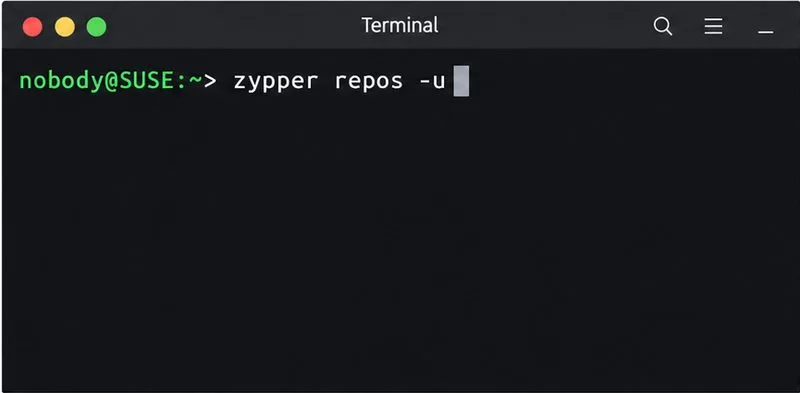
Start by recording the repository alias and URL. On SLES, run:
zypper repos -uThe -u option displays each configured repository’s origin. Note which entries are enabled and set to refresh, then compare the failing URLs’ host names. If one third-party repository fails while SUSE update sources refresh successfully, investigate that repository’s owner. If several repositories point to the same internal host and all fail, the shared mirror, RMT service, reverse proxy, or its upstream connection is a stronger lead.
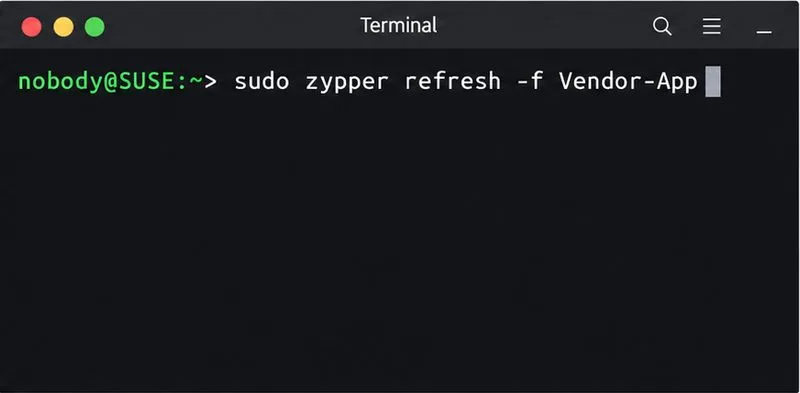
Next, refresh only the affected repository by alias:
sudo zypper refresh -f 'Vendor-App'Replace Vendor-App with the exact alias shown by zypper repos -u. This avoids a screen of repeated errors from unrelated repositories and gives you a focused result to share with the administrator. If the alias contains spaces, keep the single quotes. Keep the exact URL and timestamp of the failure, but redact any embedded username, password, token, or other secret before sending logs or screenshots.
Read the full Zypper error and identify the specific metadata URL it names, often a file under the repository’s repodata directory. If the endpoint can be queried without credentials, compare its HTTP response from the SLES host:
curl -sS -D - -o /dev/null --max-time 20 "$METADATA_URL"Set METADATA_URL to the exact failing metadata URL without putting credentials in the URL or command line. The command prints response headers and discards the response body. A result such as HTTP/1.1 500 confirms that a server in the request path is returning an error; it does not prove whether the origin or an intermediary generated it. Curl may also use different authentication or proxy settings from Zypper, so treat this as a comparison, not a definitive reproduction. If repository access requires authentication, use your organization’s approved test method rather than exposing credentials.
A 500 response is different from a local metadata-cache problem. It is also distinct from DNS failures, TLS certificate errors, timeouts, and authentication responses such as 401 or 403. Those messages require different checks. Do not disable TLS verification, change the repository to plain HTTP, or repeatedly delete caches to make a 500 disappear. For HTTP semantics, RFC 9110 defines 500 as an unexpected server condition that prevented the request from being fulfilled.
You can inspect and change repository state with Zypper or YaST. For example, the documented zypper modifyrepo command can disable a repository by alias, but that is a temporary operational choice, not a repair for a failing required source. Avoid editing generated repository URLs by guesswork, especially after a service-pack migration, because product and update repositories use version-specific paths.
Only after the server or proxy returns a valid response should you retry all enabled repositories:
sudo zypper refresh -f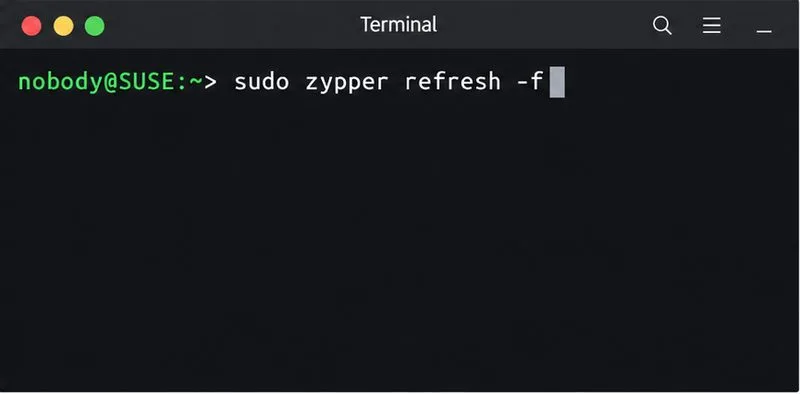
If the endpoint now responds but Zypper still reports stale or inconsistent local repository data, SUSE’s SLES 15 SP7 troubleshooting section recommends a complete metadata refresh and database rebuild with:
sudo zypper refresh -fdbThis forces a download of raw metadata and rebuilds Zypper’s local solvable database. It is useful for local metadata trouble; it is not a remedy for a continuing 500 response. Do not confuse refreshing repository metadata with installing updates: run your normal patch or update command only after refresh completes successfully.
Run zypper refresh -f 'ALIAS' for the previously failing source, then sudo zypper refresh -f for all enabled repositories. The fix is confirmed when the affected repository metadata downloads without HTTP 500 and Zypper finishes without a failed enabled source. If one source still fails, retain the exact URL, status code, response headers, and time, and give them to the owner of that endpoint.
Trace a Zypper refresh error to SUSE, RMT, or a third-party endpoint, then apply the right server-side or cache fix without disabling essential updates.
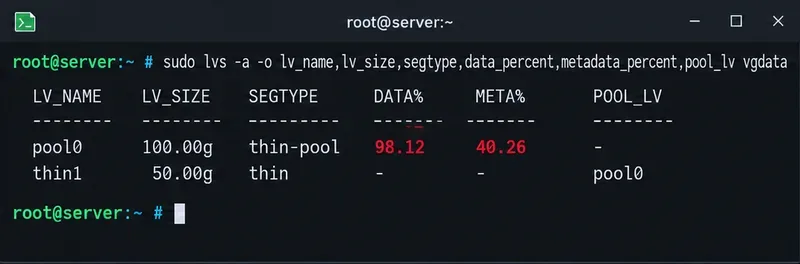
Resolve SUSE LVM thin-pool space errors by checking data and metadata usage, expanding the pool safely, and preventing repeat outages.
Identify whether Btrfs is intentionally read-only, short on space, or protecting data after errors, then choose a recovery path that fits the cause.
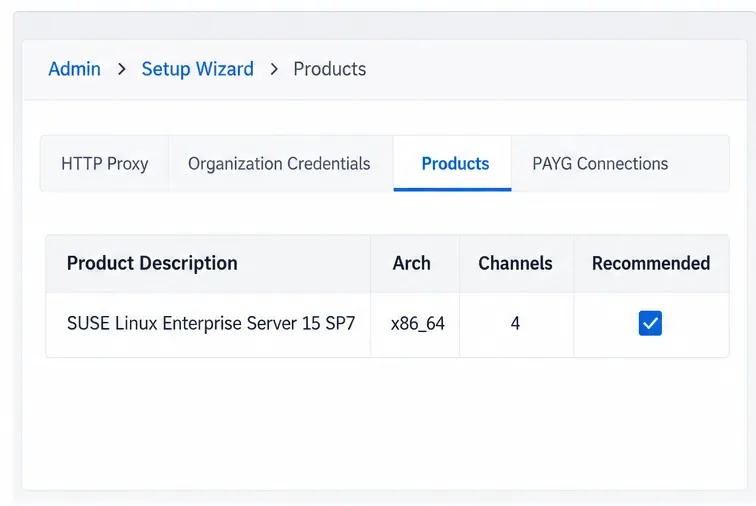
Prepare mirrored channels, create an activation key, and bootstrap an SLES 15 client without direct internet access while preserving the connection needed for Manager check-ins.
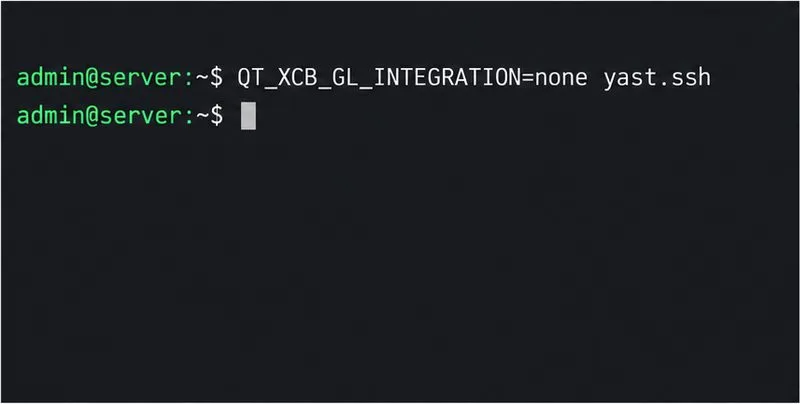
Fix YaST’s XIO launch error over SSH, verify X11 forwarding and xauth, and switch to the ncurses interface when a remote window is unnecessary.
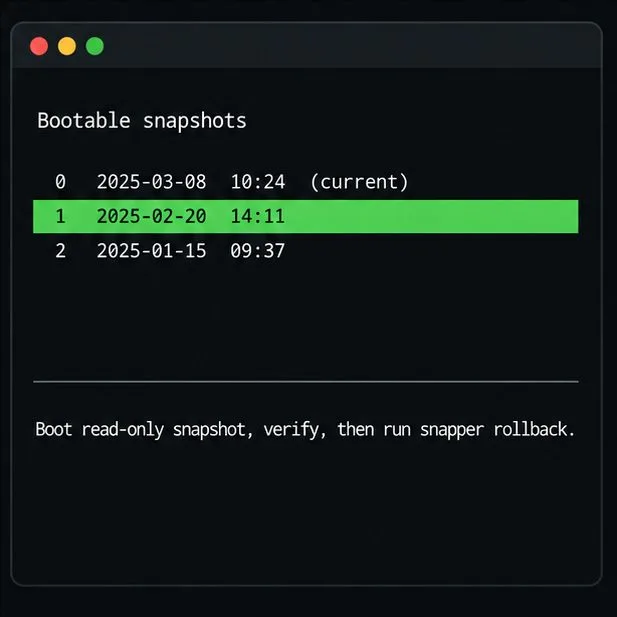
Find the pre-update Btrfs snapshot, test it read-only, and make recovery permanent with Snapper while understanding which data stays outside the root rollback.
Send SLES system logs to a remote rsyslog collector over authenticated TLS, with certificate checks, outage buffering, and delivery tests.
Use RAM, swap, kernel, and Zypper logs to identify real memory pressure, protect package state, and choose a safer SLES upgrade retry.
Enable Debian’s unattended security updates over SSH, keep the default package sources, and verify scheduled runs through systemd and APT logs.
Compare mail delivery options, configure smartd on Ubuntu, and verify that disk-health warnings reach your inbox.