Open Only the Web Traffic Your SLES 15 Server Needs
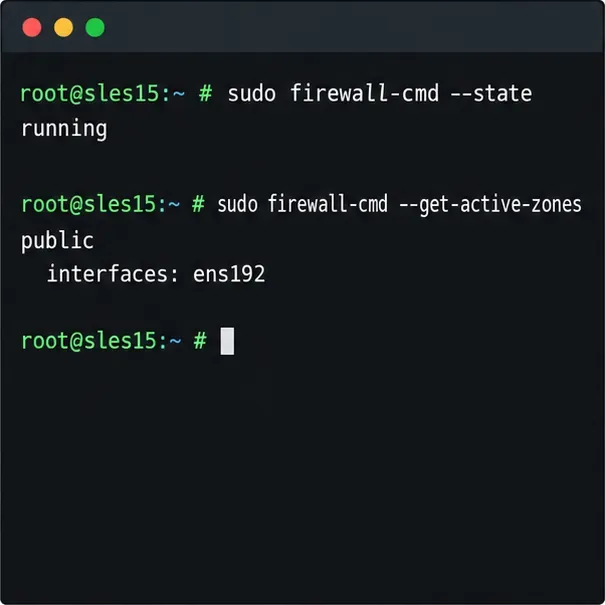
Use firewall-cmd to inspect the active zone, allow HTTP safely, preserve SSH access, and verify that the rule survives a reload on SLES 15.
If someone is bothering you on Snapchat or you find their snaps uninteresting, one option you have besides blocking them is to remove them from your friend list. However, sometimes, you might reconsider your decision and decide to restore your friendship by unblocking the person on Snapchat and adding them to your friend list again. But how can you find the list of deleted friends?
Here, we’ll discuss all the methods you can use to find deleted friends on Snapchat and how to add them back.
How to Find Deleted Friends on Snapchat
Deleting or removing someone from your Snapchat friend list is a mild form of blocking. The deleted user won’t be able to view your profile or send you messages and snaps. However, your old chats with the deleted account remain unaffected. And you can always find a list of your deleted friends and add them again.
The section below discusses the different ways you can find your deleted friends on Snapchat.
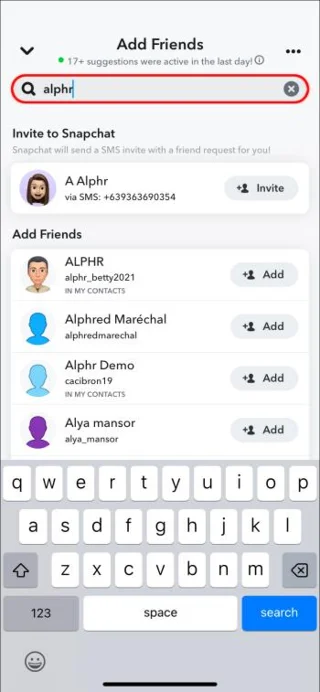
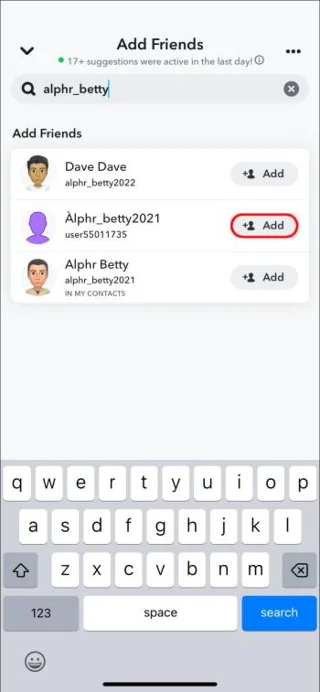
From Their Username
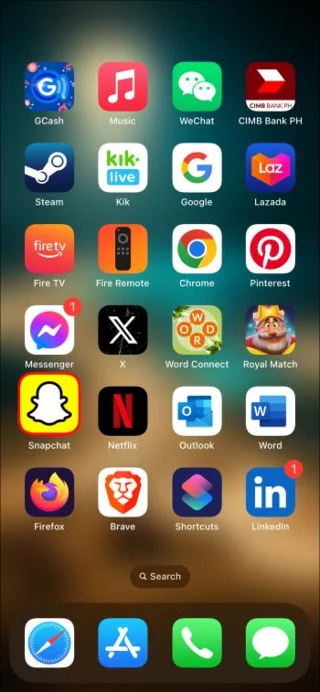
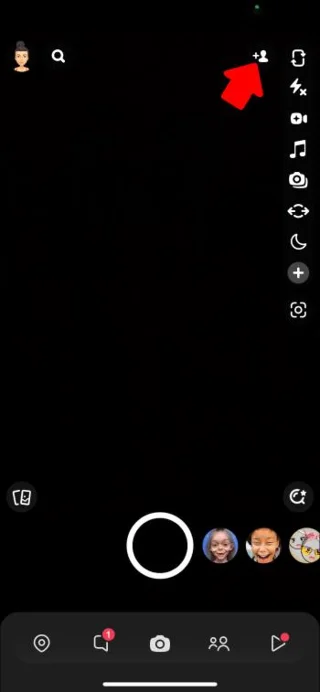
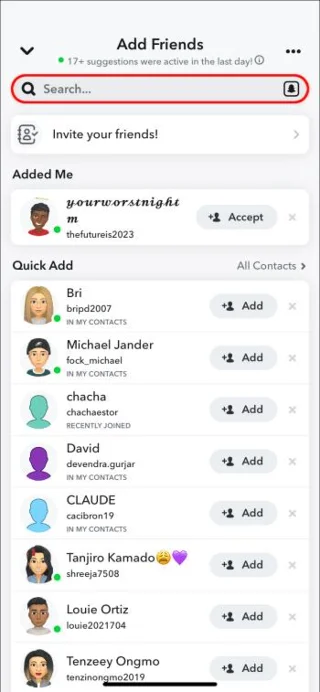
Here’s how to find a deleted friend using the search bar:
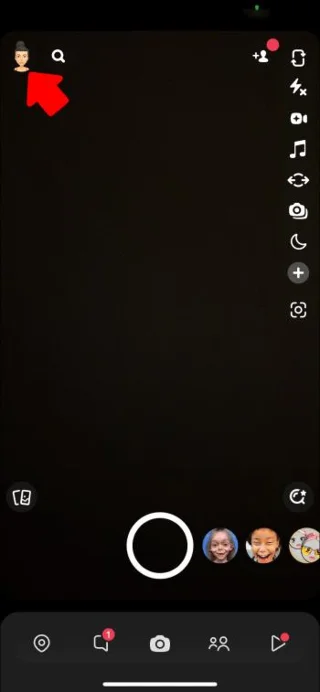
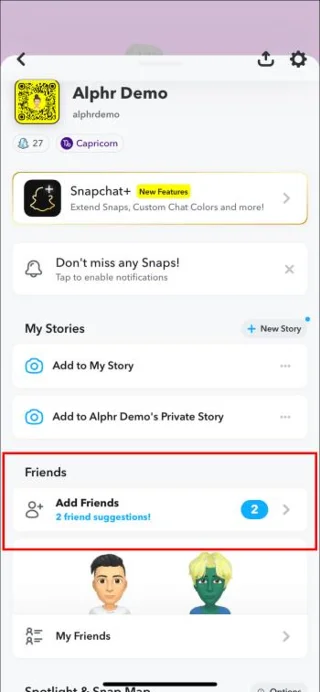
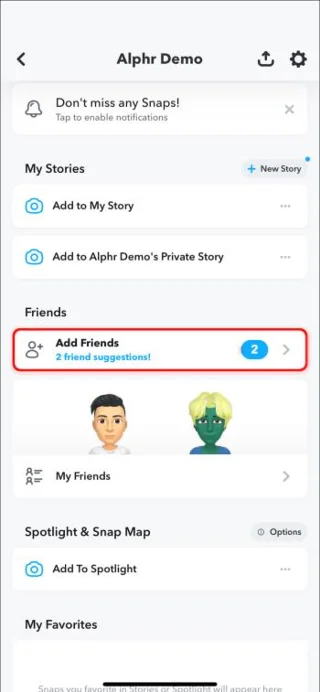
Alternatively, you can find your deleted friend from your friend list if they have not deleted you back. They’ll appear in the list of the people you follow and who follow you. You can find them as follows:
If you don’t remember the deleted account username, you can find it as follows:
From Your Phone Book
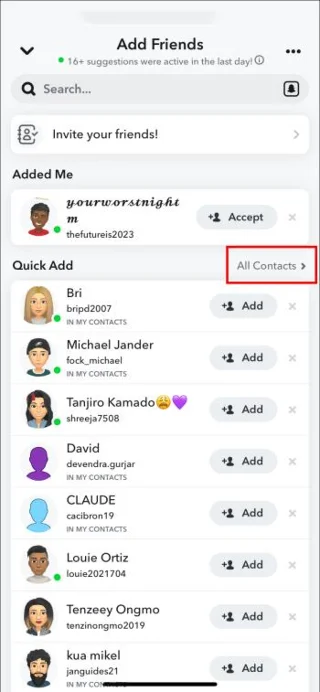
If you have the contact of the person you’ve removed from your friend list, you can recover them from your contact list. This is because Snapchat syncs with your phone contacts if you have given it access. Here’s how you do it:
However, this method might not work if the deleted friend is using a different phone number for Snapchat.
Using Snapcode
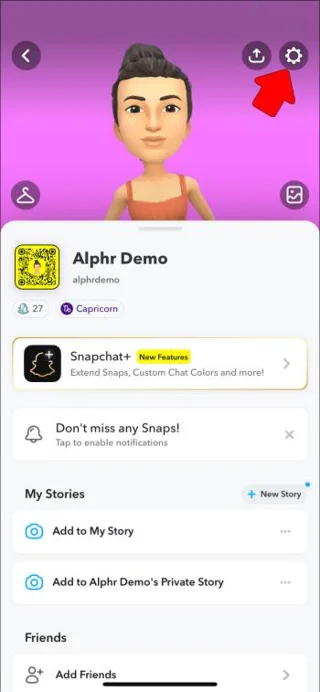
Each account on Snapchat has a Snapcode that works like a QR code. You can use it to scan the accounts you’ve deleted. If you have an image of your friend’s Snapcode, here’s how to use it to find your friend’s account:
If Snapchat fails to scan the Snapcode, check whether you’ve altered its size by cropping or any other way. The image should be in its original size.
What Happens When You Recover Deleted Friends on Snapchat?
When you delete a friend, they might not realize it because Snapchat doesn’t send any notifications. However, when you recover a deleted friend, they get a notification that you added them to your friend list. Also, if they had sent you a snap or a message and it was pending, it’d get delivered. Finally, they’ll be able to see your profile and your Snapscore. So, there’s no secrecy in this, and you might need to explain it to the recipient.
Why You Might Fail to Find a Deleted Friend on Snapchat?
Sometimes, you might fail to find the deleted friend account regardless of the method you use. This might happen because of several reasons, including:
FAQs
Can a friend know I have deleted them on Snapchat?
Although Snapchat doesn’t inform a friend when you delete them, there are different ways they can know you’ve deleted them. For example, if they send you a message or a snap, it’ll remain pending and won’t be delivered. They can also tell if they fail to see your profile.
Will I see the updates of a friend I have deleted on Snapchat?
No, you won’t be able to see the updates of a friend you’ve removed from your Snapchat friend list. However, if they have set their privacy settings to “Everyone,” you will be able to view their activities.
Does a deleted friend know when I add them back?
Yes, when you add anyone, including deleted friends, Snapchat sends a notification that you’ve added them to your friend list.
Do I have to remember a deleted friend’s username to add them back?
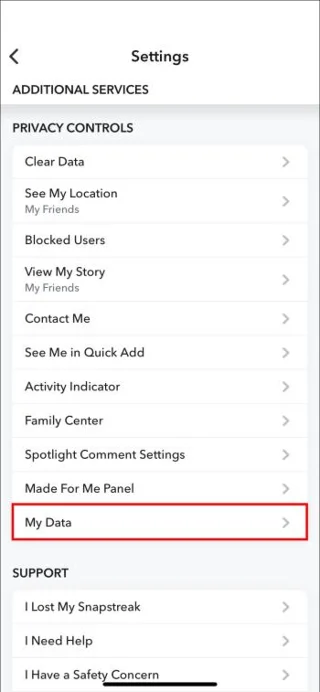
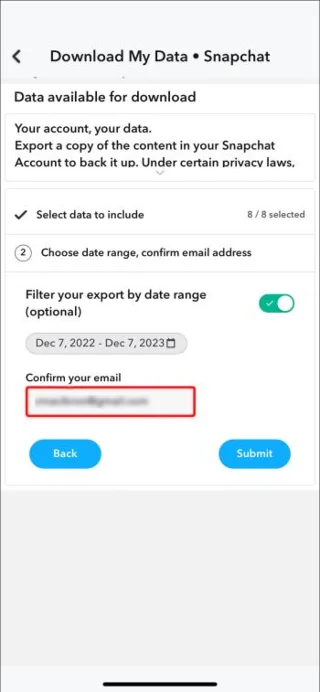
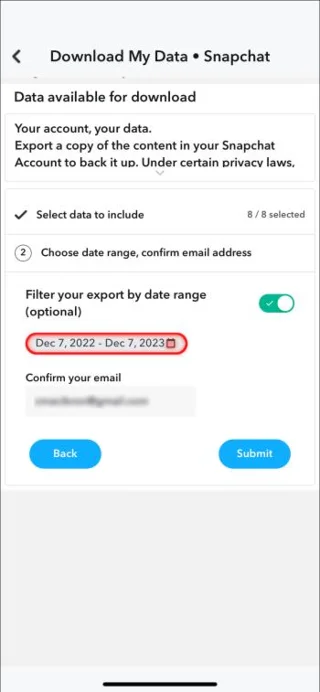
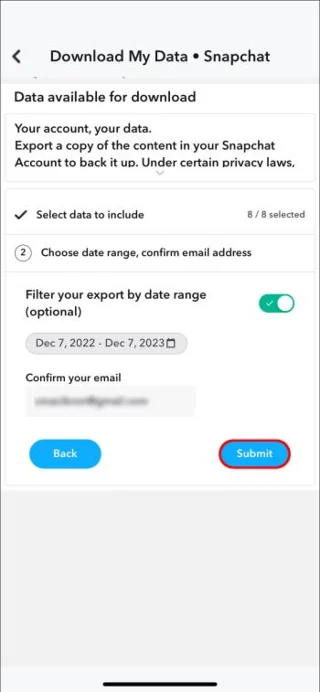
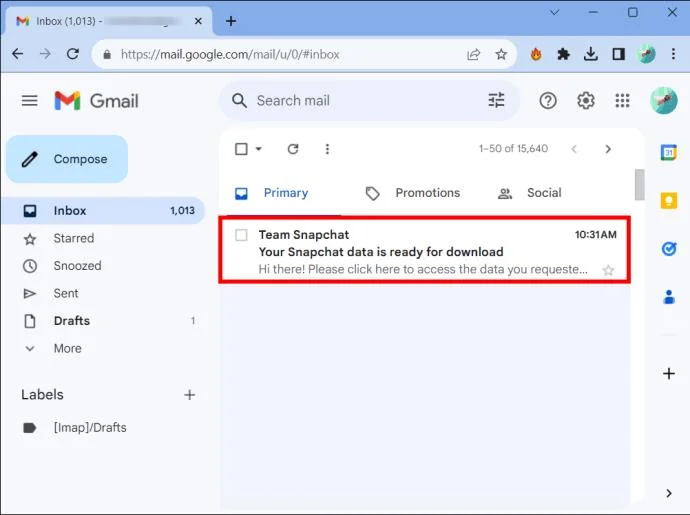
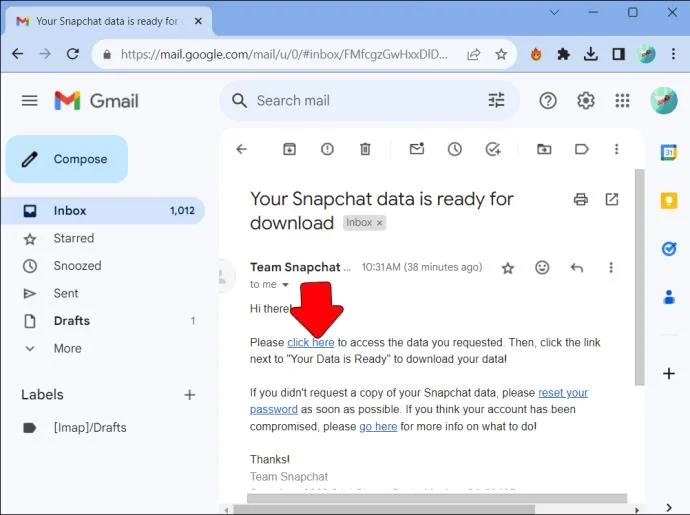
Although having a deleted friend’s username can help you find them fast when adding them back, it’s not a must to have it. Plus, you can download your Snapchat history data and find the username of the deleted friend there.
Restore Your Friendship
There are various reasons that can make you delete a friend on Snapchat. However, if you change your mind, Snapchat offers a number of ways of recovering lost friends. However, there is no escaping the fact that your friend will find out you had removed them from your friend list.
When do you decide to block, and when to simply unfriend someone on Snapchat? Let us know in the comment section below.
Use firewall-cmd to inspect the active zone, allow HTTP safely, preserve SSH access, and verify that the rule survives a reload on SLES 15.
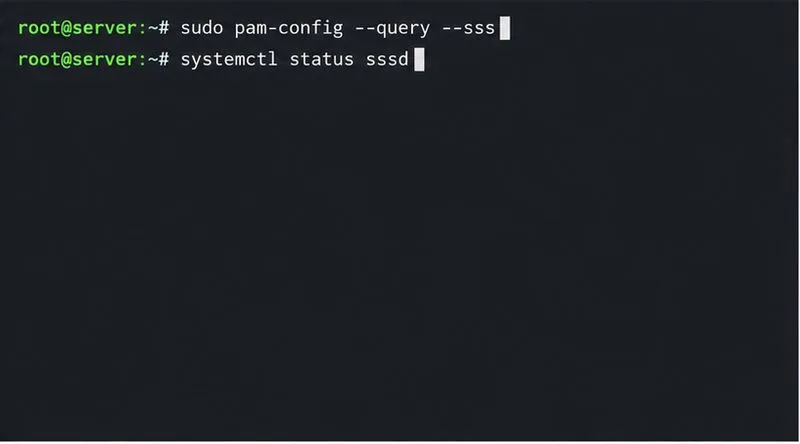
Trace a PAM failure to its service, account policy, or identity provider, then repair the right SLES configuration while preserving a working admin session.
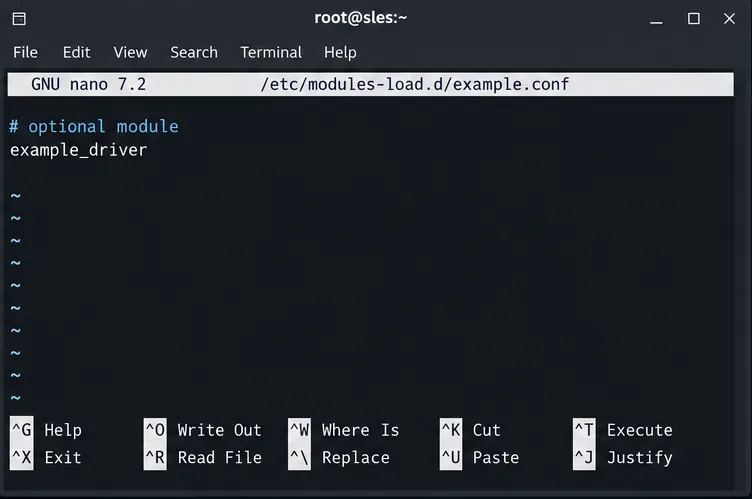
Trace a failed kernel module at SLES startup, correct an obsolete boot entry or repair the required driver, and verify the next boot.
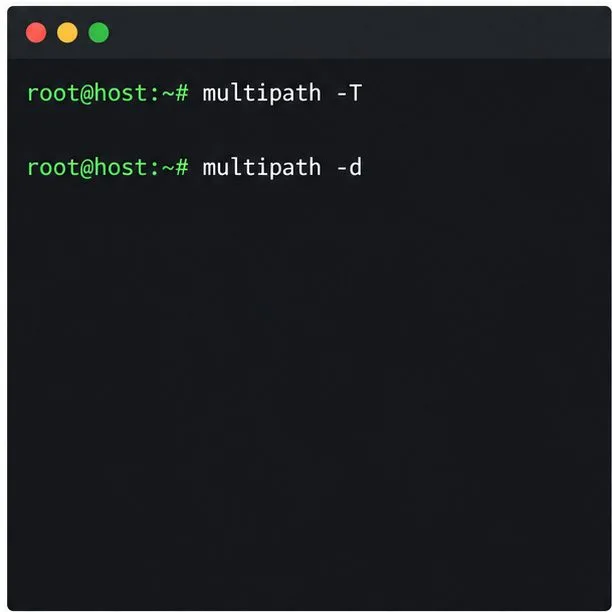
Prepare SCSI SAN paths, enable multipathd, inspect SUSE’s hardware defaults, and verify stable device maps without guessing array settings.
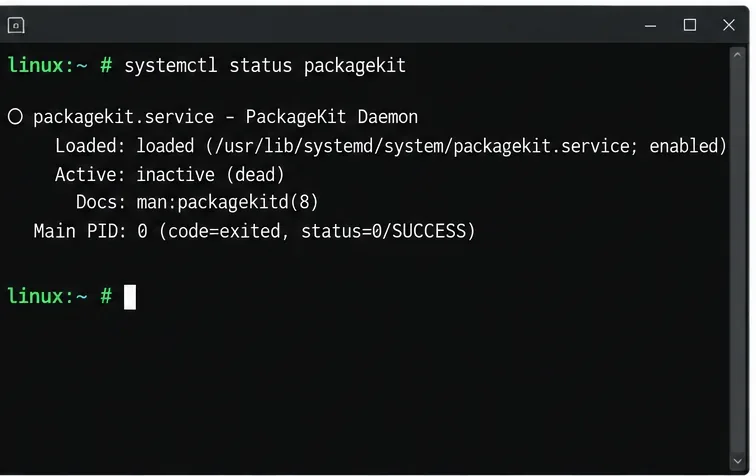
Find the process holding Zypper’s package lock, distinguish process conflicts from package locks, and retry updates without deleting lock files blindly.
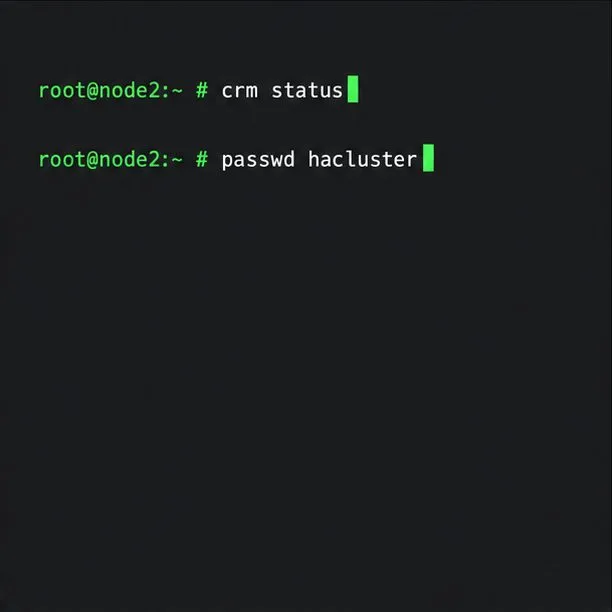
Register SLE HA, bootstrap SLES 15 nodes, then add fencing, quorum, and tested service resources before relying on failover.
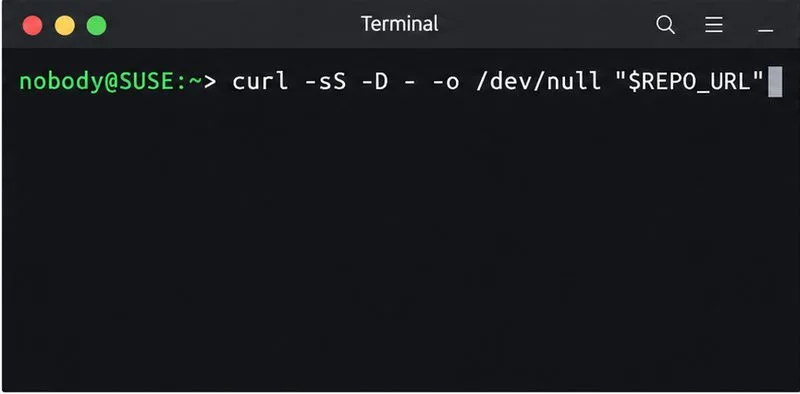
Trace a Zypper refresh error to SUSE, RMT, or a third-party endpoint, then apply the right server-side or cache fix without disabling essential updates.
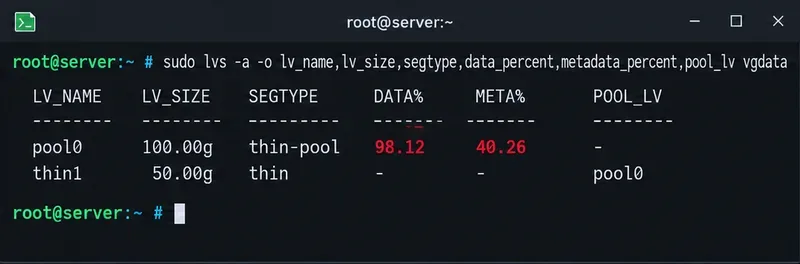
Resolve SUSE LVM thin-pool space errors by checking data and metadata usage, expanding the pool safely, and preventing repeat outages.
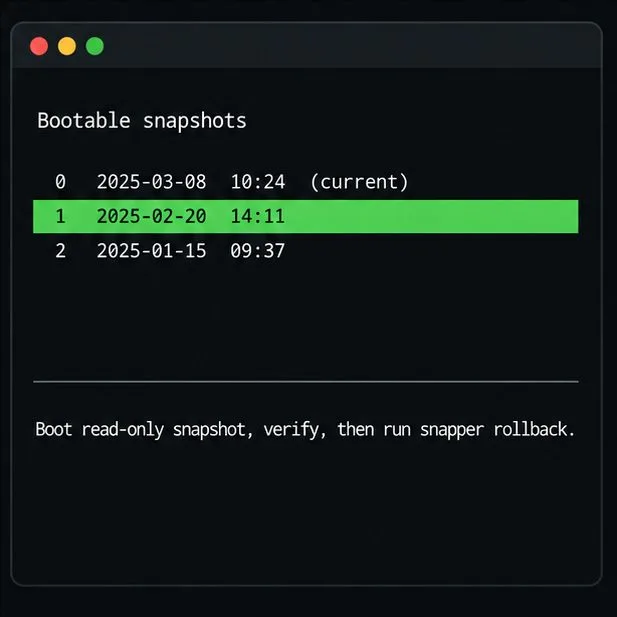
Identify whether Btrfs is intentionally read-only, short on space, or protecting data after errors, then choose a recovery path that fits the cause.
Prepare mirrored channels, create an activation key, and bootstrap an SLES 15 client without direct internet access while preserving the connection needed for Manager check-ins.