Home
» How to
»
The cause of the gas stove was on fire and how to fix it
The cause of the gas stove was on fire and how to fix it
Suddenly seeing a fire burning from the gas stove while in use, what should you do now? If you do not know, read and follow the instructions below to know how to handle a gas stove caught on fire and find out the causes of this problem.
The fire divider has been in the wrong position
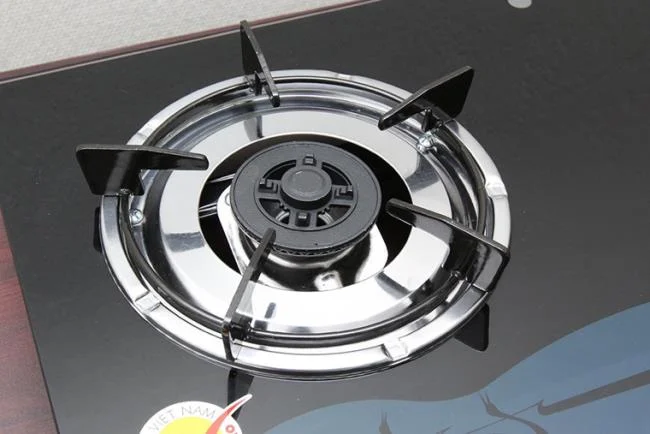
The misplaced fire divider will cause a fire incident when the gas stove is turned on
During the installation, use, after cleaning, the shop staff or the user has misrepresented, installed incorrectly, mismatched the position of the fire divider (gas stove burner). So, when you turn on the gas stove, there will be a fire burst, the stove is difficult to turn on and gas escapes outside.
To overcome, you need to take the components of the fire divider out of the kitchen and install them in the correct position, the fire phenomenon will no longer appear.
The pressure regulator has a problem
The gas stove has a fire can also be caused by a problem with the pressure regulator valve, being damaged causing the pressure from the gas tank to the large stove, so when starting the stove a large amount of gas is released to the outside causing a fire, especially. With the new gas cylinder, the more gas is released, it is easy to burn, dangerous for the user.
In this case, you can self-check the pressure regulator valve yourself, replacing when it is broken. If you feel you can not handle it, you should contact the gas stove, the warranty center for them to send a staff to fix it.
The gas tank is leaking
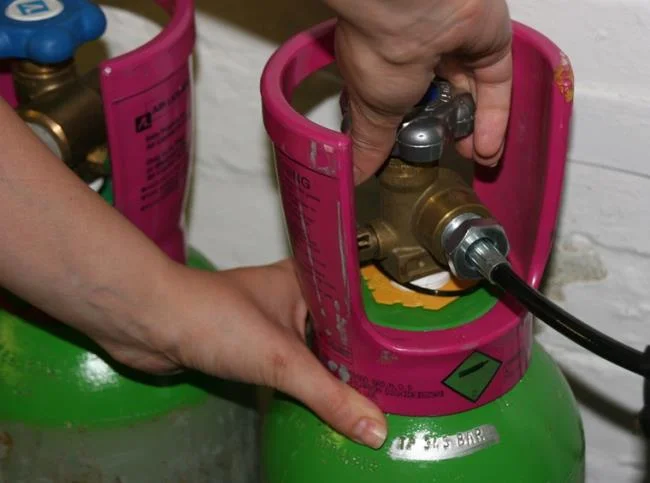
Lock gas cylinder valve after use to avoid gas leak
When the gas cylinder is used for a long time, rust, perforation, the lock valve is damaged or you simply do not lock the gas cylinder valve after using it, causing gas to leak out. Therefore, when the cooking stove is turned on, the stove will catch a fire. If gas leaks out a lot, it will easily lead to fire.
The best treatment is that you should replace the new gas cylinder if the old one has been used for a long time, punctured, rusted, replace the gas cylinder valve when it is damaged, practice the cooking habits, then lock the gas cylinder valve immediately so that gas cannot. leaked.
The gas pipe is punctured
The gas pipeline is punctured for many reasons, which can be due to long time using, being bitten by mice or other animals, mechanical impact ... causing gas to leak out, causing a fire when you start. kitchen or cooking with the stove.
The way to fix it is to replace the new gas pipeline, install it firmly, check carefully and regularly clean the gas pipe, connections to promptly handle the gas leak from this connecting part. .
Gas stove valve does not lock or leaks
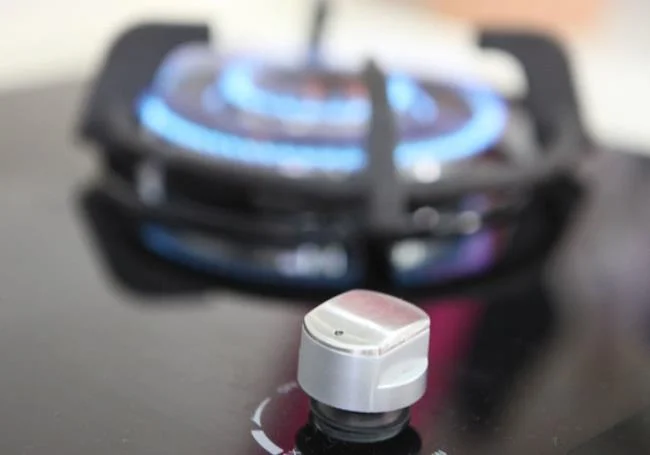
Lock the kitchen valve after use to avoid gas leakage
The fire in the gas stove can also be caused by the gas stove valve, usually the fire control knobs leak or after using you do not lock the stove valve to make gas escape.
If the gas stove valve leaks, you should call the gas stove to handle, seal the kitchen valve, do not let gas leak, practice the habit of closing the kitchen valve after cooking is complete, the stove will no longer have a flare. fire.
Conclusion
In short, to avoid fire, fire and explosion phenomena that can occur while using the gas stove. You should periodically check and replace the accessories that come with the gas stove such as gas pipes, gas valves, connections ... and gas cylinders to use the stove safer.
A little note when using, understand how to fix when having a gas stove caught fire, so you can safely cook without worry. If there is any problem about this phenomenon, please do not hesitate to share your opinion with us!