Encountering a "Security Certificate" block in Microsoft Edge? 😟 This frustrating warning—often showing "Your connection isn't private" or NET::ERR_CERT_DATE_INVALID—blocks access to websites you need. Don't worry! It's usually a quick fix, not a major threat. In this focused guide, we'll walk you through the most effective troubleshooting steps for Microsoft Edge "Security Certificate" Block, using the newest methods to get you browsing securely again. Let's dive in and resolve it step-by-step.

🔍 Why Does the Microsoft Edge "Security Certificate" Block Happen?
Before fixes, understand the root causes. Edge (built on Chromium) verifies site certificates for safety. Common triggers include:
- Mismatched system date/time.
- Outdated Edge or Windows certificates.
- Antivirus interference or proxy issues.
- Corrupted browser cache/cookies.
- Site-specific problems (rarely malicious).
Pro tip: 90% of cases resolve with basic checks. Ready to fix? Follow these prioritized steps—start from the top for fastest results.
🔧 Step-by-Step Troubleshooting for Microsoft Edge "Security Certificate" Block
- ✅ Verify Your System Date and Time
The #1 cause! Wrong clock invalidates certificates.
How-to: Right-click taskbar clock → "Adjust date/time" → Enable "Set time automatically." Sync now. Restart Edge. Fixed for most users! - 🧹 Clear Edge Cache and Cookies
Corrupted data blocks certs.
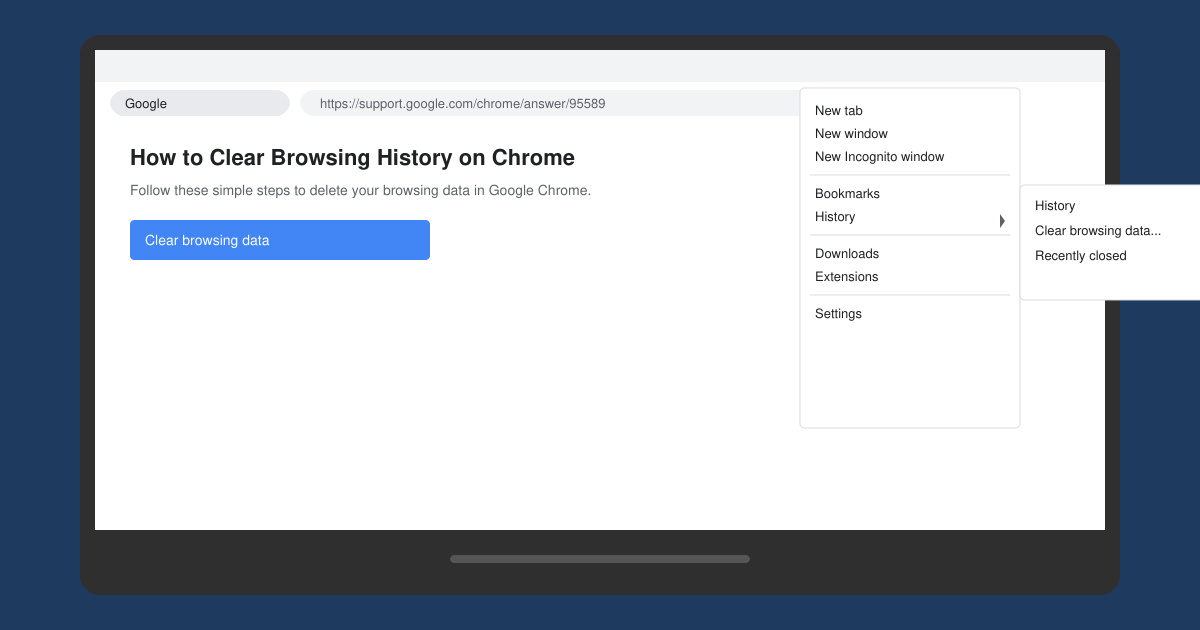
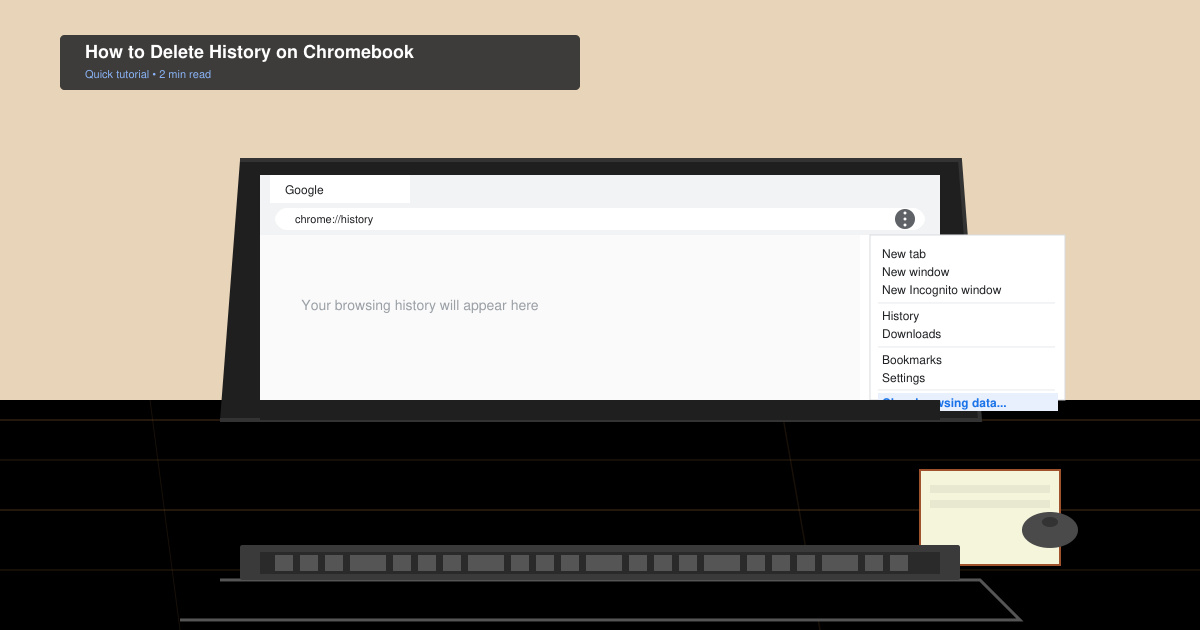
Press Ctrl + Shift + Delete → Select "Cookies" and "Cached images/files" → "Clear now." Reload the page.

- 🔄 Update Microsoft Edge and Windows
Newest versions include cert fixes.
Edge: Menu → Help and feedback → "About Microsoft Edge" (auto-updates). Windows: Settings → Update & Security → Check for updates. - 🛡️ Check Antivirus/Firewall
Security software often flags certs falsely.
Temporarily disable (e.g., Windows Defender, third-party like Norton) → Test site. Re-enable after. Whitelist Edge if needed. - ⚙️ Reset Edge Settings
For stubborn issues: edge://settings/reset → "Restore settings to default." Keeps bookmarks intact.

📊 Quick Reference: Common Errors and Fixes
Use this table for instant lookup during troubleshooting Microsoft Edge "Security Certificate" Block:
| Error Code | Likely Cause | Fast Fix |
|---|---|---|
| NET::ERR_CERT_DATE_INVALID | Date/time mismatch | Sync system clock (Step 1) |
| NET::ERR_CERT_AUTHORITY_INVALID | Antivirus/proxy block | Disable security tools (Step 4) |
| ERR_CERT_COMMON_NAME_INVALID | Cache/outdated Edge | Clear cache + update (Steps 2-3) |
| Persistent across sites | Browser corruption | Reset Edge (Step 5) |
🚫 What Not to Do: Avoid Risky Bypasses
Never click "Advanced → Proceed" on unknown sites—it exposes you to risks. If it's a trusted site (e.g., your bank), contact their support first. For devs: Check Microsoft Edge support for cert debugging tools.
⭐ Advanced Tips to Prevent Future Blocks
- Enable auto-updates in Edge settings.
- Use VPN sparingly—opt for trusted ones like ExpressVPN.
- Run sfc /scannow in Command Prompt (admin) for Windows cert repairs.
- Test in InPrivate mode: Ctrl + Shift + N.
Still stuck? Share your error code in comments below—we'll guide you further! 🎉 You've got this—your secure browsing awaits.
Stay safe online. These steps are based on the latest Edge builds and Microsoft guidelines.