LibreOffice Document Locked by Unknown User: A Safe Fix
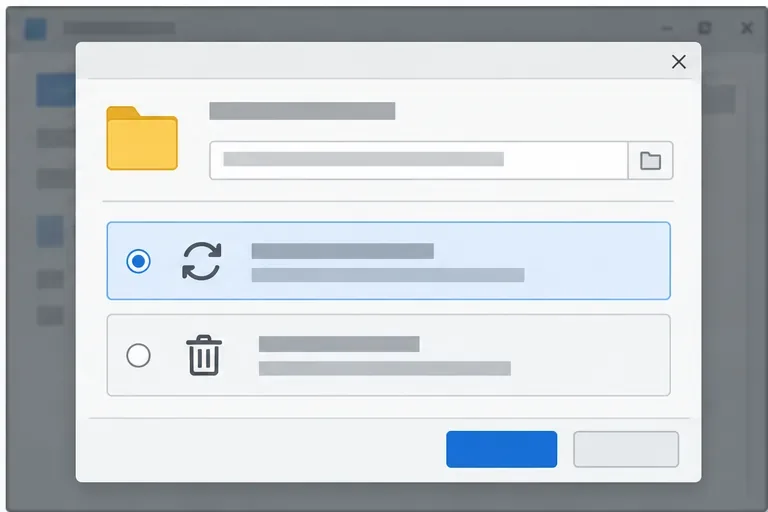
Find the cause of a LibreOffice document lock, safely clear a stale lock file, and confirm that you can edit and save without losing changes.
Updating Windows 10 to 11 is a straightforward process that gives your PC access to a modern interface, better security tools, and improved performance features. Before starting, confirm your device meets the hardware requirements to avoid installation failures. This guide walks through the exact steps needed for a successful upgrade.
Your computer must satisfy Microsoft's strict requirements, including a compatible processor, at least 4 GB of RAM, 64 GB of storage, and TPM 2.0 plus Secure Boot enabled. Run the official PC Health Check app from Microsoft to verify these details first. Back up important files to an external drive or OneDrive, and ensure you have a stable internet connection for the download.
Updating Windows 10 to 11 works best on devices released after 2018, but older hardware can sometimes qualify with BIOS adjustments. Check your motherboard manufacturer site for any firmware updates that enable TPM.
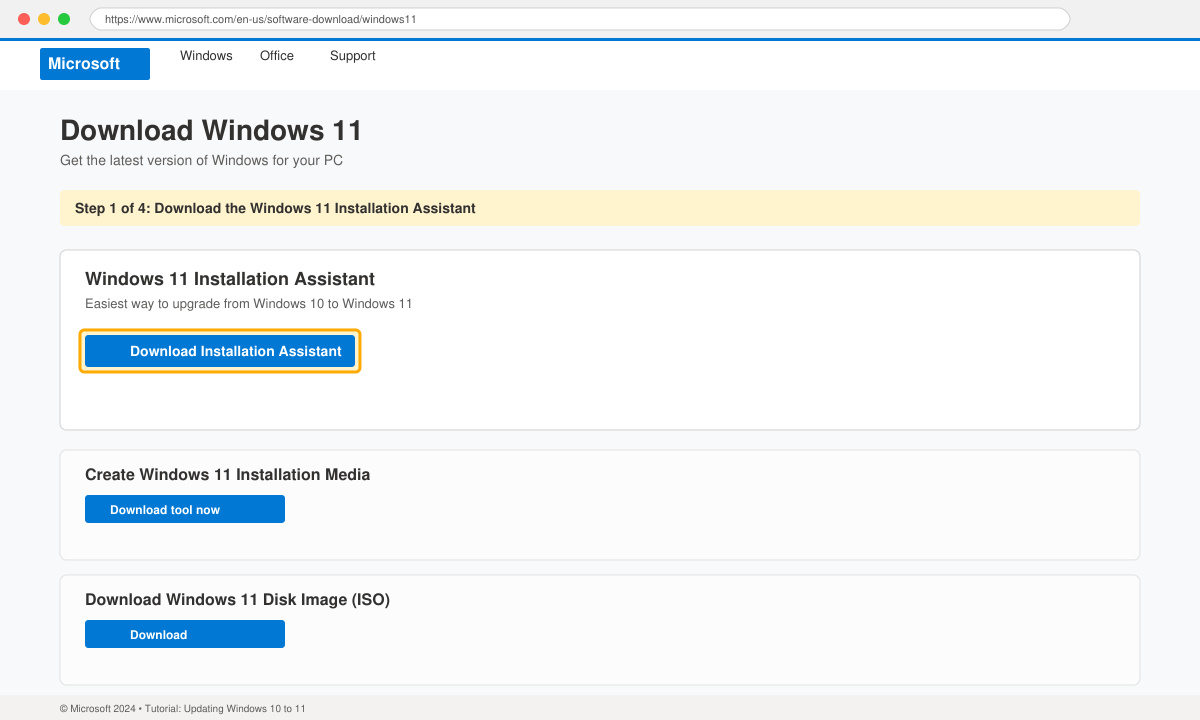
Visit the official Microsoft Windows 11 download page, locate the "Windows 11 Installation Assistant" section, and click the Download Now button. Save the file to your Downloads folder and double-click it to launch the tool.
The tool automatically scans your system. If it passes, select the option to keep personal files and apps during the upgrade. Accept the license terms and choose the drive where Windows 10 is currently installed.
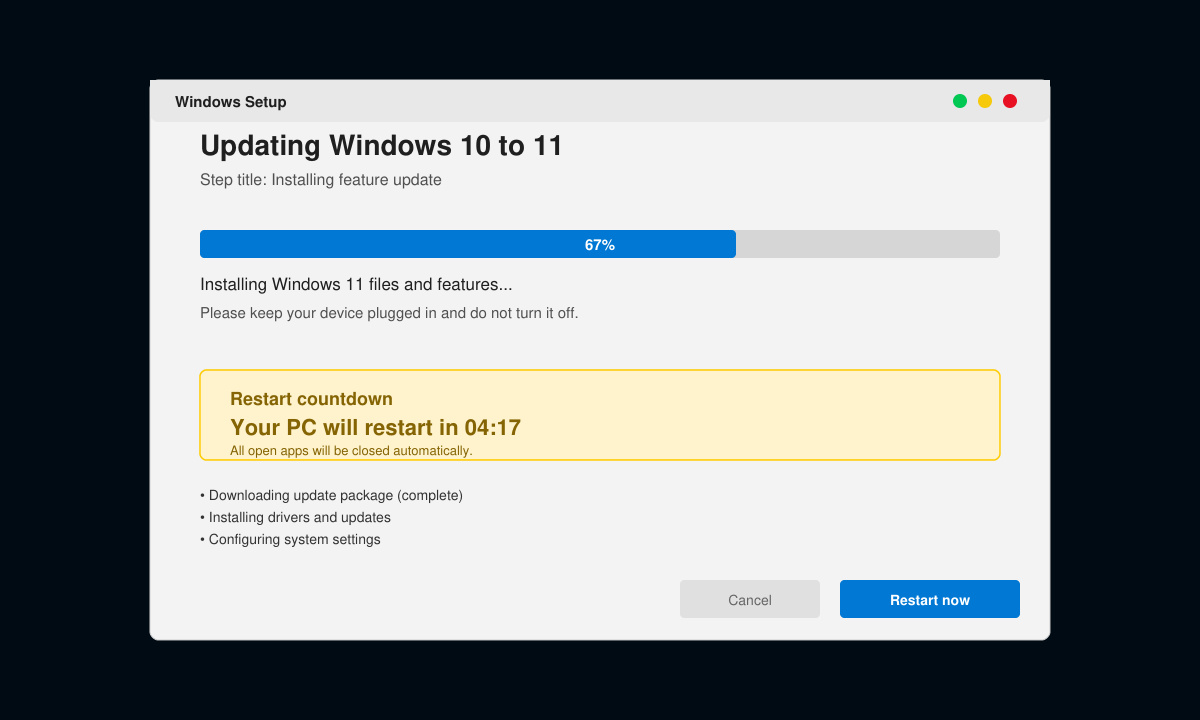
Click Install to start downloading the Windows 11 files. The process takes 30 to 90 minutes depending on your internet speed. Your PC will restart several times; do not interrupt it.
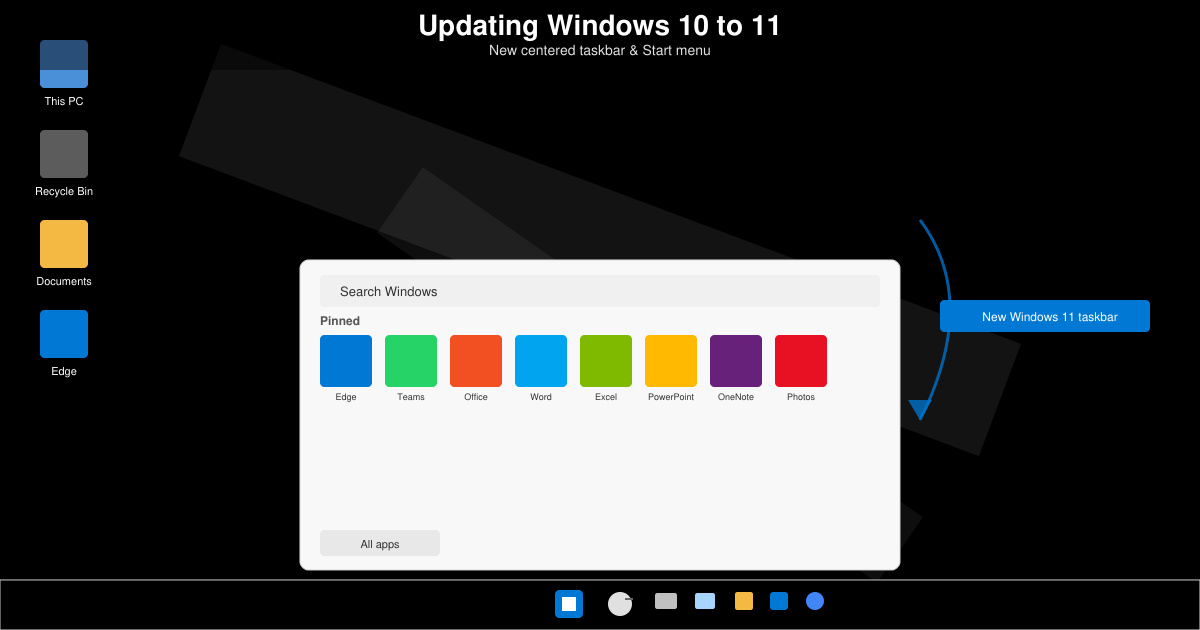
After the final restart, sign in with your Microsoft account. Follow the on-screen prompts to adjust privacy settings and pin apps to the taskbar. Your desktop will now display the centered Start menu and rounded window corners of Windows 11.
Yes, you have 10 days after the upgrade to roll back through Settings > System > Recovery > Go back. After that window closes, a clean Windows 10 installation from backup is required.
The Installation Assistant preserves files and apps by default. Choose the "Keep personal files and apps" option during setup to avoid data loss.
Most users finish in under two hours, including download and multiple restarts. Faster internet and an SSD drive reduce the total time significantly.
Updating Windows 10 to 11 gives you the latest Microsoft features while maintaining your existing data when done correctly. Follow the steps above to complete the process without issues.
Find the cause of a LibreOffice document lock, safely clear a stale lock file, and confirm that you can edit and save without losing changes.
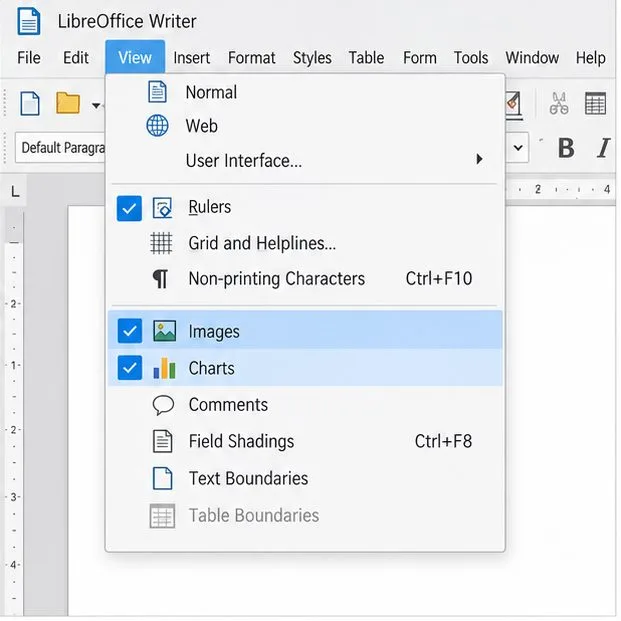
Make image-heavy Writer files easier to edit: test a reversible display setting, compress oversized pictures in a copy, and verify the saved layout.
Find out whether a slow launch comes from extensions, profile settings, or the system, then test the safest fix without losing LibreOffice data.
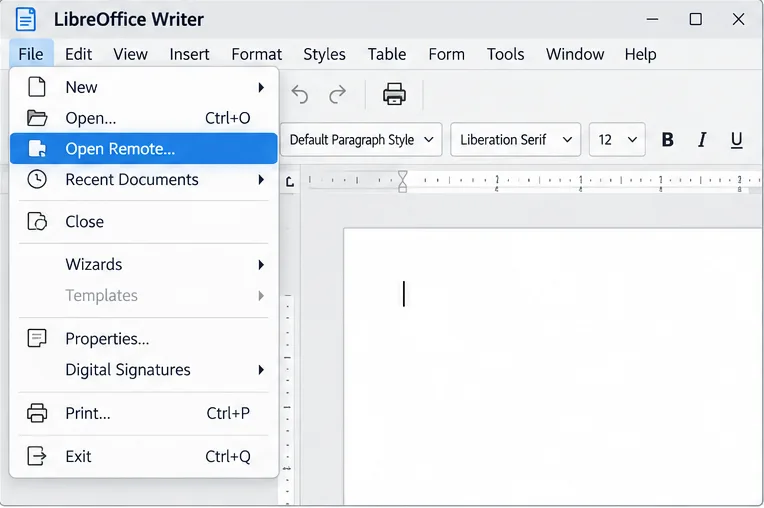
Connect LibreOffice to Nextcloud over WebDAV, save the server copy with Ctrl+S, and understand how AutoRecovery differs from cloud syncing.
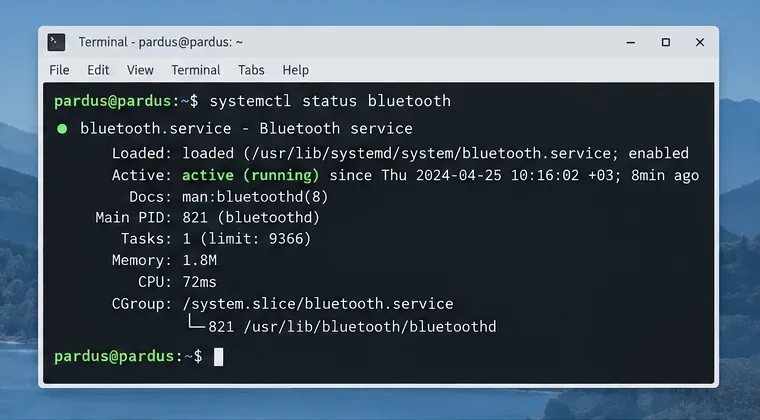
Find out whether Pardus 23 is blocking Bluetooth, missing BlueZ, or failing to detect adapter firmware, then confirm the controller works.
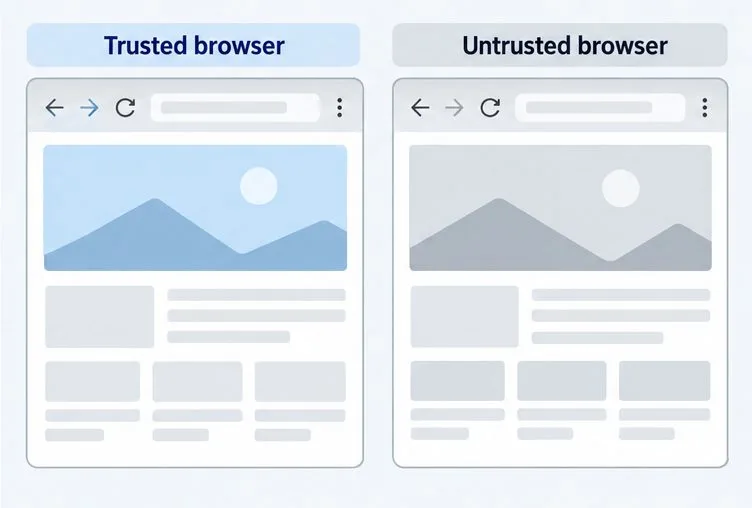
Learn how Gooroom separates trusted and untrusted browsing, what users can change, and how an administrator can safely update site policies.
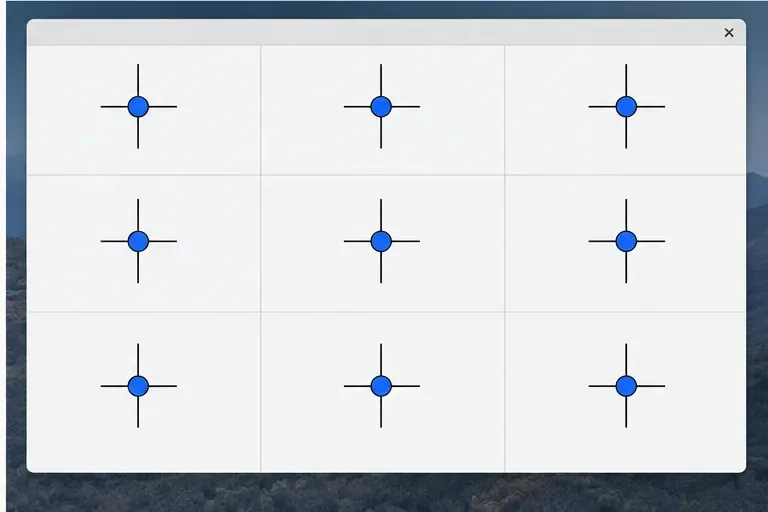
Diagnose rotated, offset, or inconsistent touch input on a Harmonica OS tablet and choose a Linux calibration method that fits its session and driver.
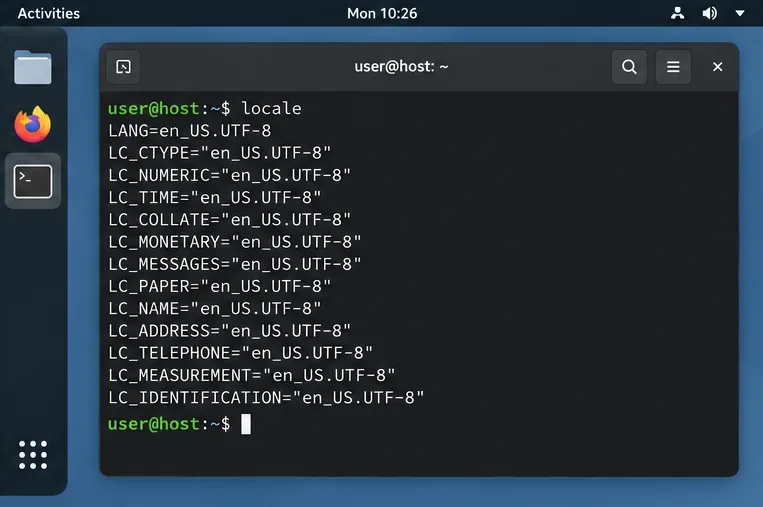
Switch Gooroom’s desktop session to English, verify the locale, and identify when untranslated Korean labels need an app update instead.
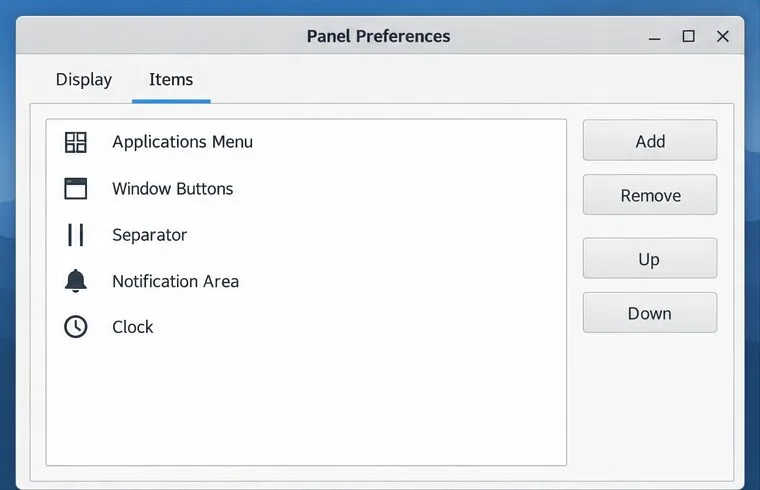
Arrange Pardus XFCE as a familiar bottom taskbar with an app menu, pinned launchers, open-window buttons, and a system tray.
Check your Gooroom release and administrator rules, then follow the official Debian-based setup path for Flatpak or Snap without bypassing system controls.