LibreOffice Document Locked by Unknown User: A Safe Fix
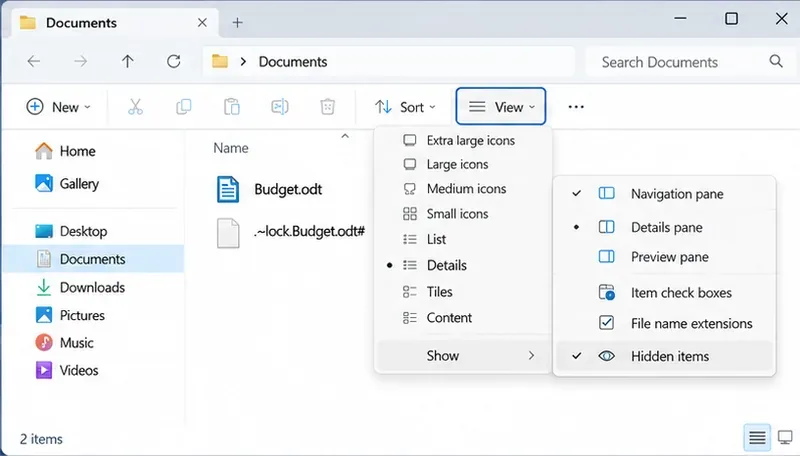
Find the cause of a LibreOffice document lock, safely clear a stale lock file, and confirm that you can edit and save without losing changes.
VLC Software for Windows 10 handles nearly every media format out of the box, from MKV and MP4 to obscure codecs that other players reject. No extra codec packs are required, and the interface stays lightweight even on older Windows 10 hardware. Users also benefit from built-in streaming, subtitle support, and hardware acceleration that keeps CPU usage low during playback.
Before installing, confirm your system meets the basic requirements: Windows 10 version 1809 or later, at least 2 GB RAM, and 200 MB free disk space. Administrator rights are needed only during the initial setup.
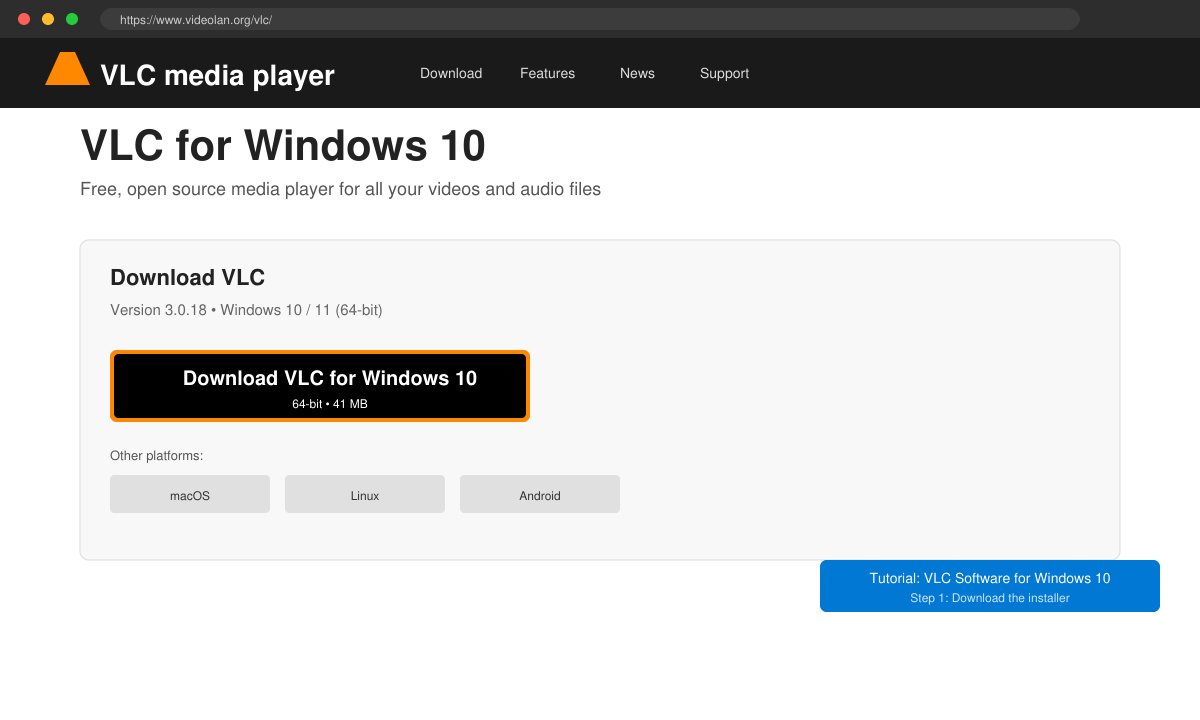
Open any browser and go directly to videolan.org/vlc. Avoid third-party sites to prevent bundled adware. On the homepage, click the large Download VLC button; the site detects Windows 10 automatically and offers the 64-bit installer.
Locate the downloaded file (usually vlc-3.x.x-win64.exe) in your Downloads folder and double-click it. Windows Defender may show a prompt; click “More info” then “Run anyway.” Choose the installation language and click Next.
Accept the default components (including the media library and browser integration) unless you need a minimal install. Keep the destination folder as C:\Program Files\VideoLAN\VLC and proceed.
Click Install and wait for the progress bar to finish. When the wizard closes, VLC Software for Windows 10 appears in the Start menu. Pin it to the taskbar for quick access.
Yes. VLC is completely free and open-source with no paid upgrades or subscriptions required.
Standard VLC supports Blu-ray menus only after you install additional AACS and BD+ libraries manually. Most users prefer the free MakeMKV tool to rip discs first.
The standard x64 build runs via emulation. For better performance, download the ARM64 preview build from the VideoLAN nightly builds page.
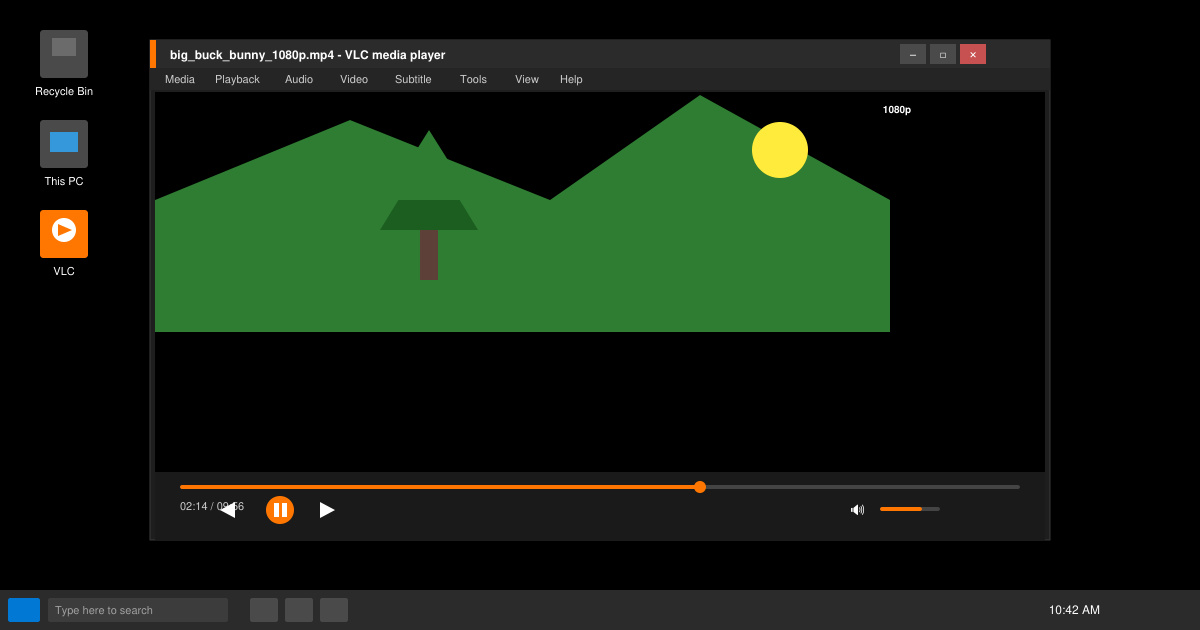
Once installed, VLC Software for Windows 10 provides reliable playback for any media file with minimal configuration. Keep the player updated and you will rarely need another media application.
Find the cause of a LibreOffice document lock, safely clear a stale lock file, and confirm that you can edit and save without losing changes.
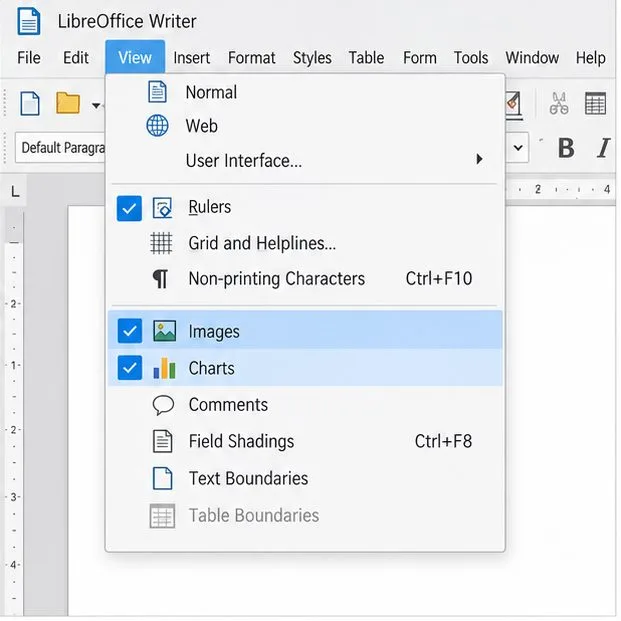
Make image-heavy Writer files easier to edit: test a reversible display setting, compress oversized pictures in a copy, and verify the saved layout.
Find out whether a slow launch comes from extensions, profile settings, or the system, then test the safest fix without losing LibreOffice data.
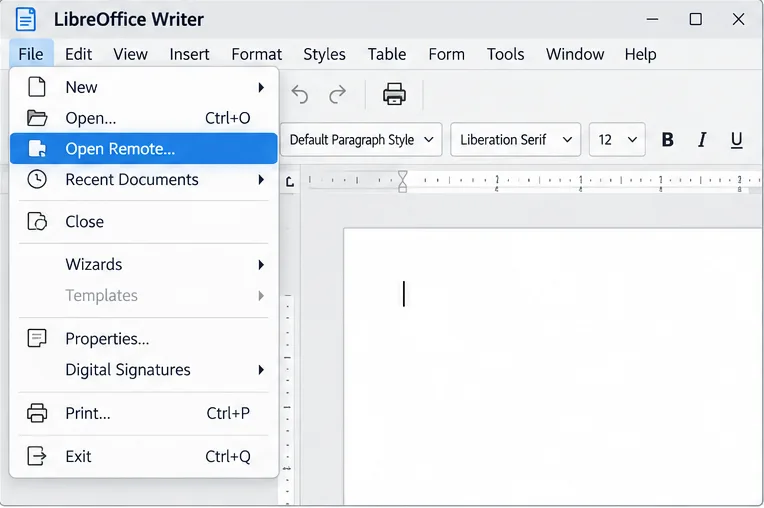
Connect LibreOffice to Nextcloud over WebDAV, save the server copy with Ctrl+S, and understand how AutoRecovery differs from cloud syncing.
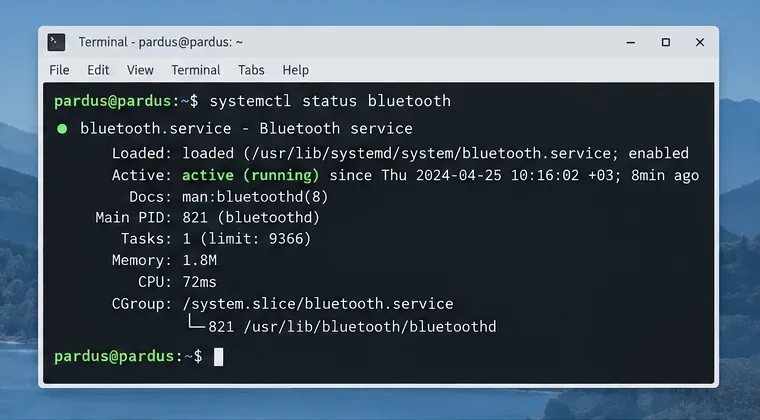
Find out whether Pardus 23 is blocking Bluetooth, missing BlueZ, or failing to detect adapter firmware, then confirm the controller works.
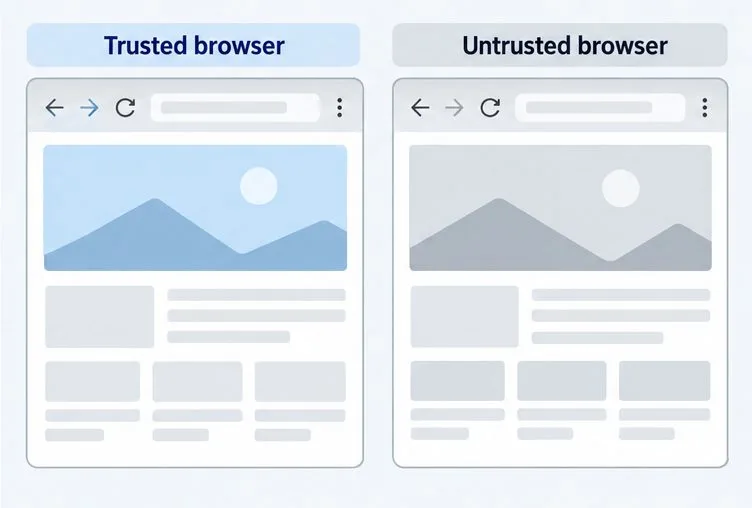
Learn how Gooroom separates trusted and untrusted browsing, what users can change, and how an administrator can safely update site policies.
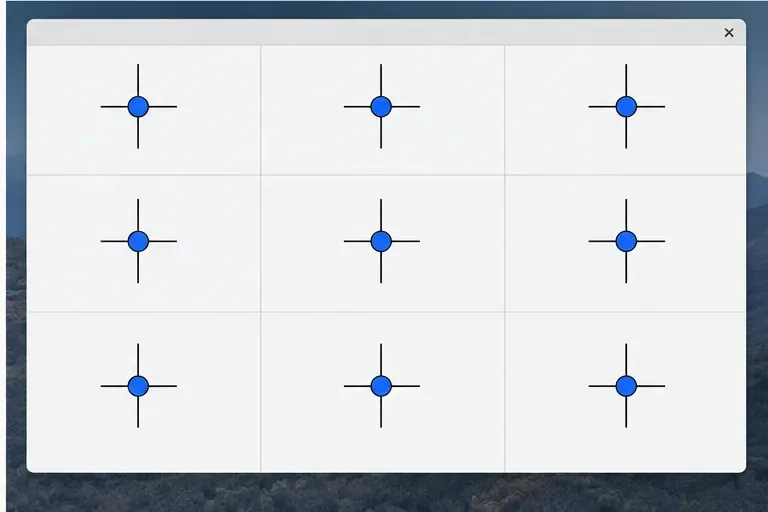
Diagnose rotated, offset, or inconsistent touch input on a Harmonica OS tablet and choose a Linux calibration method that fits its session and driver.
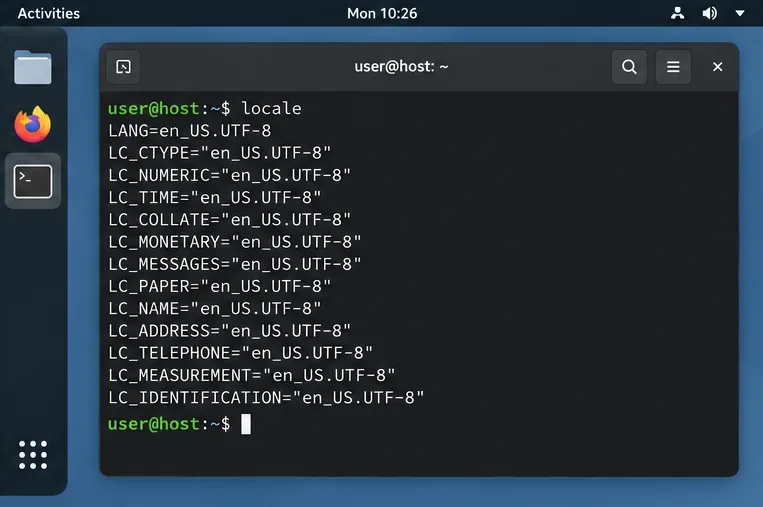
Switch Gooroom’s desktop session to English, verify the locale, and identify when untranslated Korean labels need an app update instead.
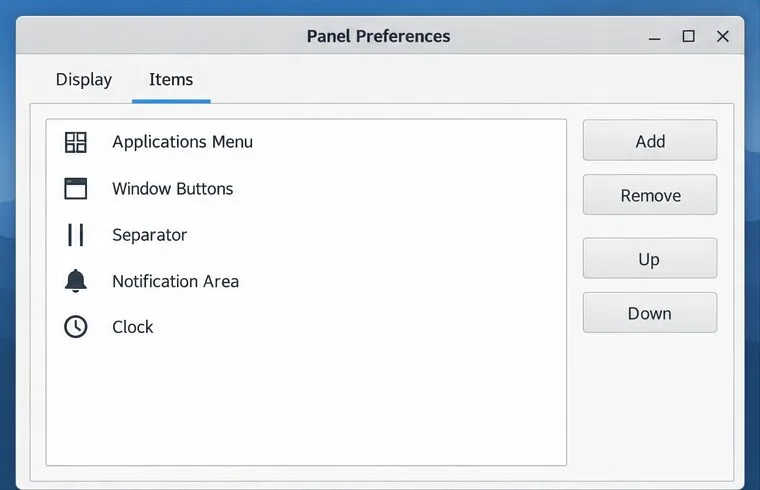
Arrange Pardus XFCE as a familiar bottom taskbar with an app menu, pinned launchers, open-window buttons, and a system tray.
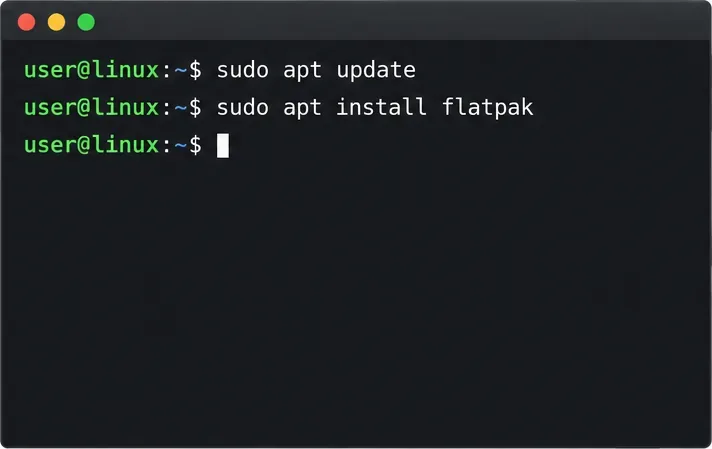
Check your Gooroom release and administrator rules, then follow the official Debian-based setup path for Flatpak or Snap without bypassing system controls.