How to fix Kernel Data Inpage Error on Windows
Kernel Data Inpage Error (stop code 0x0000007a) is caused by bad sectors, viruses, hard drives or faulty RAM.
Kernel Data Inpage Error (stop code 0x0000007a) is caused by bad sectors, viruses, hard drives or faulty RAM.
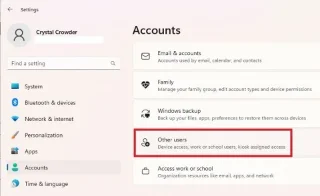
Whether you're adding a new administrator-level user, want to promote a standard user, or switch to a new administrator entirely, this guide provides 6 ways to change administrators in Windows.
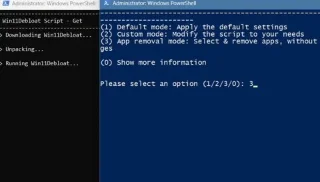
Some developers and GitHub groups advertise their Windows bloatware removal scripts as a quick fix, but once you start using them, you'll find that they can do more harm than good.

It's confusing to see an empty folder when the folder size says it's not. The problem becomes even more difficult if you need the files urgently.
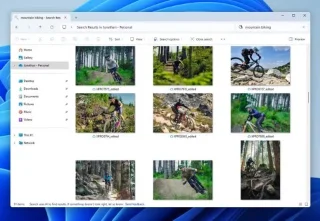
Microsoft is rolling out a major update to Windows Search for PC Copilot+, bringing Google Photos-like search functionality to OneDrive Photos
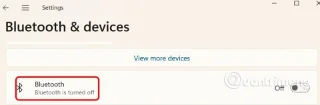
With Bluetooth on your PC, you can send and receive photos, videos, documents, and other types of files on your Windows 11 PC.
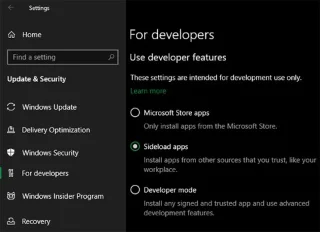
Installing software is quite familiar and normal on Windows. But sometimes you will encounter quite annoying notifications from Windows and then cannot install the software. So how to fix the problem of not being able to install software on Windows?
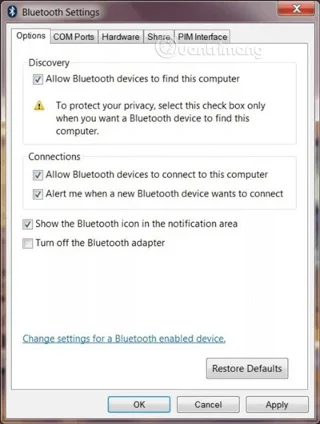
In this article we will introduce you to the process of connecting Bluetooth devices in Windows 7 as well as provide you with ways to handle unexpected problems that may occur.
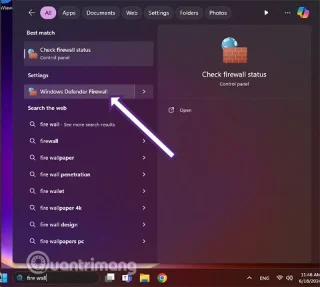
Windows Firewall, also known as firewall, is a network security system that is built into Windows.
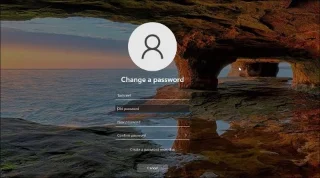
You can change your account password in Windows 11 from the Settings app. If you don't remember your password, you can reset it from the Command Prompt.
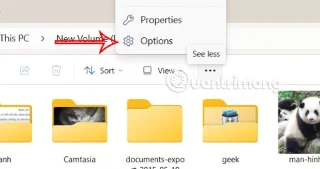
When you hover over a file, folder, drive, or desktop item in Windows, a pop-up describes basic and detailed information. Here's how to turn off Windows 11 folder description pop-ups.
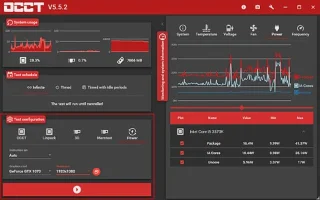
Does your Windows computer shut down without warning or crash every time you try to wake it up from Sleep? This problem is called Kernel-Power error, it seems to come from no reason, but is a serious system problem.
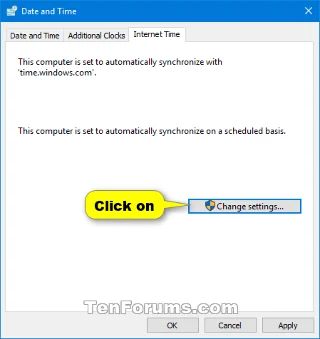
Occasionally, Windows can act strangely and display the wrong time. If this ever happens to you, you can force Windows to sync the time with a single command.
A new Windows 11 support document has revealed that running the operating system on a PC that doesn't meet the minimum hardware requirements will result in a watermark appearing on your desktop.
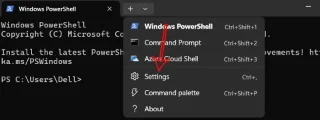
Running Windows Terminal in the background increases productivity by allowing constant access to command-line tools, without having to manually launch them.
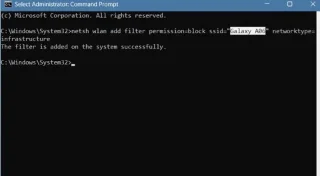
You can completely hide a Wi-Fi network or prevent it from showing up again. You can also block all other Wi-Fi networks, allowing your computer to only show and connect to the Wi-Fi networks you want easily.
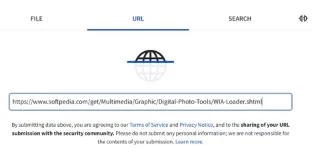
Cybercriminals often use malicious EXE files to spread malware, ransomware, or spyware. That's why you should be able to recognize and avoid potentially harmful files to protect your device from infection.
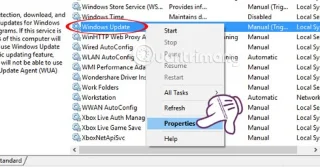
Microsoft's .NET Framework is a programming platform that includes programming libraries that can be installed or are already included in Windows operating systems. In some cases, your computer cannot install this software. So follow the solution in the article below.
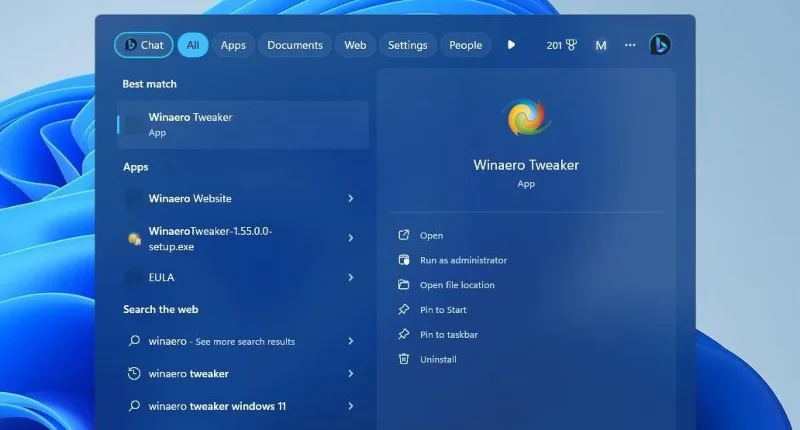
This guide will show you how to allow or deny apps access to Generative AI, for your account or all users in Windows 11.
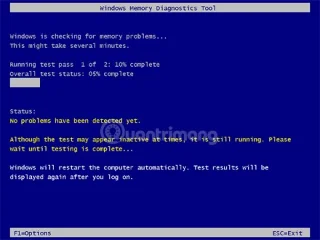
As you know, RAM is a very important hardware part in a computer, acting as memory to process data and is the factor that determines the speed of a laptop or PC. In the article below, WebTech360 will introduce you to some ways to check for RAM errors using software on Windows.
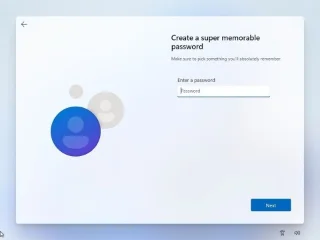
Microsoft should keep the option to create a local account, especially during setup. There are a few important reasons why limiting this option is a step in the wrong direction.
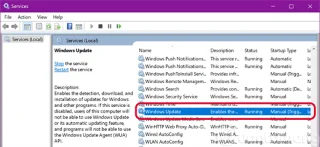
Turn off Windows 10 updates, block Windows 10 from automatically updating or turn off the automatic update feature on Windows 10, you will have to do these things manually because the option to completely turn off Update is no longer built-in.
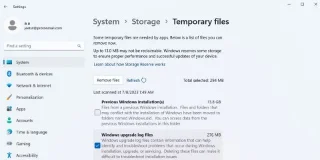
Windows will automatically delete Windows.old 30 days after it was created. But if you need that storage space right now, you can try any of these methods to remove the folder from your PC.
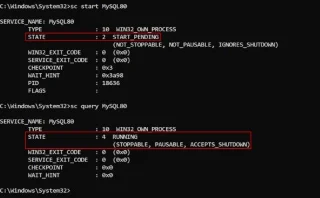
On Windows, services run in the background to keep the system and applications running smoothly. Instead of opening Services Manager, many people prefer to manage Windows services through the command line.
Windows 11 and 10 have a lot of effects and animations to make them look better. However, if you find the effects jerky and not perfect, you can turn them off to make Windows run smoother.
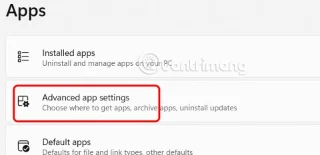
Many people do not like to use the AI feature on Notepad, so follow this guide to use the old Notepad version on Windows 11.

Microsoft recently shared a support post on its official support website that explains how to use a new Windows 11 feature called Fix problems using Windows Update, while also detailing cases where the feature doesn't work.
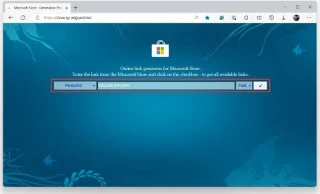
The widget system is one of the important components in the innovative user experience that Microsoft wants to implement on Windows 11.
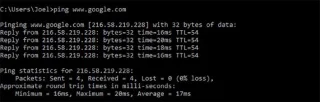
To manage wireless network connections on your Windows 10 computer, you can use the Settings app or Control Panel. However, there are many advanced settings that you cannot find in the Settings app or Control Panel. In this case, you can use Command Prompt.
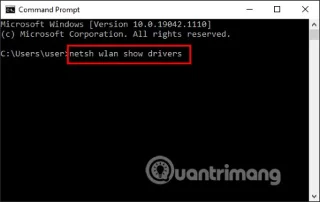
Not all laptops support the 5GHz band, or cannot detect the 5GHz band. The article below will guide you to switch to the 5GHz WiFi band on Windows 10.