How to Boil Broccoli

Master how to boil broccoli perfectly every time with this step-by-step guide. Learn exact timing and techniques for tender, vibrant, nutrient-rich results.
Here's everything you need to know about RAR files and how to extract the contents of RAR files on Mac.
What are RAR files?
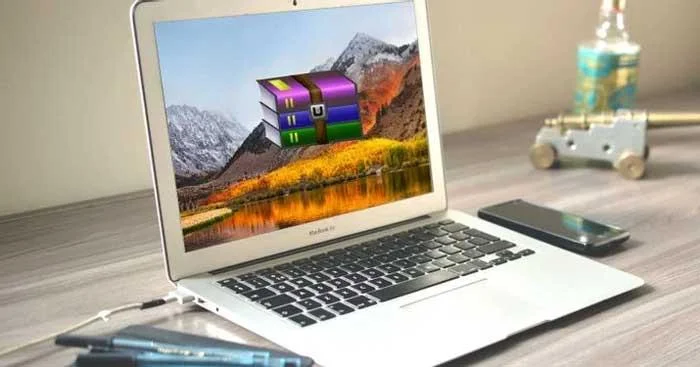
RAR files are similar to ZIP files. Both are file formats that store multiple files compressed into one. This way, you only need to upload that one compressed file and the recipient only needs to download it instead of many individual files.
RAR is the abbreviation for Roshal ARchive, named after the Russian software engineer who created it. The RAR format was created to overcome some of the flaws in the ZIP format and gives users a number of benefits, including: smaller file size, easier splitting of files into parts and error recovery.
How to open and extract RAR files on Mac
Mac systems do not have their own tools to handle this file format. However, you can easily use a third-party app to open RAR files on Mac.
Open RAR files with Keka
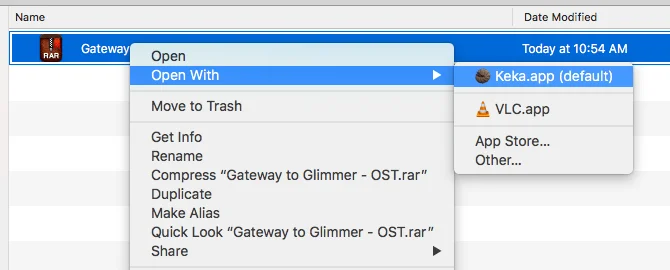
Keka is a compression and decompression tool available on the Mac App Store and works as a standalone installation. Once installed, all you have to do is double-click on the RAR file to extract it or right-click on a file, then select Open.
Note, Keka can create its own compressed files but does not support the RAR format. You can only compress files in ZIP, 7-Zip, TAR, GZIP, BZIP2 formats.
Use unRAR on Mac Terminal
To extract RAR files using Terminal, you need to install Homebrew - an "all in one" tool to install other tools.
For example, using Homebrew, you can install RAR file compression software with one command:
brew install unrarYou must enter the above command into Terminal. You can access it by opening Spotlight (use the keyboard shortcut Cmd + Spacebar), typing terminal , and opening Terminal.app .
If you receive a message UnRAR needs to be created from the following source:
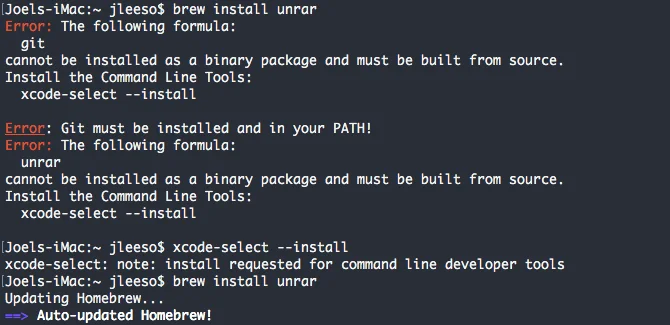
First, you must install the Xcode command line tools with the command:
xcode-select --installOnce UnRAR is installed, you can extract the RAR file by navigating to it in Terminal and entering the command:
unrar x example_file.rarUse The Unarchiver to extract RAR files
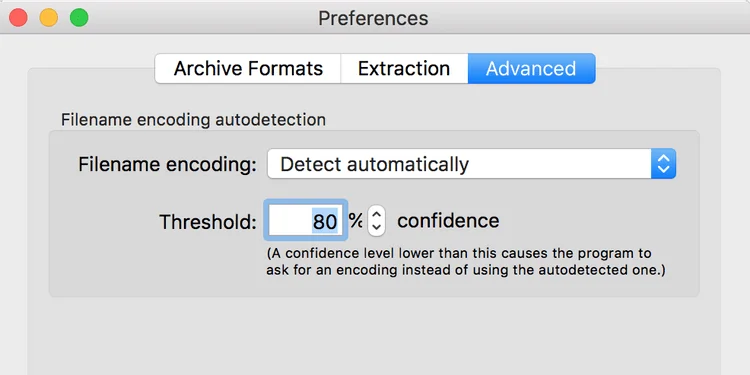
The Unarchiver is a free RAR file decompression software on macOS. You can use it to open any RAR archive with one click. Like Keka, The Unarchiver does not allow you to view the content inside files before extracting them. However, this tool has many customization options so you can extract them the way you want.
Another useful feature is that it supports non-Latin characters for archive names. Thanks to that, you can extract RAR files with foreign names.
The Unarchiver supports many different compressed file formats, including ZIP, 7Z, GZIP, CAB…
Above are some ways to open RAR files on Mac . Hope the article is useful to you.
Master how to boil broccoli perfectly every time with this step-by-step guide. Learn exact timing and techniques for tender, vibrant, nutrient-rich results.
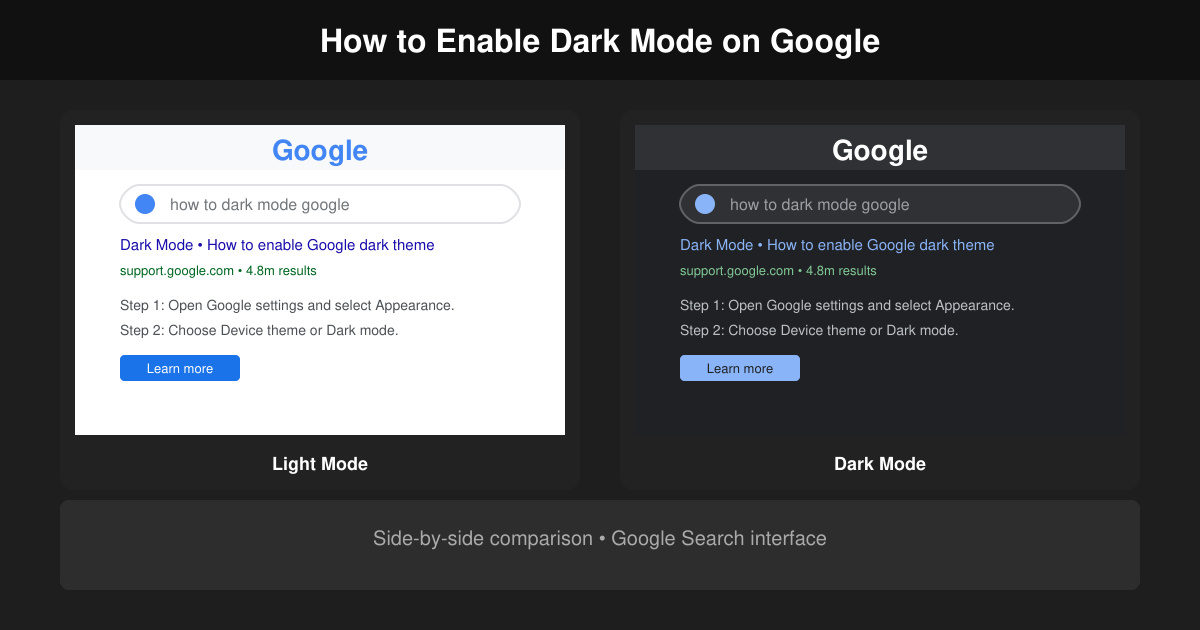
Learn how to dark mode on Google across Search, Chrome and apps to cut eye strain at night. This guide shows the exact settings to enable Google dark theme in under a minute.
Learn exactly how to add font to Canva with this step-by-step guide. Upload custom fonts through Brand Kit to use them across all your designs in minutes.
How to Use Skype for free video calls, messaging, and screen sharing. Follow this complete guide to install the app, set up your account, and start communicating in minutes.
Learn how to clear Google history quickly to protect your privacy. This step-by-step guide shows you how to delete search activity from your Google account on any device.
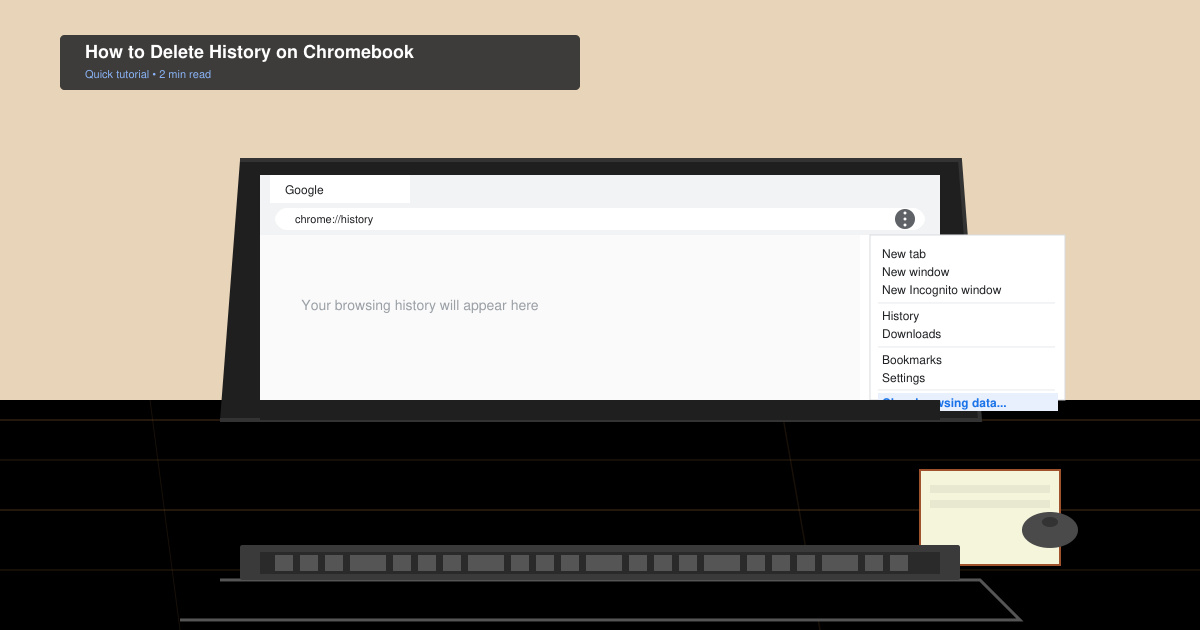
Learn exactly how to delete history on Chromebook to protect your privacy. Follow these precise steps to clear browsing data, cookies, and cached files on your device.
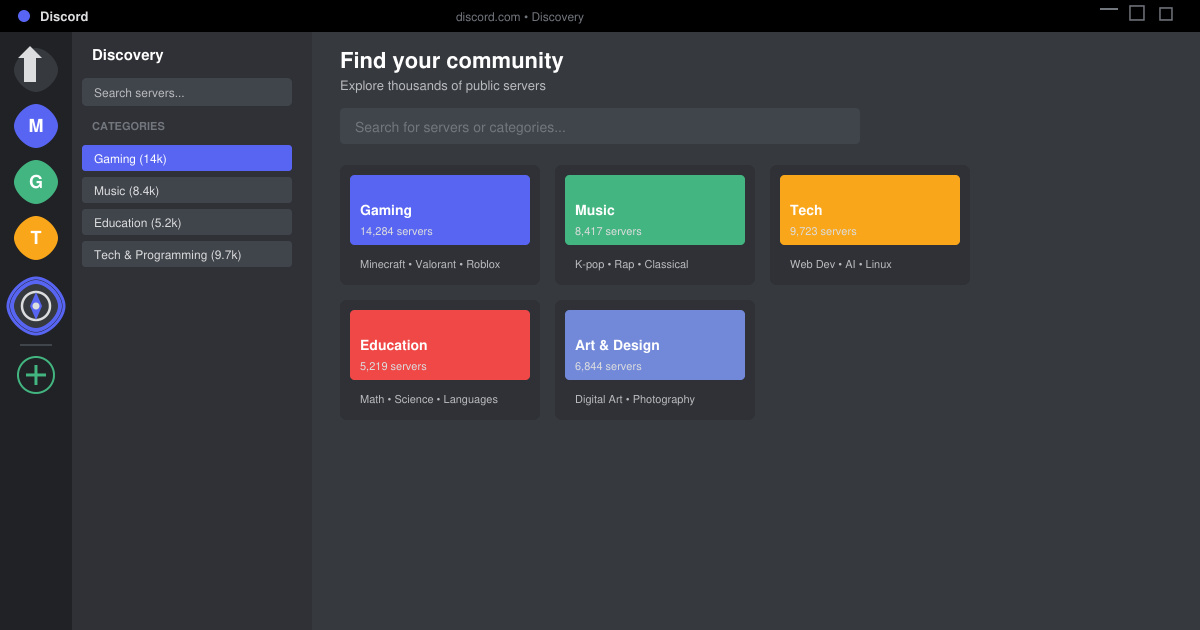
Learn how to find a server on Discord with this clear walkthrough of the built-in Discovery tool and other reliable methods. Join active communities fast.
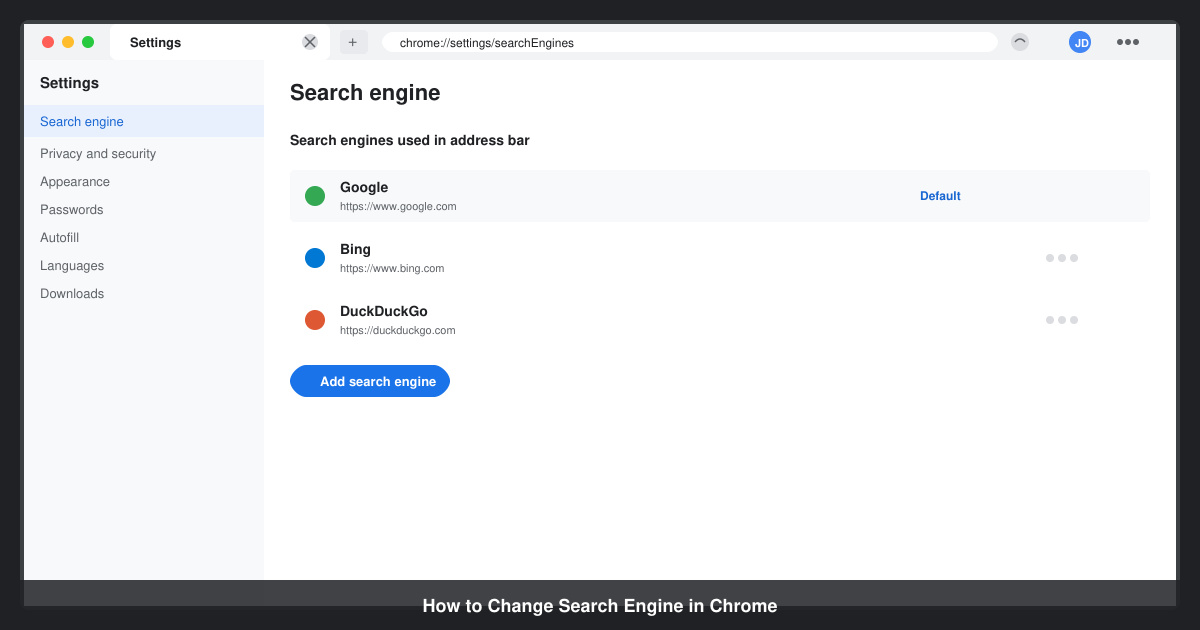
How to Change Search Engine in Chrome takes just a few clicks in Settings. Switch your default provider to Google, Bing, DuckDuckGo or another option and improve search results instantly.
Learn exactly how to cast Netflix to Chromecast from your phone or computer. Follow these steps to stream movies and shows to your TV in minutes.
Learn exactly how to set Google as your homepage on Chrome in under a minute. Follow the precise steps in Chrome Settings to make google.com load when you click the home button.