Fix CODE’s WOPI Host Check by Matching the Host Origin
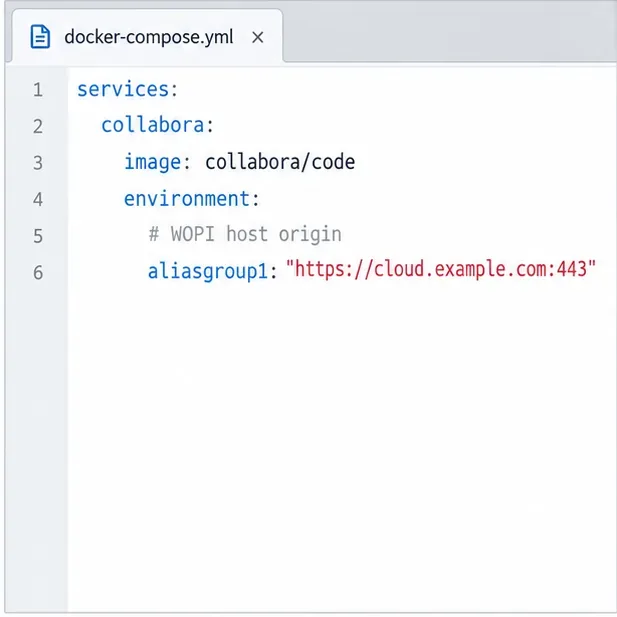
Allow the exact Nextcloud or other WOPI origin in CODE, then verify the active host allow-list and distinguish it from Nextcloud’s source-IP restriction.
A Collabora CODE container may restart with default settings after a rebuild, or a server failure may leave you without a working copy of its configuration. Back up the active coolwsd.xml and the deployment files that supply settings. Restore them to the same persistent source, then validate the file and service before users resume editing.
The main file is commonly /etc/coolwsd/coolwsd.xml. The source of truth differs for package, Docker, and Helm installations, so identify the deployment before copying anything.
With a package installation, inspect the host file. In Docker, inspect the file inside the running container and check whether a host file or directory is mounted over it. Preserve Compose, referenced environment files, or Helm values too: startup options supplied there are not necessarily stored in XML.
sudo ls -l /etc/coolwsd/coolwsd.xml
docker ps --format 'table {{.Names}}\t{{.Image}}\t{{.Status}}'
docker exec collabora-code ls -l /etc/coolwsd/coolwsd.xml
Replace collabora-code with your actual container name. Collabora’s configuration and Docker documentation describe these deployment paths, and its upstream Helm chart exposes chart-level settings. Read the documentation for your release; defaults and deployment behavior can change between versions.
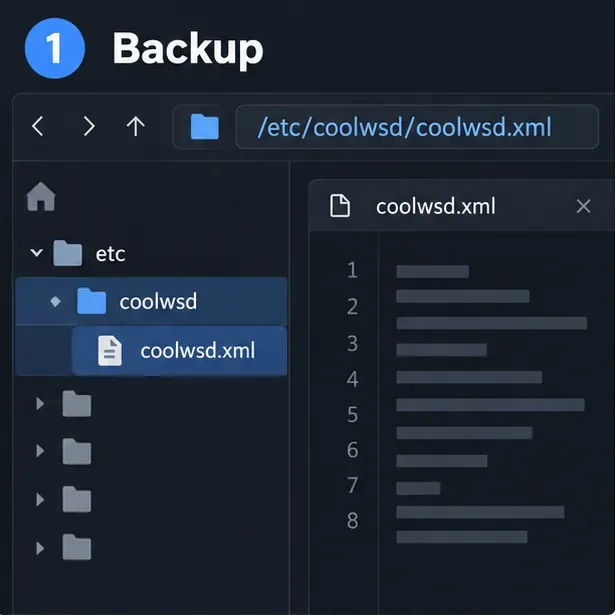
/etc/coolwsd/coolwsd.xml.Store a dated copy in a restricted directory. Configuration can reveal allowed WOPI hosts, proxy behavior, certificate paths, or administrative settings. Treat the backup as sensitive operational data.
For a package installation, preserve file metadata:
sudo install -d -m 700 /var/backups/collabora/$(date +%F)
sudo cp -a /etc/coolwsd/coolwsd.xml \
  /var/backups/collabora/$(date +%F)/coolwsd.xml
sudo stat /var/backups/collabora/$(date +%F)/coolwsd.xml
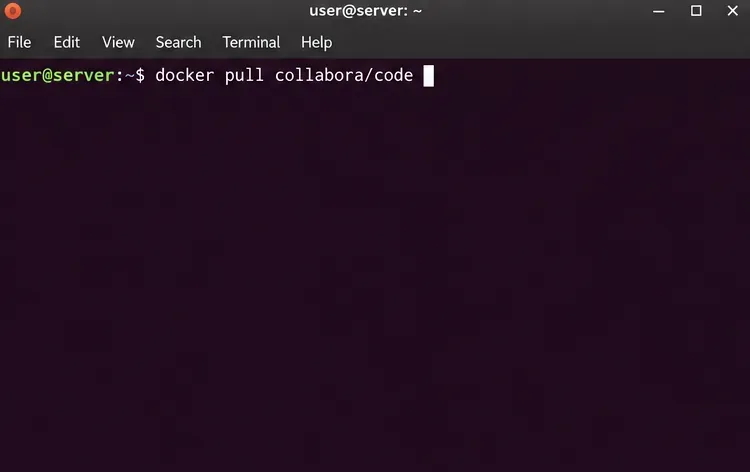
For Docker, copy the live file from the container to the host:
mkdir -p ~/backups/collabora/$(date +%F)
docker cp collabora-code:/etc/coolwsd/coolwsd.xml \
  ~/backups/collabora/$(date +%F)/coolwsd.xml
chmod 600 ~/backups/collabora/$(date +%F)/coolwsd.xml
If a bind mount supplies the file, back up its host-side source too; that is the file that can overwrite an in-container edit at restart. Keep the Compose file and any referenced .env file in the same protected backup set. For Helm, save the exact values file and release identity, plus separately managed Secrets or ConfigMaps using your existing secret-handling process.
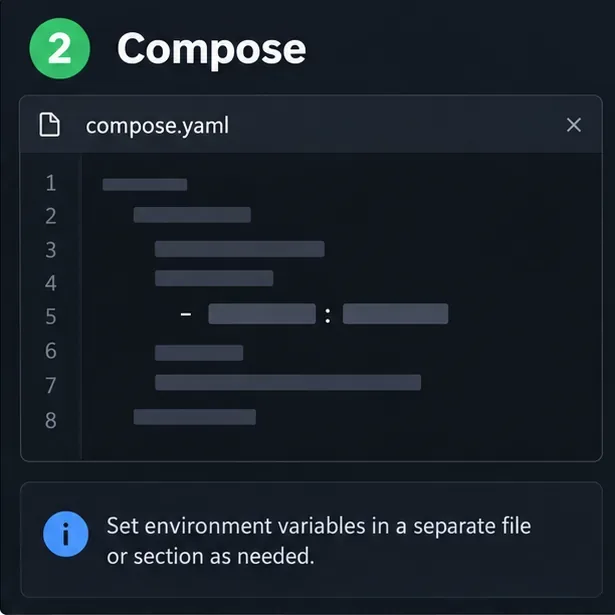
Record the CODE image tag or package version, container name, mount source, and backup date. Package installs can use cp -a to preserve metadata. Container file ownership can differ from the host, so do not assume a host owner or mode will suit every image version.
For Compose, determine whether a file or whole directory is mounted at /etc/coolwsd. A directory mount can hide files shipped in the image; an incomplete directory can make expected files unavailable. Back up every file in the mounted directory that CODE relies on. Keep environment settings separately and protect secrets.
For Helm, do not rely on editing a generated pod: upgrades can recreate it. Preserve the chart values and any external Secret or ConfigMap. Collabora’s upstream chart supports configuration content through values, so its declared source can be more authoritative than a copy from a running pod.
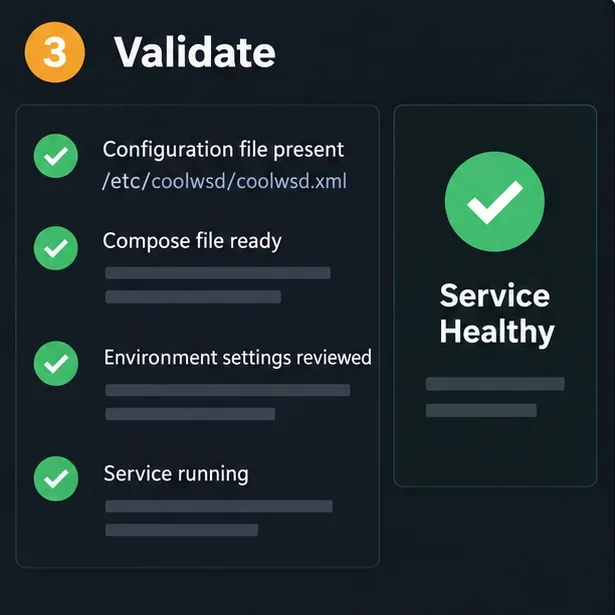
Stop CODE or use a maintenance window. Save the current file before replacing it. For a package installation, restore the chosen backup and retain the ownership and mode expected by that package:
sudo systemctl stop coolwsd
sudo cp -a /etc/coolwsd/coolwsd.xml \
  /etc/coolwsd/coolwsd.xml.before-restore
sudo cp /var/backups/collabora/2026-10-09/coolwsd.xml \
  /etc/coolwsd/coolwsd.xml
sudo chown root:cool /etc/coolwsd/coolwsd.xml
sudo chmod 640 /etc/coolwsd/coolwsd.xml
sudo systemctl start coolwsd
The sample owner and group may not match your package. Check the existing file with stat and preserve its expected ownership and mode rather than applying sample values blindly. For a bind-mounted container, restore the host file and follow your Compose restart or recreate workflow. If a custom image or Helm value supplies configuration, update that source and redeploy; editing a disposable container will not persist.
Review configuration before restoring across a major version change. Options can change between releases, so compare the saved file with the target version’s template and migration notes. Restoring XML does not restore certificates, private keys, custom fonts, or reverse-proxy configuration unless those were backed up separately.
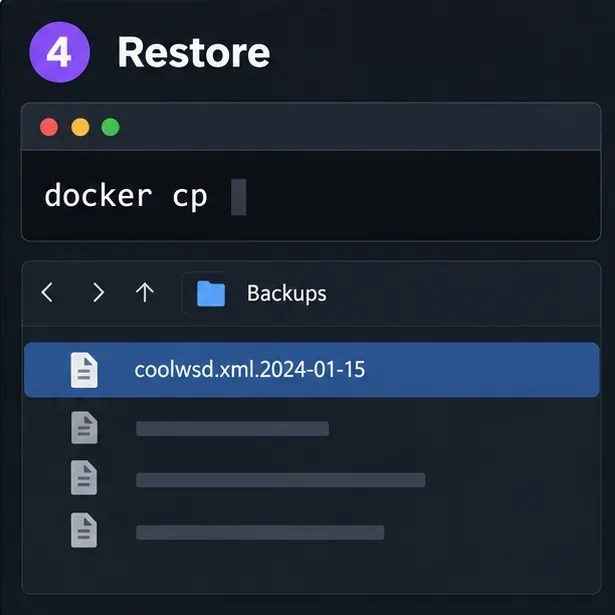
Check that the file exists, is readable by the service, and is well-formed XML. If installed, xmllint checks syntax:
xmllint --noout /etc/coolwsd/coolwsd.xml
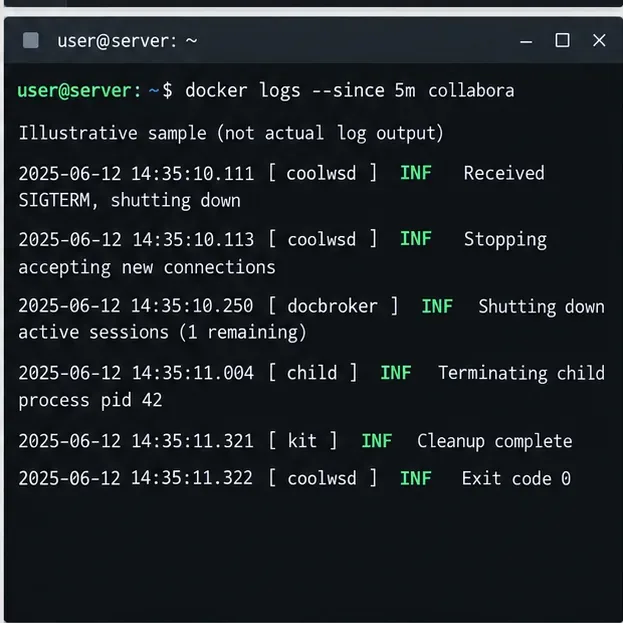
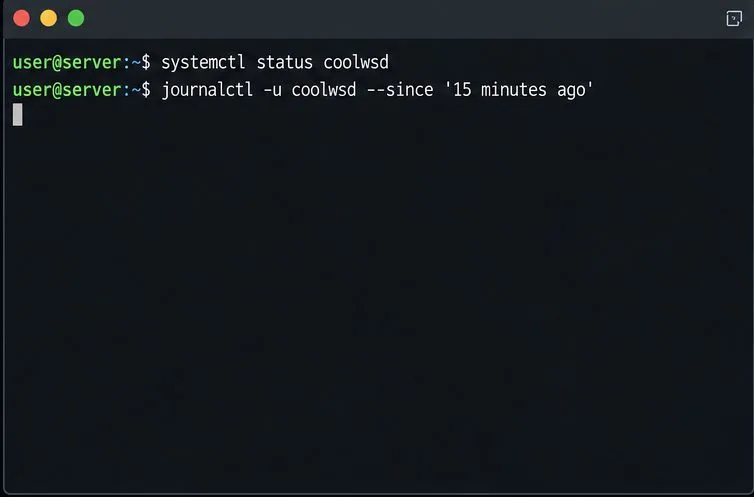
This confirms XML syntax only; it does not prove every option is supported by your CODE version. Inspect logs for parse errors and confirm the service remains running. For containers, check docker compose ps and recent logs. For packages, check systemctl status coolwsd and the system journal.
Finally, open a document through the usual WOPI host and confirm it loads and saves. If CODE starts but documents fail to load, compare the restored allow-list, external hostname, TLS termination, and proxy settings with the deployment. If startup fails, roll back to the pre-restore copy and compare the files before trying again.
Allow the exact Nextcloud or other WOPI origin in CODE, then verify the active host allow-list and distinguish it from Nextcloud’s source-IP restriction.
Trace Collabora’s browser, WOPI, and WebSocket connections to find why a document will not open, then apply the fix that matches your Nextcloud setup.
Deploy Collabora CODE replicas with Helm, keep each document on one pod through WOPI affinity, and verify ingress, node placement, and Nextcloud editing.
Trace a failed socket handshake from browser to coolwsd, then match the reverse-proxy route to your Collabora version, including the CODE 26.04 Apache change.
Trace Collabora WOPI proof failures to mismatched keys, stale discovery data, clock drift, or proxy URL changes—without weakening validation.
Reset browser zoom, test a clean session, and identify when a malformed size menu needs a Collabora server update.
Deploy Collabora CODE with Docker, connect it securely to Nextcloud Office, and verify document editing with practical WOPI and proxy checks.
Temporarily raise coolwsd to debug, capture one failed open, and use the log sequence to separate WebSocket, WOPI, proxy, and container issues.
Configure the Collabora Online admin login for Docker or Linux, restart the right service, and verify the new password without exposing it.
Find out whether CPU load comes from active documents, idle worker processes, or server capacity before changing Collabora settings or restarting the service.