Get LibreOffice to Recognize Your Java Runtime

Install a compatible Java runtime, enable it in LibreOffice, and troubleshoot an empty JRE list without changing unrelated settings.
Adobe Acrobat Online PDF to Word provides a fast and accurate way to turn static PDF files into editable Microsoft Word documents. The tool preserves formatting, tables, and images better than most free converters, making it ideal for business reports, contracts, and academic papers. This guide walks you through the exact process using the official Adobe web service.
Adobe Acrobat Online PDF to Word works directly in your browser, so you avoid large desktop installations and version conflicts. The service uses Adobe's OCR engine when needed, which handles scanned documents more reliably than generic online tools. You receive a .docx file that opens correctly in Word 2016 and later, including tracked changes and comments if you choose the premium option.
Before you start, make sure your PDF is under 100 MB and contains no password protection. Free accounts allow two conversions per day; a free Adobe ID is required for the full daily limit.
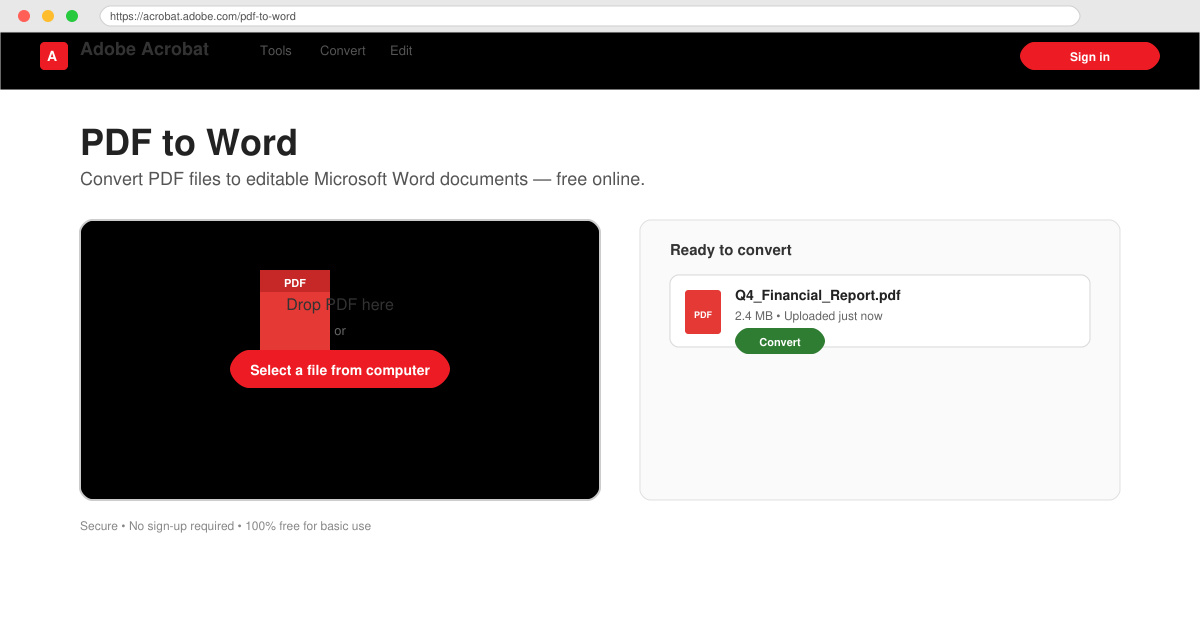
Open your browser and navigate to acrobat.adobe.com/us/en/acrobat/online/pdf-to-word.html. Click the blue “Select a file” button. If prompted, sign in with your free Adobe ID or create one in under thirty seconds.
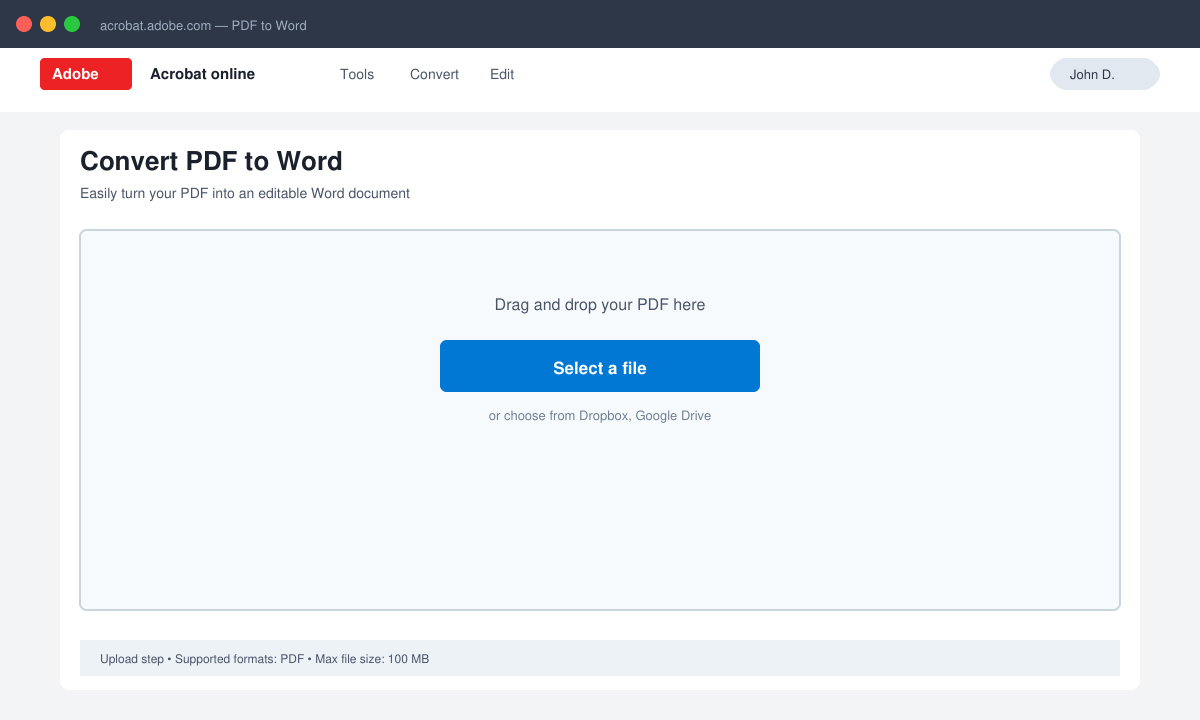
Choose the PDF from your computer or drag it into the upload area. The page shows a progress bar while the file uploads. Once complete, the filename appears with a thumbnail preview.
Select “Word Document” as the output format. If your PDF contains scanned pages, enable the “Recognize text” option so the tool runs OCR automatically. Leave the language set to English unless your document uses another language.
Click the “Convert” button. Adobe Acrobat Online PDF to Word processes most files in 30–90 seconds. A green checkmark appears when the .docx file is ready.
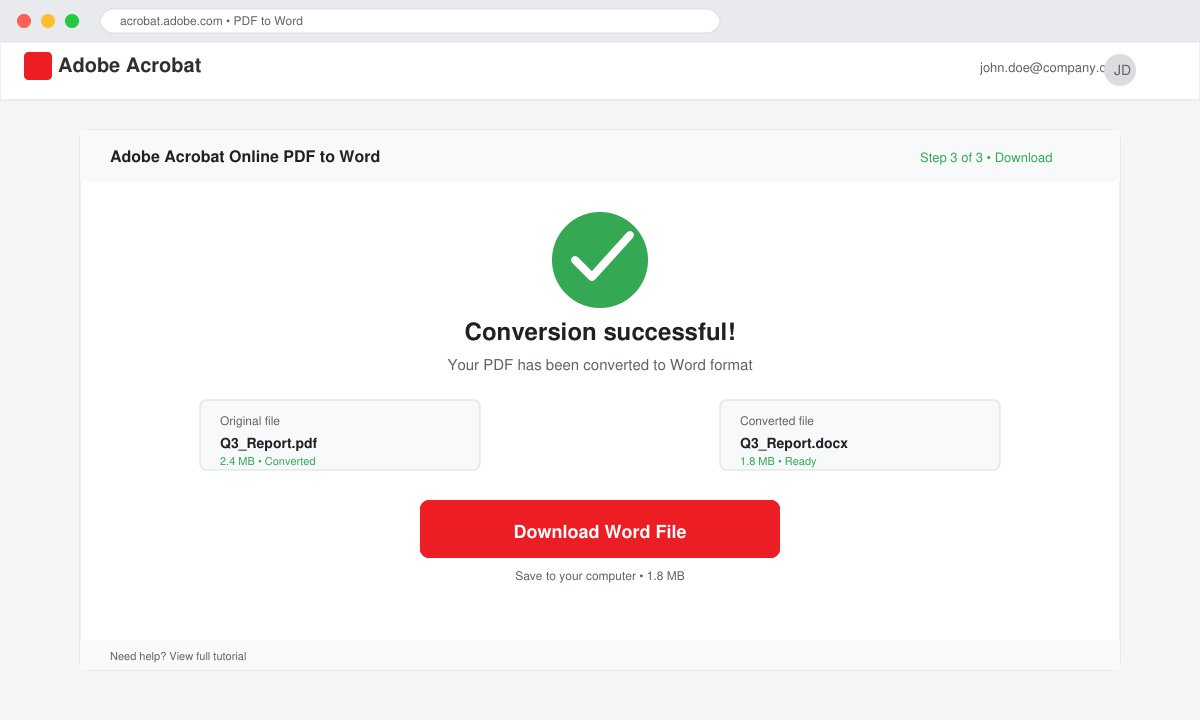
Click “Download” to save the Word file to your computer. Open it in Microsoft Word and check headings, tables, and images. If any element is misaligned, return to the site, upload the original PDF again, and try the “Retain layout” setting.
Large PDFs with many images can exceed the free daily limit; consider splitting the document into smaller files first. If text appears garbled after conversion, the original PDF likely used a non-standard font—recreate the PDF with standard fonts before uploading again. Password-protected PDFs must be unlocked in Adobe Acrobat desktop before online conversion. For repeated use, bookmark the direct link to the PDF-to-Word tool so you skip the homepage navigation.
The basic converter is free for up to two files per day. Additional conversions require an Adobe Acrobat Pro subscription.
Yes, the responsive site functions on Chrome for Android and Safari for iOS, though uploading very large files is faster on desktop.
Adobe Acrobat Online PDF to Word retains most layout elements, but complex multi-column designs may need minor manual adjustments in Word afterward.
Adobe Acrobat Online PDF to Word delivers reliable results with minimal effort when you follow the steps above. Keep your Adobe ID handy and you can convert documents whenever needed without extra software.
Install a compatible Java runtime, enable it in LibreOffice, and troubleshoot an empty JRE list without changing unrelated settings.
Build a small LibreOffice container, convert office documents without a GUI, and verify PDF output while limiting host-file access.
Reduce oversized LibreOffice presentation files by compressing embedded photos, choosing sensible image settings, and checking slide quality before sharing.
Match LibreOffice’s page dimensions to your printer, check printable margins, and correct scaling before printing a custom-size document.
Replace repeated cell access with bulk range reads and writes, then benchmark the result and protect formulas in large Calc workbooks.
Split a long manuscript into chapters, assemble them in Writer, and keep styles, contents, and export checks consistent.
Use Base’s direct PostgreSQL option to enter your server details, sign in, save an ODB connection file, and troubleshoot common access errors.
Install a font in your Linux user font folder, restart LibreOffice Flatpak, and confirm it appears in Writer without weakening the app sandbox.
Protect your work and isolate network-drive save crashes in LibreOffice on macOS Sonoma with a local-first workflow, permission checks, and targeted tests.
Preserve leading zeros in Calc by setting ID columns to Text during CSV import, checking the preview, and verifying the saved data.








