Get LibreOffice to Recognize Your Java Runtime

Install a compatible Java runtime, enable it in LibreOffice, and troubleshoot an empty JRE list without changing unrelated settings.
Adobe Free PDF Reader is the official no-cost tool from Adobe for opening, viewing, and annotating PDF documents. It remains the most trusted option because it receives regular security updates and handles complex files without issues. This article shows exactly how to obtain and use it on Windows, Mac, or mobile.
Adobe Acrobat Reader (commonly called Adobe Free PDF Reader) supports every PDF feature created in paid Acrobat software, including forms, signatures, and 3D content. It also includes built-in protection against malicious files that many third-party viewers lack. Before you begin, make sure your operating system meets the minimum requirements listed on Adobe’s site.
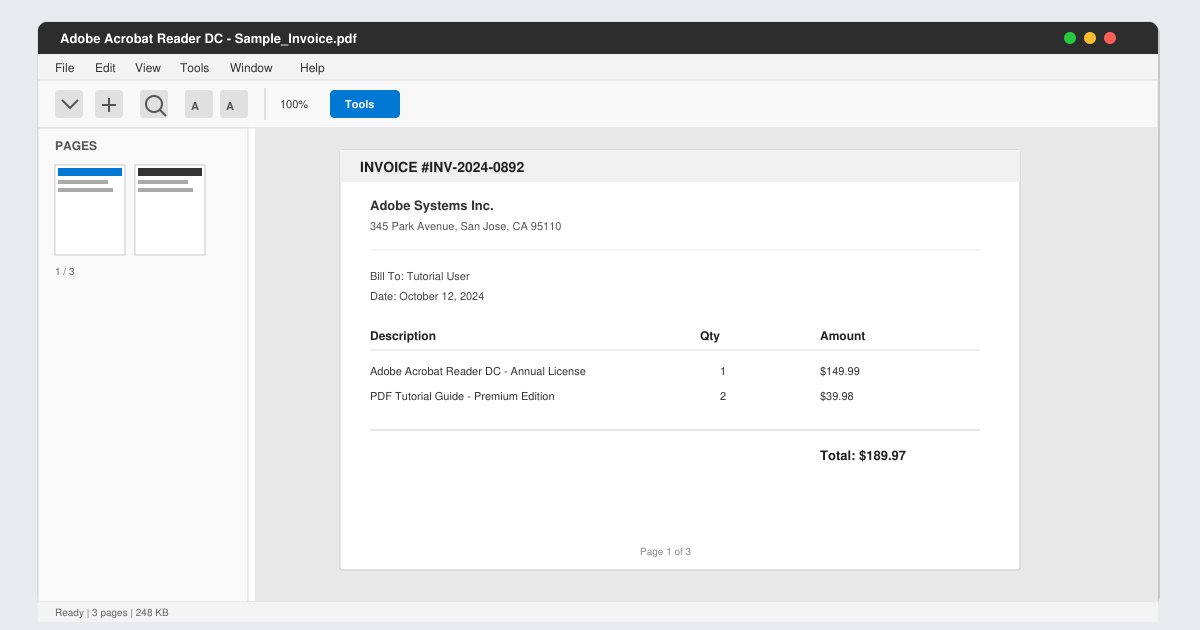
Open your browser and go directly to get.adobe.com/reader. Avoid third-party sites to prevent bundled software. The page detects your operating system automatically.
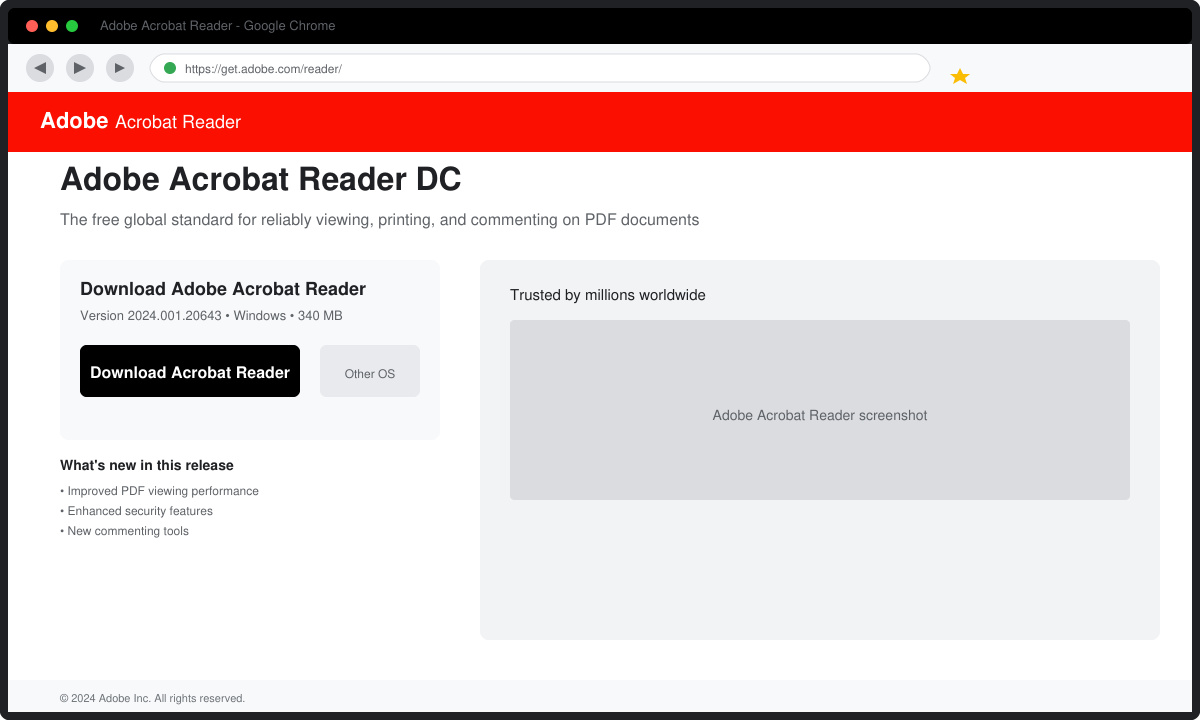
Uncheck any boxes for McAfee or other add-ons, then click the Download Acrobat Reader button. The installer file begins downloading immediately.
Locate the downloaded file (usually in your Downloads folder), double-click it, and follow the on-screen prompts. Accept the license agreement and choose a custom install location if desired. The process finishes in under two minutes on most machines.
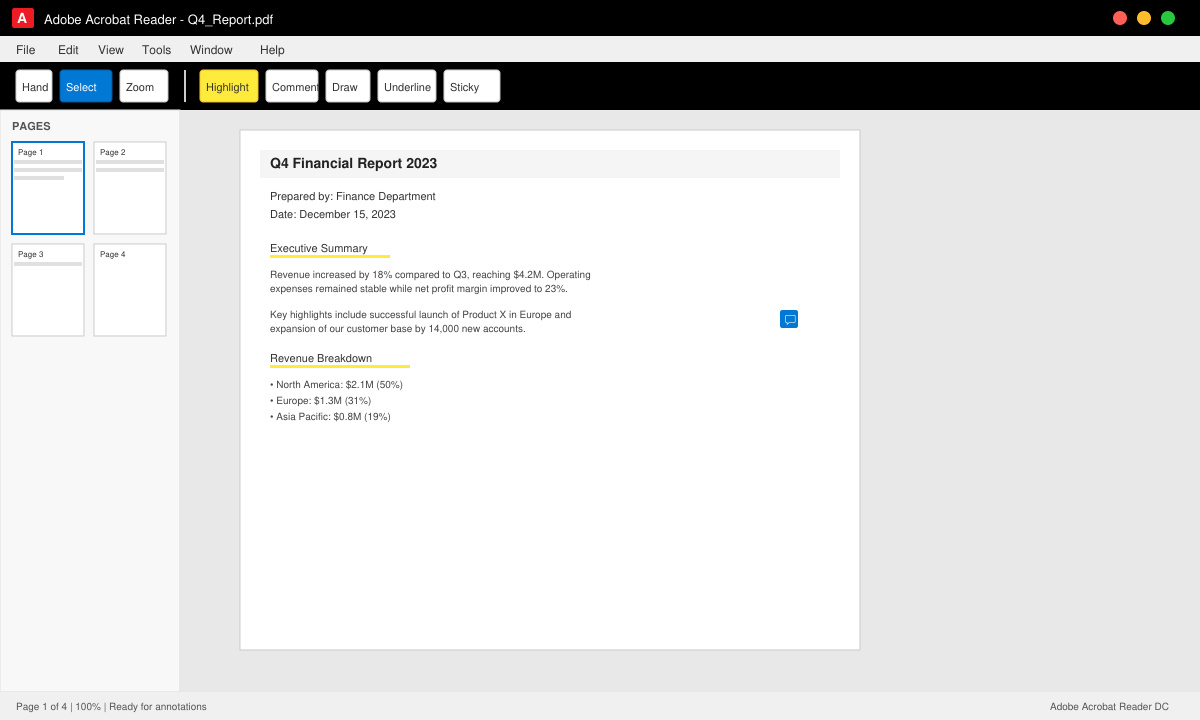
Find the new desktop shortcut or search for “Acrobat Reader” in your Start menu. Click File > Open, navigate to any PDF, and the document loads in the main window.
Yes. The core viewer remains completely free with no time limit or usage restrictions for basic PDF viewing and printing.
Basic editing requires the paid Acrobat Pro subscription. The free version only allows adding comments, filling forms, and signing documents.
Yes. Once installed, the desktop version functions without an internet connection except when checking for updates or using online services like Adobe Sign.
Downloading Adobe Free PDF Reader from the official source gives you a reliable, secure way to handle PDFs on every device you own.
Install a compatible Java runtime, enable it in LibreOffice, and troubleshoot an empty JRE list without changing unrelated settings.
Build a small LibreOffice container, convert office documents without a GUI, and verify PDF output while limiting host-file access.
Reduce oversized LibreOffice presentation files by compressing embedded photos, choosing sensible image settings, and checking slide quality before sharing.
Match LibreOffice’s page dimensions to your printer, check printable margins, and correct scaling before printing a custom-size document.
Replace repeated cell access with bulk range reads and writes, then benchmark the result and protect formulas in large Calc workbooks.
Split a long manuscript into chapters, assemble them in Writer, and keep styles, contents, and export checks consistent.
Use Base’s direct PostgreSQL option to enter your server details, sign in, save an ODB connection file, and troubleshoot common access errors.
Install a font in your Linux user font folder, restart LibreOffice Flatpak, and confirm it appears in Writer without weakening the app sandbox.
Protect your work and isolate network-drive save crashes in LibreOffice on macOS Sonoma with a local-first workflow, permission checks, and targeted tests.
Preserve leading zeros in Calc by setting ID columns to Text during CSV import, checking the preview, and verifying the saved data.








