Get LibreOffice to Recognize Your Java Runtime

Install a compatible Java runtime, enable it in LibreOffice, and troubleshoot an empty JRE list without changing unrelated settings.
The Adobe PDF Reader Offline Installer provides a complete package for installing Adobe Acrobat Reader without requiring an internet connection during the actual setup. This approach works well for system administrators, users on restricted networks, or anyone preparing multiple devices in advance. The following instructions show how to obtain the official files and complete the installation successfully.
Standard web installers for Adobe Acrobat Reader require downloading additional components on the fly. The offline version bundles everything into one executable file, allowing installation on machines that lack reliable internet access. It also supports consistent deployments across multiple computers using the same installer version.
Before starting, confirm your operating system version and whether you need the 32-bit or 64-bit edition. Adobe offers separate offline packages for Windows and macOS.
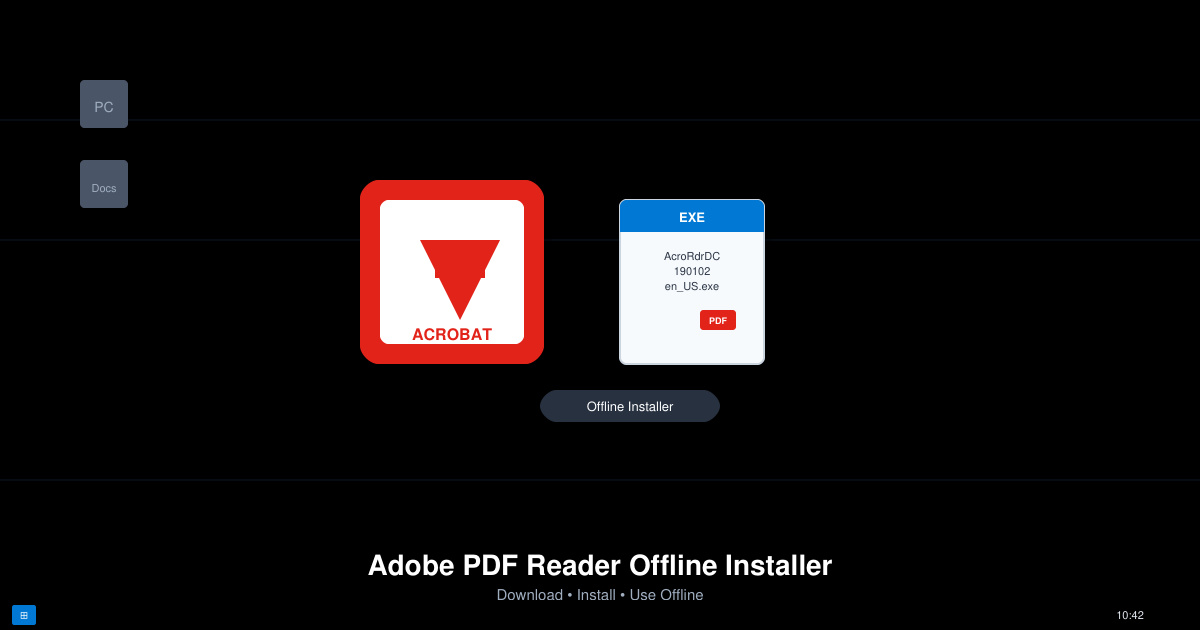
Open a web browser on a computer with internet access and go to the Adobe Acrobat Reader product page. Select the desired language and operating system from the dropdown menus, then choose the offline installer option instead of the standard web installer.
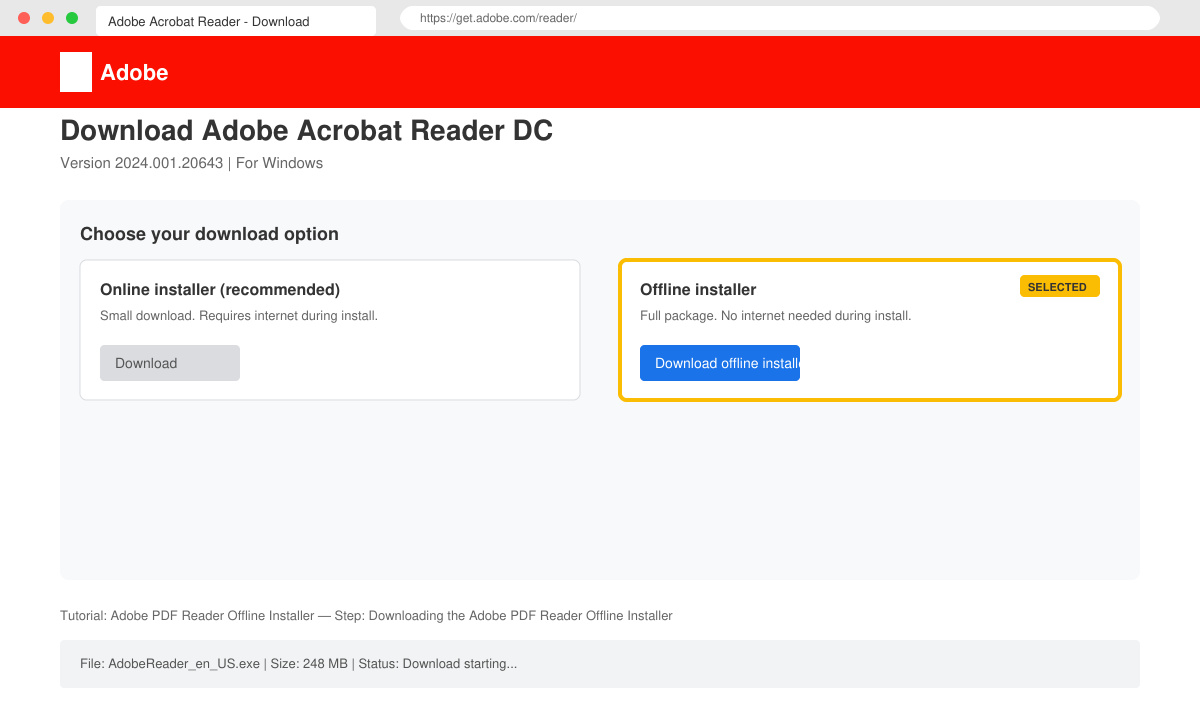
Fill in the required fields including your email address if prompted. Adobe will generate a direct download link for the full offline package. Save the file to a USB drive or network location for later transfer to target machines.
Copy the downloaded executable to the computer where you want to install Adobe Acrobat Reader. No internet connection is needed from this point onward.
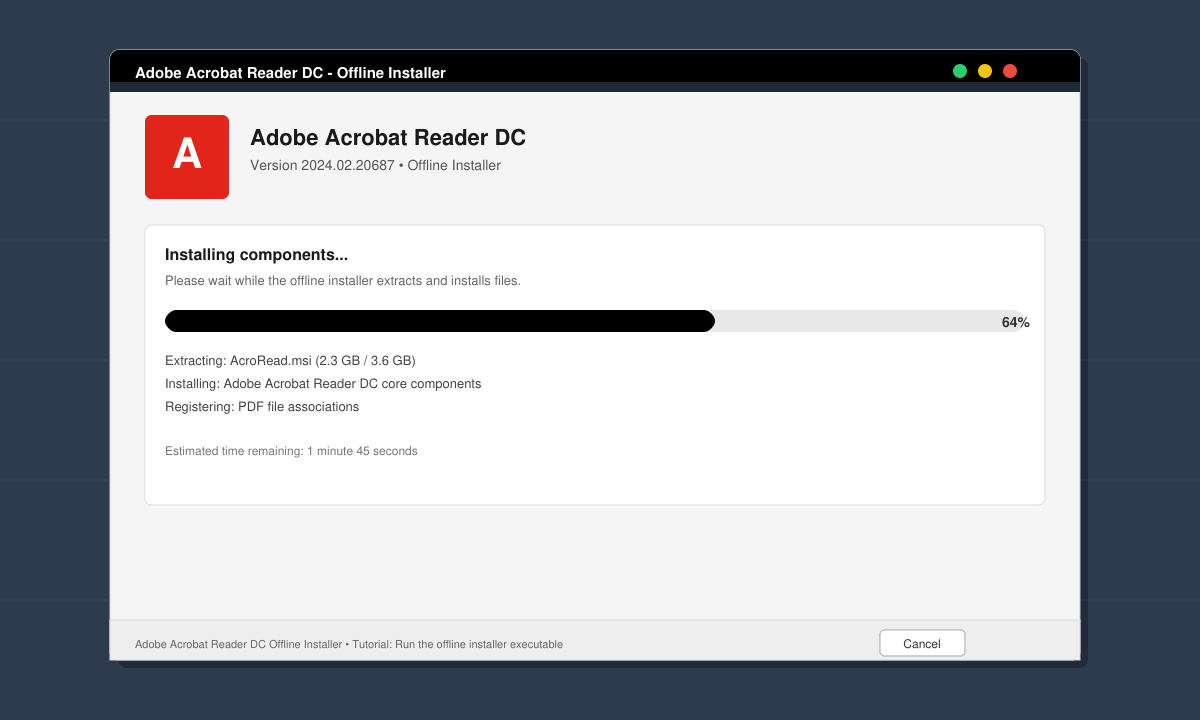
Double-click the downloaded file. Accept the license agreement when prompted, choose the installation folder if desired, and click Install. The process completes without contacting Adobe servers.
Yes. The offline package can be copied and reused on any number of machines as long as each installation complies with Adobe licensing terms.
No. The offline installer contains only the version available at the time of download. After installation, use the built-in Help menu to check for updates when internet becomes available.
Adobe provides an offline DMG file for macOS through the same download process used for Windows. Select macOS from the platform dropdown during the request.
Using the Adobe PDF Reader Offline Installer ensures reliable deployment in any environment. Follow the steps above to obtain and run the correct package for your systems.
Install a compatible Java runtime, enable it in LibreOffice, and troubleshoot an empty JRE list without changing unrelated settings.
Build a small LibreOffice container, convert office documents without a GUI, and verify PDF output while limiting host-file access.
Reduce oversized LibreOffice presentation files by compressing embedded photos, choosing sensible image settings, and checking slide quality before sharing.
Match LibreOffice’s page dimensions to your printer, check printable margins, and correct scaling before printing a custom-size document.
Replace repeated cell access with bulk range reads and writes, then benchmark the result and protect formulas in large Calc workbooks.
Split a long manuscript into chapters, assemble them in Writer, and keep styles, contents, and export checks consistent.
Use Base’s direct PostgreSQL option to enter your server details, sign in, save an ODB connection file, and troubleshoot common access errors.
Install a font in your Linux user font folder, restart LibreOffice Flatpak, and confirm it appears in Writer without weakening the app sandbox.
Protect your work and isolate network-drive save crashes in LibreOffice on macOS Sonoma with a local-first workflow, permission checks, and targeted tests.
Preserve leading zeros in Calc by setting ID columns to Text during CSV import, checking the preview, and verifying the saved data.








