Pardus Software Center or APT? Choosing the Right Tool
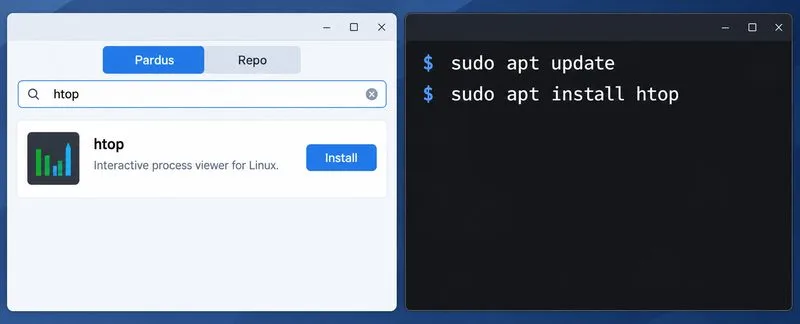
Compare Pardus Software Center with APT commands to find, install, remove, and update packages using the method that fits your task.
Most ad blockers either miss new ad formats or add noticeable lag. uBlock Origin avoids both problems through its lightweight design and regularly updated filter lists. It works directly in Chrome and requires no account or subscription. Users who switch to it typically see pages load faster and encounter far fewer pop-ups or video ads.
Before installing anything, confirm your Chrome version is current by opening the browser menu and selecting Help then About Google Chrome. This ensures extension compatibility and access to the latest security updates.
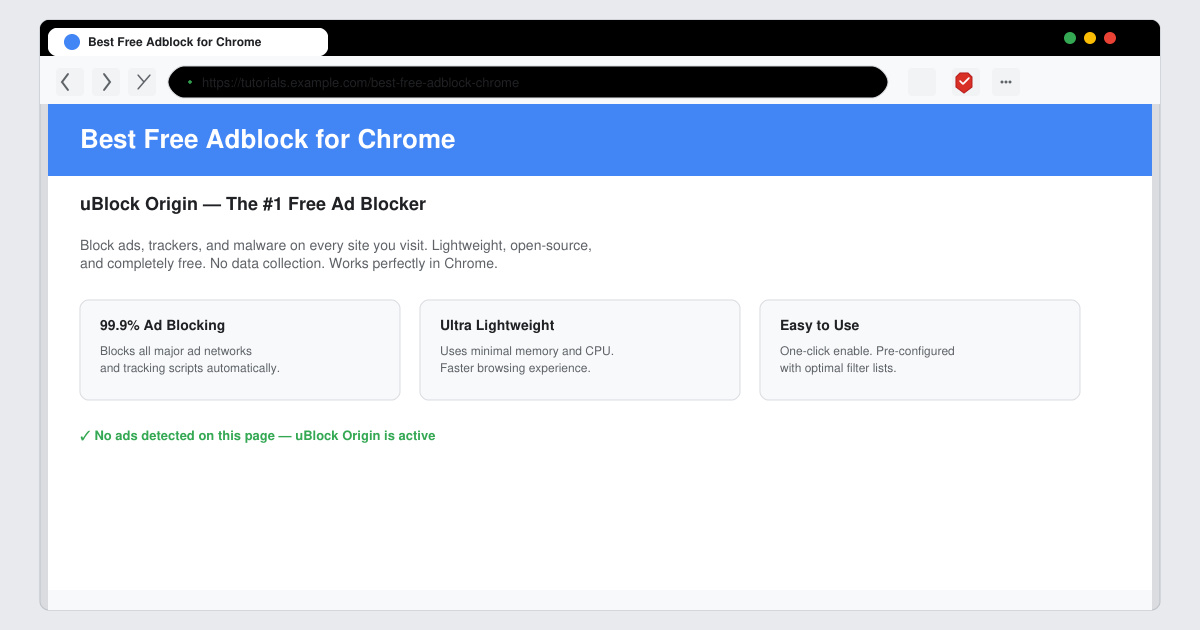
Click the three-dot menu in the top right of Chrome, hover over More tools, and select Extensions. At the bottom of that page click the link that says Open Chrome Web Store. In the search bar type uBlock Origin exactly.
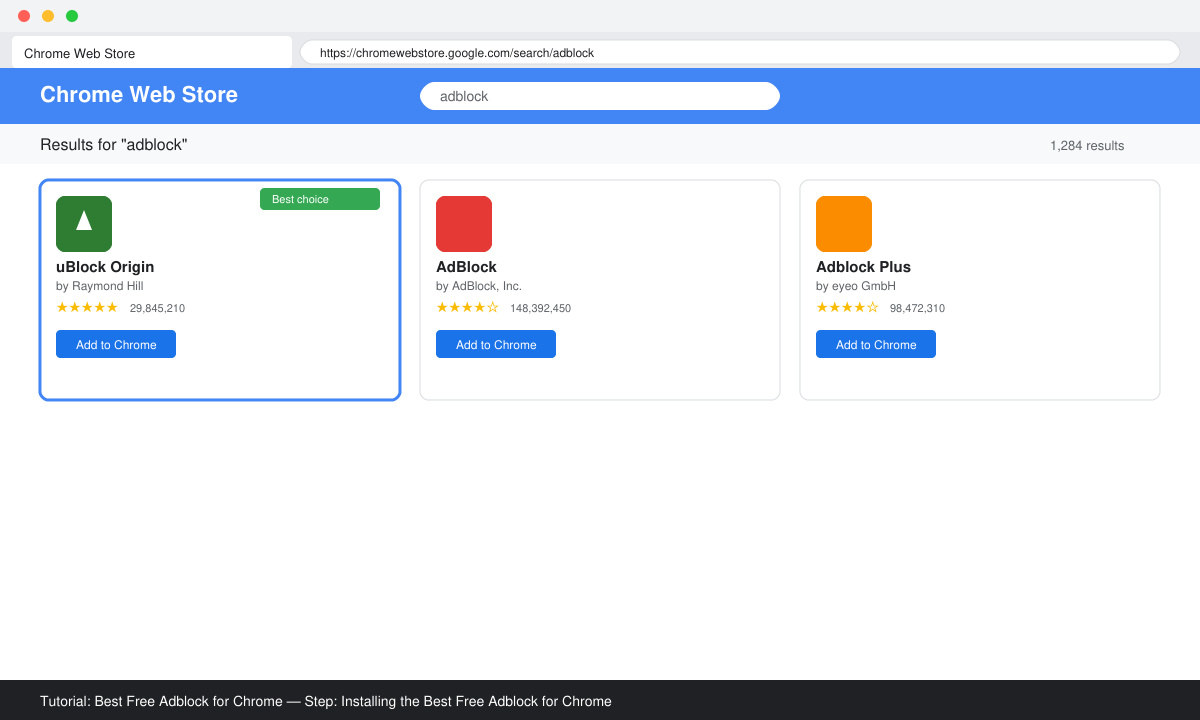
Locate the result published by gorhill, click the Add to Chrome button, then confirm the prompt. Chrome installs the extension within seconds and shows its shield icon in the toolbar.
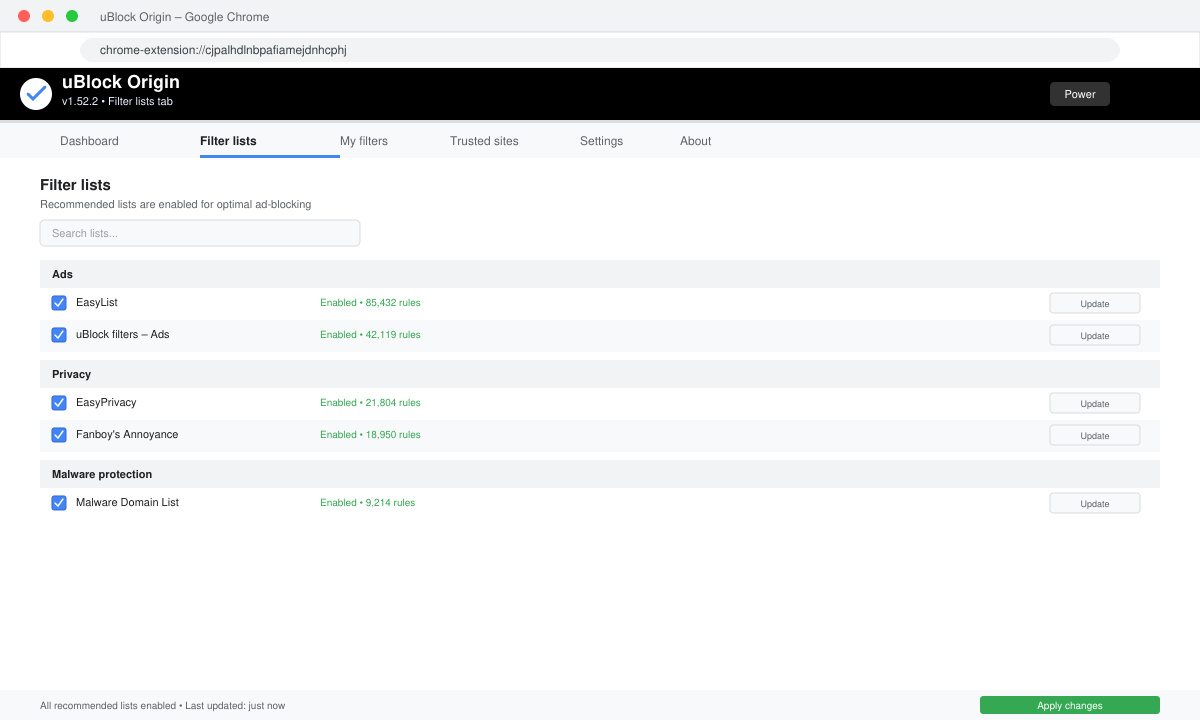
Click the new uBlock Origin icon, then the dashboard button (gear). On the Filter lists tab make sure EasyList, EasyPrivacy, and Peter Lowe’s blocklist are enabled. Click Apply changes at the top.
Visit a news or video site known for ads. Refresh the page and watch unwanted elements disappear. If an ad still appears, click the uBlock Origin icon and use the eyedropper tool to block that specific element permanently.
Yes. uBlock Origin removes most pre-roll and mid-roll video ads on YouTube when its default lists remain active.
No. uBlock Origin is designed to use very little memory compared with other blockers and often improves page load times by preventing ad scripts from running.
Running more than one usually causes conflicts and broken pages. Stick with uBlock Origin alone for best results.
Following the steps above gives you reliable ad blocking that stays free and lightweight inside Chrome.
Compare Pardus Software Center with APT commands to find, install, remove, and update packages using the method that fits your task.
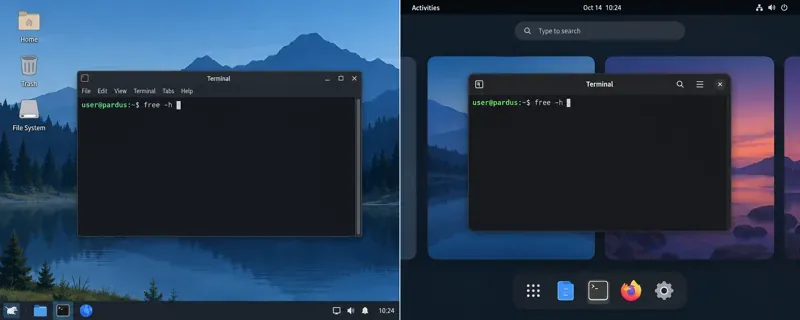
See what Pardus’s published RAM requirements mean, then compare XFCE and GNOME on the same PC with repeatable MemAvailable readings.
See where HamoniKR 8.0 fits in a business desktop plan, what its Korean-focused features support, and what to verify before a wider rollout.
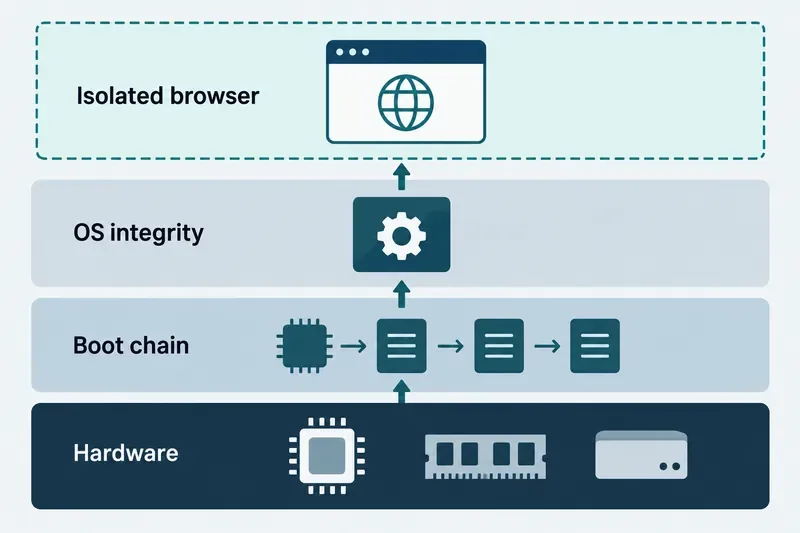
Understand how Gooroom’s boot verification and runtime protections fit together, what “sandbox” means, and which settings you should verify on your device.
Compare HamoniKR 8.0 LTS and Lite requirements, then test Wi-Fi, graphics, and laptop controls from a live USB before installing.
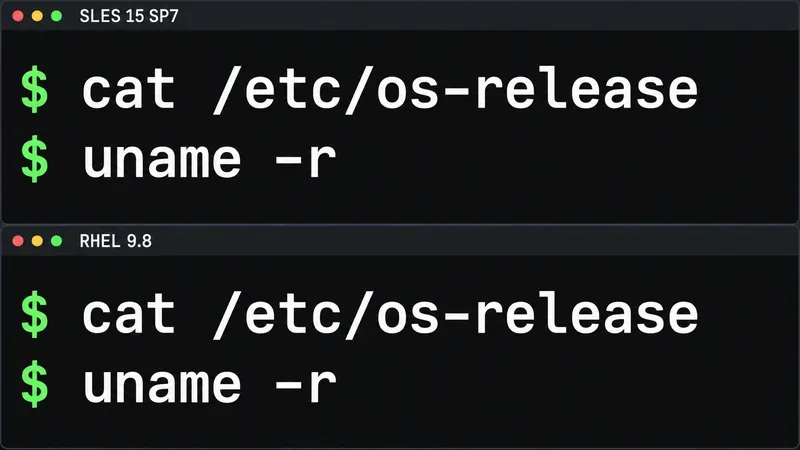
Compare the current SLES and RHEL baselines, understand why kernel numbers do not predict speed, and build a fair test around your real server workload.
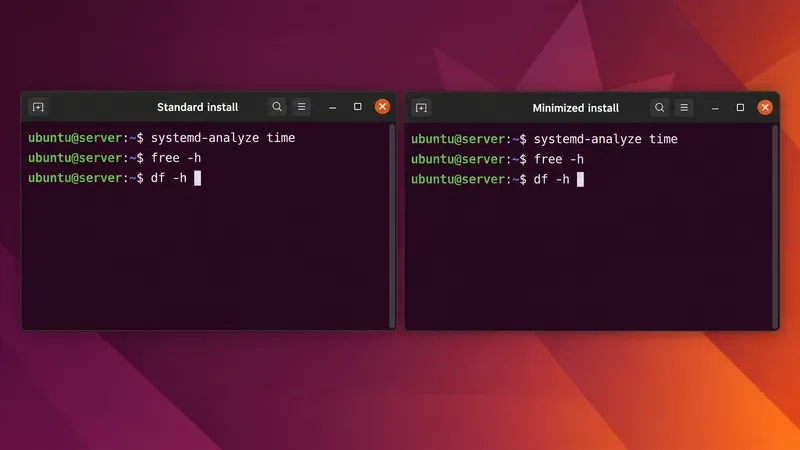
Compare Ubuntu Server 24.04 minimized and standard installs across RAM, disk space, boot time, CPU, and real workloads—without misleading benchmark claims.
A practical 2026 guide to AI, smart-home sensors, remote monitoring, fall safety, privacy, and how technology can support aging in place without replacing care.
Learn how cities can turn mobility, land-use, climate, and community data into safer, greener, more walkable neighborhoods without putting technology before people.
Compare leading UAV and aerospace engineering programs for drones, autonomy, controls, UAS operations, and graduate research, with verified 2026 updates.