Set Arabic and Hebrew Paragraphs to Right-to-Left in Writer
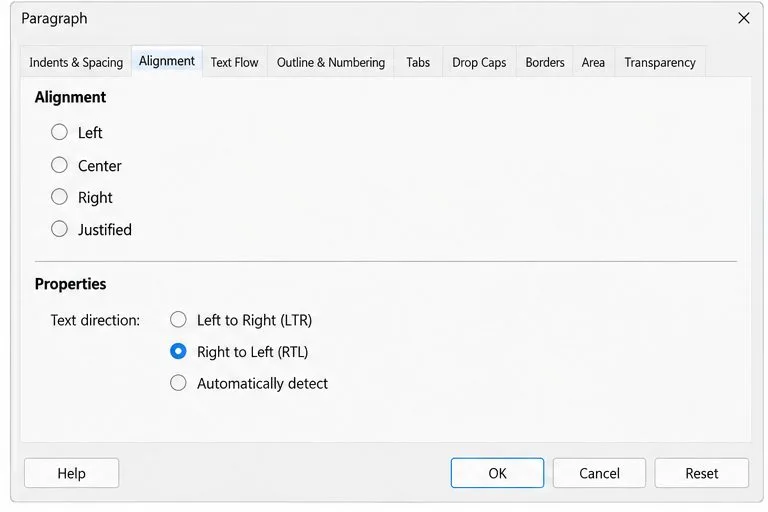
Enable Writer’s bidirectional controls, set RTL paragraph flow, and check mixed Arabic or Hebrew text without disrupting English words and numbers.
Imagine firing up your PC only to face that dreaded activation error—your Windows 11 activation key is nowhere to be found. 😟 Don't panic! Losing your product key happens to the best of us, but recovering it is simpler than you think. In this guide, we'll walk you through the best ways to recover lost Windows 11 activation key, using reliable, up-to-date methods that save time and frustration. Whether you're a tech newbie or a seasoned user, these steps will have you back up and running smoothly. Let's dive in and reclaim your key!
Windows 11 brings a fresh, intuitive interface and enhanced security, but without a valid Windows 11 activation key, you'll hit roadblocks like limited features or nagging reminders. The good news? Microsoft has built-in tools and straightforward processes to recover lost Windows 11 activation key without starting from scratch. By following these methods, you'll avoid costly repurchases and keep your digital life uninterrupted. Ready to feel that relief? Let's start with the easiest options.
If you bought Windows 11 digitally from the Microsoft Store, your Windows 11 product key is likely tied to your Microsoft account. This is often the best way to recover lost Windows 11 activation key for legitimate users—no digging through old emails required.
This method works seamlessly for most retail or OEM licenses purchased in recent years. Pro tip: If you upgraded from Windows 10, your old key might carry over—check that too! Feeling empowered already? Keep reading for command-line tricks that uncover hidden keys.
For installed versions of Windows 11, your activation key is often embedded in the system. Using the Command Prompt, you can extract it in seconds. This is a favorite among tech enthusiasts for its speed and accuracy.
Here's how:
wmic path SoftwareLicensingService get OA3xOriginalProductKey.If that doesn't work, try: slmgr /dli to view license details, including partial keys. These commands pull from the latest Windows 11 builds, ensuring compatibility. Not seeing results? It might be a digital license—jump to the next method. You're making great progress; let's tackle third-party tools next.
Sometimes, built-in methods fall short, especially for older installs. Enter trusted third-party software designed specifically to find Windows 11 key. These tools scan your registry and hardware for hidden info, making recovery a breeze.
Recommended options include:
| Tool | Key Features | Best For |
|---|---|---|
| ProduKey (by NirSoft) | Free, portable, displays keys for Windows and Office | Quick scans on single PCs |
| Belarc Advisor | Comprehensive system report including product keys | Detailed hardware/software audits |
| ShowKeyPlus | Open-source, shows install and backup keys | Advanced users needing OEM details |
Download from official sites (e.g., NirSoft for ProduKey) and run as admin. Always scan for malware first—safety first! 👍 These tools have been updated for Windows 11's latest security features, so they're reliable as of 2026. If your key still eludes you, don't worry; hardware checks are up next.
Got a pre-built PC or laptop? OEM keys are often embedded in the motherboard's firmware, retrievable via tools like those above. For physical copies, check:
If it's an upgrade, use the Activation Troubleshooter in Settings. Microsoft recommends this for retrieve Windows activation key scenarios tied to hardware changes. Success here means no reinstall needed—pure relief!
Once recovered, protect your Windows 11 product key like a treasure. Store it in a password manager, link it to your Microsoft account, or back it up to a secure USB. Enable automatic activation for hassle-free updates. By staying proactive, you'll avoid this headache altogether. Feeling confident? Let's wrap up with what to do if all else fails.
If these methods don't yield your key, contact Microsoft Support via their official site (support.microsoft.com) with proof of purchase. They can verify and reissue. For volume licenses, check your admin portal. Remember, genuine keys are irreplaceable—investing time now saves money later.
Recovering your lost Windows 11 activation key doesn't have to be a nightmare. With these proven steps, you're equipped to tackle it head-on. Share your success story in the comments below—we'd love to hear how it went! 🚀 If this helped, explore our guides on Windows optimization for even more tips.
Enable Writer’s bidirectional controls, set RTL paragraph flow, and check mixed Arabic or Hebrew text without disrupting English words and numbers.
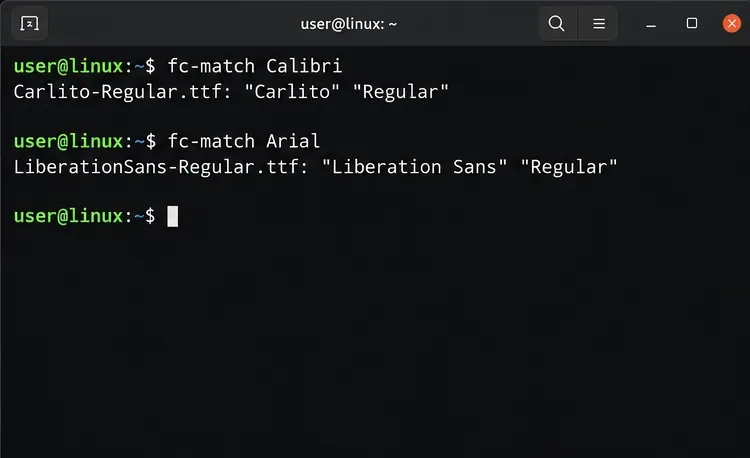
Install metric-compatible Linux fonts or map LibreOffice fallbacks, while keeping Microsoft font licensing and layout differences in view.
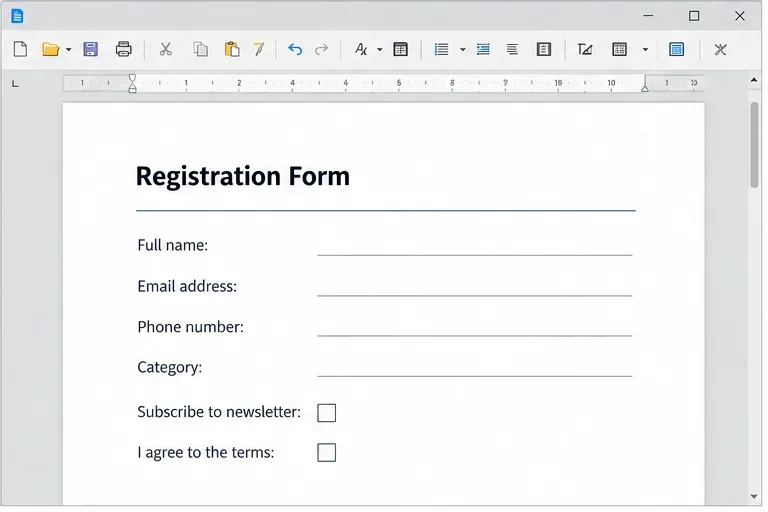
Add usable text fields, check boxes, and drop-downs in Writer, then export a PDF recipients can complete and save.
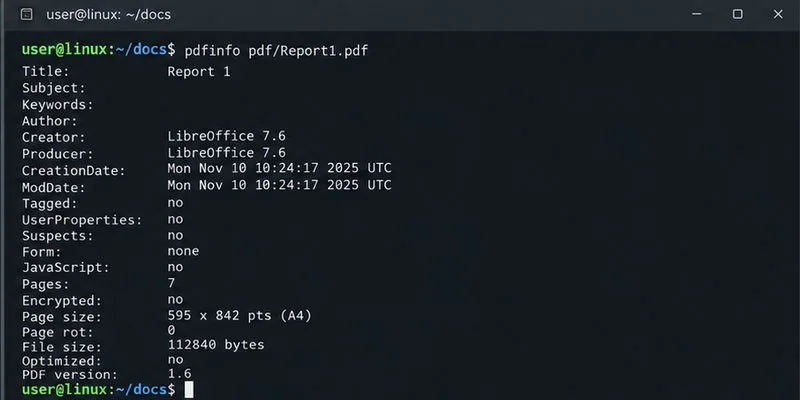
Fix missing or substituted fonts in LibreOffice Writer PDFs, choose the right export profile, and verify which fonts are embedded before sharing.
Convert a folder of Word documents to PDF with LibreOffice commands, handle nested folders safely, and verify the output before sharing.
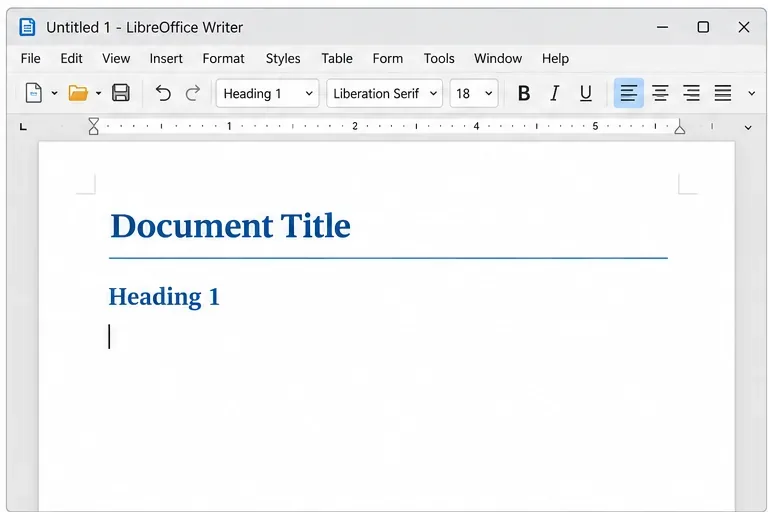
Set a custom LibreOffice Writer template as the default so new documents open with your preferred styles and page layout.
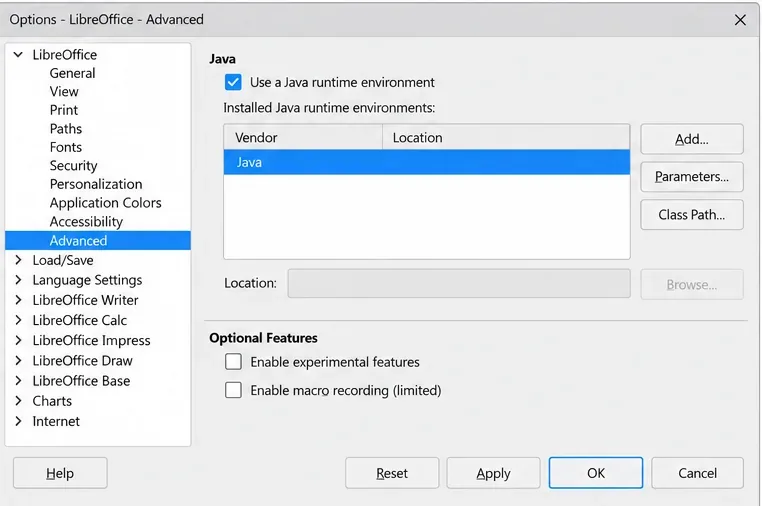
Install a compatible Java runtime, enable it in LibreOffice, and troubleshoot an empty JRE list without changing unrelated settings.
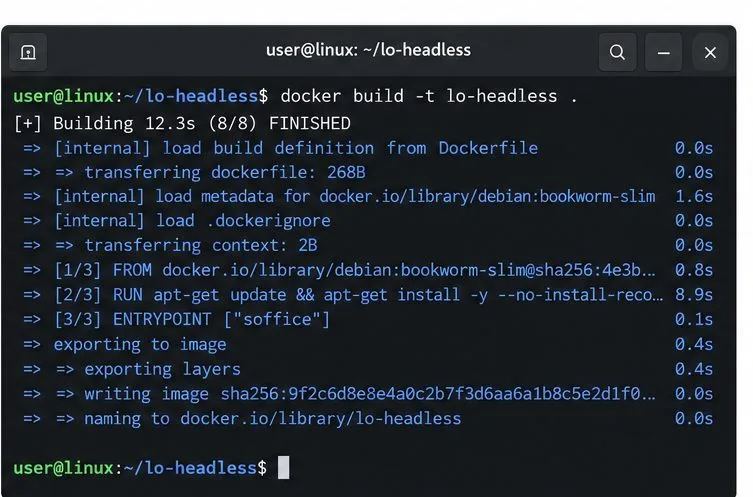
Build a small LibreOffice container, convert office documents without a GUI, and verify PDF output while limiting host-file access.
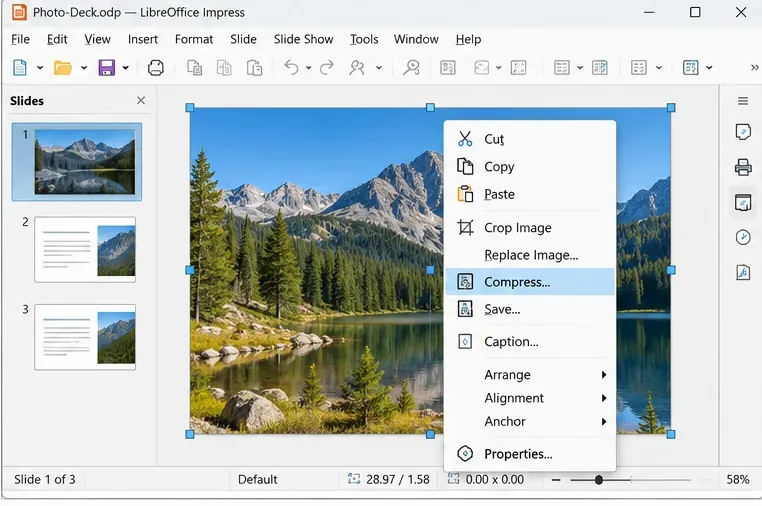
Reduce oversized LibreOffice presentation files by compressing embedded photos, choosing sensible image settings, and checking slide quality before sharing.
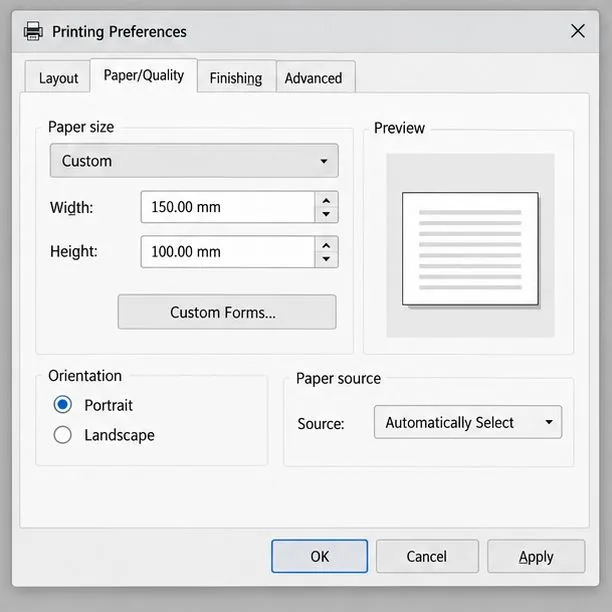
Match LibreOffice’s page dimensions to your printer, check printable margins, and correct scaling before printing a custom-size document.