Black Beacon, a highly anticipated live-service action RPG mobile game , has finally launched and has received positive reviews. Since it is a gacha game, you will want to have some tips on what to do when starting out, because starting out is important.
Below, we'll tell you what to do and what not to do when starting out so you get off to a great start.
Get free character spins
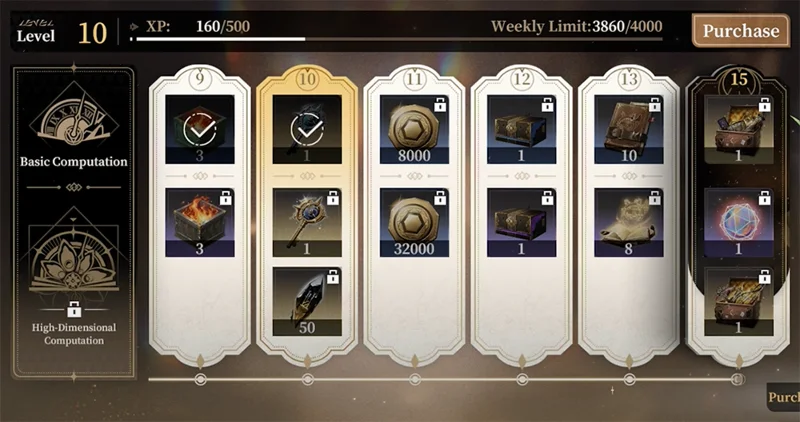
When you start the game, you will get a lot of free spins. First, check your mail. Get them all, and you will have a lot of Rune Shards and, of course, Lost Time Keys.
The latter will allow you to spin on regular banners, while you can use the former to spin on limited banners as well.
You can also get free spins by completing each character's tutorial. So play the tutorial for each character you have, and you'll get one Lost Time Key for each character you complete. You can also get 50 free spins by reaching level 55 along with 1500 Rune Shards.
So with you also getting a bunch of Rune Shards, that's a total of 60 free spins. Also, make sure to claim your daily login bonus as you can also get some free spins this way.
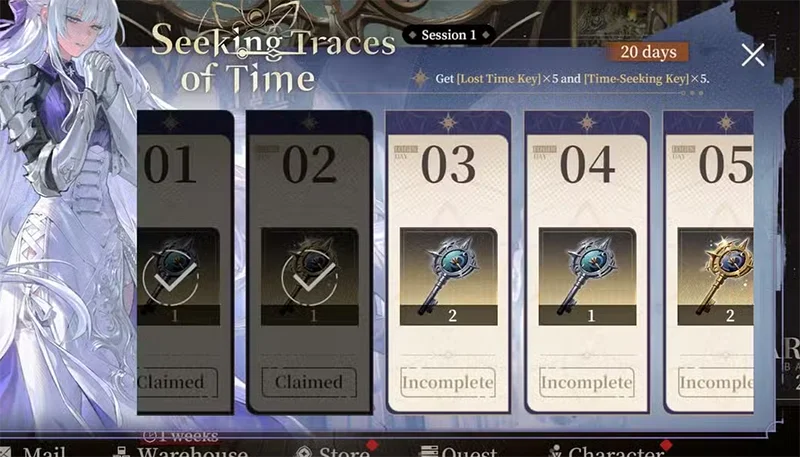
Don't forget to check out the limited events as they also give free spins. The Seeking Traces of Time event is currently running, giving you 5 Lost Time Keys and 5 Time Seeking Keys.
Level up your favorite character
There is an unwritten rule in gacha games that you should only upgrade characters that you like. You should not waste your resources on characters that you do not like. You can spin many characters and that is fine. However, you cannot build every character in the game because your resources are limited.
If you have a lot of time, it might be possible, but for now, you should only upgrade characters you like. If you don't know which character you like, just get a five-star character that fits your playstyle and upgrade them.
The next step is to upgrade other five or four star characters to go along with your main DPS. Synergy is very important in your team, so upgrade your characters and keep that in mind.
Farming materials is not an easy task, it is time consuming. More importantly, it becomes repetitive and will be so boring that you may not even want to think about farming anymore. That is why it is extremely important to pick a few characters and build them to the best level possible.
How to choose 5 star character?
You get a free five-star character at the start, but you have to choose one out of five. This gets really confusing and complicated because all of the characters look pretty cool and have some pretty fun fighting styles to play. However, at the start, you can only invite one.
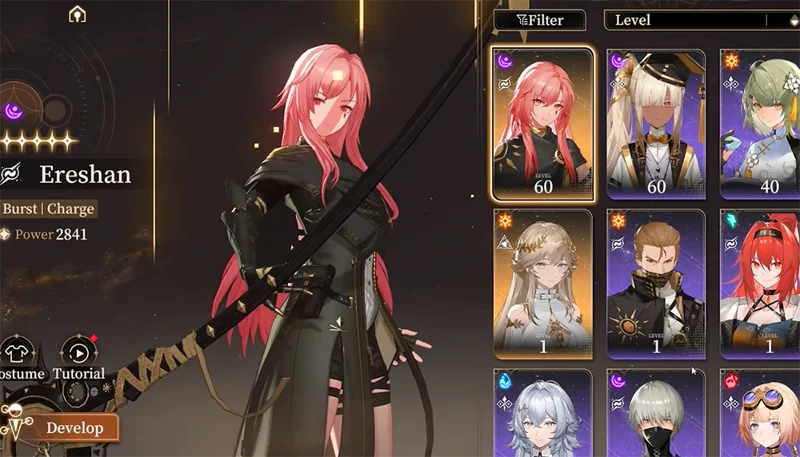
You will get a lot of free spins that you can use on the regular banner to make 30 spins. After making enough spins, the game will let you choose a five-star character of your choice. The best characters among the five names you have to choose from are Ereshan, Logos, and Li Chi.
Of these three, the most complicated character to play is Li Chi, but he is also the most rewarding hero. But if you don't like playing characters that require a lot of practice, then Li Chi is not for you.
Ereshan is the best overall choice because she is a stand-up DPS and does a lot of damage. She is also not difficult to use. Logos is a healer and can also debuff enemies, so if you want a great support character right from the start, Logos is a good choice.
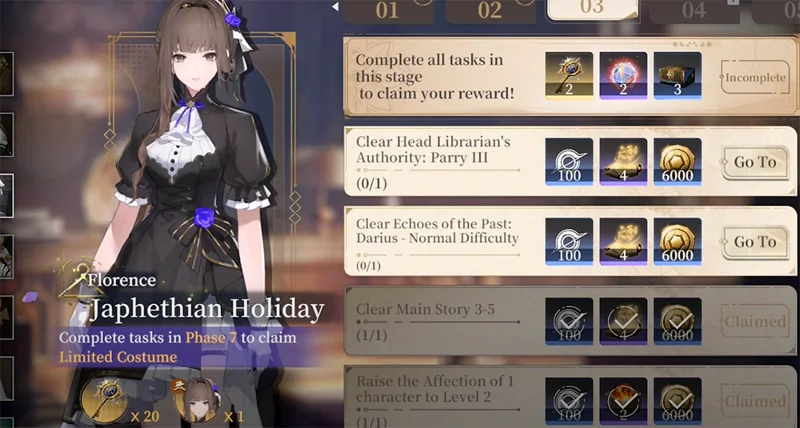
You should also use your Time Seeking Keys to shoot Florence as she is a pretty solid character. You might get lucky and shoot her early.
If you want another five star character from the regular banner, you can keep spinning there. However, you are not guaranteed to get the exact character you want, you may have to spend 300 keys on that banner to get the character you want.
You can also purchase a duplicate of a character you already own from the Time-Seeking Shop for 240 Imprints of Seeking Time. You can get these imprints by, of course, using keys.
Upgrade main character
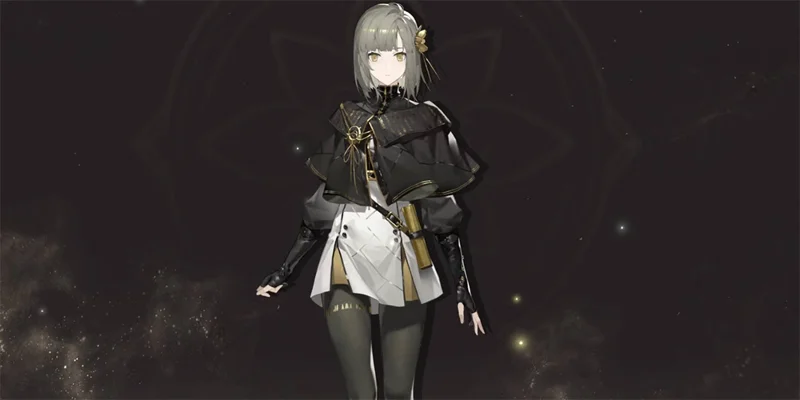
The main character in live-service RPGs is often overlooked, and this one is no exception. This is a common occurrence, but they are usually pretty good. You should level up Zero because she has a lot of potential, and you can tap into that potential pretty easily.
You can get her dupes after completing each chapter and, of course, her exclusive five-star weapon after completing chapter three. While you can give that weapon to another character you like, we recommend using it on Zero and upgrading her.
Don't use keys on limited Banners just to accumulate Pity
You may want to save pity on a limited banner because this happens when you play a gacha game. Don't roll for that banner if you don't want a five star character. You can always get a four star character on other banners, so it's not worth rolling your keys there.
There is another reason why you shouldn't spend keys just to accumulate pity. You can get a five-star character before you reach the pity insurance mark; this will reset your pity, and it may cause you to lose the next character you want to roll.
So it's always better to spin for banners with five-star characters that you like. If you have zero pity, it might be worth spending ten keys because if you're lucky, you can get a five-star character without much risk.
Different Gacha System
In games like Genshin Impact and Wuthering Waves , there's a 50/50 chance of getting the character you want. So not getting the character you want can be a bit frustrating. But in Black Beacon, there's no 50/50 chance.
Another great thing is that you can get the banner's insurance character with a limit of 70 spins. Also, if you spend your keys on the limited weapon banner, you won't have to spend 70, just with 50 spins, you will definitely get the weapon you want. This makes the gacha system great and more beneficial to the player.
Get free 5 star weapons
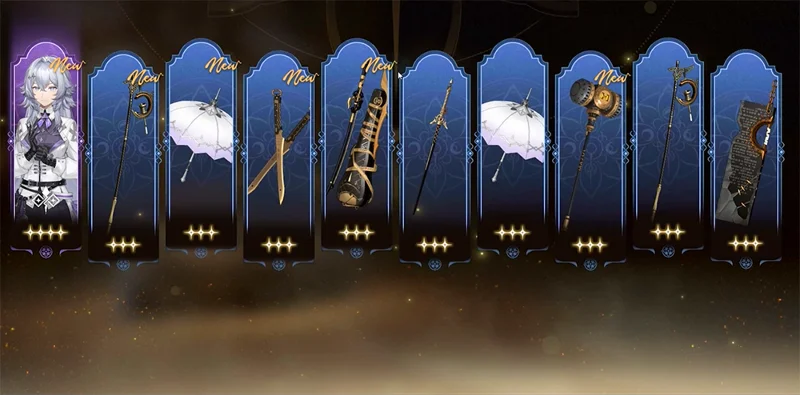
You can get a free five-star weapon of your choice from the regular banner by participating in the Vulcan's Grace event in the game. This means you can get a "goodie" for the five-star character you got from the regular banner.
Completing main story 4-19 is one of the quests in the Vulcan's Grace event, so you'll also automatically get Zero's five-star weapon as soon as you complete chapter three.
Adjust the screen to your liking
As you may know, the default perspective of Black Beacon is 3D. You can adjust the screen to your preference. If you don't like looking at the character from above, you can change the camera perspective behind you to play in third person mode, which is quite useful.