Get LibreOffice to Recognize Your Java Runtime

Install a compatible Java runtime, enable it in LibreOffice, and troubleshoot an empty JRE list without changing unrelated settings.
Canva Free Resume Builder gives anyone the tools to produce a clean, modern resume without design experience or software costs. The platform includes hundreds of free templates, drag-and-drop editing, and direct PDF export, making it suitable for job seekers at any career stage. This article walks through the exact process from account setup to final download.
Before building, you need a free Canva account and a clear idea of the job target. Gather your work history, education details, and any skills or certifications you want to highlight. Canva Free Resume Builder works in any modern browser and also offers mobile apps, though the desktop version gives more precise control over spacing and fonts.
Sign up at canva.com using an email address or Google account. Once logged in, the homepage shows a search bar where you can type “resume” to browse free templates. No credit card is required for the free tier, and all resume templates marked “Free” can be used without limits.
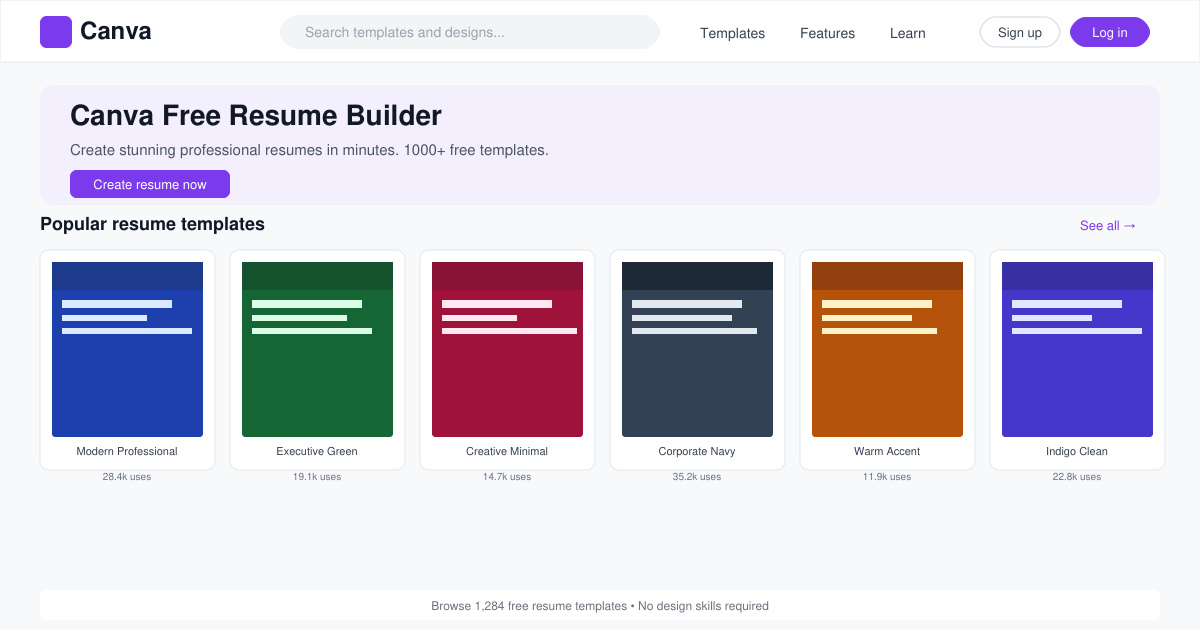
After searching “resume,” click any free template thumbnail. Canva Free Resume Builder opens the design in the editor. Click the purple “Use this template” button. The layout loads with placeholder text that you will replace with your own information.
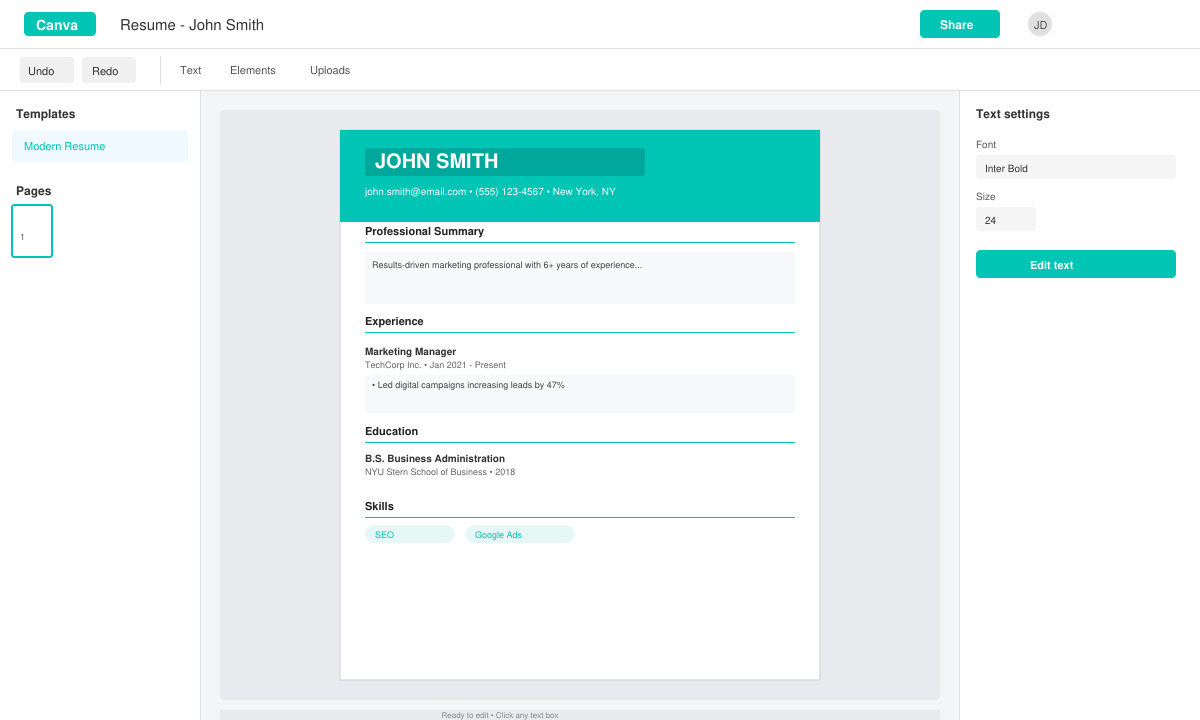
Click any text box to edit. Delete the sample name and type your full name, then move through each section—Summary, Experience, Education, Skills—replacing every line. Use the top toolbar to change font size or color only if it improves readability; keep changes minimal for a professional look.
Drag section headings to reorder them if needed. To add a new section such as “Certifications,” click the “Elements” tab on the left, search for “line” or “heading,” then drag the element onto the page. Keep spacing even by aligning objects with Canva’s automatic guides.
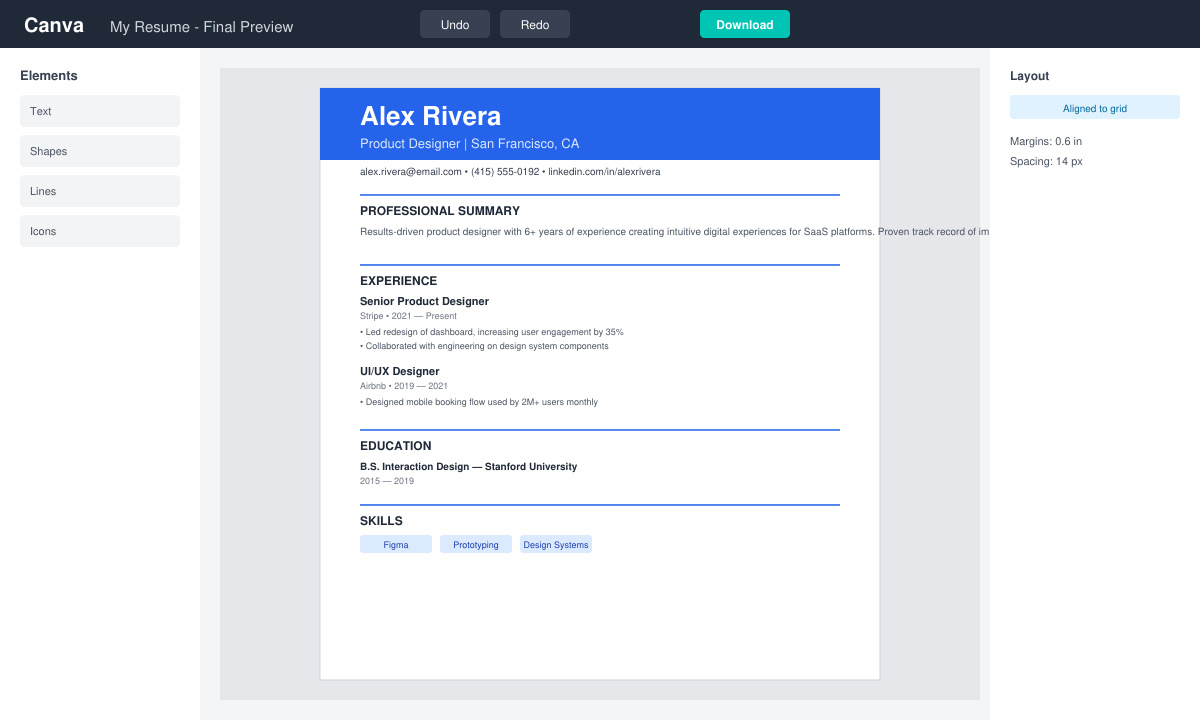
Run a final proofread by reading the entire page aloud. Click the “Share” button in the top right, select “Download,” choose PDF Standard, and toggle “Flatten PDF” off so the file remains searchable by applicant tracking systems. Click Download to save the resume to your computer.
Keep the resume to one page unless you have more than ten years of experience. Avoid using more than two fonts and never place important text inside colored shapes that may not print correctly. If a template feels cramped, reduce font size by one point or delete a bullet point rather than shrinking margins below 0.5 inches. Test the downloaded PDF by opening it on another device to confirm fonts and spacing look correct.
Many users forget to update the contact information at the top after copying a template. Double-check that your phone number and email address are current before exporting. Canva Free Resume Builder autosaves every change, but it is still wise to click the title at the top and rename the file with your name and the target job for easy retrieval later.
Yes. Every template labeled “Free” can be used and downloaded without a paid subscription. Some premium elements exist, but free alternatives are always available within the same template.
Yes. Click “Uploads” on the left sidebar, select your image file, and drag it into the resume layout. Resize and position it in the header or beside your name.
Exporting as PDF Standard keeps text selectable. Avoid heavy graphics or text inside shapes that flatten into images, as these can reduce ATS readability.
Canva Free Resume Builder removes the cost barrier while still delivering professional results. Follow the steps above to produce a clean, ATS-friendly resume in under thirty minutes.
Install a compatible Java runtime, enable it in LibreOffice, and troubleshoot an empty JRE list without changing unrelated settings.
Build a small LibreOffice container, convert office documents without a GUI, and verify PDF output while limiting host-file access.
Reduce oversized LibreOffice presentation files by compressing embedded photos, choosing sensible image settings, and checking slide quality before sharing.
Match LibreOffice’s page dimensions to your printer, check printable margins, and correct scaling before printing a custom-size document.
Replace repeated cell access with bulk range reads and writes, then benchmark the result and protect formulas in large Calc workbooks.
Split a long manuscript into chapters, assemble them in Writer, and keep styles, contents, and export checks consistent.
Use Base’s direct PostgreSQL option to enter your server details, sign in, save an ODB connection file, and troubleshoot common access errors.
Install a font in your Linux user font folder, restart LibreOffice Flatpak, and confirm it appears in Writer without weakening the app sandbox.
Protect your work and isolate network-drive save crashes in LibreOffice on macOS Sonoma with a local-first workflow, permission checks, and targeted tests.
Preserve leading zeros in Calc by setting ID columns to Text during CSV import, checking the preview, and verifying the saved data.








