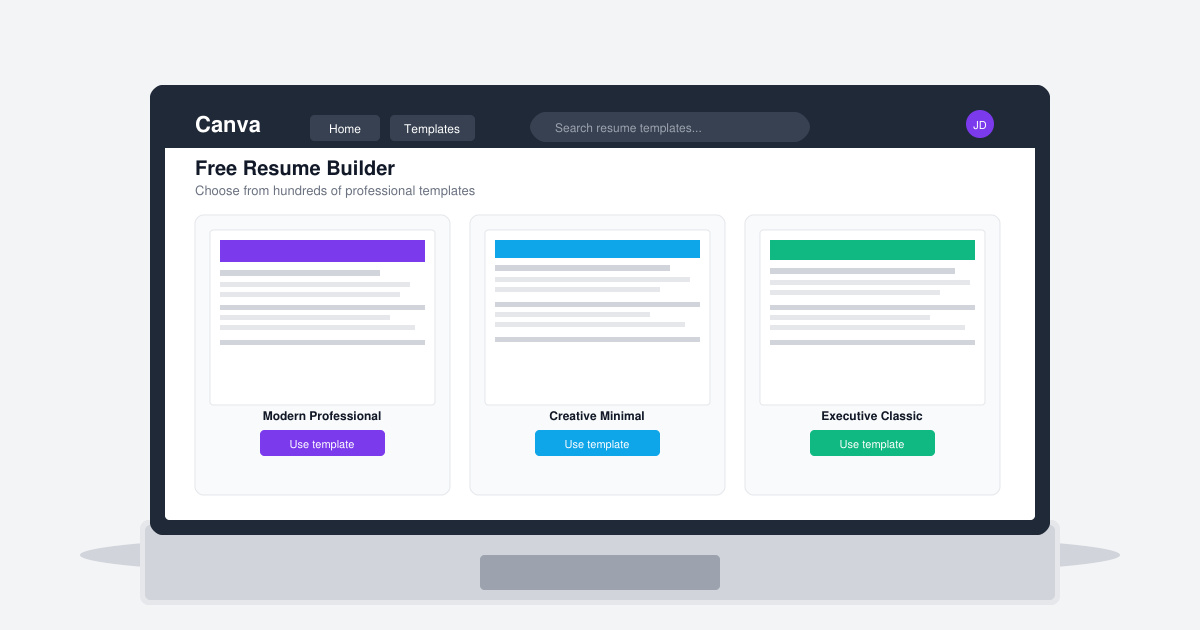
Creating a strong resume often determines whether your application reaches a hiring manager. Canva's Free Resume Builder gives users access to hundreds of customizable templates, built-in fonts, and color palettes that produce clean, professional results in minutes. This guide shows exactly how to build, edit, and export a resume using only the free version of the tool.
Why Canva's Free Resume Builder Stands Out
Unlike basic word processors, Canva's Free Resume Builder supplies pre-designed layouts that already follow common resume conventions such as clear section hierarchy and balanced white space. Every template includes placeholder text for experience, education, and skills, so you can replace content without reformatting margins or fonts. The free plan also allows unlimited downloads as PDF, which most applicant tracking systems accept without issues.
Before starting, prepare a plain-text version of your work history, education dates, and contact details. Having this information ready prevents interruptions while you work inside the editor. No paid subscription is required for the core resume features.
How to Use Canva's Free Resume Builder
-
Sign in and search for resume templates
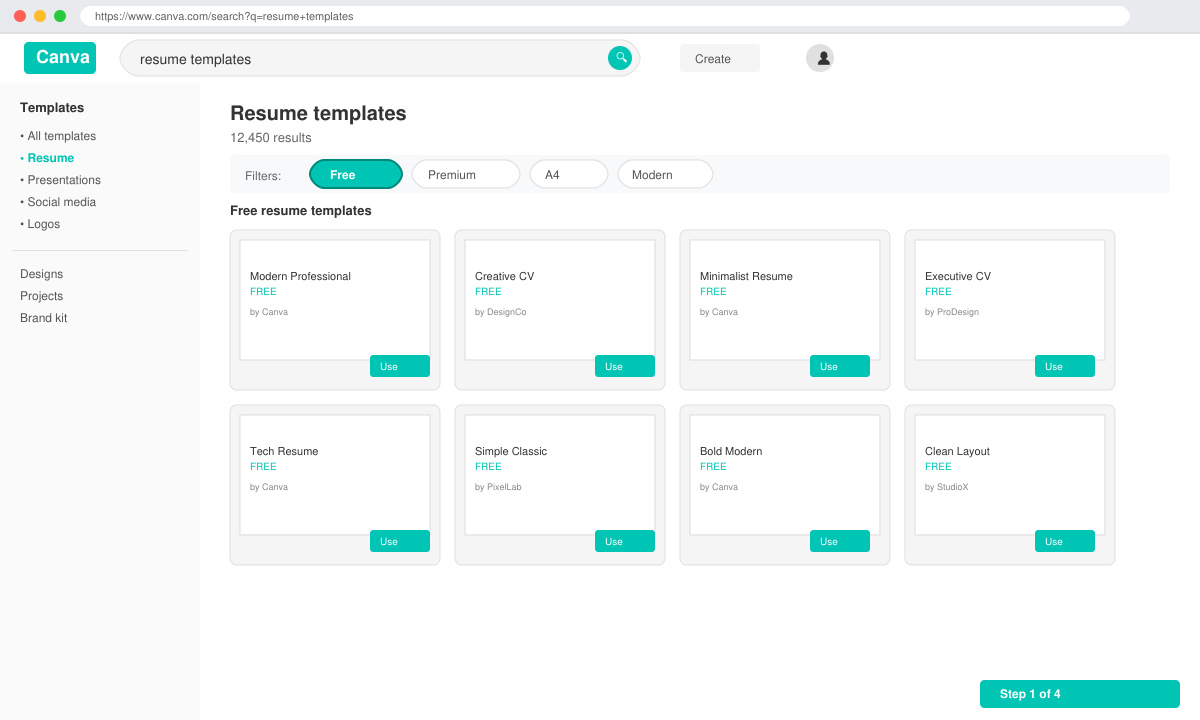
Open a browser and go to canva.com. Click the “Create a design” button in the top right, then type “resume” into the search bar. Filter results by selecting the “Free” option to view only templates available without payment. Pick a layout that matches your industry—single-column for traditional fields or two-column for creative roles.
-
Replace placeholder content with your details
Click any text box to edit. Replace the sample name, job titles, and bullet points with your actual information. Use the left sidebar to change font size or color if needed. Keep bullet points to one line each and start them with action verbs such as “Managed” or “Developed” for stronger impact.
-
Adjust layout and spacing
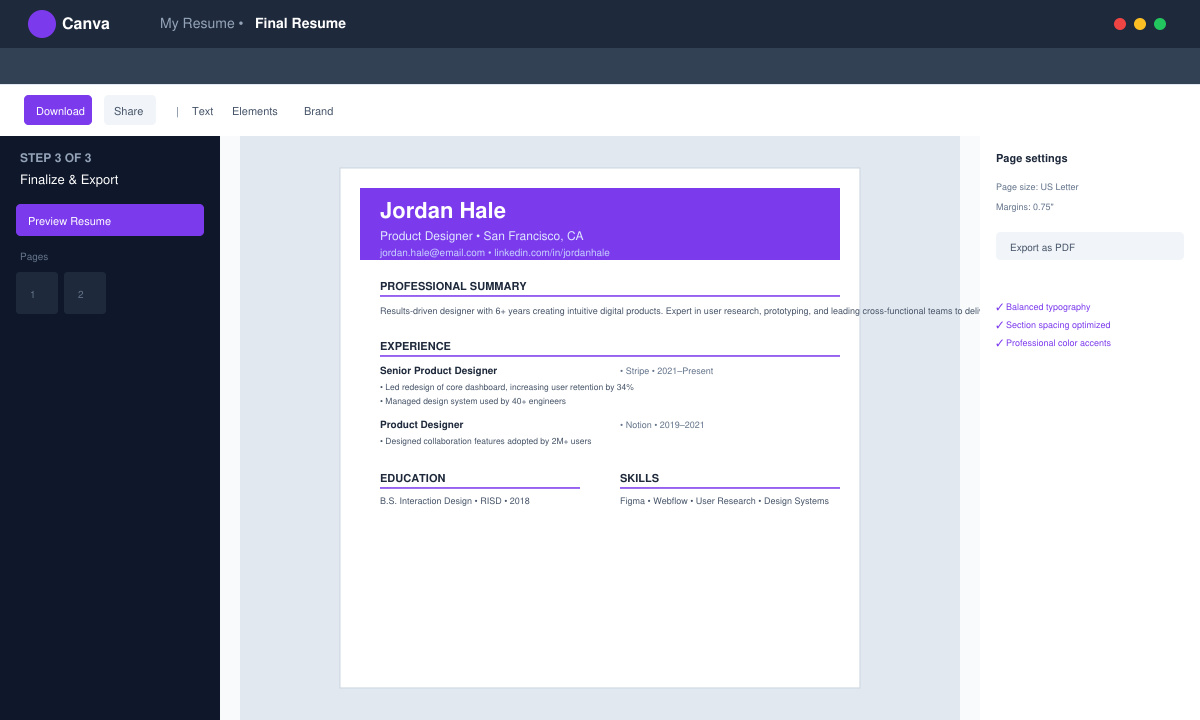
Drag section headers to reorder them if necessary—most recruiters expect contact info at the top, followed by experience, education, and skills. Use the spacing slider in the toolbar to tighten or loosen gaps between sections so the page fills evenly without large empty areas.
-
Download the finished resume
Click the “Share” button in the top right, choose “Download,” and select PDF Standard. Keep the file name simple, such as FirstName_LastName_Resume.pdf, so it is easy for recruiters to identify when they receive it via email or application portals.
Tips for Getting the Most from Canva's Free Resume Builder
- Stick to one or two accent colors from the template palette to maintain a professional appearance.
- Run the downloaded PDF through a free ATS checker such as Jobscan before submitting applications.
- Save your design in Canva so you can quickly update dates or add new roles later.
- Print a test copy on plain paper to verify that text does not get cut off at the edges.
- Avoid adding photos unless you are applying for roles in modeling, acting, or certain creative industries where headshots are standard.
Frequently Asked Questions
Can I use Canva's Free Resume Builder on a mobile device?
Yes. The Canva mobile app supports the same free resume templates and lets you edit text, swap colors, and export PDFs directly from your phone or tablet.
Does Canva's Free Resume Builder include cover letter templates?
The free plan offers matching cover letter templates. Search for “cover letter” after creating your resume, then apply the same color palette to keep both documents consistent.
Will my resume look the same when opened on another computer?
Downloading as PDF Standard preserves fonts and layout across devices. Always choose this option instead of Word or PNG when submitting applications.
Conclusion
Canva's Free Resume Builder removes the need for expensive design software while still producing resumes that meet modern hiring standards. Follow the steps above and you will have a polished PDF ready to send within thirty minutes.