Customize Collabora CODE Toolbars Without Editing Source
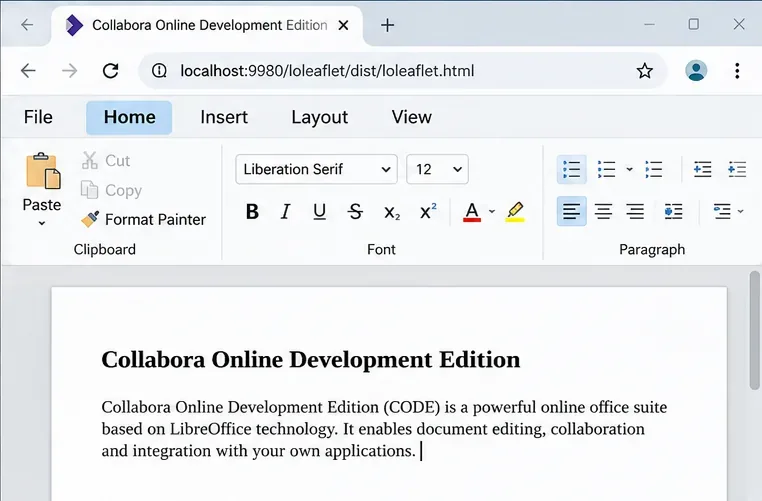
Simplify Collabora CODE with Compact or Tabbed mode and WOPI PostMessage controls to hide selected buttons, commands, and tabs safely.
To simplify the Collabora Online Development Edition (CODE) editor, choose Compact or Tabbed for the overall layout, then use the WOPI host’s PostMessage integration to hide individual commands, buttons, or Notebookbar tabs. Collapsing a toolbar is a convenient viewing change; hiding a control through the host is more appropriate when you want a consistent interface for each editing session.
CODE offers a Compact layout with traditional menus and toolbars, and a Tabbed layout with a Notebookbar. Start by identifying which one your users see: a toolbar button ID and a Notebookbar tab ID are not interchangeable. Collabora’s support guidance says the older names classic and notebookbar were deprecated in favor of compact and tabbed starting with the 21.11 series. See the Collabora interface configuration guidance.
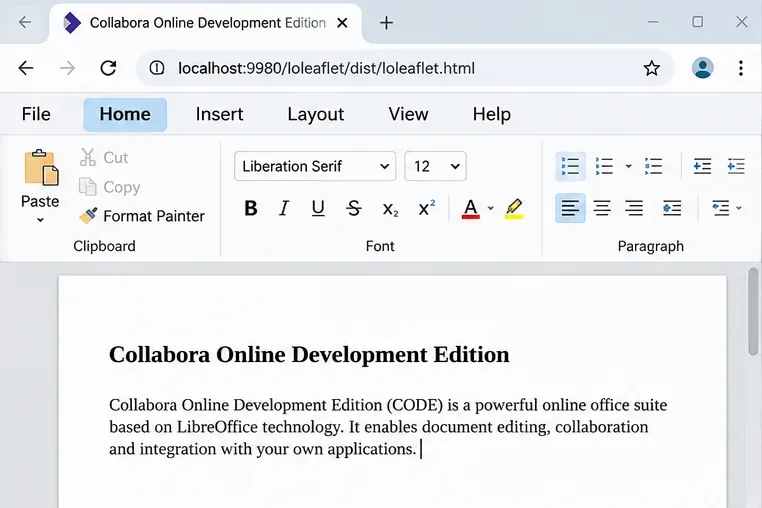
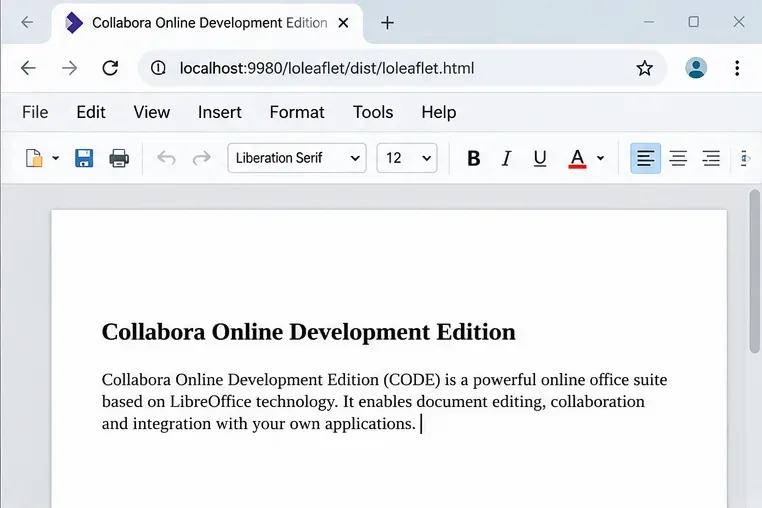
Change the server default only when most users should begin with the same layout. On self-managed installations, the user_interface.mode setting in coolwsd.xml accepts default, compact, or tabbed. Back up the configuration, then change the existing mode value rather than adding another XML element:
<user_interface>
  <mode>tabbed</mode>
</user_interface>
This abbreviated XML demonstrates the setting, not a replacement for the whole configuration section. Apply the change through your deployment’s normal configuration and service-restart process, then reopen a document. Container deployments may instead pass --o:user_interface.mode=tabbed in their existing CODE startup overrides. An embedding application can also influence the starting mode through its WOPI ui_defaults value. The host’s preference can matter when the server uses default, so do not assume a server edit will override an integration-specific choice.
For more space while reading, clicking the currently selected tab can collapse the Notebookbar; clicking again expands it. Collabora describes this behavior in its official Notebookbar introduction. The PostMessage API also documents Collapse_Notebookbar, which hides Notebookbar buttons or the Compact button strip. It is a reversible display state, not a permanent administrator policy.
For finer control, choose the PostMessage action that matches the element. The following mappings are listed in the Collabora Online SDK manual:
| What to hide | PostMessage action | ID format |
|---|---|---|
| One toolbar button | Hide_Button | Button ID |
| A command across menus and toolbars | Hide_Command | UNO command, such as .uno:ThemeDialog |
| One tab in the Tabbed layout | Hide_NotebookTab | Tab ID, such as Help |
| A Compact menu entry | Hide_Menu_Item | Menu item ID |
The tab-specific action is documented beginning in 24.04.11.1. The SDK also notes expanded contextual-menu coverage for Hide_Command in 24.04.11.2. Check your deployed CODE build before relying on either behavior.
These actions are sent by the application embedding CODE in an iframe—not typed into a CODE settings dialog. You need control of that host integration, a functioning WOPI CheckFileInfo response, and a PostMessageOrigin value that matches your host web application’s origin. If you use a packaged Nextcloud or ownCloud integration, it may not expose arbitrary custom PostMessage hooks; in that case make the change in the integration itself or use its supported settings.
Register a message listener in the host page. Verify both the sender window and origin. When CODE reports App_LoadingStatus with Status: Document_Loaded, send Host_PostmessageReady before the customization messages. Without that handshake, CODE can ignore host commands—a failure explained in Collabora issue #13224.
The following host-side JavaScript assumes your page already has an iframe with ID collabora-frame. Set editorOrigin to the exact HTTPS origin serving your CODE editor, not the WOPI storage server. Register the listener before document initialization in your real application:
const frame = document.getElementById('collabora-frame');
const editorOrigin = 'https://office.example.com';

function sendToCode(MessageId, Values = {}) {
  frame.contentWindow.postMessage(JSON.stringify({
    MessageId, SendTime: Date.now(), Values
  }), editorOrigin);
}

window.addEventListener('message', (event) => {
  if (event.source !== frame.contentWindow ||
      event.origin !== editorOrigin) return;
  let message;
  try {
    message = typeof event.data === 'string'
      ? JSON.parse(event.data) : event.data;
  } catch { return; }
  if (message?.MessageId !== 'App_LoadingStatus' ||
      message?.Values?.Status !== 'Document_Loaded') return;

  sendToCode('Host_PostmessageReady');
  sendToCode('Hide_NotebookTab', { id: 'Help' });
  sendToCode('Hide_Command', { id: '.uno:ThemeDialog' });
});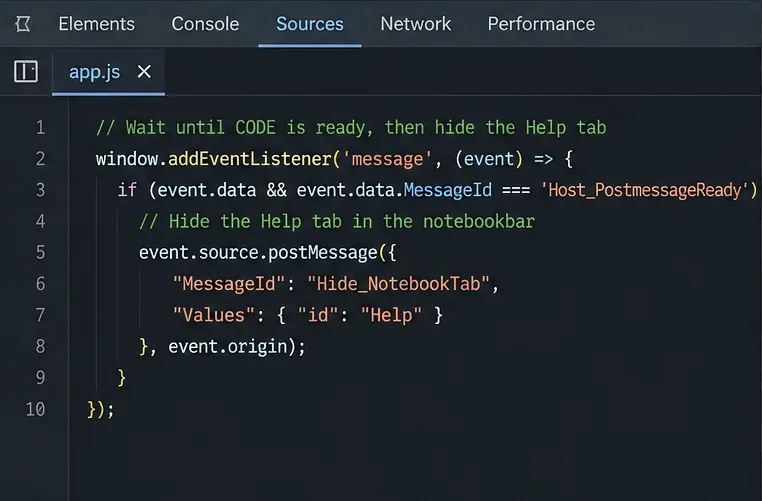
Here Help is the Notebookbar tab target, while .uno:ThemeDialog identifies a LibreOffice UNO command. Collabora developers specifically describe the latter ID in their guidance on hiding UNO elements. To hide a specific Compact toolbar button instead, replace the action with Hide_Button and supply the verified button ID. Do not guess the ID from the visible caption; check your installed CODE source or the SDK’s toolbar ID guidance.
Check the browser console and network activity before changing CODE files. The most common causes are an absent Host_PostmessageReady handshake, a mismatched PostMessageOrigin, sending messages before Document_Loaded, or targeting a Compact menu item while the editor is in Tabbed mode. Reopening the file starts a new session, so apply the hide messages each time.
Version-specific defects also exist. For example, Collabora issue #15910 describes a Hide_NotebookTab JavaScript error on CODE 25.04.9.4, reported in June 2026; the issue is marked closed, but that alone does not establish which deployed builds contain a fix. Check your exact version and its release notes if you see the reported error.
Finally, hiding is not access control. A hidden Print or Download button may leave equivalent APIs or other paths available. If the goal is to prohibit those operations, use the documented WOPI DisablePrint or DisableExport flags and enforce your storage permissions as appropriate, rather than relying on Hide_Button or Hide_Command.
Open a fresh document in the intended layout. Confirm that the Help tab is absent in Tabbed mode and that the Theme command is no longer offered where it was previously visible. Then edit and save a test document to confirm that normal authoring still works. Repeat the check with another document type and after reloading the page, because the host must reapply session-specific hide commands.
Simplify Collabora CODE with Compact or Tabbed mode and WOPI PostMessage controls to hide selected buttons, commands, and tabs safely.
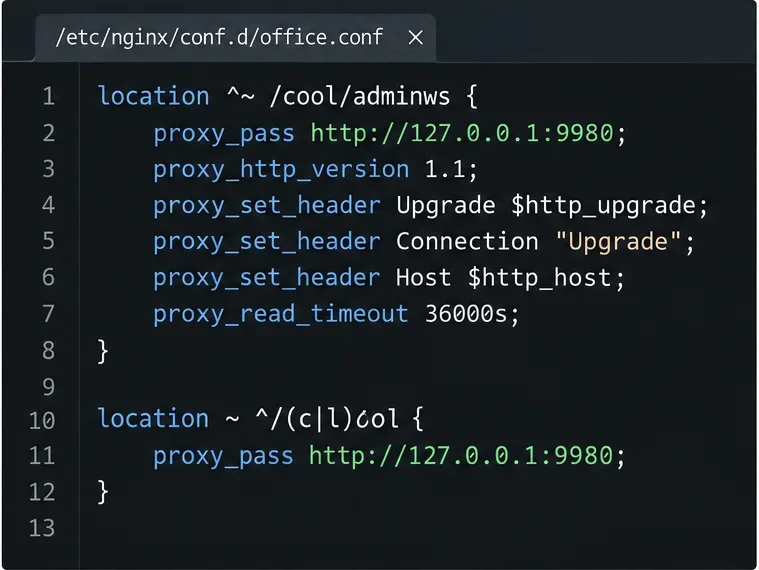
Put Nginx in charge of HTTPS for a Collabora CODE container, forward editing WebSockets correctly, and verify the public endpoint without exposing port 9980.
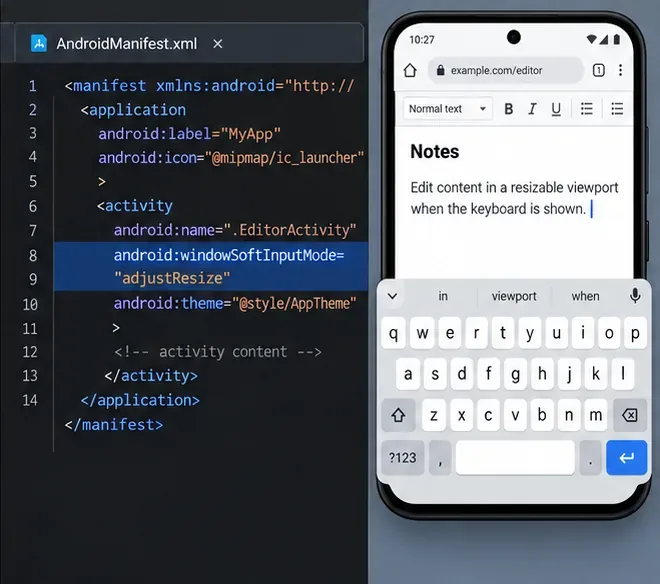
Troubleshoot a mobile browser keyboard covering text in Collabora Online, with quick workarounds and separate checks for browsers, embedded WebViews, and host pages.
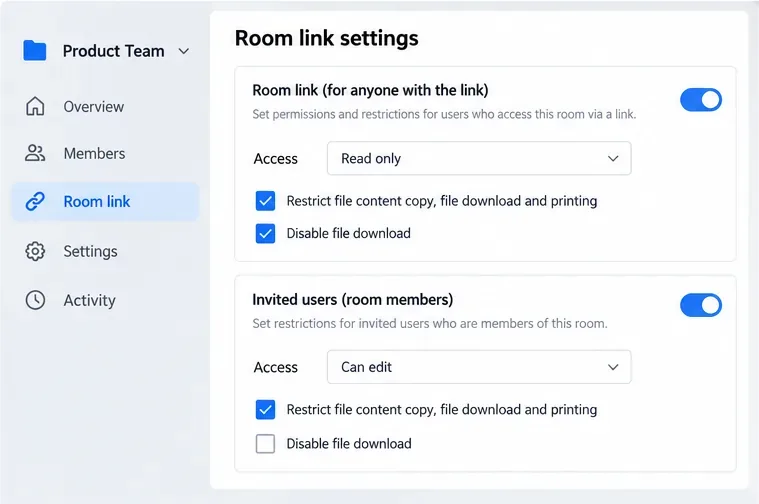
Set print and download limits for ONLYOFFICE links, room members, or Docs API sessions, then verify the restrictions from a recipient account.
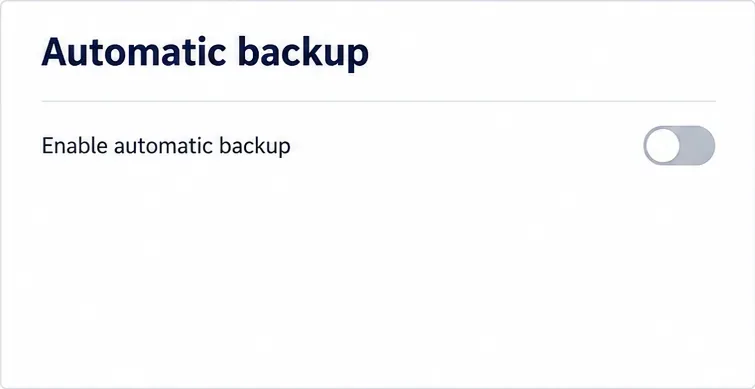
Set a backup destination, schedule, Mail coverage, and retention limit in ONLYOFFICE Workspace, then verify the archive is ready to restore.
Start the Enterprise Docker Compose stack, persist its license and data, configure JWT safely, and confirm the editors are ready to integrate.
Use an ONLYOFFICE JavaScript macro to remove nonprinting characters and trim extra spaces from a defined spreadsheet range, with a safe review workflow.
Connect ONLYOFFICE DocSpace to Active Directory or OpenLDAP, import users and groups safely, map account fields, and schedule reliable synchronization.
Move portal data from Disk Default to a supported cloud storage provider, or relocate Docker data safely by changing its host volume mapping.
Identify whether Document Server uses a Linux package or Docker, remove only its components, and check remaining data without deleting shared services by mistake.