Run Collabora CODE Behind Nginx with TLS Termination
Put Nginx in charge of HTTPS for a Collabora CODE container, forward editing WebSockets correctly, and verify the public endpoint without exposing port 9980.
Documents may stall after you put Collabora CODE behind HTTPS because the proxy and CODE disagree about where TLS ends, or the proxy drops WebSocket traffic. Configure Nginx to present the public certificate, forward to a private CODE listener, and pass the WebSocket routes. The CODE settings are ssl.enable=false and ssl.termination=true.
This example uses Nginx on the Docker host. For a proxy in another container, use the private Docker network instead. See Collabora’s Proxy settings and CODE Docker image guide for version-specific options.
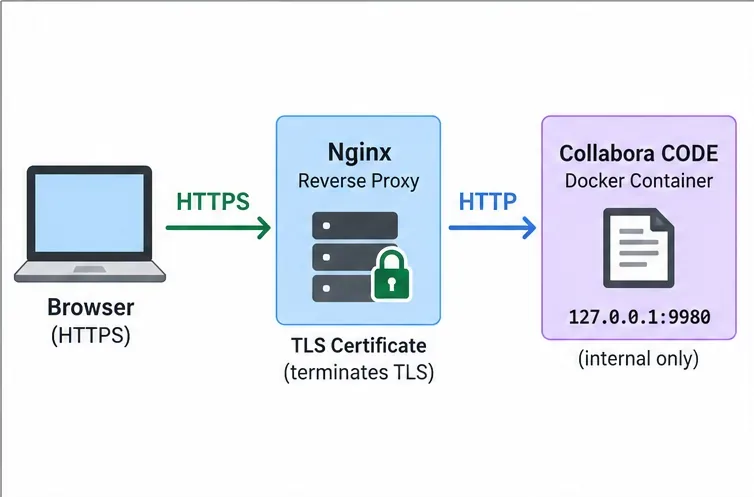
TLS termination means Nginx handles the browser’s HTTPS connection and certificate while CODE uses HTTP on port 9980 behind it. Keep that listener private: bind it to loopback on a single host, or use a private Docker network. If proxy-to-CODE traffic crosses an untrusted network, protect that link with TLS or a tunnel.
office.example.com that points to the Nginx proxy. Obtain a certificate for that exact hostname and install its certificate chain and private key on the proxy.127.0.0.1:9980:9980. Do not publish 9980:9980 on every host interface unless a firewall and network design explicitly restrict it.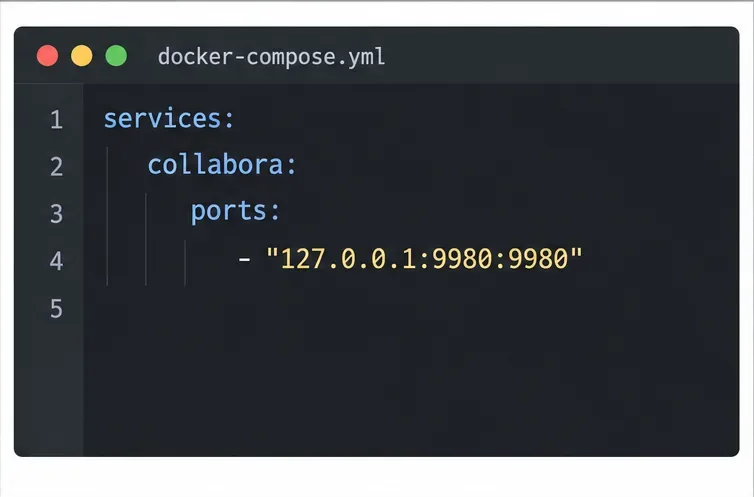
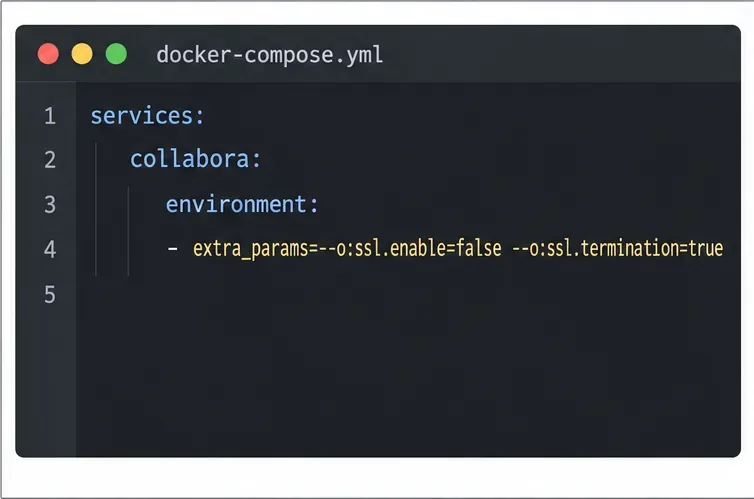
services:
  collabora:
    image: ${COLLABORA_CODE_IMAGE}
    restart: unless-stopped
    ports:
      - "127.0.0.1:9980:9980"
    environment:
      extra_params: "--o:ssl.enable=false --o:ssl.termination=true"
Set COLLABORA_CODE_IMAGE to a tested, pinned image tag. Keep your WOPI host allowlist and authentication settings; TLS termination does not replace them. If Nginx is another Docker service, omit the host port mapping and proxy to http://collabora:9980 on the shared private network.
/office/.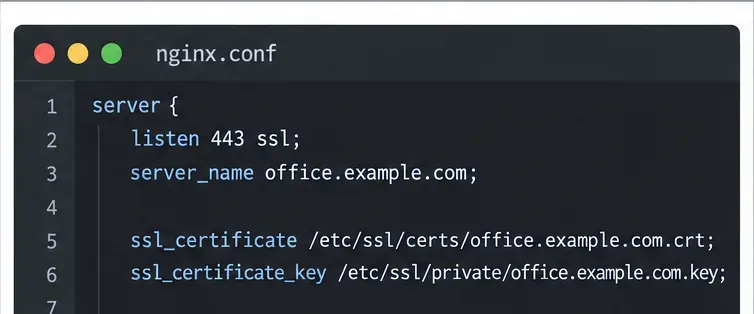
server {
    listen 443 ssl;
    server_name office.example.com;
    ssl_certificate /etc/letsencrypt/live/office.example.com/fullchain.pem;
    ssl_certificate_key /etc/letsencrypt/live/office.example.com/privkey.pem;

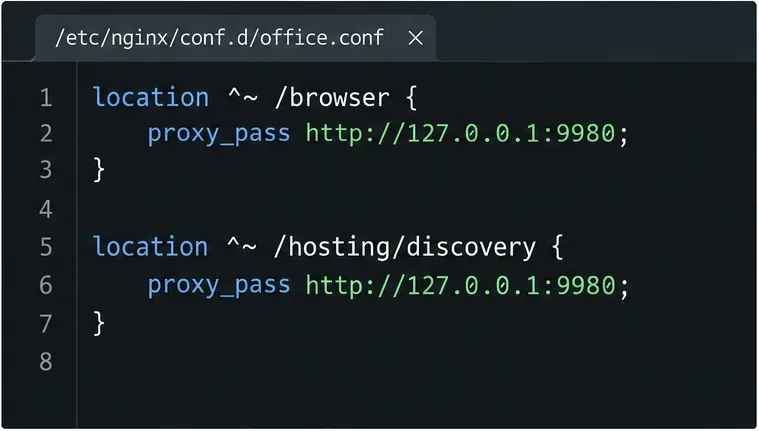
    location ^~ /browser {
        proxy_pass http://127.0.0.1:9980;
        proxy_set_header Host $http_host;
        proxy_set_header X-Forwarded-Proto $scheme;
    }
    location ^~ /hosting/discovery {
        proxy_pass http://127.0.0.1:9980;
        proxy_set_header Host $http_host;
        proxy_set_header X-Forwarded-Proto $scheme;
    }
    location ^~ /hosting/capabilities {
        proxy_pass http://127.0.0.1:9980;
        proxy_set_header Host $http_host;
        proxy_set_header X-Forwarded-Proto $scheme;
    }

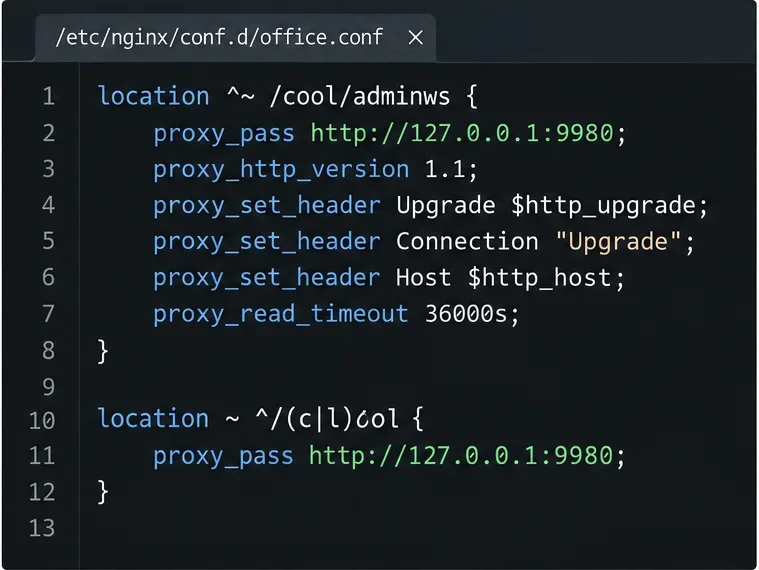
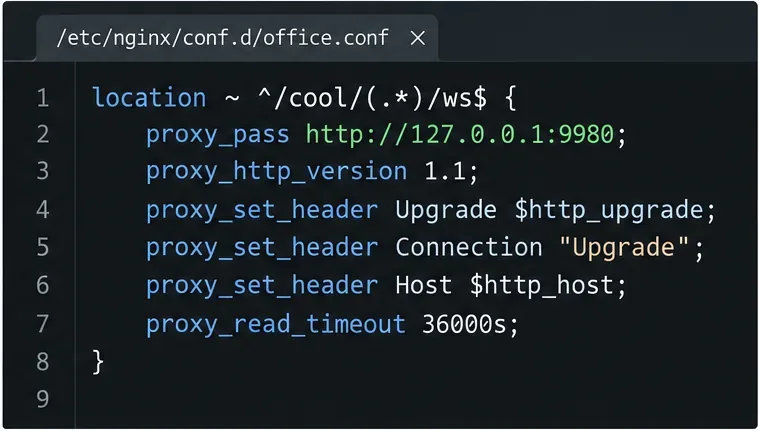
    location ~ ^/cool/(.*)/ws$ {
        proxy_pass http://127.0.0.1:9980;
        proxy_http_version 1.1;
        proxy_set_header Upgrade $http_upgrade;
        proxy_set_header Connection "Upgrade";
        proxy_set_header Host $http_host;
        proxy_set_header X-Forwarded-Proto $scheme;
        proxy_read_timeout 36000s;
    }
    location ^~ /cool/adminws {
        proxy_pass http://127.0.0.1:9980;
        proxy_http_version 1.1;
        proxy_set_header Upgrade $http_upgrade;
        proxy_set_header Connection "Upgrade";
        proxy_set_header Host $http_host;
        proxy_set_header X-Forwarded-Proto $scheme;
        proxy_read_timeout 36000s;
    }
    location ~ ^/(c|l)ool {
        proxy_pass http://127.0.0.1:9980;
        proxy_set_header Host $http_host;
        proxy_set_header X-Forwarded-Proto $scheme;
    }
}
Forward the editor assets, discovery, and capabilities routes. The /cool/.../ws and /cool/adminws locations need HTTP/1.1 and Upgrade headers so Nginx can tunnel WebSockets; a long read timeout keeps editing sessions open. See Nginx’s WebSocket proxying documentation.
nginx -t. Continue only if Nginx reports that the configuration test is successful; then reload Nginx with your system’s normal service command.docker compose up -d collabora. Check the container logs for startup errors and confirm the active configuration includes both SSL options.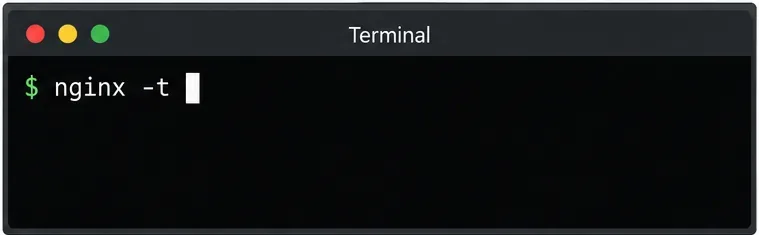
For version context, Collabora’s repository recorded a report on July 22, 2026 that the built-in coolwsd --probe health check in CODE 26.04.2.2 and later could check HTTPS on port 9980 even when TLS ends at the proxy. This can mark a container unhealthy while the public endpoint responds. Review the issue record for your image tag; test the public endpoint and an editing session before treating health status alone as proof of a TLS failure. Keep health checks unless another monitor replaces them.
Request https://office.example.com/hosting/discovery in a browser or with curl. It should return WOPI discovery XML over HTTPS, with URLs using the public HTTPS hostname. A certificate warning suggests a hostname or certificate issue; HTTP URLs suggest a TLS-mode or forwarded-scheme mismatch; a 502 suggests the proxy cannot reach CODE.
Next, open a test document from the connected WOPI host and confirm editing works. In browser developer tools, the /cool/.../ws request should establish a WebSocket connection. If discovery works but editing hangs, check the WebSocket locations and headers. Confirm the integration allows the WOPI host and points to https://office.example.com.
Successful setup: the certificate is trusted, discovery uses HTTPS, port 9980 remains private, and a test document opens and edits through the WebSocket.
Put Nginx in charge of HTTPS for a Collabora CODE container, forward editing WebSockets correctly, and verify the public endpoint without exposing port 9980.
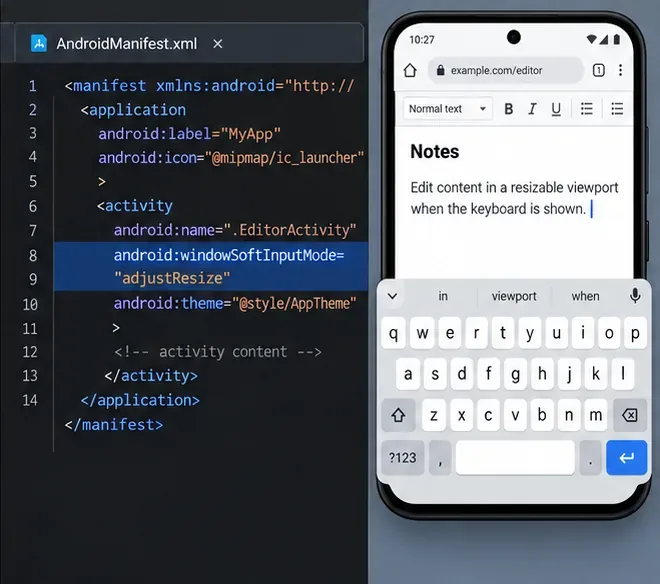
Troubleshoot a mobile browser keyboard covering text in Collabora Online, with quick workarounds and separate checks for browsers, embedded WebViews, and host pages.
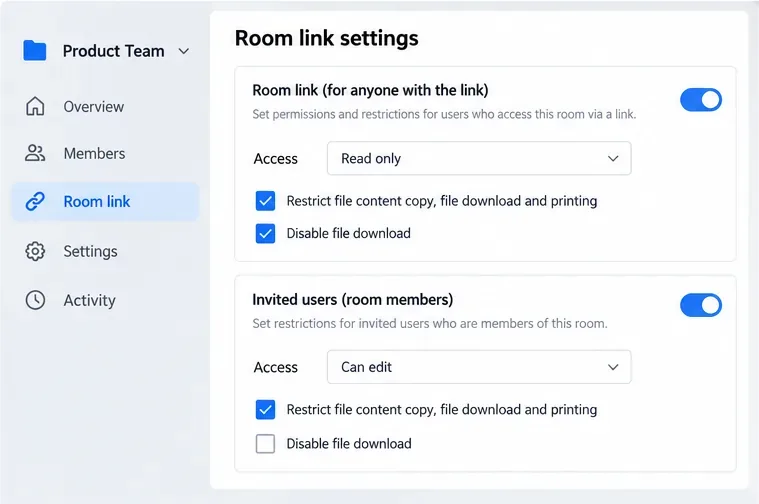
Set print and download limits for ONLYOFFICE links, room members, or Docs API sessions, then verify the restrictions from a recipient account.
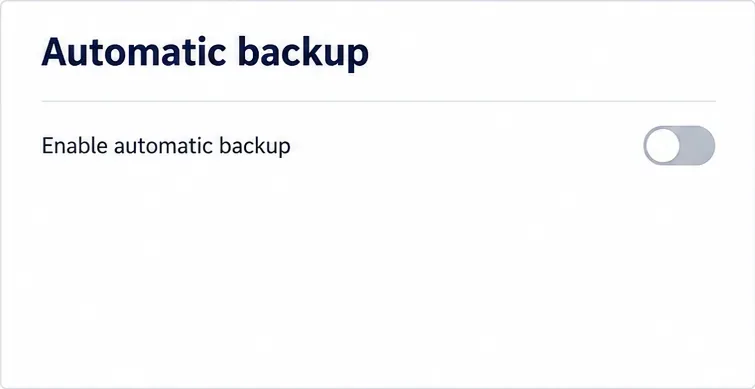
Set a backup destination, schedule, Mail coverage, and retention limit in ONLYOFFICE Workspace, then verify the archive is ready to restore.
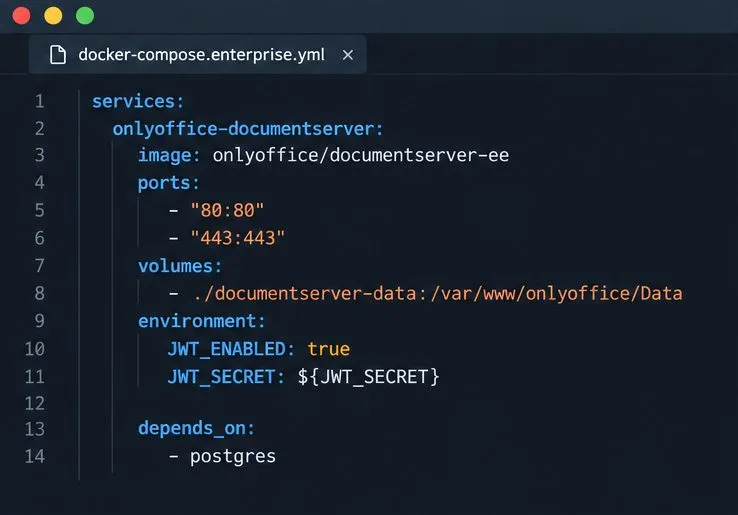
Start the Enterprise Docker Compose stack, persist its license and data, configure JWT safely, and confirm the editors are ready to integrate.
Use an ONLYOFFICE JavaScript macro to remove nonprinting characters and trim extra spaces from a defined spreadsheet range, with a safe review workflow.
Connect ONLYOFFICE DocSpace to Active Directory or OpenLDAP, import users and groups safely, map account fields, and schedule reliable synchronization.
Move portal data from Disk Default to a supported cloud storage provider, or relocate Docker data safely by changing its host volume mapping.
Identify whether Document Server uses a Linux package or Docker, remove only its components, and check remaining data without deleting shared services by mistake.
Trace slow collaborative editing to Docker resource pressure, proxy connections, or document load, then choose the fix that matches your measurements.