Get LibreOffice to Recognize Your Java Runtime

Install a compatible Java runtime, enable it in LibreOffice, and troubleshoot an empty JRE list without changing unrelated settings.
If Discord Not Opening on PC blocks you from accessing servers and voice channels, the cause is usually corrupted cache files, permission restrictions, or outdated components. This guide delivers precise steps to diagnose the problem and restore normal operation on Windows 10 and 11.
Discord fails to launch when its local data becomes damaged after an incomplete update or when Windows blocks the executable due to security settings. Graphics driver conflicts and antivirus interference also prevent the client from initializing. Confirm you are running the latest Windows updates and have a stable internet connection before proceeding with repairs.
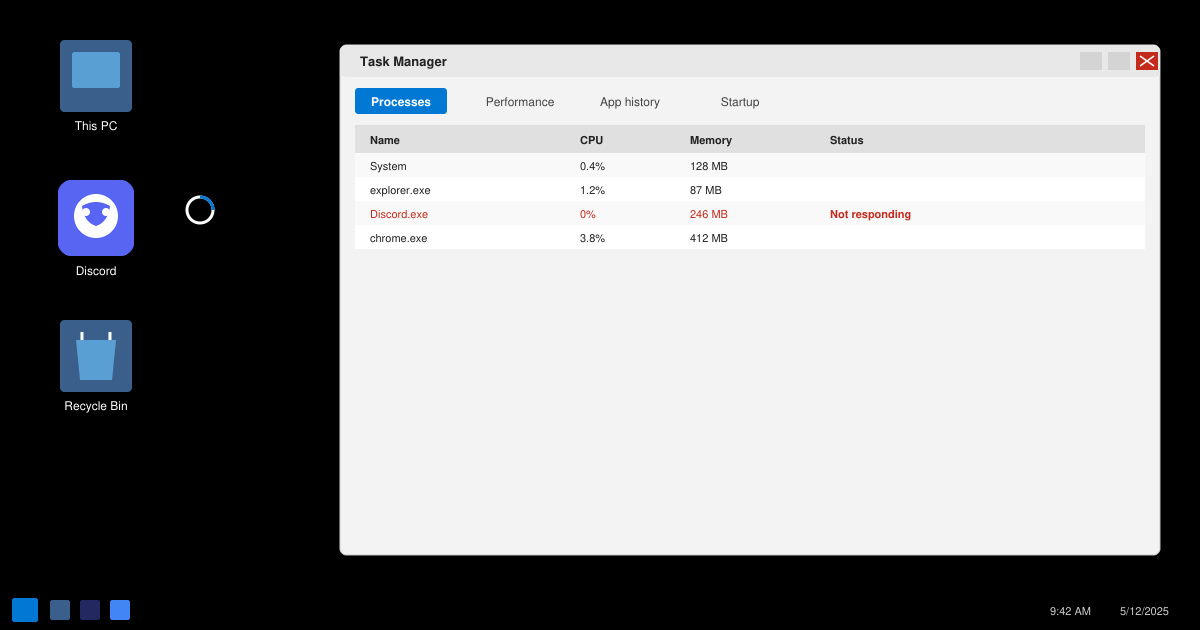
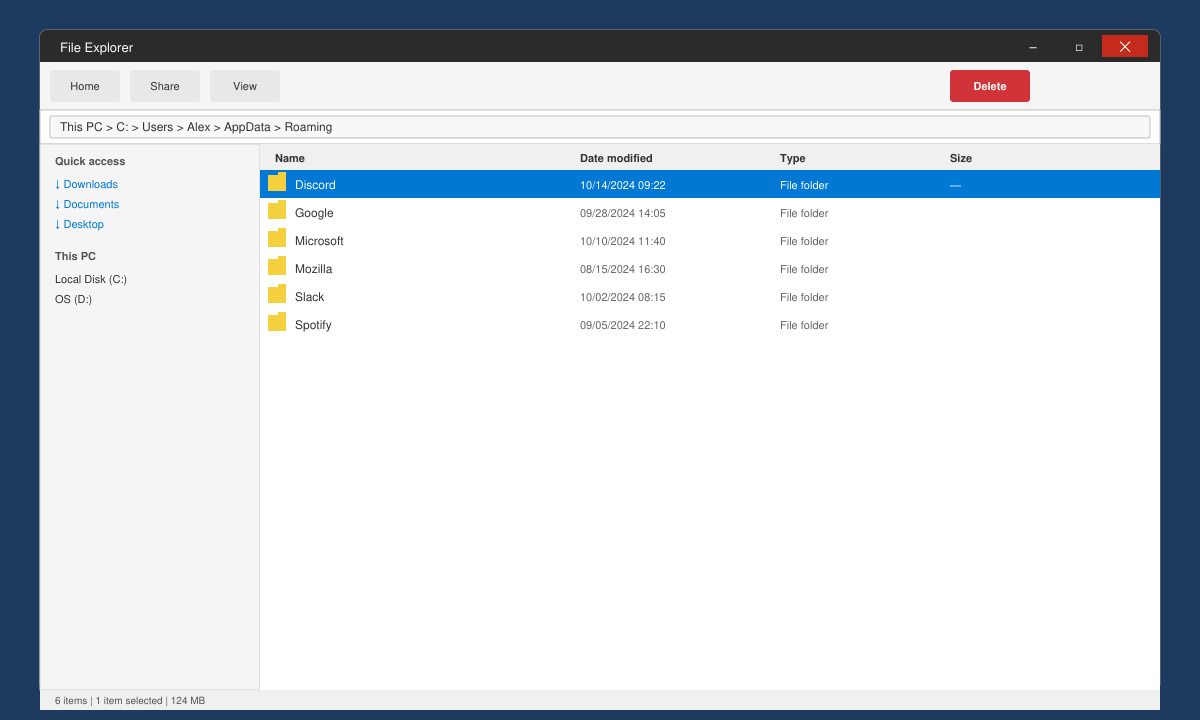
Open Task Manager with Ctrl + Shift + Esc, locate every Discord entry under the Processes tab, right-click each one, and choose End task. Press Windows key + R, type %appdata% and press Enter, then delete the entire Discord folder. Restart your PC and attempt to launch the app again from the desktop shortcut or Start menu.
Right-click the Discord shortcut, select Properties, switch to the Compatibility tab, and check the box labeled Run this program as an administrator. Click Apply. Open Task Manager again, go to the Startup tab, and disable any entries related to Discord or overlay software such as NVIDIA GeForce Experience.
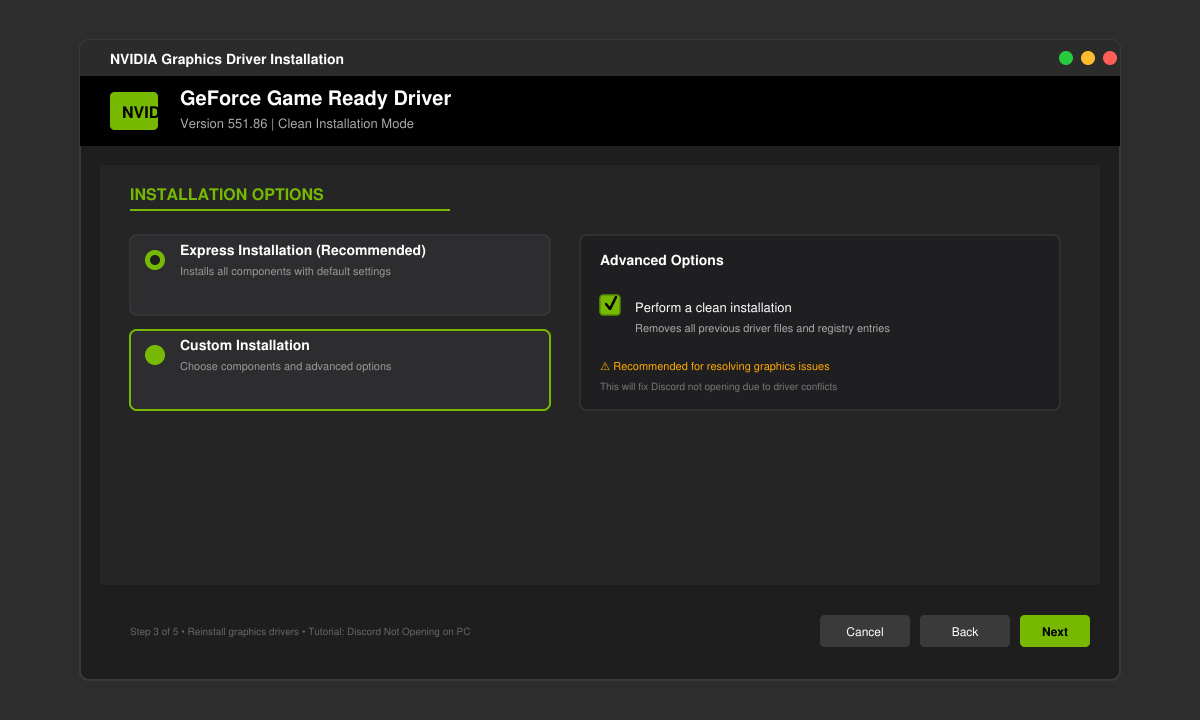
Download the newest driver package directly from NVIDIA, AMD, or Intel depending on your GPU. Run the installer in clean mode if the option appears, then restart the computer. This step resolves cases where outdated display drivers block the hardware acceleration Discord requires.
Uninstall Discord through Windows Settings > Apps. Download the current installer from discord.com/download, run it, and allow it to complete the installation. Log in with your credentials and test whether the client now opens without error messages.
If the issue persists after the steps above, temporarily disable your antivirus real-time protection and attempt to launch Discord. Check the Windows Event Viewer for application errors that mention Discord.exe. Users on laptops should also ensure the dedicated GPU is selected in the NVIDIA Control Panel or AMD Software settings instead of the integrated graphics.
Yes. Recent Windows updates sometimes alter file permissions or graphics settings. Running the compatibility troubleshooter on the Discord executable or reinstalling the app usually restores functionality.
Often yes. Clearing the %appdata%\Discord folder and ending background processes resolves the majority of launch failures before a full reinstall becomes necessary.
The browser version works as a temporary workaround but lacks hardware acceleration and certain overlay features. Fixing the desktop client remains the better long-term solution.
Following the sequence of cache clearing, administrator privileges, driver updates, and clean reinstallation resolves Discord Not Opening on PC in nearly every case.
Install a compatible Java runtime, enable it in LibreOffice, and troubleshoot an empty JRE list without changing unrelated settings.
Build a small LibreOffice container, convert office documents without a GUI, and verify PDF output while limiting host-file access.
Reduce oversized LibreOffice presentation files by compressing embedded photos, choosing sensible image settings, and checking slide quality before sharing.
Match LibreOffice’s page dimensions to your printer, check printable margins, and correct scaling before printing a custom-size document.
Replace repeated cell access with bulk range reads and writes, then benchmark the result and protect formulas in large Calc workbooks.
Split a long manuscript into chapters, assemble them in Writer, and keep styles, contents, and export checks consistent.
Use Base’s direct PostgreSQL option to enter your server details, sign in, save an ODB connection file, and troubleshoot common access errors.
Install a font in your Linux user font folder, restart LibreOffice Flatpak, and confirm it appears in Writer without weakening the app sandbox.
Protect your work and isolate network-drive save crashes in LibreOffice on macOS Sonoma with a local-first workflow, permission checks, and targeted tests.
Preserve leading zeros in Calc by setting ID columns to Text during CSV import, checking the preview, and verifying the saved data.








