Get LibreOffice to Recognize Your Java Runtime

Install a compatible Java runtime, enable it in LibreOffice, and troubleshoot an empty JRE list without changing unrelated settings.
Downloading the native Discord client gives Windows users the most reliable experience for voice channels, screen sharing, and server management. The desktop version outperforms the browser edition with better performance and system-level features. This guide shows exactly how to Download Discord App for Windows safely and get it running quickly.
The official Windows app includes hardware acceleration, push-to-talk integration with your keyboard, and automatic background updates that keep you on the latest stable build. It also supports richer notifications and lower CPU usage during long voice sessions compared to running Discord in Chrome or Edge. Users who stream games or participate in large servers notice fewer dropped frames and faster channel switching once they switch to the installed client.
Before starting, make sure your Windows version is 10 or 11 and you have at least 300 MB of free disk space. Administrator rights are required for the initial installation, though subsequent updates run without extra prompts.
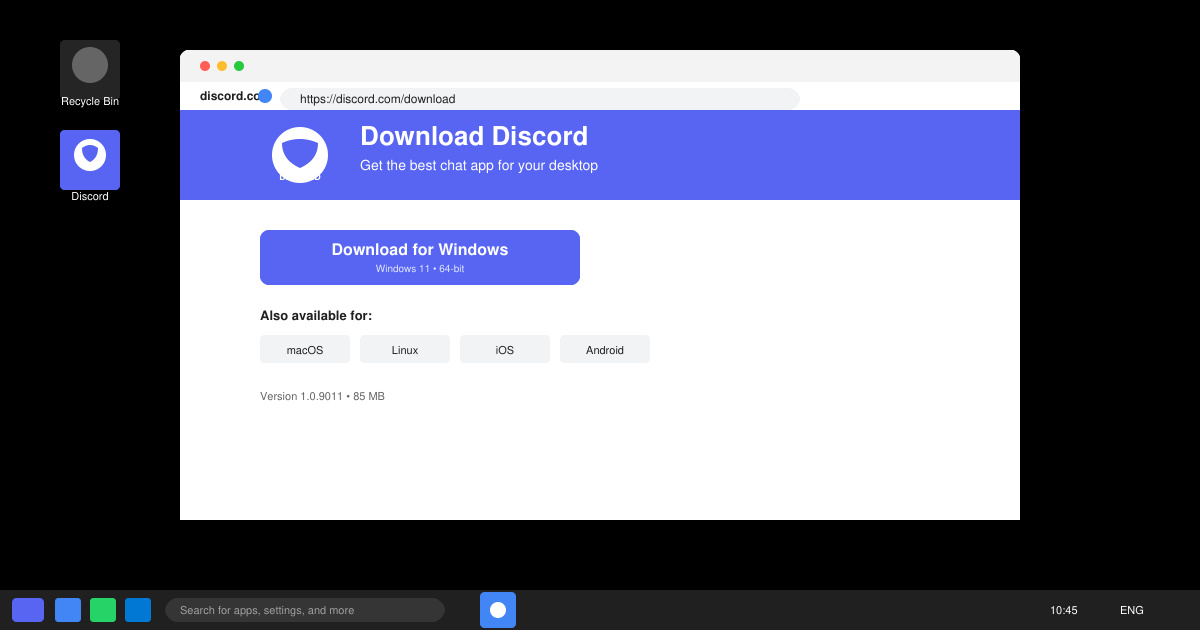
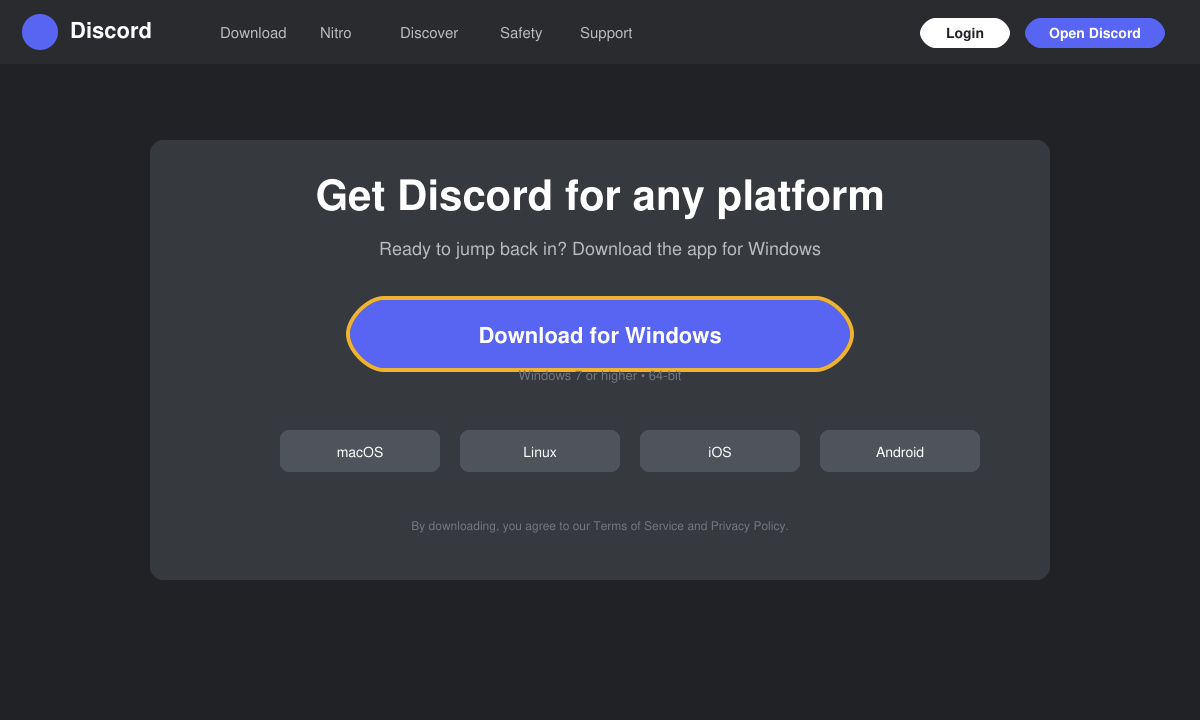
Open your browser and go directly to discord.com/download. The site automatically detects Windows and shows the correct installer button labeled “Download for Windows.” Avoid third-party mirrors to prevent bundled adware.
Locate DiscordSetup.exe in your Downloads folder and double-click it. Windows Defender may show a brief warning; click “More info” then “Run anyway.” The installer extracts files and places a shortcut on your desktop and Start menu.
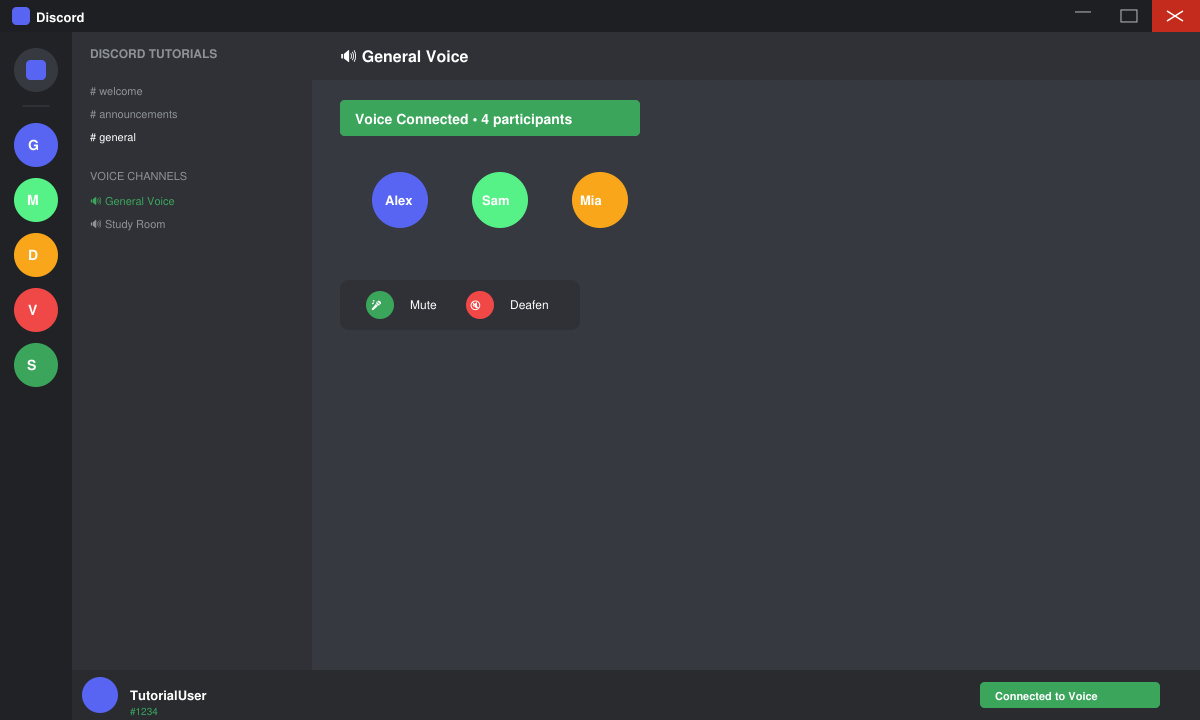
After installation the app launches automatically. Enter your account email and password or create a new account. Grant the app permission to use your microphone and camera when prompted by Windows. The client then downloads the latest resources and logs you into your servers.
Right-click the Discord icon in the taskbar and choose “Pin to taskbar.” Open User Settings (gear icon), navigate to Windows Settings, and toggle “Open Discord” on startup if you want the app to launch with Windows.
If the installer fails with error 0x80070005, right-click DiscordSetup.exe, choose Properties, and check the Unblock box at the bottom. For antivirus blocks, temporarily disable real-time protection in Windows Security during the install. Users on Windows 11 with ARM-based devices should download the x64 version; the app runs through emulation without major problems. After installation, if voice is not working, go to Voice & Video settings and select the correct input device manually.
Should the app refuse to update, delete the %appdata%\discord folder and restart the client. This forces a clean reinstall of resources without losing your login data.
Yes, a Store version exists, but it receives updates more slowly and lacks some hardware acceleration options. Most users prefer the direct installer from discord.com for the newest features.
No. The core app and all basic voice, text, and screen-sharing features are free. Nitro is optional and only adds cosmetic perks and higher upload limits.
Go to Settings > Apps, search for Discord, and click Uninstall. Then manually delete the remaining folders in %appdata%\discord and %localappdata%\discord to remove all leftover files.
Once you Download Discord App for Windows using the official route, you gain the full desktop experience with reliable performance and regular updates. Keep the client updated to maintain security and access new features as they release.
Install a compatible Java runtime, enable it in LibreOffice, and troubleshoot an empty JRE list without changing unrelated settings.
Build a small LibreOffice container, convert office documents without a GUI, and verify PDF output while limiting host-file access.
Reduce oversized LibreOffice presentation files by compressing embedded photos, choosing sensible image settings, and checking slide quality before sharing.
Match LibreOffice’s page dimensions to your printer, check printable margins, and correct scaling before printing a custom-size document.
Replace repeated cell access with bulk range reads and writes, then benchmark the result and protect formulas in large Calc workbooks.
Split a long manuscript into chapters, assemble them in Writer, and keep styles, contents, and export checks consistent.
Use Base’s direct PostgreSQL option to enter your server details, sign in, save an ODB connection file, and troubleshoot common access errors.
Install a font in your Linux user font folder, restart LibreOffice Flatpak, and confirm it appears in Writer without weakening the app sandbox.
Protect your work and isolate network-drive save crashes in LibreOffice on macOS Sonoma with a local-first workflow, permission checks, and targeted tests.
Preserve leading zeros in Calc by setting ID columns to Text during CSV import, checking the preview, and verifying the saved data.








