Get LibreOffice to Recognize Your Java Runtime

Install a compatible Java runtime, enable it in LibreOffice, and troubleshoot an empty JRE list without changing unrelated settings.
Adobe Acrobat Reader provides basic PDF viewing, printing, and simple markup tools for free. Advanced editing features such as text changes or form creation require a paid Acrobat subscription. The free version works on Windows 10 and 11, macOS 10.15 and later, as well as iOS and Android. You only need an internet connection during the initial download and occasional updates.
Before installing, close any existing PDF viewers to avoid conflicts. Make sure your operating system meets the minimum requirements listed on Adobe’s site. The installer is roughly 200 MB and takes under five minutes on most connections.
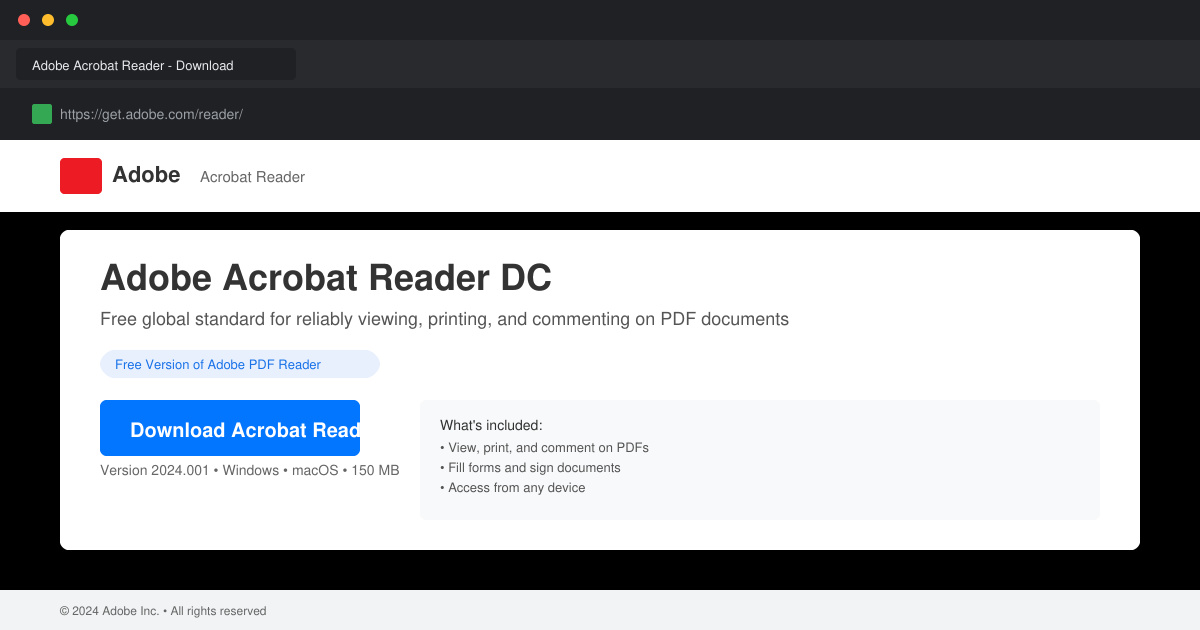
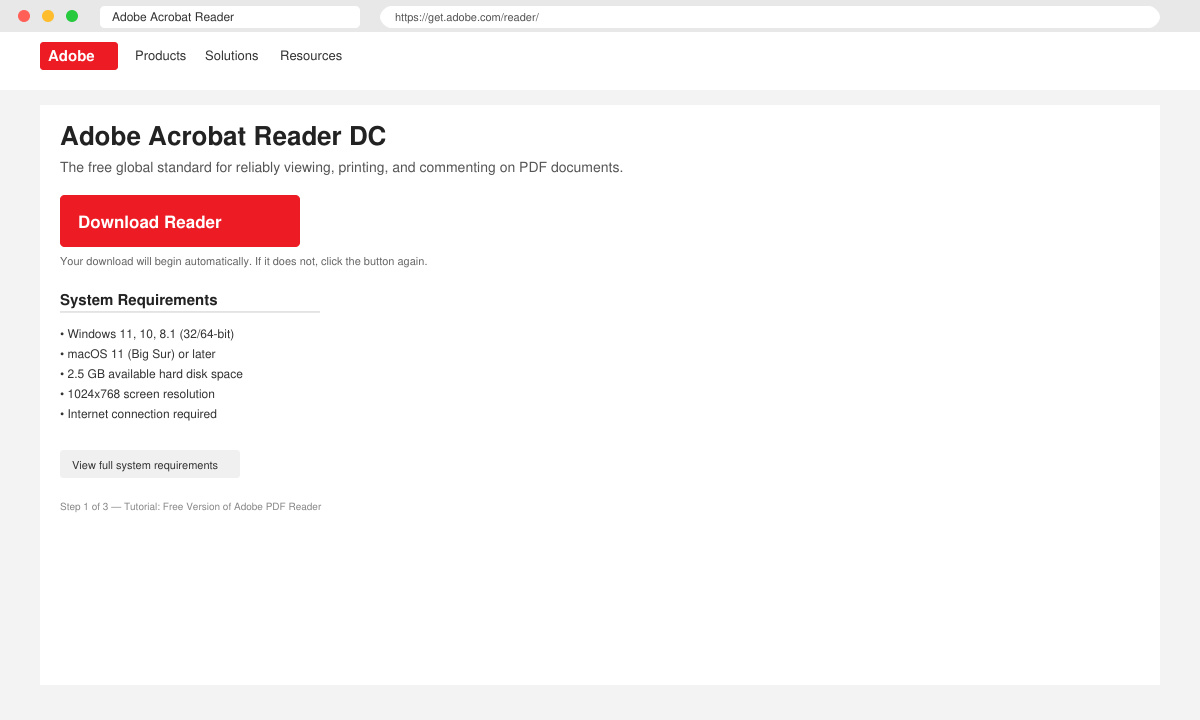
Open your browser and enter adobe.com/acrobat/pdf-reader.html directly in the address bar. Scroll down past promotional banners until you see the large blue “Download Reader” button. Do not use third-party download sites.
Double-click the downloaded file named “AcroRdrDC.exe” on Windows or the .dmg file on Mac. Click “Yes” on the User Account Control prompt, then select “Install” when the welcome screen appears. Leave the checkbox for “Make Adobe Acrobat Reader my default PDF application” checked unless you prefer another viewer.
After installation finishes, open Adobe Acrobat Reader from the Start menu or Applications folder. The first launch shows a welcome screen. You can skip signing in with an Adobe ID if you only need to view PDFs; create a free account only if you want cloud storage later.
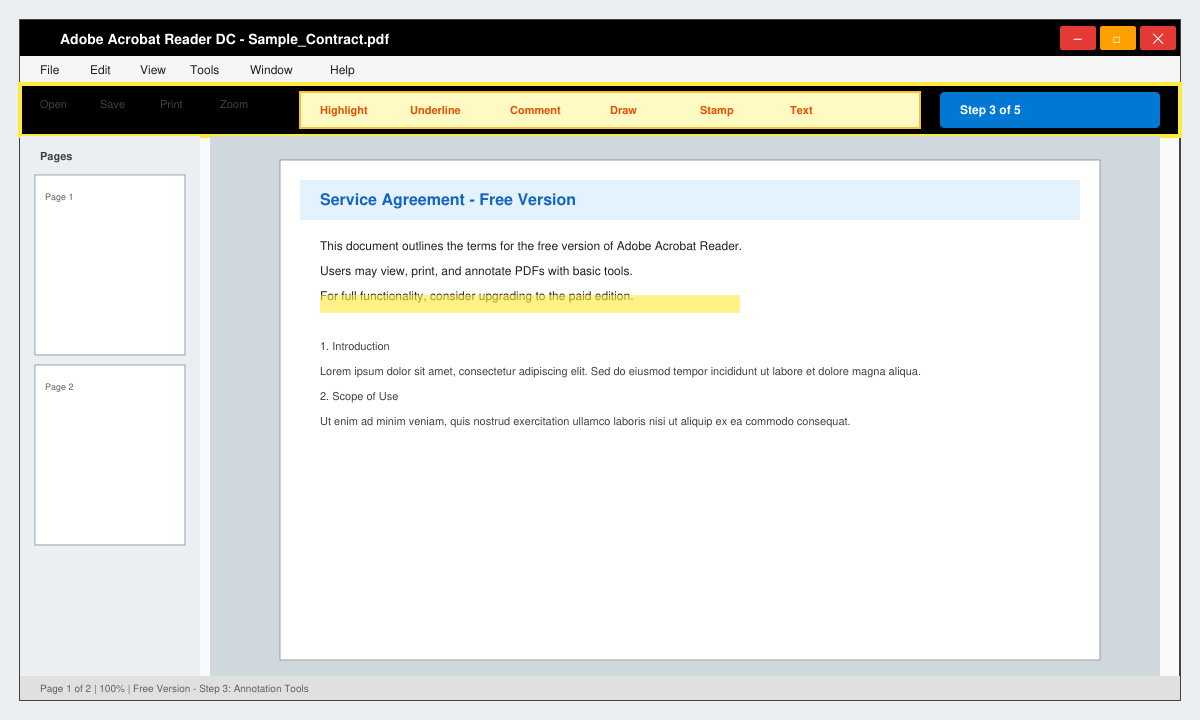
Click Help in the top menu, then choose “Check for Updates”. Install any available patches so you receive the latest security fixes before opening sensitive documents.
Yes. The installer comes directly from Adobe and includes the same security protections used in paid versions. Always download from adobe.com to avoid bundled malware.
After the initial installation and one-time update check, the application works completely offline for viewing, printing, and adding comments to PDFs.
You can view and verify existing digital signatures, but creating new certified signatures requires a paid Acrobat subscription.
Downloading the free version of Adobe PDF Reader from the official site takes just a few minutes and gives you a stable, secure way to handle PDFs on any device.
Install a compatible Java runtime, enable it in LibreOffice, and troubleshoot an empty JRE list without changing unrelated settings.
Build a small LibreOffice container, convert office documents without a GUI, and verify PDF output while limiting host-file access.
Reduce oversized LibreOffice presentation files by compressing embedded photos, choosing sensible image settings, and checking slide quality before sharing.
Match LibreOffice’s page dimensions to your printer, check printable margins, and correct scaling before printing a custom-size document.
Replace repeated cell access with bulk range reads and writes, then benchmark the result and protect formulas in large Calc workbooks.
Split a long manuscript into chapters, assemble them in Writer, and keep styles, contents, and export checks consistent.
Use Base’s direct PostgreSQL option to enter your server details, sign in, save an ODB connection file, and troubleshoot common access errors.
Install a font in your Linux user font folder, restart LibreOffice Flatpak, and confirm it appears in Writer without weakening the app sandbox.
Protect your work and isolate network-drive save crashes in LibreOffice on macOS Sonoma with a local-first workflow, permission checks, and targeted tests.
Preserve leading zeros in Calc by setting ID columns to Text during CSV import, checking the preview, and verifying the saved data.








